
Introduction
Thank you for choosing the Huuger 47-Inch L-Shaped Desk. This manual provides detailed instructions for assembly, operation, maintenance, and troubleshooting to ensure optimal use and longevity of your product. Please read this manual thoroughly before beginning assembly or use.
Important Safety Information
- Always assemble the desk according to the provided instructions.
- Ensure the desk is stable and level before use.
- Do not overload the desk; it is designed to support office items within reasonable limits (Maximum Weight Recommendation: 100 Pounds).
- Keep the work area clear of obstacles to prevent accidents.
- Keep small parts away from children during assembly.
Package Contents
Before assembly, please verify that all components listed below are present and undamaged. If any parts are missing or damaged, please contact customer support.
Components:
- Desktop panels (L-shaped sections)
- Metal frame components
- Reversible storage shelves
- Adjustable feet
- X-bars for stability
- Assembly hardware (screws, bolts, Allen wrench)
- Instruction manual
Note: An extra screw of every type is typically included.
Setup and Assembly
Assembly is straightforward and typically requires one person. All necessary tools are included.
Step 1: Prepare Your Workspace
Clear a spacious area for assembly. Lay out all components and hardware. It is recommended to assemble on a soft surface to prevent scratches.
Step 2: Assemble the Frame
Follow the numbered steps in the included instruction booklet to connect the metal frame components. Ensure all connections are secure but do not overtighten until the desk is fully assembled.
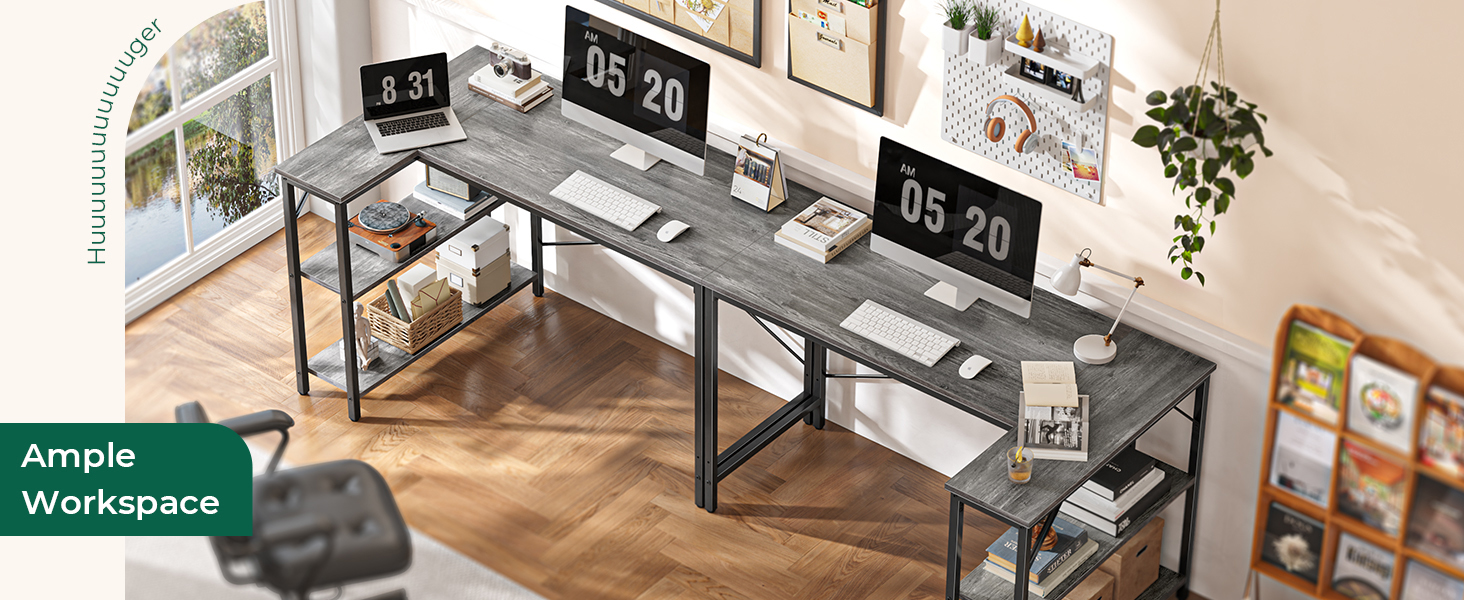
Image: Illustration of the desk frame assembly, highlighting the X-bars for enhanced stability.
Attach the X-bars to the frame as indicated in the instructions. These bars enhance the structural stability of the desk.
Step 3: Install Reversible Storage Shelves
The 2-tier storage shelves can be installed on either the left or right side of the L-shaped desk to suit your room layout. Refer to the diagrams in the instruction booklet for proper attachment.

Image: A close-up view of the reversible storage shelves, demonstrating their flexible installation on either side of the desk.
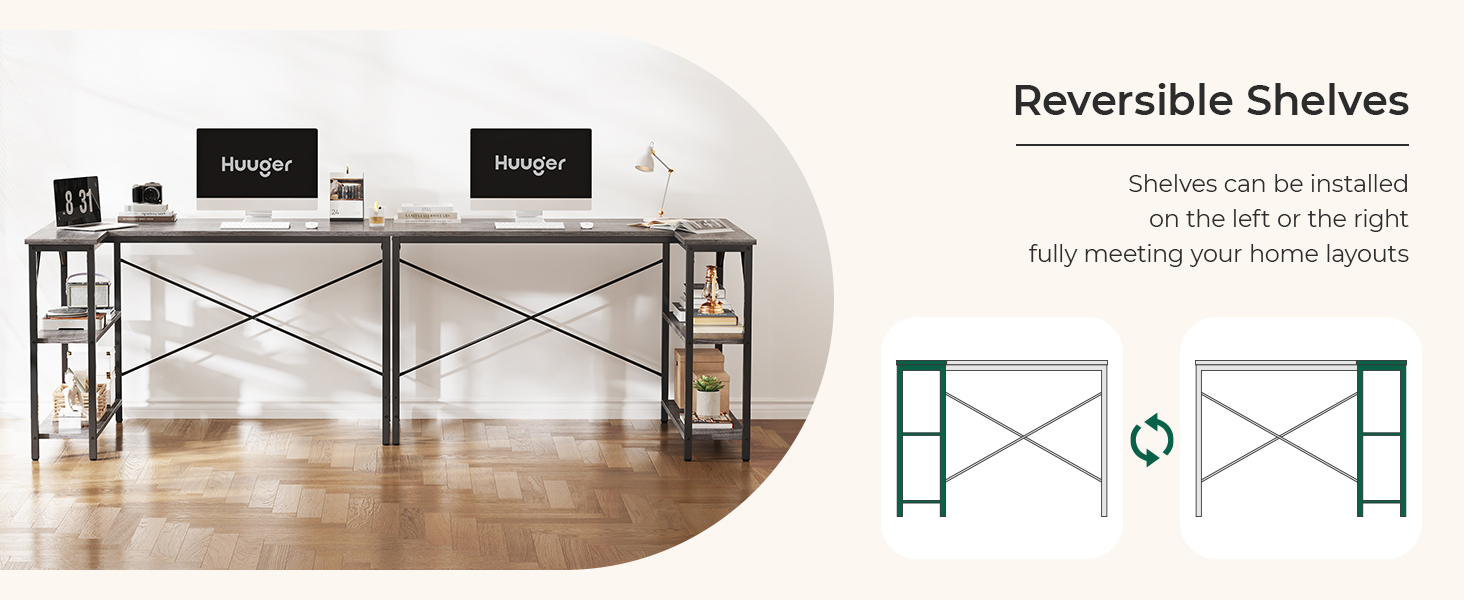
Image: Diagram showing how the reversible shelves can be configured on the left or right side of the desk.
Step 4: Attach Desktop Panels
Carefully place the desktop panels onto the assembled frame. Secure them using the provided screws. Ensure all screws are tightened evenly to prevent warping or instability.
Step 5: Adjust Leveling Feet
Once the desk is fully assembled, adjust the leveling feet at the bottom of each leg to ensure the desk is stable and level on uneven floors. This prevents wobbling.

Image: Detail of the adjustable feet, which can be rotated to stabilize the desk on uneven surfaces and protect floors.
Operating and Use
The Huuger L-Shaped Desk is designed for various uses, including home office work, gaming, and study. Its L-shape provides ample workspace and efficient corner utilization.
Workspace Utilization
The spacious desktop accommodates multiple monitors, laptops, and other office essentials. The reversible shelves offer convenient storage for books, documents, or decorative items, helping to keep your workspace organized.
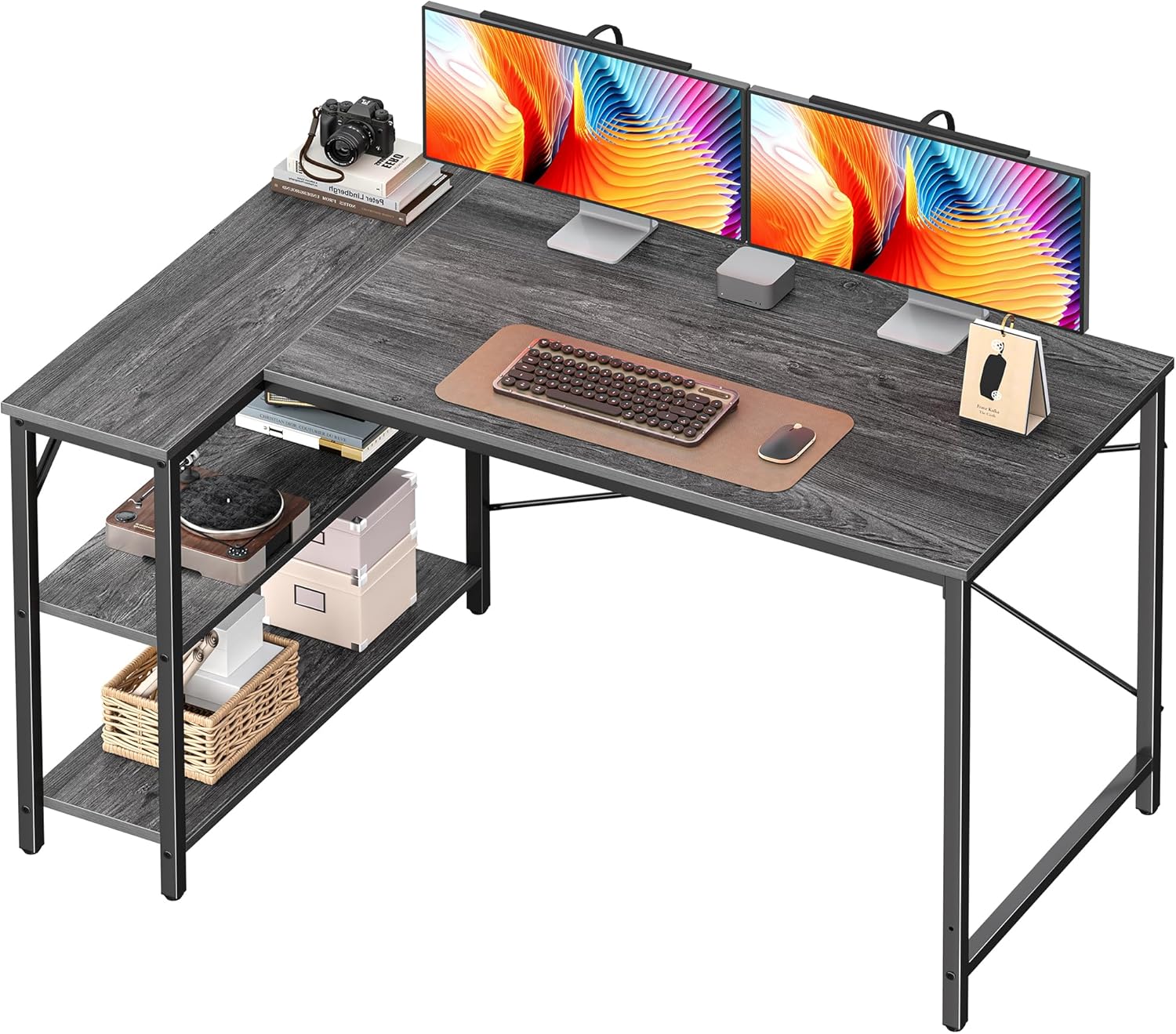
Image: An L-shaped desk set up with two computer monitors, a keyboard, mouse, and other office supplies, demonstrating its ample workspace.
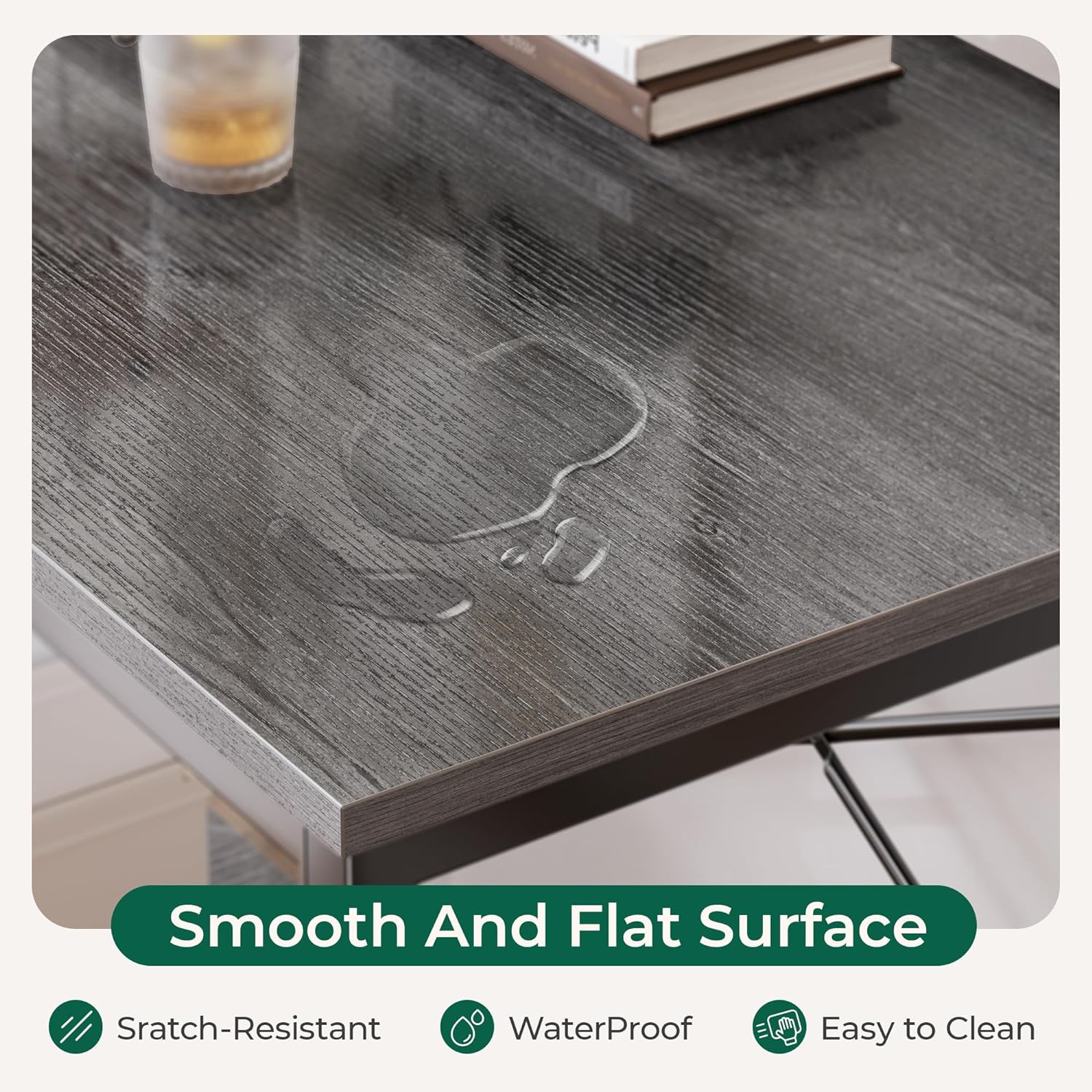
Image: A gaming setup on the L-shaped desk, featuring a computer tower, multiple monitors, and LED lighting, illustrating its suitability for gaming.
Ergonomics
Ensure your chair is at an appropriate height for comfortable typing and viewing. The leg space below the desk allows for comfortable leg stretching.
Maintenance
Proper care will extend the life and appearance of your desk.
- Cleaning: Wipe the desk surface with a damp cloth. Avoid harsh chemicals or abrasive cleaners that could damage the finish.
- Spills: The desk surface is designed to be waterproof. Wipe up spills immediately to prevent any potential damage or staining.
- Stability Check: Periodically check all screws and bolts to ensure they remain tight. Re-tighten if necessary.
- Adjustable Feet: Re-adjust the leveling feet if the desk becomes wobbly over time.
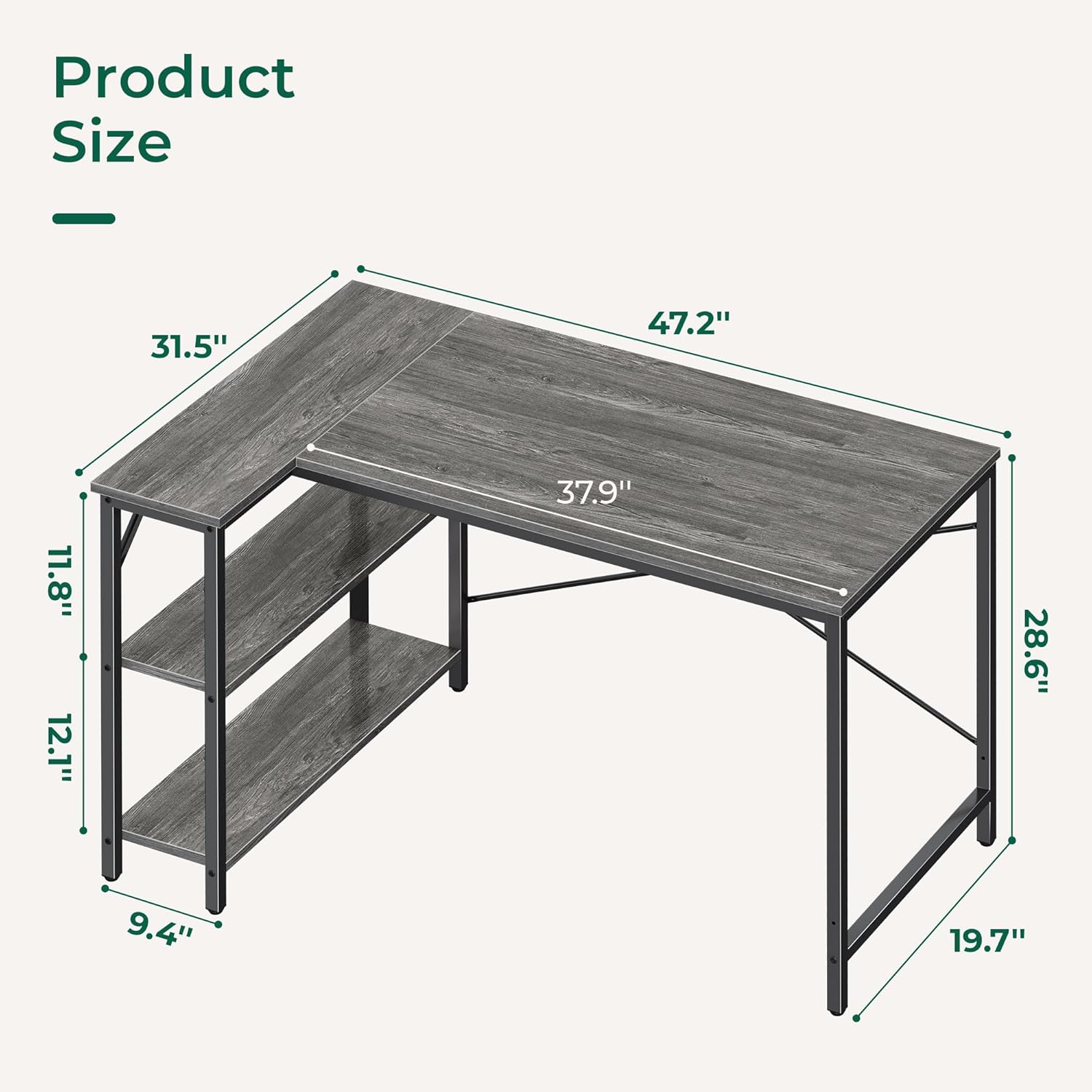
Image: A close-up of the desk surface showing water droplets, illustrating its waterproof and easy-to-clean properties.
Troubleshooting
| Problem | Possible Cause | Solution |
|---|---|---|
| Desk is wobbly | Uneven floor; loose connections | Adjust the leveling feet. Check and tighten all screws and bolts. |
| Parts do not fit during assembly | Incorrect orientation; wrong parts used | Review the instruction manual diagrams carefully. Ensure parts are oriented correctly. Do not force parts. |
| Missing hardware | Packaging error | Contact Huuger customer support for replacement parts. |
| Surface scratches easily | Heavy objects dragged; sharp objects | Use desk mats or coasters. Avoid dragging heavy or sharp objects across the surface. |
Specifications
| Feature | Detail |
|---|---|
| Brand | Huuger |
| Model Number | 7966HC |
| Product Dimensions | 47.2"D x 19.3"W x 29.5"H |
| Color | Grey |
| Style | Modern |
| Base Material | Engineered Wood |
| Top Material Type | Engineered Wood |
| Special Feature | Reversible Storage Shelves |
| Maximum Weight Recommendation | 100 Pounds |
| Required Assembly | Yes |
| Recommended Number of People for Assembly | 1 |
| Includes All Assembly Tools | Yes |
| Product Care Instructions | Wipe with Damp Cloth |

Image: Detailed diagram showing the dimensions of the Huuger L-shaped desk, including length, width, and height measurements.
Warranty and Support
For any questions, missing parts, or assistance with assembly, please contact Huuger customer support. Refer to your purchase documentation for specific warranty details.
Contact Information: Please refer to the contact details provided with your product packaging or visit the official Huuger website for support.
Online Resources: You can find additional information and support on the Huuger Store on Amazon.