
Introduction
This document provides comprehensive instructions for the LEGO 71365 Super Mario Piranha Plant Power Slide Expansion Set. This set is designed to enhance your existing LEGO Super Mario play experience by adding new challenges and interactive elements. Please note that this is an expansion set and requires the LEGO Super Mario Starter Course (71360), which includes the interactive LEGO Mario figure, for full functionality.
For detailed digital building instructions and creative play ideas, download the free LEGO Super Mario app. The app is compatible with various Android and iOS devices. Visit LEGO.com/supermario for device compatibility information and to access the app.

Image: The complete LEGO 71365 Super Mario Piranha Plant Power Slide Expansion Set, showcasing the main interactive elements.
Setup
Follow the step-by-step instructions provided in the LEGO Super Mario app to assemble your Piranha Plant Power Slide Expansion Set. Ensure all 217 pieces are accounted for before beginning construction.
Key Components:
- Piranha Plant Power Slide with rail platform
- Time Block
- Goomba figure
- Koopa figure
- Two Piranha Plant figures

Image: The product packaging, highlighting the requirement for a LEGO Super Mario Starter Course (71360) for interactive play.
Operating Instructions
This expansion set integrates seamlessly with your LEGO Super Mario Starter Course to create new interactive challenges. The LEGO Mario figure (from the Starter Course) interacts with the set's elements to collect virtual coins and trigger sound effects.
Piranha Plant Power Slide:
- Place your interactive LEGO Mario figure on the rail platform of the Piranha Plant Power Slide.
- Slide LEGO Mario back and forth quickly to collect virtual coins.
- Be careful to avoid the Piranha Plants located at both ends of the slide, as they can cause LEGO Mario to lose coins or health.

Image: The interactive LEGO Mario figure positioned on the Piranha Plant Power Slide, ready for action.
Interactive Elements:
- Time Block: Land LEGO Mario on the Time Block to gain additional time for your course, allowing for longer play sessions and more coin collection opportunities.
- Goomba and Koopa: Defeat the Goomba and Koopa figures by stomping on them with LEGO Mario to earn extra virtual coins.
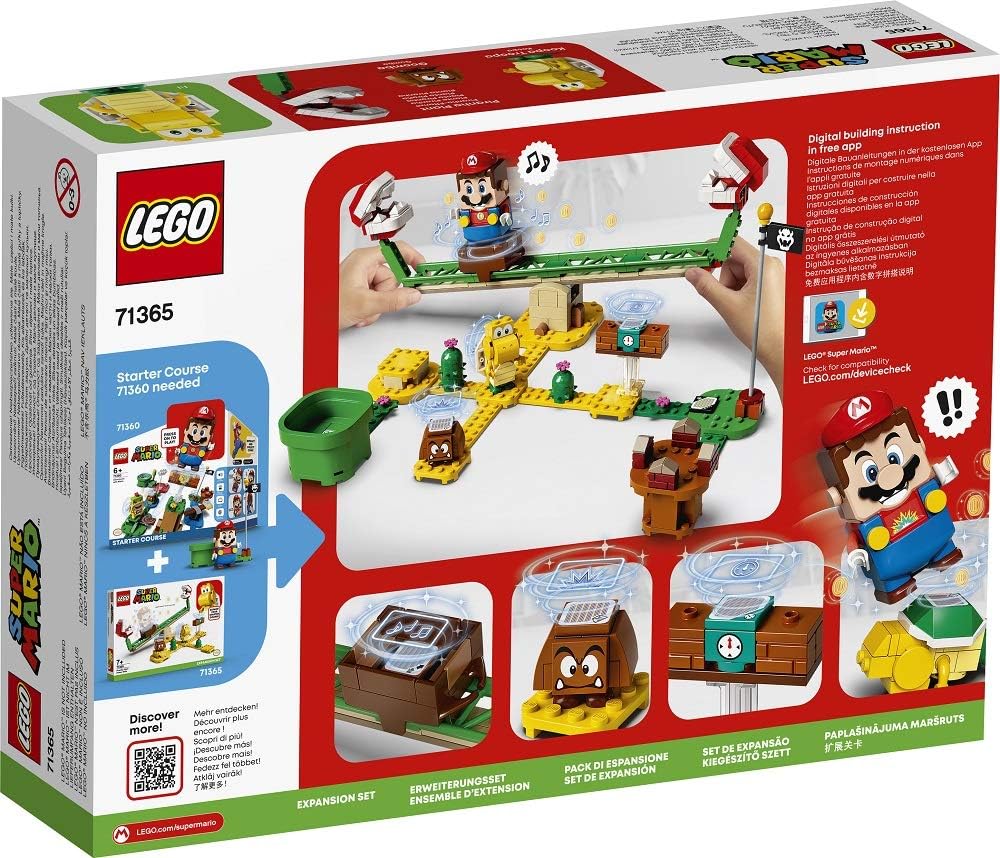
Image: A detailed view of the interactive elements, including the Time Block and a Goomba figure.

Image: The buildable Goomba, Koopa, and Piranha Plant figures included in the set.
Demonstration Videos:
The following videos demonstrate the interactive play mechanics of the LEGO Super Mario system, which are central to the functionality of this expansion set:
Video: An example of interactive play within the LEGO Super Mario universe, featuring the LEGO Mario figure interacting with various course elements.
Video: Another demonstration of the interactive capabilities of the LEGO Super Mario system, showing how different sets can be combined for extended gameplay.
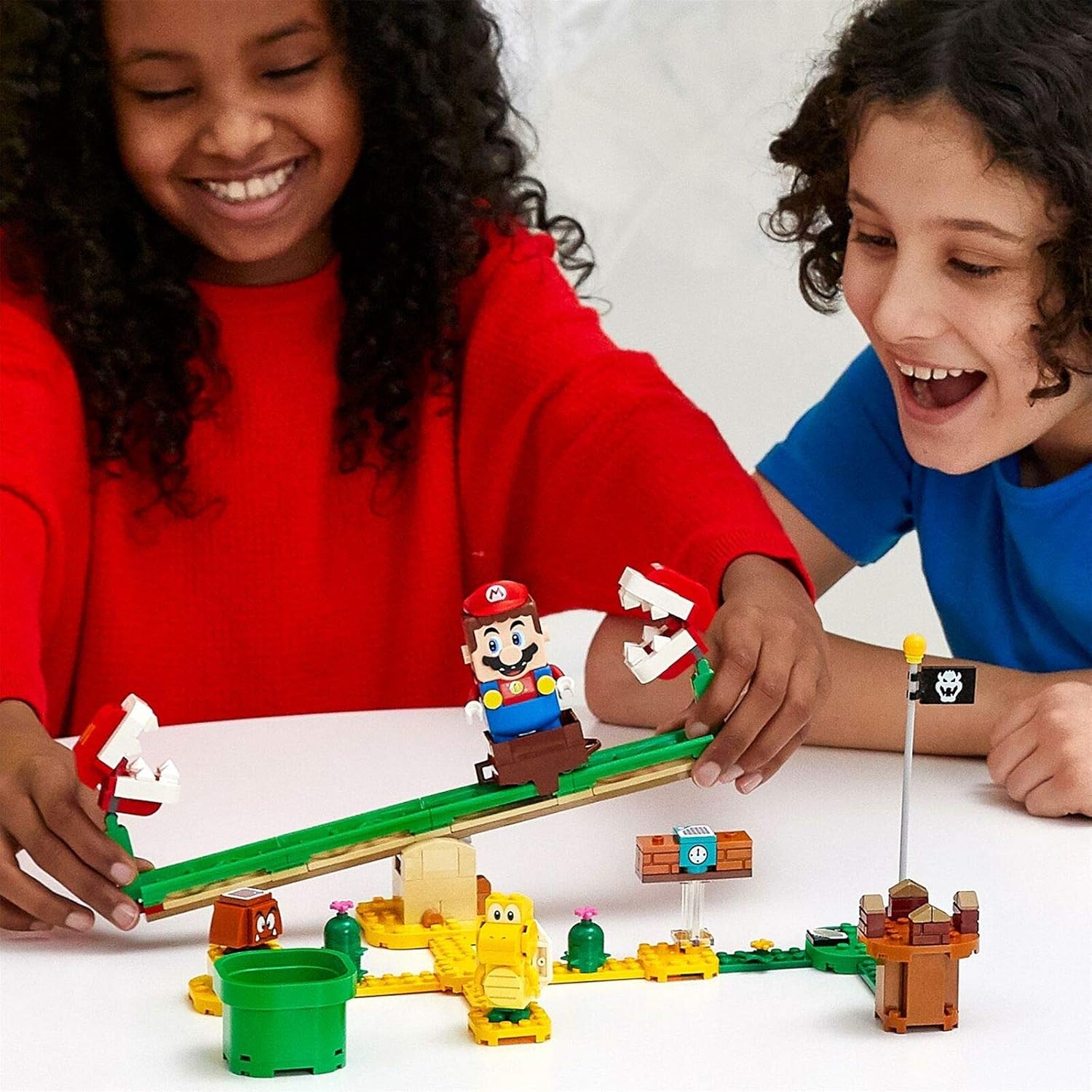
Image: Children engaging in interactive play with a LEGO Super Mario set, demonstrating the fun and creativity possible.
Maintenance
Cleaning:
To clean your LEGO elements, gently wipe them with a soft, dry cloth. For more thorough cleaning, use a mild soap solution and rinse with clean water. Avoid harsh chemicals or abrasive materials.
Storage:
Store the LEGO set in a cool, dry place away from direct sunlight and extreme temperatures to prevent damage or discoloration of the bricks.
Safety Warning:
WARNING: Small parts. Not for children under 3 years.
Troubleshooting
LEGO Mario Not Responding:
- Ensure your LEGO Mario figure (from the Starter Course) has fresh batteries and is powered on.
- Verify that the LEGO Mario figure is placed correctly on the interactive elements.
- Check the LEGO Super Mario app for any available updates for the Mario figure's firmware.
- If issues persist, consult the troubleshooting section within the LEGO Super Mario app or contact LEGO Customer Service.
Specifications
| Product Dimensions (L x W x H) | 6.1 x 26.2 x 19.1 cm |
| Weight | 1 gram |
| Manufacturer Recommended Age | 7 years and up |
| Manufacturer Minimum Recommended Age (MONTHS) | 84 months |
| Number of Pieces | 217 |
| Material | Plastic |
| Battery(ies) / Cell(s) required | No (for this expansion set; LEGO Mario figure requires batteries) |
| Batteries included? | No |
| Educational Value | Building skills |
| Model Number | 71365 |
| Theme | Vehicle (Note: This theme might be a general classification, the set is Super Mario themed) |
| Cartoon Character | Mario |
| Sub-brand | LEGO® Super Mario™ |
Warranty and Support
Product Quality:
LEGO products are manufactured to high-quality standards. If you encounter any issues with your set, please refer to the troubleshooting section or contact LEGO Customer Service.
Spare Parts:
Spare parts for this product are generally available for up to 2 years from the date of first availability. Please visit the official LEGO website for more information on ordering replacement parts.
Customer Support:
For further assistance, including technical support for the LEGO Super Mario app or inquiries about missing/damaged parts, please visit the official LEGO customer support website or contact their helpline.