
ANYCUBIC Photon Mono M5/M5s/M5s Pro
ANYCUBIC Photon Mono M5/M5s/M5s Pro Resin Vat Instruction Manual
Model: Photon Mono M5, Photon Mono M5s, Photon Mono M5s Pro
1. Introduction
This manual provides instructions for the proper installation, operation, and maintenance of the ANYCUBIC Resin Vat designed for Photon Mono M5, M5s, and M5s Pro 3D printers. This replacement vat comes with a pre-installed NFEP film, optimized for precision printing applications.
The resin vat serves as the container for liquid resin during the 3D printing process. Proper handling and maintenance are crucial for optimal print quality and longevity of the component.
2. Setup and Installation
- Unpacking: Carefully remove the resin vat from its packaging. Inspect for any visible damage.
- NFEP Film: The NFEP film is pre-installed. Ensure it is taut and free from wrinkles or punctures. This film is specifically designed for precision settings and is not intended for use with fast printing modes.
- Placement: Position the resin vat onto the designated area of your ANYCUBIC Photon Mono M5, M5s, or M5s Pro 3D printer. Ensure it is securely seated and aligned with the printer's build platform.
- Securing: Follow your 3D printer's specific instructions for securing the resin vat. Typically, this involves tightening screws or engaging latches to hold the vat firmly in place.
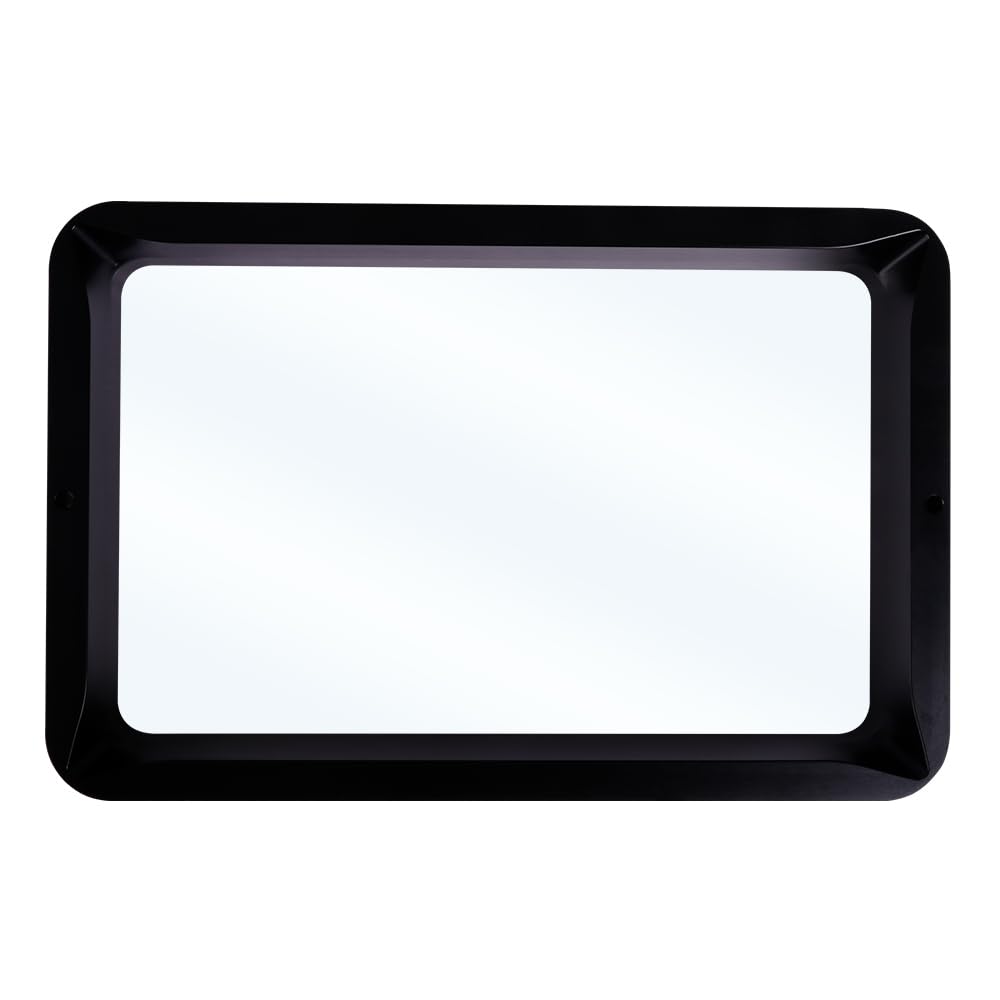
Image 1: Top-down view of the ANYCUBIC Resin Vat, showing the transparent NFEP film at the bottom.

Image 2: Side profile of the ANYCUBIC Resin Vat, illustrating its depth and structure.
3. Operating Instructions
- Filling the Vat: Carefully pour liquid resin into the vat. Observe the maximum capacity mark indicated on the tank. Do not exceed this mark to prevent overflow during printing operations.
- Resin Type: Ensure the resin used is compatible with your 3D printer and the NFEP film.
- Printing Mode: As the NFEP film is optimized for precision, select appropriate printing settings on your 3D printer. Avoid using fast printing modes, as they may not yield optimal results with this film type.
- Color Changes: This resin vat is ideal as a spare, allowing for quick changes between different resin colors or types without needing to clean the primary vat immediately.

Image 3: Top-down view of the resin vat, highlighting the pre-installed NFEP film at the base.
4. Maintenance
- Cleaning After Use: After each print or when changing resin, carefully drain any remaining resin from the vat. Use a soft, lint-free cloth and appropriate cleaning solution (e.g., isopropyl alcohol for most resins) to gently clean the vat and the NFEP film. Avoid abrasive materials or sharp objects that could damage the film.
- NFEP Film Inspection: Regularly inspect the NFEP film for any signs of wear, punctures, or cloudiness. A damaged film can lead to print failures and resin leaks. Replace the film if any damage is observed.
- Screw Inspection: Periodically check the screws securing the NFEP film or other components of the vat. Ensure they are tight and show no signs of corrosion, especially when using water-washable resins. Replace any corroded screws to maintain structural integrity.
- Storage: When not in use, store the resin vat in a clean, dry, and dark place to prevent dust accumulation and exposure to UV light, which can cure residual resin.

Image 4: The ANYCUBIC Resin Vat shown in its protective packaging, indicating safe storage.
5. Troubleshooting
- Resin Leaks:
- Ensure the NFEP film is properly installed and free from damage.
- Verify that the vat is securely fastened to the printer.
- Check for any cracks or damage to the vat itself.
- Print Adhesion Issues:
- Inspect the NFEP film for cloudiness or residue. Clean or replace if necessary.
- Ensure the build plate is properly leveled and clean.
- Resin Overflow:
- Always adhere to the maximum fill line indicated on the resin vat.
6. Specifications
| Brand | ANYCUBIC |
| Compatible Models | Photon Mono M5, Photon Mono M5s, Photon Mono M5s Pro |
| Film Type | NFEP Film (Pre-installed) |
| Material | (Vat material not specified, designed for liquid resin) |
| Package Dimensions | 13.58 x 8.82 x 3.03 inches |
| Package Weight | 2.02 Pounds |
| Manufacturer | ANYCUBIC |
7. Warranty and Support
For warranty information, technical support, or service inquiries, please refer to the official ANYCUBIC website or contact their customer support directly. Keep your purchase receipt for warranty claims.
Official ANYCUBIC Store: Visit Store