
TARARIUM JP-014F
TARARIUM Fish Tank Filter Instruction Manual
Model: JP-014F
1. Product Overview
The TARARIUM JP-014F Fish Tank Filter is an internal aquarium filter designed to provide efficient filtration for 25-65 gallon freshwater and saltwater tanks. It features double high-efficiency filtration with carbon and sponge media, a rainfall output option, and an air supply function to enhance water quality and oxygenation for your aquatic pets.
2. Safety Information
- Always unplug the filter from the power outlet before performing any maintenance, cleaning, or when handling the filter.
- Ensure your hands are dry before plugging in or unplugging the filter.
- This appliance is intended for indoor use only and for use with aquariums. Do not use it for any other purpose.
- Do not operate the filter if the power cord or plug is damaged.
- Ensure the filter is fully submerged in water during operation to prevent damage to the motor.
- Keep out of reach of children.
3. Product Components
The TARARIUM JP-014F filter package includes the following components:

Figure 3.1: All components included in the TARARIUM JP-014F filter package.
- Main Filter Unit (JP-014F)
- Rainfall Bar (two 6-inch sections)
- L-shaped Connector
- Air Tube (approximately 13 inches)
- Air Flow Adjustment Knob
- Suction Cups (for mounting)
- Filter Media (Active Carbon and Biochemical Sponge)
4. Setup Instructions
- Prepare the Filter Media: Open the filter casing and rinse the active carbon and biochemical sponge thoroughly under clean water. Place them back into the filter media compartment.
- Assemble the Rainfall Bar (Optional): Connect the two 6-inch rainfall bar sections together using the straight connector. Attach the L-shaped connector to one end of the assembled rainfall bar.
- Attach Rainfall Bar/Air Supply: Depending on your desired setup, attach either the assembled rainfall bar or the air supply tube to the filter's output nozzle. The filter supports multiple use modes including filtration with rainfall, filtration only, horizontal use in low water, and filtration with air supply.
- Mount the Filter: Attach the suction cups to the back of the main filter unit. Submerge the filter completely in your aquarium water. Press the suction cups firmly against the inside glass of the tank to secure the filter in place. Ensure the filter is fully submerged for proper operation.
- Connect Power: Once the filter is securely mounted and fully submerged, plug the power cord into a suitable electrical outlet.

Figure 4.1: Various installation and operation modes for the filter.

Figure 4.2: The filter installed in an aquarium, demonstrating the rainfall output.
5. Operating Instructions
The TARARIUM JP-014F filter provides comprehensive water purification and aeration for your aquarium.
5.1. Double High Efficiency Filtration
The filter utilizes both active carbon and a biochemical sponge for effective water purification. The biochemical sponge mechanically filters out uneaten food, waste, decaying plants, and detritus, while also providing a surface for beneficial bacteria cultivation. The active carbon absorbs microscopic substances, reduces odors, and removes yellow discoloration from the water.

Figure 5.1: Illustration of the filter's dual filtration system.
5.2. Rainfall Feature
When the rainfall bar is attached, the filter creates a gentle rain shower effect, which helps to increase oxygen levels in the water and create a more natural environment for fish. This feature also aids in surface agitation, preventing the formation of an oily film on the water surface.

Figure 5.2: The rainfall feature in action, providing aeration and surface movement.
5.3. Air Supply Feature
If the air supply tube is connected, the filter can also provide additional aeration to the tank. The air flow can be adjusted using the knob on the air tube connection point. This helps to further oxygenate the water, which is crucial for the health of your fish and other aquatic inhabitants.

Figure 5.3: The filter providing air supply to the aquarium.
6. Maintenance
Regular maintenance is essential to ensure the optimal performance and longevity of your TARARIUM filter.
6.1. Cleaning the Filter
- Unplug the Filter: Always unplug the filter from the power outlet before beginning any cleaning.
- Remove from Tank: Carefully remove the filter unit from the aquarium.
- Disassemble: Open the filter casing to access the filter media.
- Clean Media: Rinse the biochemical sponge with old aquarium water (from a water change) to preserve beneficial bacteria. Do not use tap water as chlorine can kill these bacteria. The active carbon should be replaced regularly, typically every 2-4 weeks, as it loses its effectiveness over time.
- Clean Impeller and Housing: Use a small brush to clean the impeller and its housing. Remove any debris or buildup that may impede the impeller's rotation.
- Reassemble and Reinstall: Reassemble the filter components and place the filter back into the aquarium, ensuring it is fully submerged before plugging it back in.
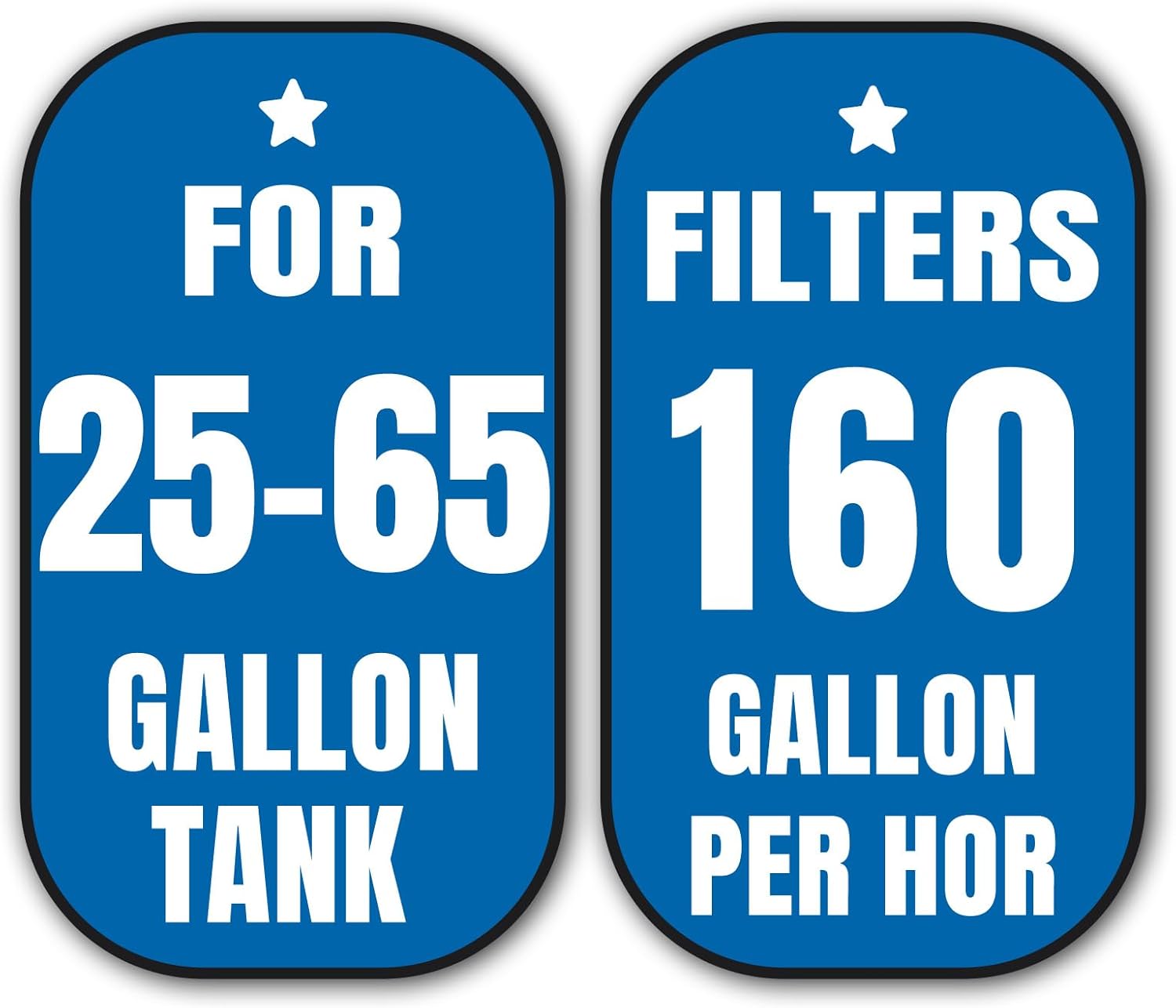
Figure 6.1: The filter's active carbon and biochemical sponge media.
Note: The frequency of cleaning depends on your tank's bioload and size. A general guideline is to clean the filter every 2-4 weeks.
7. Troubleshooting
| Problem | Possible Cause | Solution |
|---|---|---|
| Filter not running / No water flow | Not plugged in; Power outage; Impeller jammed by debris; Motor failure. | Check power connection; Check power supply; Clean impeller and housing; Contact customer support if motor failure is suspected. |
| Weak water flow | Filter media clogged; Impeller dirty; Air tube clogged (if using air supply); Water level too low. | Clean or replace filter media; Clean impeller; Clear air tube; Ensure filter is fully submerged. |
| Excessive noise | Impeller dirty or damaged; Filter not securely mounted; Air in the filter. | Clean or inspect impeller for damage; Re-secure filter with suction cups; Gently shake filter to release trapped air. |
| Cloudy water persists | Filter media saturated/ineffective; Overfeeding; Overstocking; Insufficient water changes. | Clean or replace filter media (especially carbon); Reduce feeding; Adjust fish population; Perform regular water changes. |

Figure 7.1: Visual comparison of cloudy versus clear aquarium water.
8. Specifications
| Feature | Detail |
|---|---|
| Brand Name | TARARIUM |
| Model Number | JP-014F |
| Item Weight | 1.36 pounds |
| Item Package Dimensions (L x W x H) | 9.06 x 4.45 x 3.43 inches |
| Recommended Tank Size | 25-65 Gallon Tank |
| Flow Rate | 160 GPH (Gallons Per Hour) |
| Power Cord Length | 4.3 feet |
| Filtration Media | Active Carbon & Biochemical Sponge |
| Target Audience | Fish |
| First Available Date | July 5, 2023 |
9. Warranty and Support
For warranty information or technical support regarding your TARARIUM JP-014F Fish Tank Filter, please refer to the product packaging or contact the manufacturer directly through their official website or customer service channels. Keep your purchase receipt as proof of purchase for any warranty claims.
Ask a question about this manual
Ask about setup, troubleshooting, compatibility, parts, safety, or missing instructions. Manuals+ will review the question and use this page’s manual context to help answer it.