1. Important Safety Instructions
Please read all instructions carefully before using the appliance and retain them for future reference. Failure to follow these instructions may result in electric shock, fire, or serious injury.
- Always ensure the voltage indicated on the rating label matches your mains voltage.
- Do not immerse the iron, charging base, or cord in water or any other liquid.
- Keep the iron and its cord out of reach of children when it is switched on or cooling down.
- Never leave the iron unattended while it is connected to the power supply or resting on its charging base.
- Use the iron only for its intended household purpose, which is ironing clothes.
- Unplug the iron from the power outlet before filling or emptying the water tank, and when not in use.
- Do not operate any appliance with a damaged cord or plug, or after the appliance malfunctions or has been dropped or damaged in any manner.
- The soleplate and steam functions produce high temperatures. Exercise caution to avoid contact with hot surfaces.
- Only use distilled or demineralized water in the water tank to prevent mineral buildup.
2. Product Overview
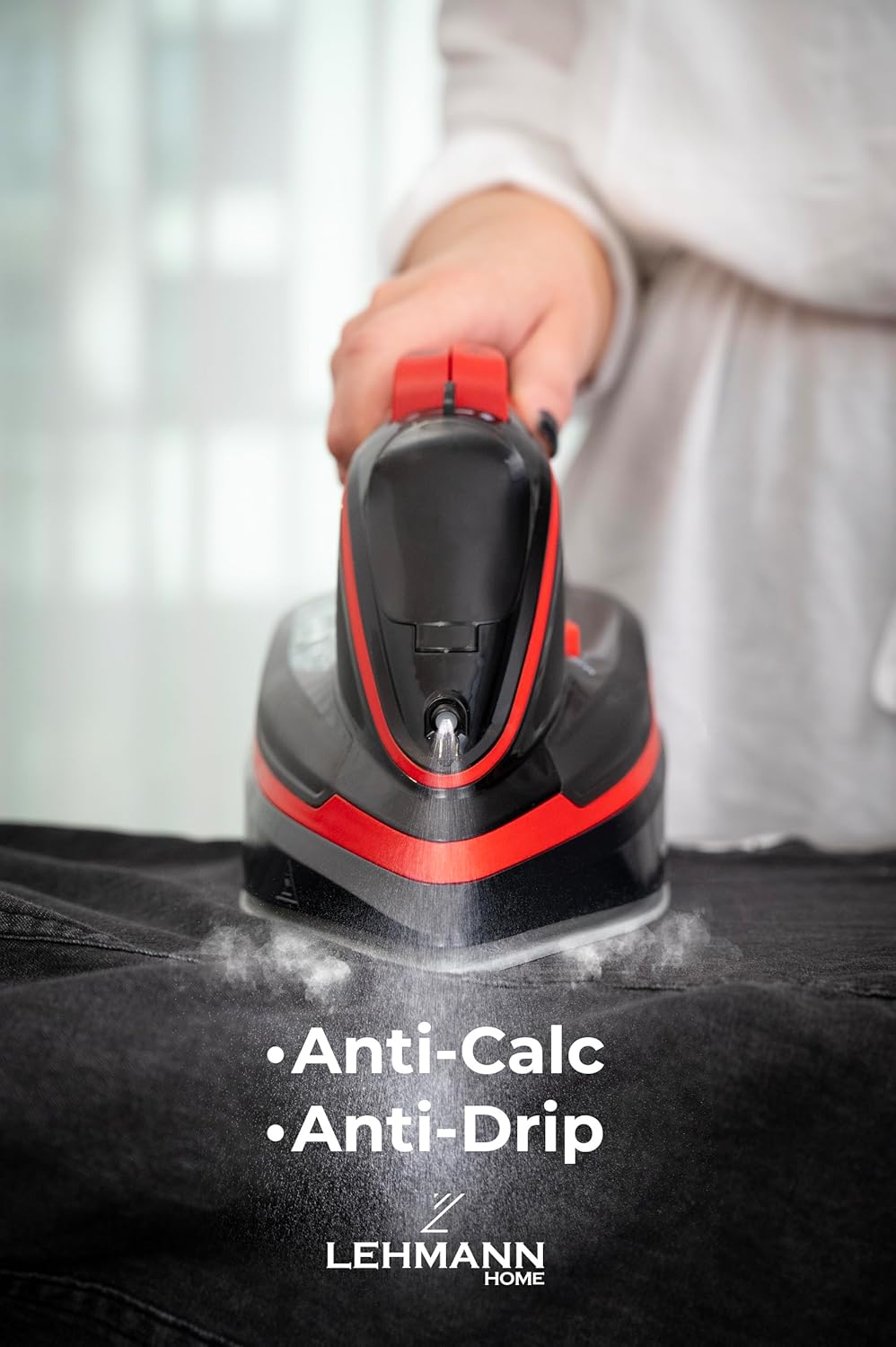
The LEHMANN LGOIR-2632 is a 3000W cordless steam iron designed for efficient and convenient garment care. It features a ceramic soleplate for smooth gliding and even heat distribution, a 320 ml water tank, and an anti-drip system.

Components:
- Ceramic Soleplate: Provides uniform heat and smooth gliding.
- Water Tank (320 ml): For steam generation.
- Temperature Control Dial: Adjusts heat for different fabric types.
- Steam Burst Button: Delivers an extra shot of steam.
- Spray Button: Mists water onto fabric.
- Self-Clean Button: Activates the self-cleaning function.
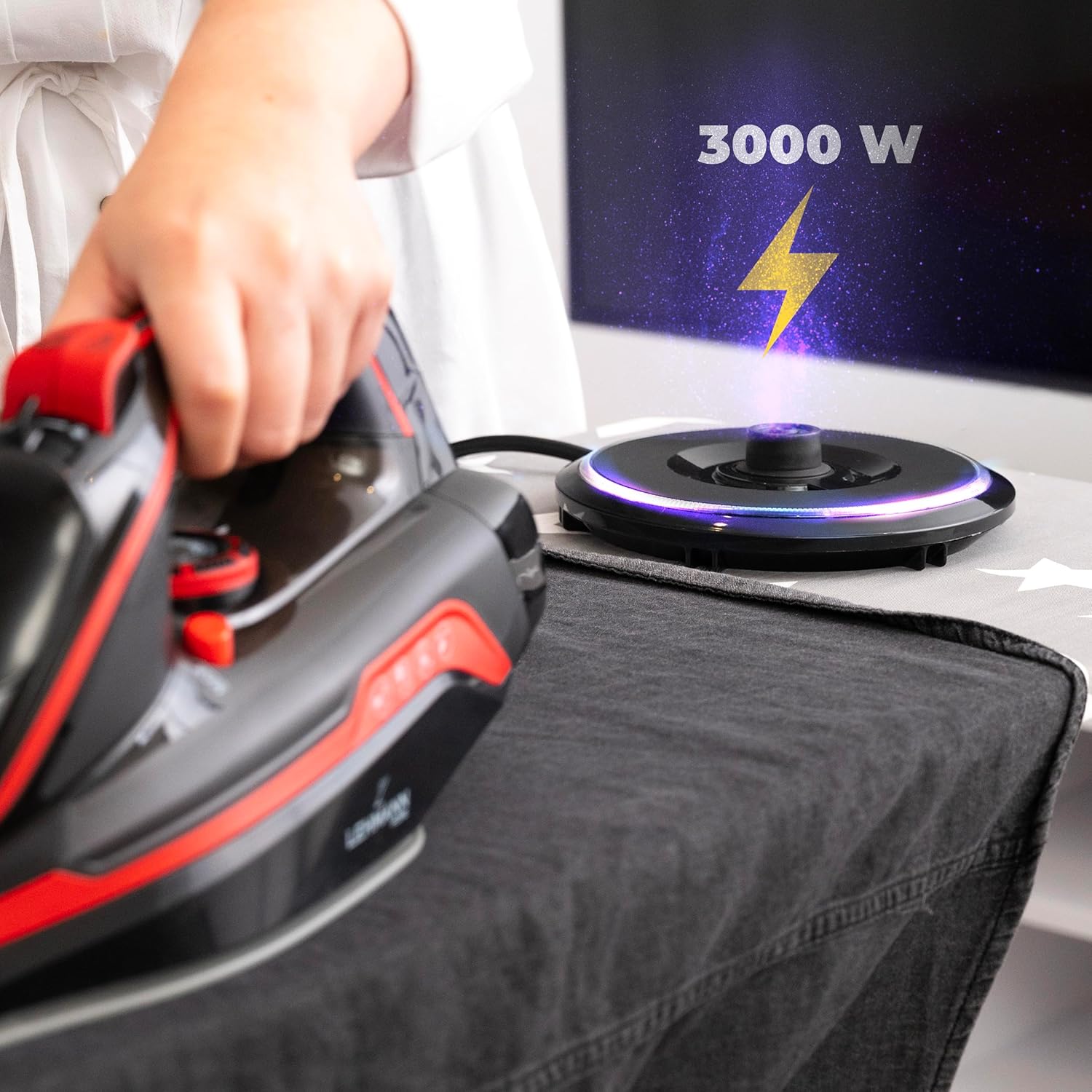
- Charging Base: Heats the iron and provides cordless operation. Features an LED light indicator.
- Power Cord: Connects the charging base to the electrical outlet.
3. Setup
Before first use, remove any protective film or stickers from the soleplate. It is recommended to iron an old piece of fabric first to ensure no residue is transferred to your garments.
Filling the Water Tank:
- Ensure the iron is unplugged from the power outlet and has cooled down.
- Open the water tank filler cap, usually located at the front of the iron.
- Using a measuring cup, carefully pour distilled or demineralized water into the tank up to the 'MAX' fill line. Do not overfill.
- Close the filler cap securely.

Connecting the Charging Base:
- Place the charging base on a stable, heat-resistant surface, preferably near an electrical outlet.
- Plug the power cord of the charging base into a suitable electrical outlet. The LED light on the base will illuminate, indicating it is powered on.

4. Operating Instructions
Initial Heating and Cordless Use:
- Place the iron firmly onto the charging base. The iron will begin to heat up. The 3000W power ensures rapid heating, typically within 25 seconds.
- The LED light on the base will indicate when the iron has reached the selected temperature and is ready for use.
- Once heated, lift the iron from the base to begin ironing. The cordless design allows for unrestricted movement.
- When the iron's temperature begins to drop during use, place it back on the charging base for a few seconds to reheat. The base provides quick re-heating to maintain optimal ironing temperature.
Temperature Selection:
- Rotate the temperature control dial to select the appropriate heat setting for your fabric type (e.g., Nylon, Silk, Wool, Cotton, Linen). Always check the garment's care label.
- Start with lower temperatures for delicate fabrics and gradually increase for heavier materials.

Steam Functions:
- Continuous Steam: For continuous steam, ensure the water tank is filled and the temperature dial is set to a steam-appropriate setting (usually indicated by a steam icon). Steam will be generated automatically when the iron is hot enough.
- Steam Burst: Press the steam burst button for an extra powerful shot of steam to remove stubborn wrinkles. Wait a few seconds between bursts to allow the steam chamber to refill.
- Vertical Steaming: The iron can be used for vertical steaming to refresh hanging garments, curtains, or drapes. Hold the iron vertically a few inches away from the fabric and press the steam burst button.

Water Spray Function:
- Press the spray button to mist water onto dry areas of fabric, making it easier to iron out creases.
5. Maintenance
Cleaning the Soleplate:
- Allow the iron to cool completely before cleaning.
- Wipe the soleplate with a damp cloth and a non-abrasive liquid cleaner. Do not use harsh scouring pads or metal cleaners, as these can damage the ceramic coating.
- For stubborn stains, a specialized iron soleplate cleaner can be used following its instructions.
Anti-Calc System / Self-Clean Function:
The iron is equipped with an anti-calc system to reduce mineral buildup. For optimal performance, use the self-clean function regularly, especially if you live in an area with hard water.
- Fill the water tank to the 'MAX' line with water.
- Set the temperature dial to the maximum setting.
- Plug in the iron and allow it to heat up until the indicator light goes out.
- Unplug the iron from the power outlet.
- Hold the iron horizontally over a sink. Press and hold the self-clean button. Hot water and steam will be expelled from the soleplate, flushing out mineral deposits.
- Gently shake the iron back and forth until the water tank is empty.
- Release the self-clean button.
- Reheat the iron and iron an old cloth to dry the soleplate.
Storage:
- After each use, empty any remaining water from the tank to prevent mineral buildup and odors.
- Allow the iron to cool completely before storing.
- Store the iron upright on its charging base in a safe, dry place.
6. Troubleshooting
| Problem | Possible Cause | Solution |
|---|---|---|
| Iron does not heat up. | Not properly placed on charging base; power cord not plugged in; power outlet malfunction. | Ensure iron is correctly seated on the base. Check if the power cord is securely plugged into a working outlet. |
| No steam or insufficient steam. | Water tank empty; temperature too low for steam; steam vents clogged. | Fill water tank. Set temperature to a steam-appropriate setting. Perform self-clean function. |
| Water leaking from soleplate. | Temperature too low for steam; water tank overfilled; anti-drip system malfunction. | Increase temperature. Do not overfill the tank. If problem persists, contact customer support. |
| Soleplate is dirty or sticky. | Residue from fabrics or starch buildup. | Clean the soleplate as described in the maintenance section. |
7. Specifications
| Feature | Specification |
|---|---|
| Model Number | LGOIR-2632 |
| Power | 3000W |
| Water Tank Capacity | 320 ml |
| Soleplate Material | Ceramic |
| Color | Black and Red |
| Dimensions (Iron) | Approx. 30 x 13.5 x 0.1 cm (L x W x H) |
| Weight | 1.6 kg |
| Special Features | Cordless operation, Anti-Drip System, Self-Clean Function, Vertical Steam |
8. Warranty and Support
LEHMANN products are manufactured to high-quality standards. In the unlikely event of a defect due to faulty materials or workmanship, your product is covered by a warranty from the date of purchase.
Please retain your proof of purchase (receipt) as this will be required for any warranty claims. For detailed warranty terms and conditions, or for technical support and service, please refer to the warranty card included with your product or visit the official LEHMANN website.
Do not attempt to repair the appliance yourself. Any unauthorized repairs will void the warranty.


