
Introduction
This manual provides detailed instructions for the Spovan AtlasX Mate Amoled AOD Smartwatch. Please read this manual carefully before using your device to ensure proper operation and to maximize its features. Keep this manual for future reference.
The Spovan AtlasX Mate is the 4th generation wearable device in the AtlasX series, featuring an AMOLED display, Always-On Display (AOD), 2-in-1 voice call functionality, and a high-quality magnetic strap. It is designed for daily use, offering health monitoring, fitness tracking, and smart notifications.
1. Setup
1.1 Initial Charging
Before first use, fully charge your Spovan AtlasX Mate smartwatch. Connect the magnetic charging cable to the charging points on the back of the watch and plug the USB end into a power adapter (not included) or a computer's USB port. The watch display will indicate charging status.
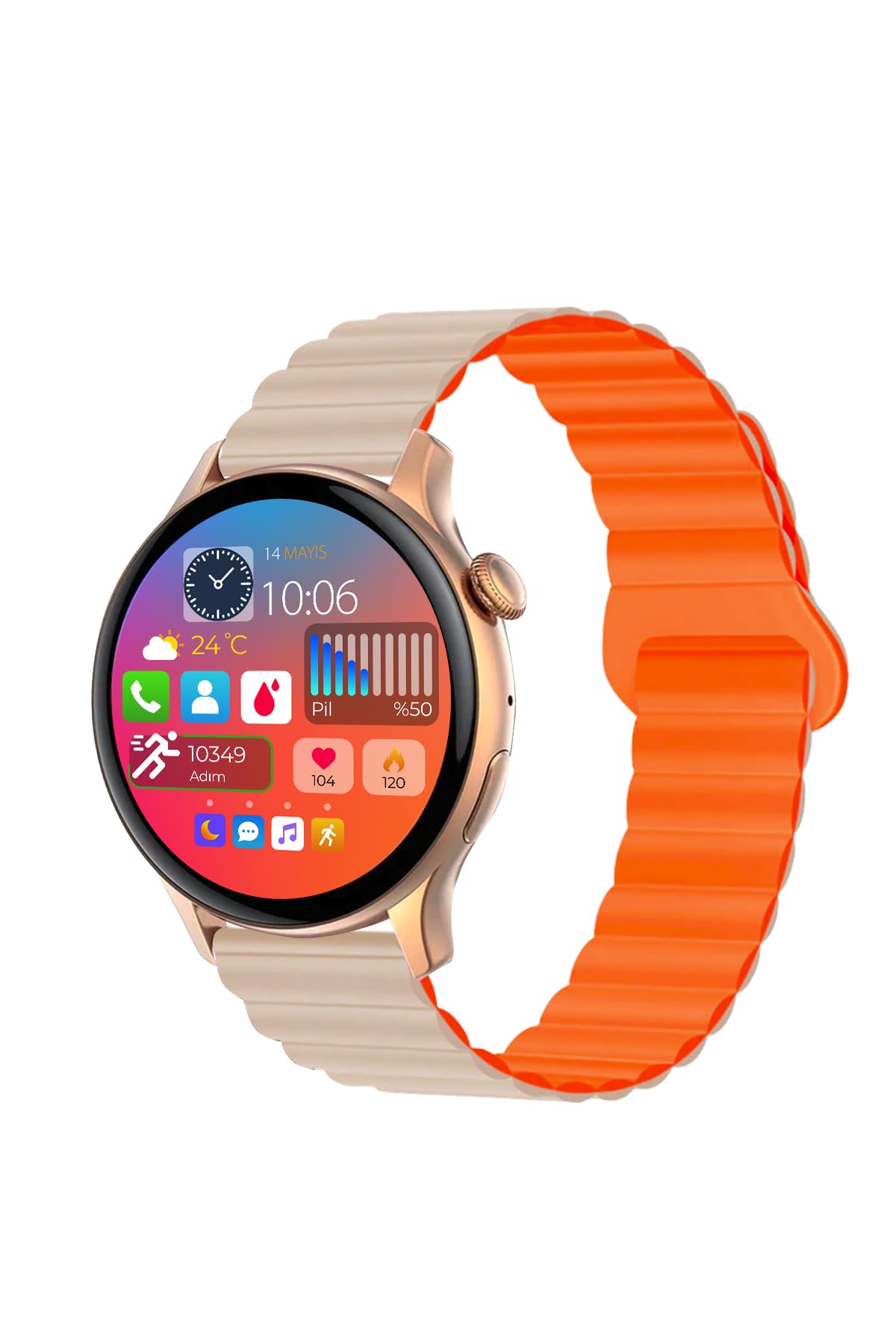
Figure 1: Spovan AtlasX Mate Smartwatch display. Ensure the watch is fully charged before initial setup.
1.2 App Installation and Pairing
- Download the official Spovan companion application from your smartphone's app store (Google Play Store for Android or Apple App Store for iOS).
- Ensure Bluetooth is enabled on your smartphone.
- Open the Spovan application and follow the on-screen instructions to create an account or log in.
- In the app, navigate to the device pairing section and select "Add Device."
- The app will search for available devices. Select "AtlasX Mate" from the list.
- Confirm the pairing request on both your smartphone and the smartwatch.

Figure 2: User interacting with the smartwatch. The companion app allows for full feature utilization.
2. Operating Instructions
2.1 Display and Navigation
The Spovan AtlasX Mate features a 1.45-inch AMOLED display with a 466x466 pixel resolution. It supports Always-On Display (AOD) mode, allowing you to view time in both digital and analog formats without raising your wrist. You can also wake the screen by wrist movement or double-tapping.
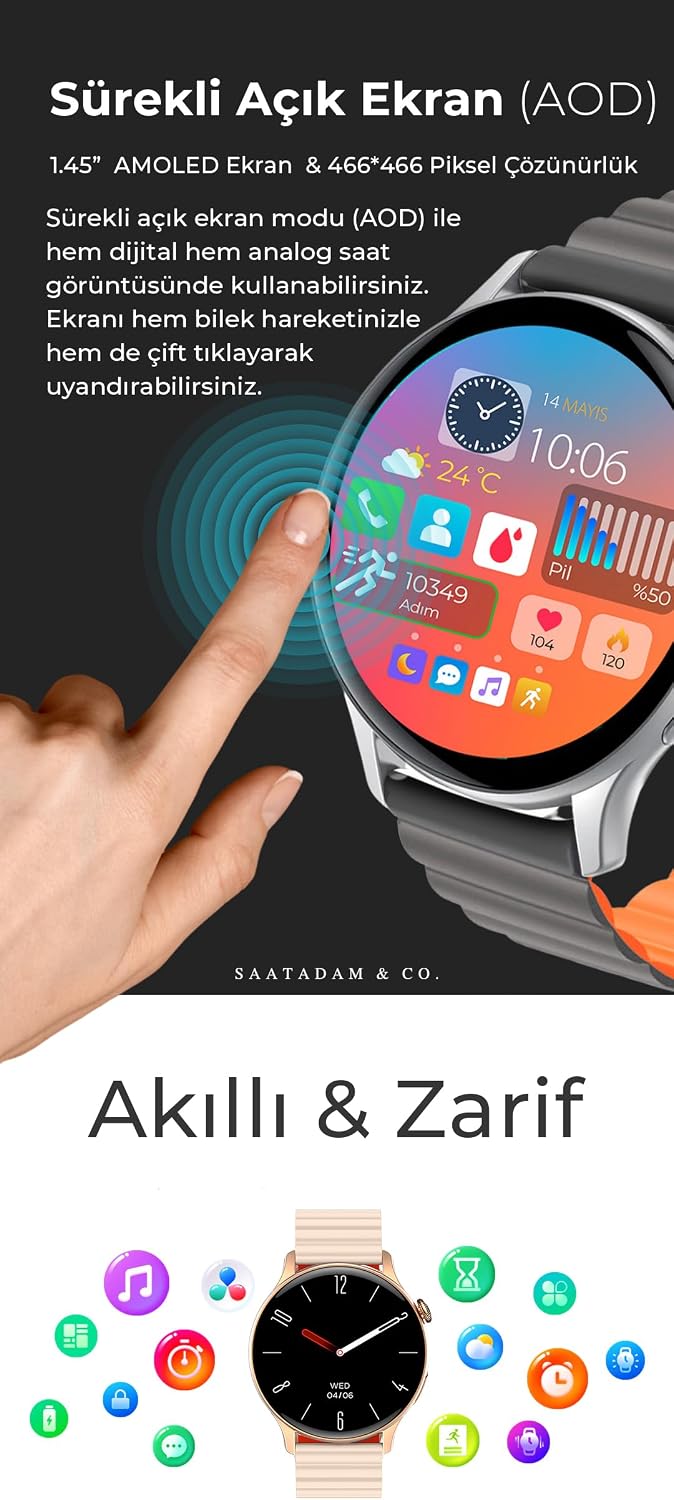
Figure 3: The vibrant AMOLED display with various functions. Swipe to navigate through menus and apps.
2.2 Call Answering and Communication
The smartwatch is equipped with a 2-in-1 audio chip for high-quality voice calls via Bluetooth 5.2. You can answer or make calls directly from your watch, even while walking or driving, ensuring clear communication.
- Answering Calls: When a call comes in, tap the green answer icon on the watch screen.
- Making Calls: Access the dial pad or your favorite contacts through the watch interface to initiate a call.
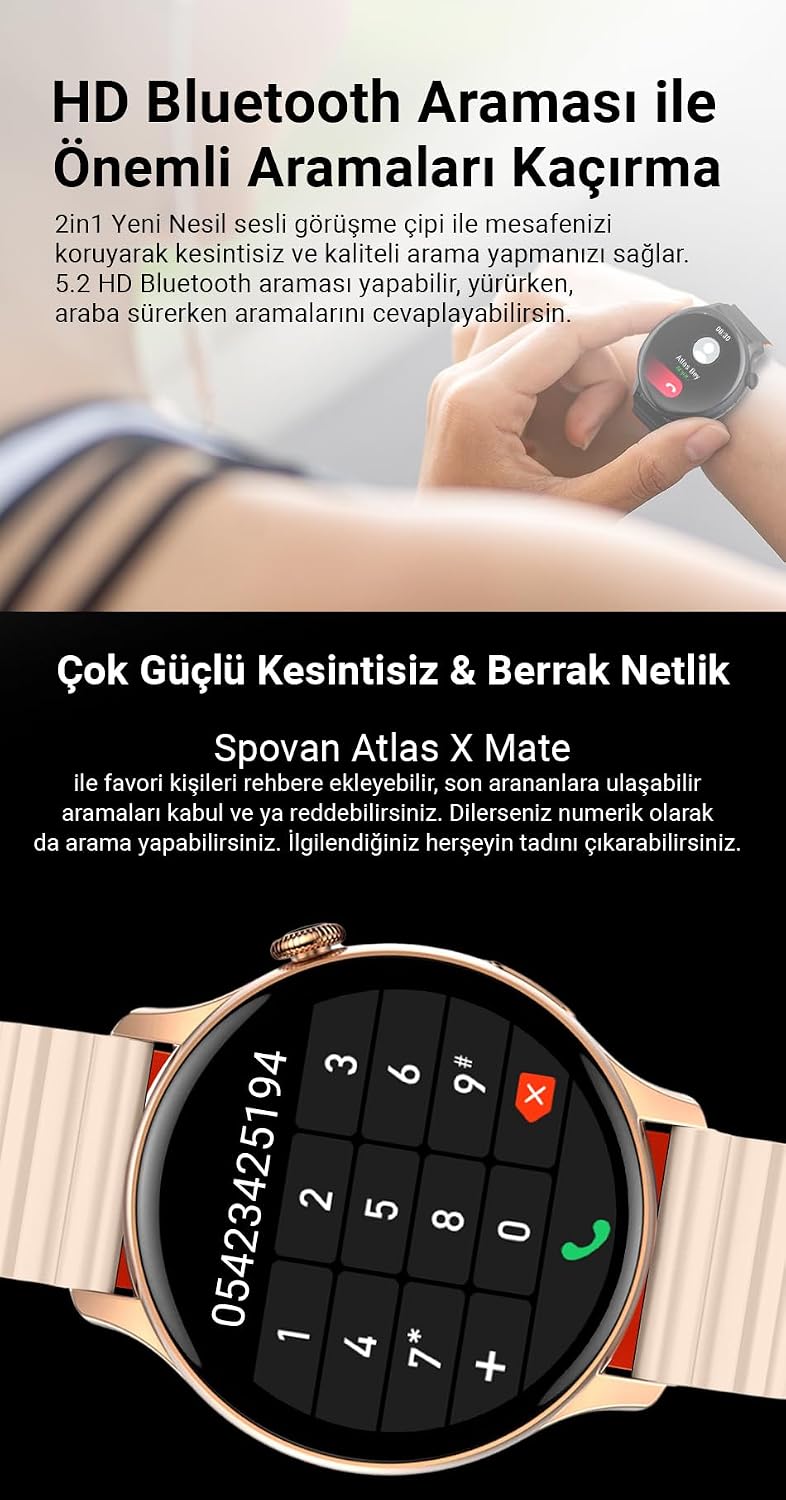
Figure 4: Incoming call display on the smartwatch. Answer or reject calls directly from your wrist.
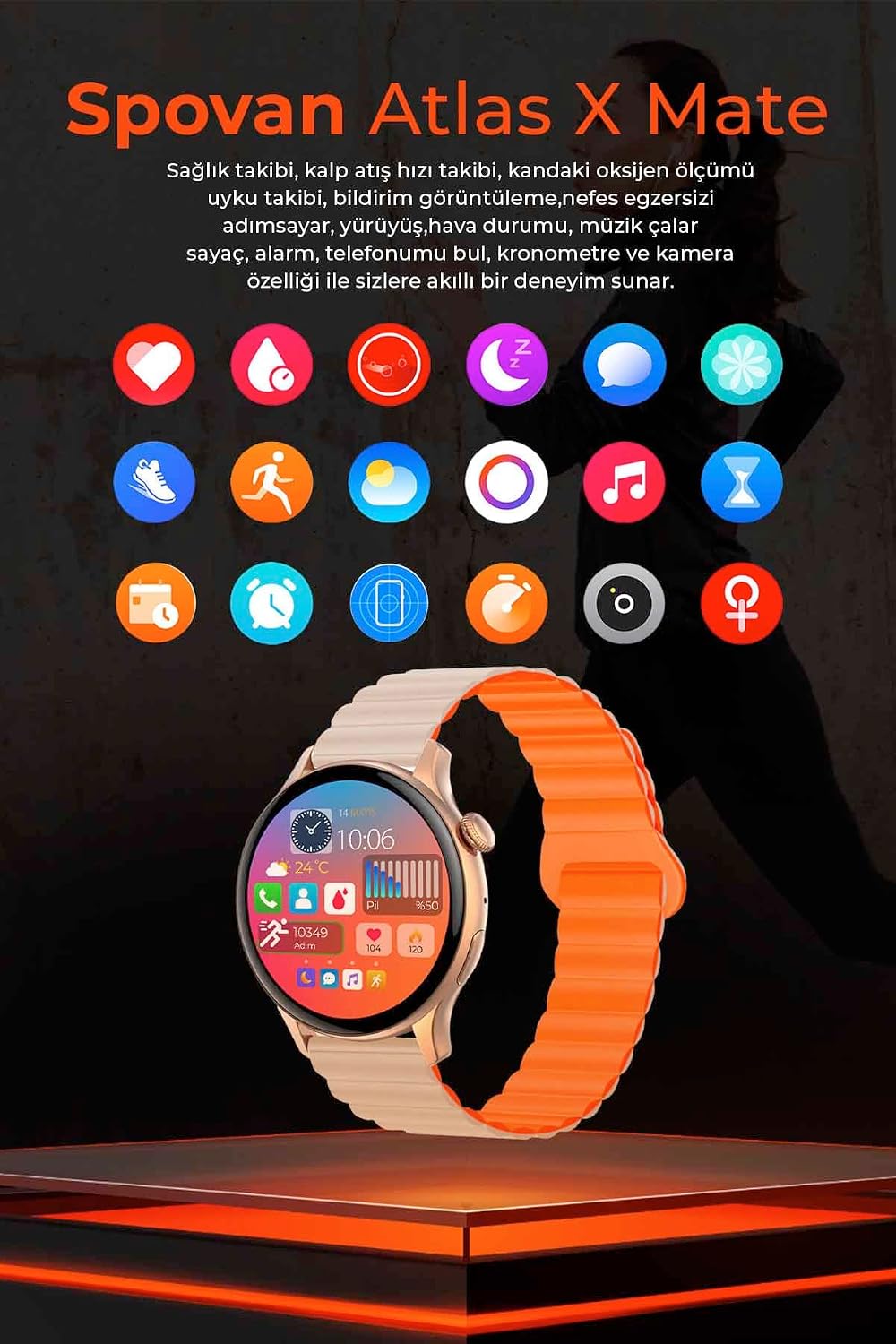
Figure 5: Dial pad on the smartwatch. You can dial numbers directly or access your phonebook.
2.3 Health Monitoring
The AtlasX Mate provides various health monitoring features, including blood pressure, heart rate, blood oxygen, and stress levels. These measurements are designed to provide real-time data during your activities.
- Blood Pressure Monitor: Access the blood pressure function from the app menu to take a measurement.
- Heart Rate Tracking: The watch continuously monitors your heart rate.
- Sleep Tracking: Monitor your sleep patterns and quality.
- Stress Monitoring: Track your stress levels throughout the day.
2.4 Fitness and Activity Tracking
Track your daily activities with features like step counting, distance covered, calorie burn, and various sports modes. The watch also includes a stopwatch, alarm, and a "find my phone" function.

Figure 6: Overview of available applications and features on the smartwatch, including health, fitness, and utility apps.
2.5 Additional Features
- Stock Market Tracking: Monitor stock prices from over 70 countries directly on your watch.
- Language Settings: The watch supports multiple languages, including Turkish. You can change the language through the watch settings or the companion app.
- Magnetic Strap: The unique magnetic strap design ensures a secure fit, combining magnetic fastening with an internal loop to prevent accidental detachment.
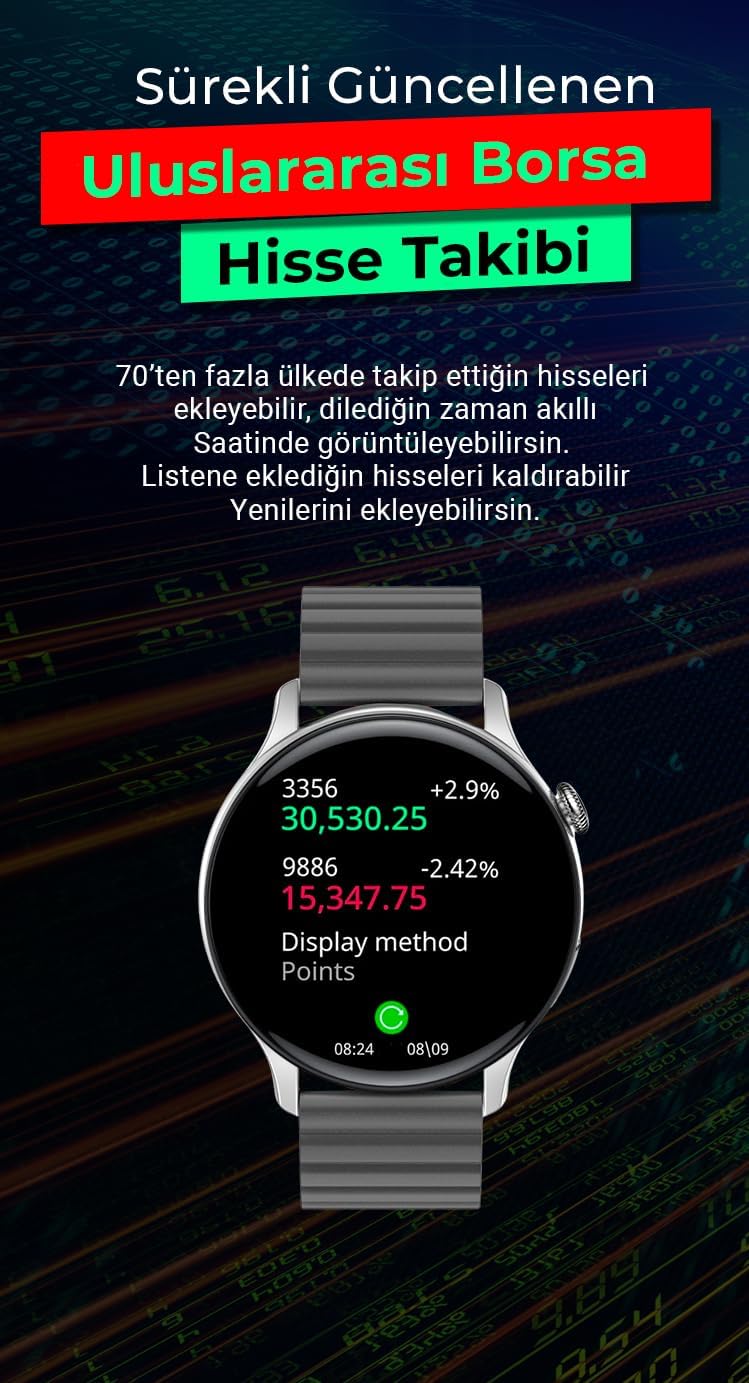
Figure 7: Stock market tracking feature on the smartwatch. View real-time stock information.
3. Maintenance
3.1 Cleaning
Regularly clean your smartwatch and strap to prevent skin irritation and maintain device functionality. Use a soft, damp cloth to wipe the screen and case. For the strap, follow the manufacturer's recommendations. Avoid using harsh chemicals or abrasive materials.
3.2 Water Resistance
The Spovan AtlasX Mate has an IP68 water resistance rating. This means it is protected against dust and can withstand immersion in water up to 1.5 meters for up to 30 minutes. While it is resistant to splashes and brief immersion, it is not recommended for swimming, showering, or diving. Avoid exposure to hot water or steam.
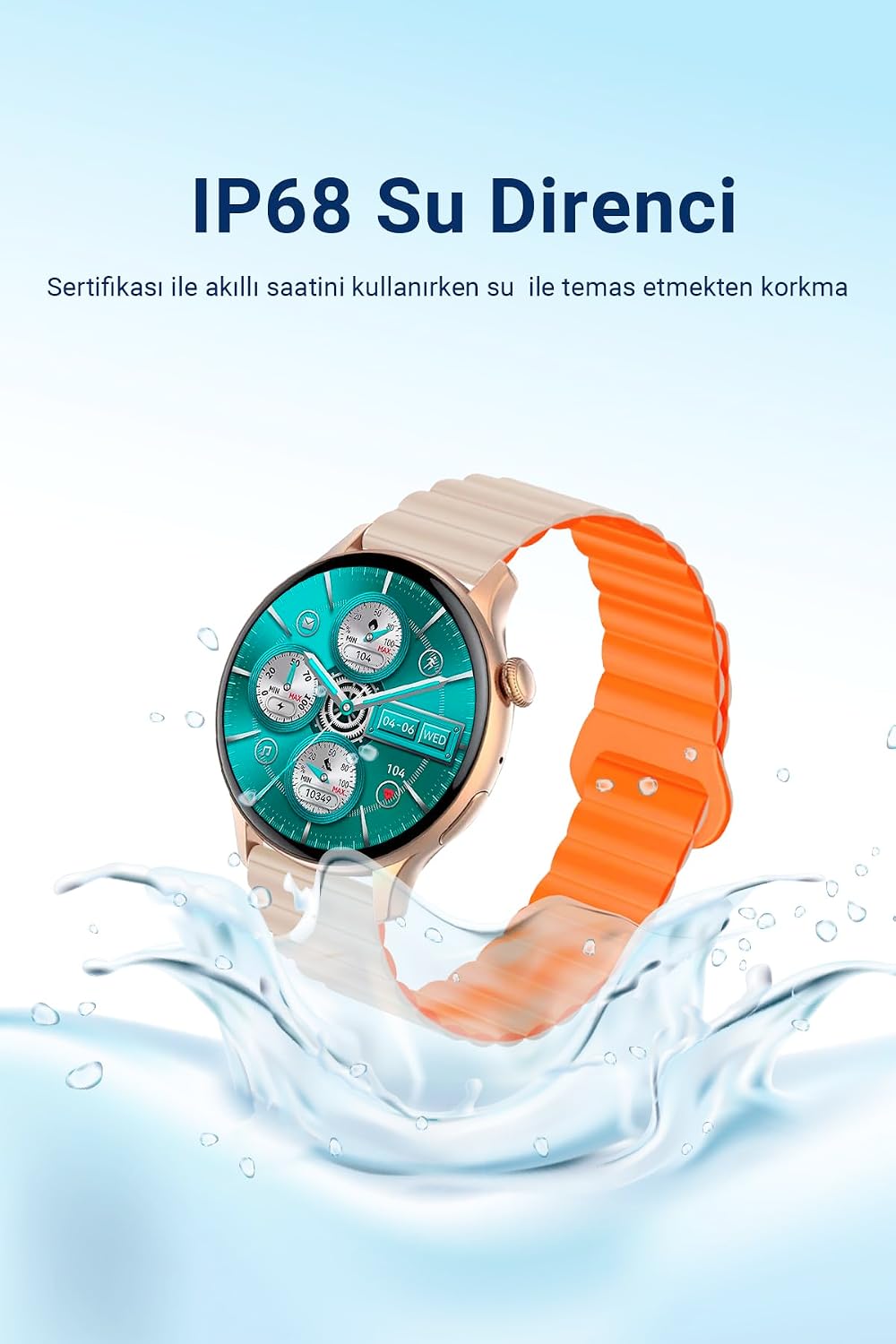
Figure 8: IP68 Water Resistance. The watch is protected against water splashes and brief immersion.
4. Troubleshooting
4.1 Connectivity Issues
- Watch not connecting to phone: Ensure Bluetooth is enabled on your phone and the watch. Restart both devices and try pairing again through the app. Check if the app has the necessary permissions.
- Frequent disconnections: Ensure the watch and phone are within Bluetooth range. Close other apps that might interfere with Bluetooth. Update the companion app to the latest version.
4.2 Inaccurate Health Measurements
- Inconsistent readings: Ensure the watch is worn snugly on your wrist, not too tight or too loose. Clean the sensors on the back of the watch. Avoid taking measurements during intense physical activity or immediately after.
- Note: The health monitoring features are for reference only and should not be used for medical diagnosis or treatment. Consult a medical professional for accurate health assessments.
4.3 Screen Not Responding
- Frozen screen: Try restarting the watch by pressing and holding the side button for several seconds until it powers off, then power it back on.
- Unresponsive touch: Ensure the screen is clean and dry. If the issue persists, contact customer support.
5. Specifications
| Feature | Detail |
|---|---|
| Model | AtlasX Mate |
| Brand | Spovan |
| Display Type | AMOLED |
| Screen Size | 1.45 inches (46 mm) |
| Resolution | 466x466 Pixels |
| Case Material | Metal |
| Battery Capacity | 260 mAh |
| Battery Life | Up to 10 Hours (typical usage) |
| Water Resistance | IP68 |
| Connectivity | Bluetooth 5.2 |
| Key Features | AOD, Amoled Screen, 2in1 Voice Call, Magnetic Strap, Blood Pressure Monitor, Heart Rate, Stress, Sleep Tracking, Fitness Tracking, Stock Market Tracking |
6. Warranty Information
The Spovan AtlasX Mate Smartwatch comes with a 2-year Manufacturer and Distributor Warranty. This warranty covers defects in materials and workmanship under normal use. It does not cover damage caused by misuse, accidents, unauthorized modifications, or normal wear and tear.
Legal Notice: Electronic products are excluded from the right of withdrawal after data transfer, according to legal regulations. Direct returns are not possible. For technical support or warranty claims, please contact the technical support number provided on your warranty card.
7. Customer Support
If you encounter any issues or have questions regarding your Spovan AtlasX Mate Smartwatch, please refer to the troubleshooting section of this manual. For further assistance, technical support can be reached via the contact information provided on your product's warranty card.
Please have your product model (AtlasX Mate) and ASIN (B0CB15T8D2) ready when contacting support.