
1. Introduction
Thank you for choosing the Aiheal 10.5L Ultrasonic Cool & Warm Mist Humidifier. This manual provides essential information for the safe operation, maintenance, and troubleshooting of your new humidifier. Please read it thoroughly before use and retain it for future reference.
This humidifier is designed to improve air quality and comfort in large rooms by adding moisture to the air. It features a large capacity, top-fill design, customizable humidity settings, and both cool and warm mist options.
2. Important Safety Instructions
To reduce the risk of fire, electric shock, or injury, always follow these basic safety precautions:
- Read all instructions before operating the humidifier.
- Place the humidifier on a firm, flat, waterproof surface at least 12 inches (30 cm) away from walls and appliances.
- Do not place the humidifier directly on carpet, wood floors, or surfaces that may be damaged by water or moisture.
- Always unplug the humidifier before filling, cleaning, or moving it.
- Do not immerse the humidifier base in water or other liquids.
- Use only clean, cool tap water or distilled water. Do not add essential oils directly into the water tank as this may damage the unit.
- Keep the humidifier out of reach of children and pets.
- Do not block the mist outlet or air intake vents.
- If the humidifier emits an unusual smell or sound, turn it off immediately and unplug it.
3. Package Contents
Please check the box for the following items:
- 1 x Aiheal Humidifier Unit
- 1 x Quick Start Guide
- 1 x Cleaning Brush
- 1 x Remote Control
- 1 x User Manual (this document)
4. Product Diagram
Familiarize yourself with the components of your Aiheal Humidifier:
- Mist Outlet: Where the mist is released.
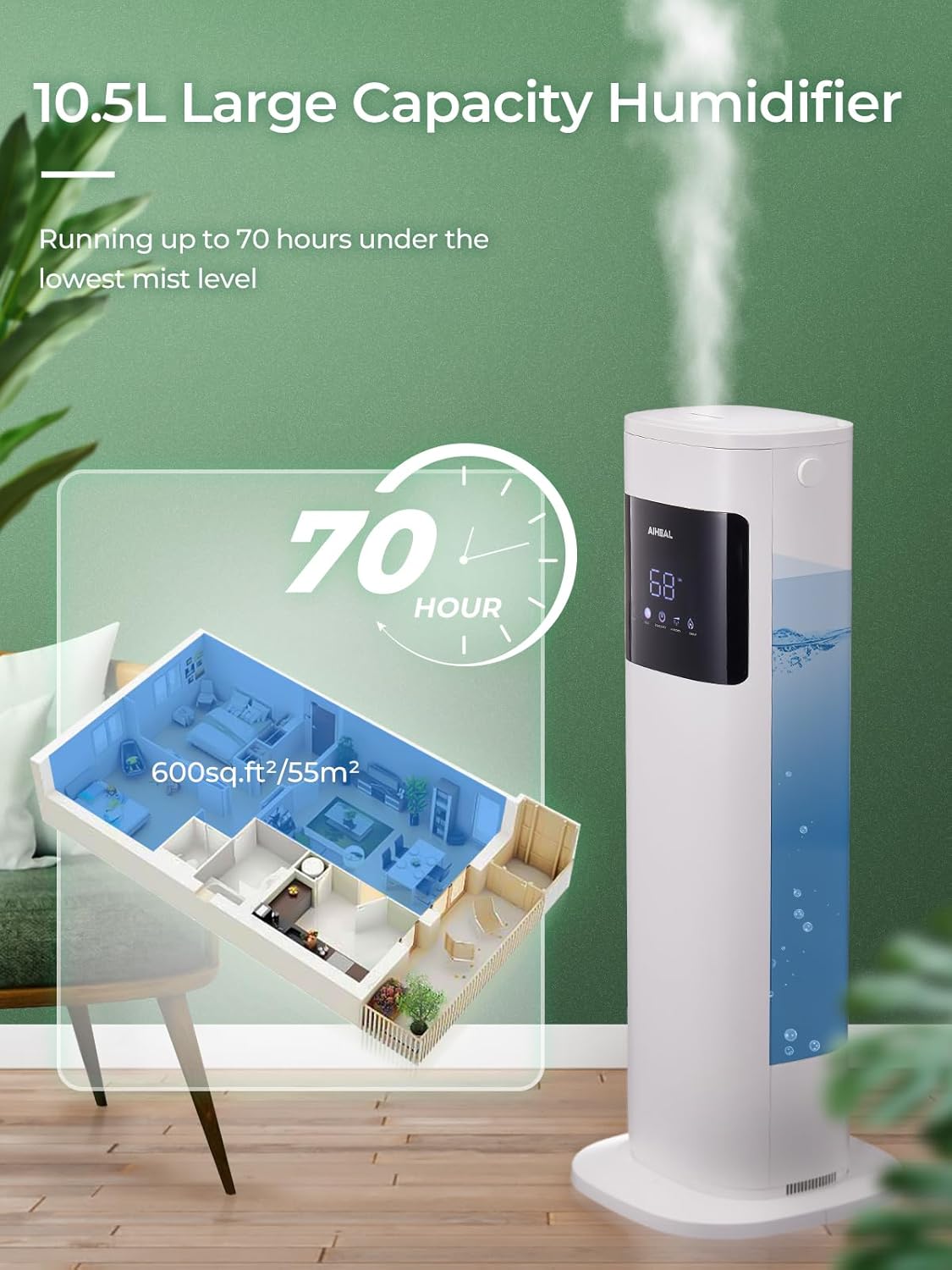
- Water Tank: 10.5L capacity for water storage.
- Control Panel/Display: Touch controls and LED screen for settings and status.
- Base Unit: Contains the ultrasonic transducer and heating element.
- Power Cord: For connecting to an electrical outlet.
- Remote Control: For convenient operation from a distance.

5. Setup
5.1 Unpacking
- Carefully remove all packaging materials from the humidifier.
- Ensure all components listed in Section 3 are present and undamaged.
5.2 Placement
- Place the humidifier on a flat, stable, and waterproof surface.
- Maintain a distance of at least 12 inches (30 cm) from walls, furniture, and electronic devices to prevent moisture damage.
- Ensure the mist outlet is not directed towards any objects or walls.
5.3 Filling the Water Tank
The Aiheal humidifier features a convenient top-fill design.
- Remove the top cover of the humidifier.
- Pour clean, cool tap water or distilled water directly into the water tank. Do not exceed the maximum fill line.
- Replace the top cover securely.
5.4 Power Connection
Plug the power cord into a standard electrical outlet. The unit will enter standby mode.
6. Operating Instructions
Your Aiheal humidifier can be controlled via the touch panel on the unit or the included remote control.
6.1 Power On/Off
- Press the Power button (U icon) on the control panel or remote to turn the humidifier on or off.
6.2 Mist Level Adjustment
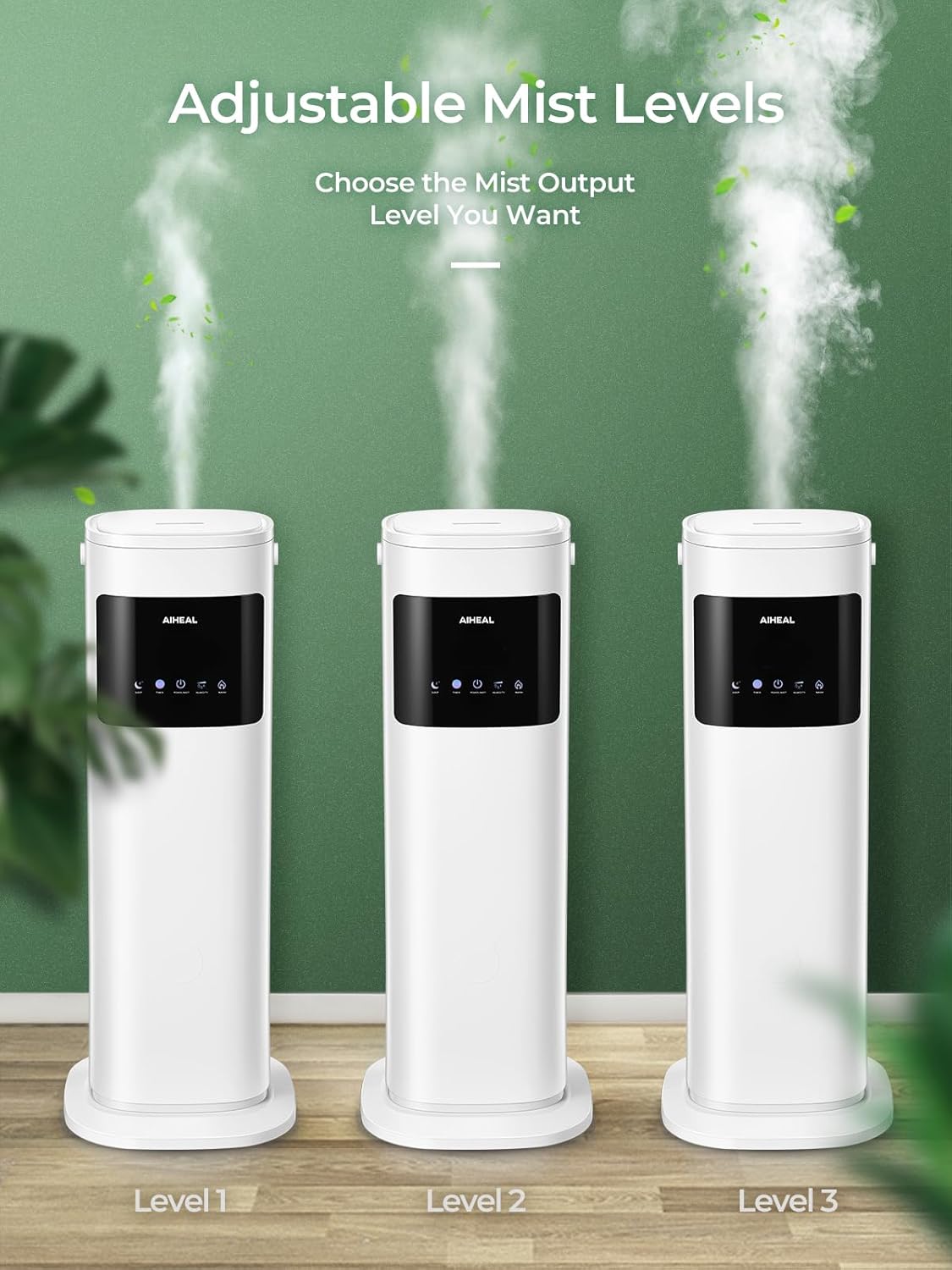
The humidifier offers 3 mist levels (Low, Medium, High).
- Press the Mist Level button (three droplets icon) repeatedly to cycle through the mist output settings.
6.3 Cool Mist and Warm Mist Selection
Choose between cool mist for general humidification or warm mist for faster humidification and comfort during colder seasons.
- Press the Warm Mist button (sun icon) on the control panel or remote to activate the warm mist function. Press again to turn it off.

6.4 Customized Humidity Control (Humidistat)
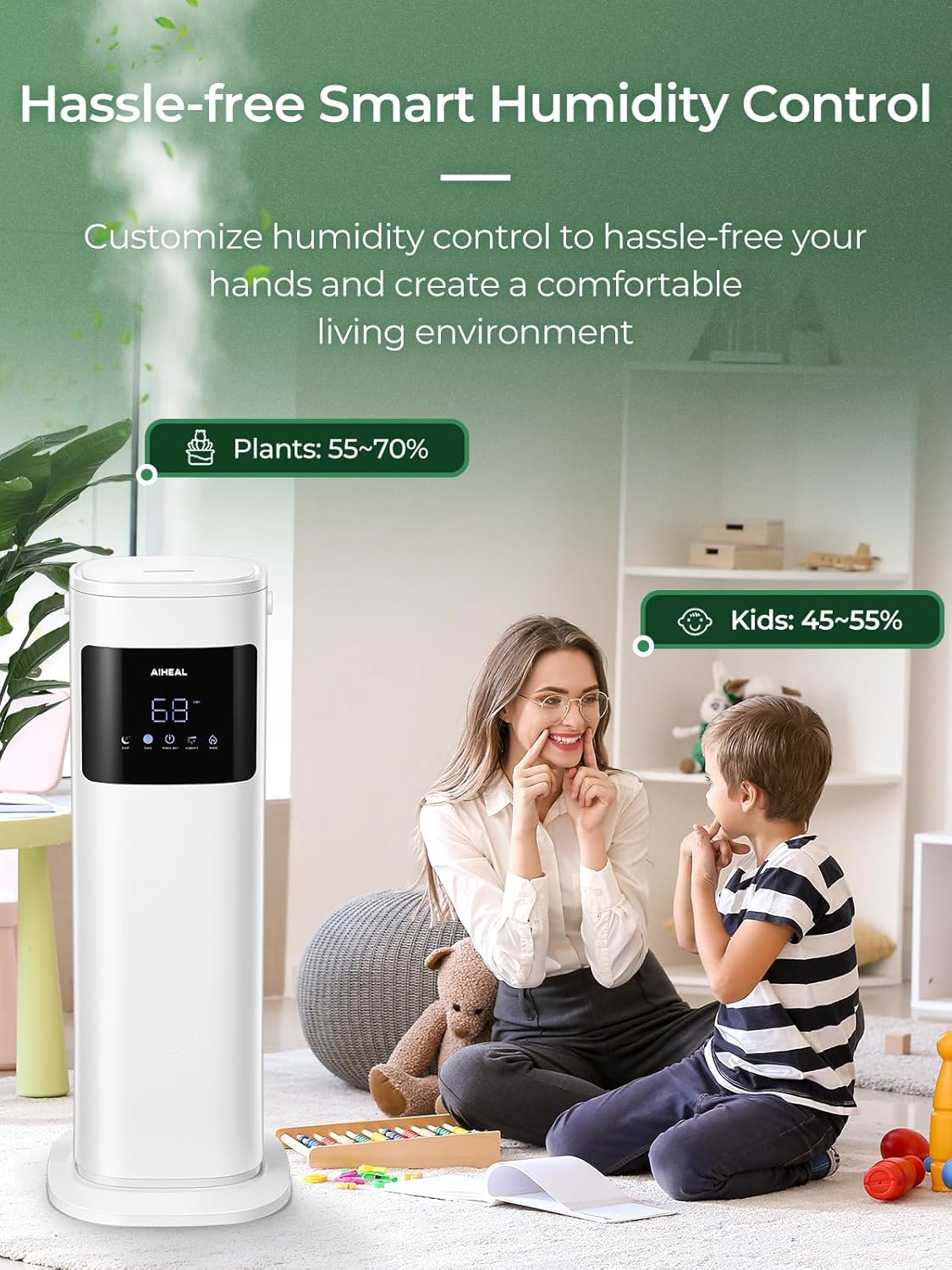
Set your desired humidity level between 30% and 80%.
- Press the Humidity button (wave icon) to set the target humidity. The humidifier will automatically turn on or off to maintain the set humidity level.
6.5 Sleep Mode
For undisturbed rest, activate Sleep Mode.
- Press the Sleep Mode button (Zz icon) to turn off the LED display and operate the humidifier quietly.

6.6 Timer Function
Set the humidifier to operate for a specific duration.
- Press the Timer button (clock icon) to set the operating time from 1 to 12 hours. The humidifier will automatically shut off when the set time expires.
6.7 Auto Shut-Off
The humidifier is equipped with an automatic shut-off function for safety.
- The unit will automatically turn off when the water level in the tank is too low. Refill the tank to resume operation.
7. Maintenance and Cleaning
Regular cleaning is crucial for optimal performance and hygiene.
7.1 Daily Maintenance
- Empty and rinse the water tank daily.
- Wipe the inside of the tank with a clean cloth.
7.2 Weekly Cleaning
- Unplug the humidifier from the power outlet.
- Remove the top cover and empty any remaining water from the tank and base.
- Clean the Water Tank: Wipe the inside of the tank with a soft cloth. For stubborn mineral buildup, use a solution of white vinegar and water (1:1 ratio). Let it soak for 20-30 minutes, then scrub with the provided cleaning brush and rinse thoroughly.
- Clean the Base Unit and Transducer: Gently wipe the surface of the ultrasonic transducer (the small disc inside the base) with a soft cloth or cotton swab. Do not scrape or use abrasive materials. If mineral buildup is present, apply a small amount of white vinegar to the transducer and let it sit for 5-10 minutes before gently wiping clean.
- Rinse all components thoroughly with clean water until no vinegar smell remains.
- Allow all parts to air dry completely before reassembling.
7.3 Storage
If the humidifier will not be used for an extended period:
- Perform a thorough cleaning as described above.
- Ensure all parts are completely dry.
- Store the humidifier in its original packaging in a cool, dry place.
8. Troubleshooting
Before contacting customer support, please refer to the following common issues and solutions:
| Problem | Possible Cause | Solution |
|---|---|---|
| No mist or low mist output | Lack of water Mineral buildup on transducer Mist outlet blocked | Refill water tank Clean the transducer (see Section 7.2) Ensure mist outlet is clear |
| Unusual odor | Stagnant water New unit smell | Clean the tank and replace water daily The smell should dissipate after initial uses |
| Water leakage | Tank not properly seated Overfilling Unit placed on uneven surface | Ensure tank is correctly positioned Do not exceed max fill line Place on a flat, stable surface |
| Humidifier turns off unexpectedly | Water shortage Timer function activated Desired humidity reached | Refill water tank Check timer settings Adjust desired humidity or turn off auto mode |
| Remote control not working | Batteries depleted Obstruction between remote and unit | Replace batteries Ensure clear line of sight to the humidifier's sensor |
9. Specifications
| Feature | Specification |
|---|---|
| Brand | Aiheal |
| Model Name | A1 |
| Capacity | 10.5 Liters |
| Operation Mode | Ultrasonic |
| Mist Type | Cool & Warm Mist |
| Runtime | Up to 70 hours (on lowest setting) |
| Product Dimensions | 25.91 x 25.91 x 70.36 cm |
| Item Weight | 4.63 kg |
| Material | Acrylonitrile Butadiene Styrene (ABS) |
| Special Features | Auto Shut Off, Humidity Control, Remote Control, Timer, Sleep Mode |
| Power Source | Corded Electric |
| Color | White |
10. Warranty and Customer Support
Aiheal products are manufactured to high-quality standards. For any questions, concerns, or issues regarding your humidifier, please contact Aiheal customer support. Details on warranty coverage and how to reach support are typically provided with your purchase documentation or on the official Aiheal website.
Please have your model number (A1) and purchase information ready when contacting support.