Introduction
The Dolphin Nauty TC is an advanced robotic pool cleaner designed to provide autonomous and efficient cleaning of your swimming pool. It is capable of cleaning the pool floor, walls, and waterline, ensuring comprehensive coverage. This manual provides essential information for the proper setup, operation, maintenance, and troubleshooting of your Dolphin Nauty TC cleaner.
Safety Information
Always adhere to the following safety guidelines to prevent injury or damage to the unit:
- Ensure the power supply is disconnected before performing any maintenance or handling the cleaner.
- Do not operate the cleaner if the power cable is damaged.
- Keep children and pets away from the pool area while the cleaner is in operation.
- Only use the original power supply unit provided with the cleaner.
- Do not use the cleaner if there are people in the pool.
Setup and Assembly
Follow these steps to prepare your Dolphin Nauty TC for its first use:
- Unpack the Cleaner: Carefully remove the Dolphin Nauty TC robotic cleaner and all accessories from its packaging.
- Assemble the Caddy: The cleaner comes with a caddy for easy transport and storage. Assemble the caddy according to the diagrams provided in the separate caddy assembly guide.
- Connect the Power Supply: Place the power supply unit at least 3.5 meters (11.5 feet) from the edge of the pool. Connect the floating cable from the cleaner to the power supply unit, ensuring a secure connection.
- Place the Cleaner in the Pool: Gently lower the cleaner into the pool. Allow it to sink to the bottom, releasing any trapped air bubbles. Ensure the floating cable is untangled and has enough slack to allow the cleaner to move freely.
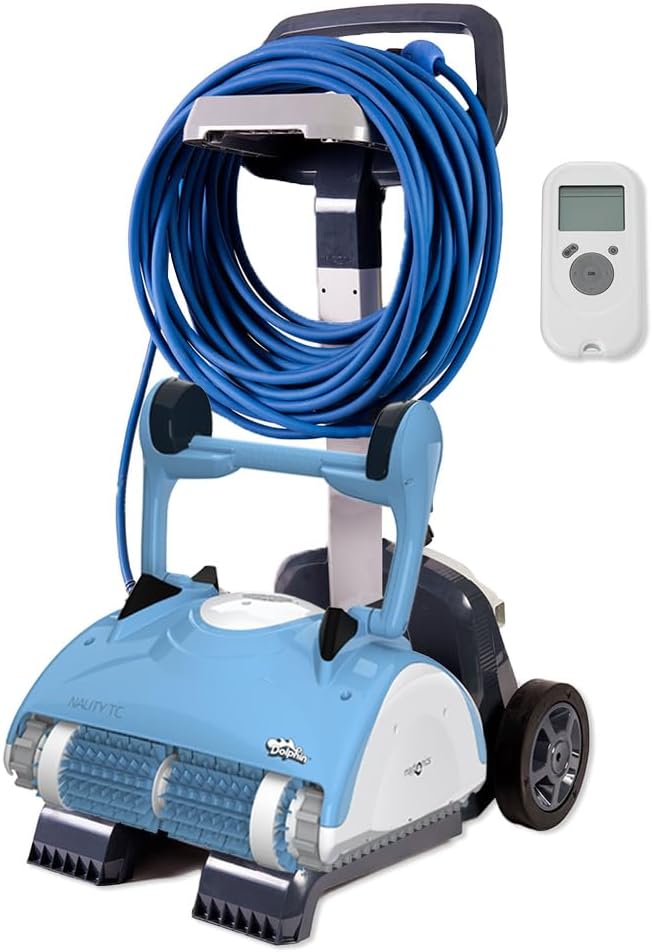
Image: The Dolphin Nauty TC robotic pool cleaner shown with its transport caddy and remote control, ready for setup.
Operating Instructions
The Dolphin Nauty TC offers automated cleaning with programmable cycles and remote control capabilities.
Starting a Cleaning Cycle
- Ensure the cleaner is fully submerged and the power supply is connected and plugged into a power outlet.
- Press the ON/OFF button on the power supply unit. The cleaner will begin its default cleaning cycle.
- To select a specific cleaning cycle (1 hour or 3 hours), use the remote control. Refer to the remote control section for detailed instructions.
Using the Remote Control
The remote control allows you to program cleaning cycles and manually navigate the cleaner.
- Cycle Selection: Use the designated buttons on the remote to switch between the 1-hour and 3-hour cleaning cycles.
- Manual Navigation: Use the directional arrows to steer the cleaner to specific areas of the pool for spot cleaning.
- Delay Start: Some models may offer a delay start function via the remote control. Consult your remote's specific instructions.
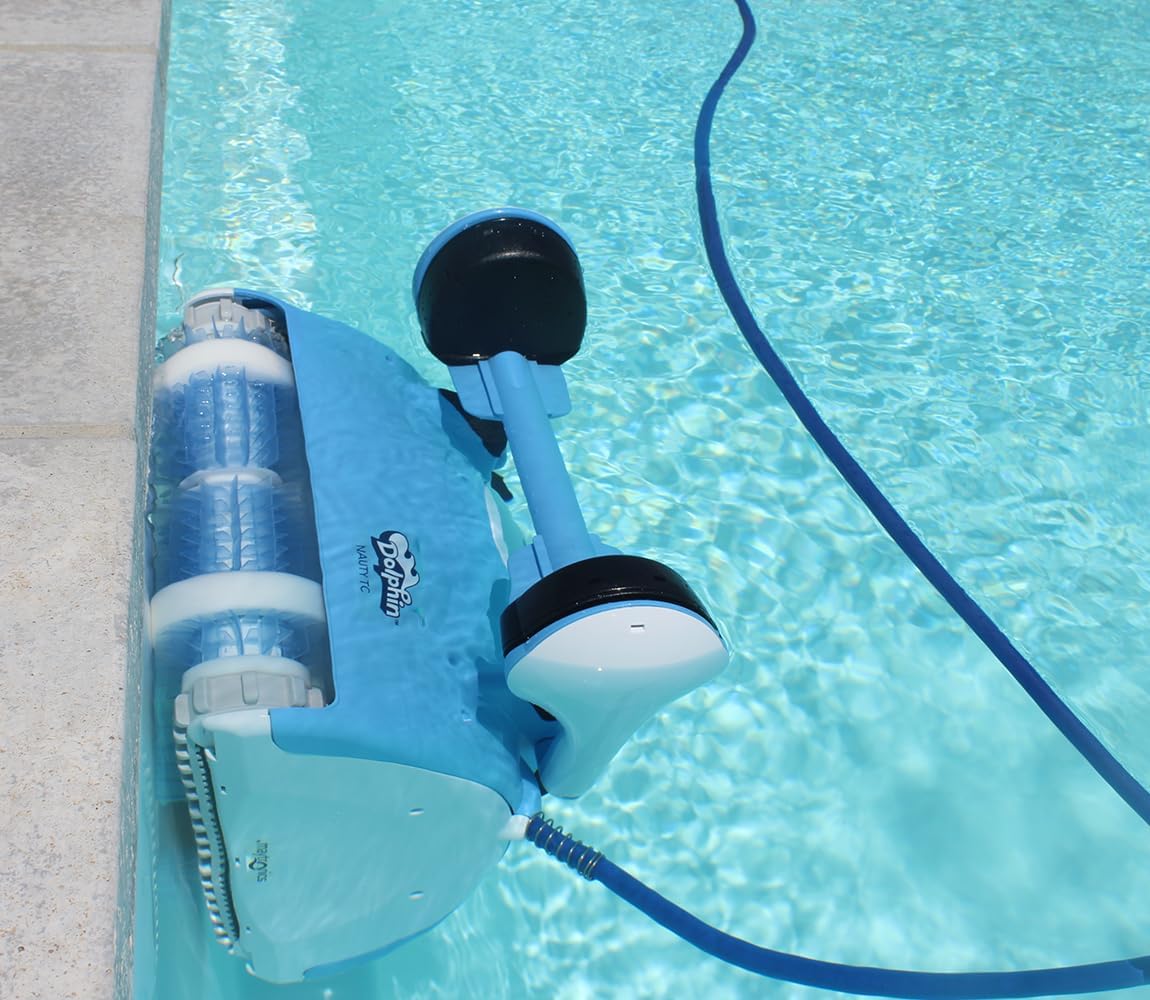
Image: The Dolphin Nauty TC actively cleaning the wall of a swimming pool, demonstrating its wall-climbing capability.
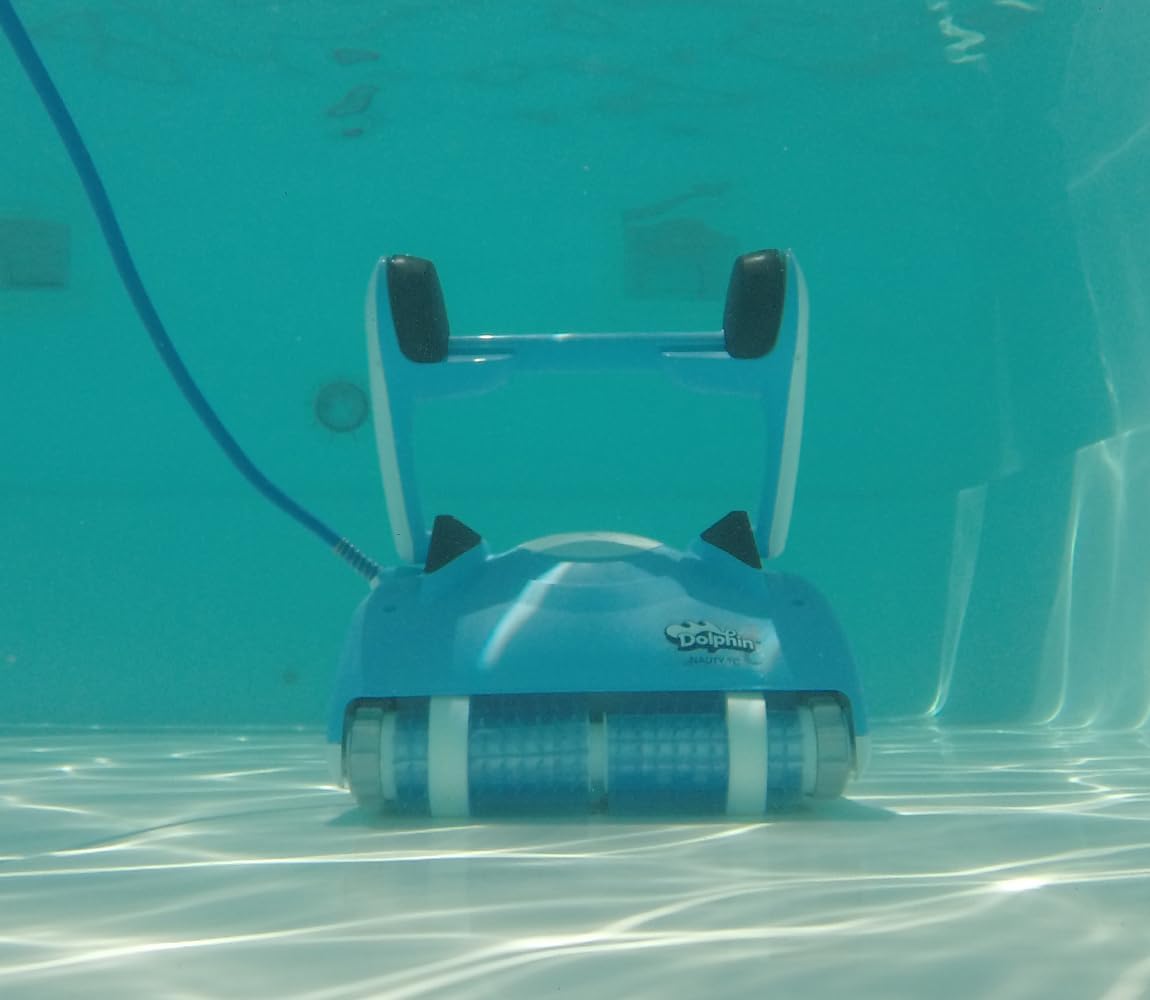
Image: A close-up view of the Dolphin Nauty TC's remote control unit alongside a filter basket, highlighting key operational components.
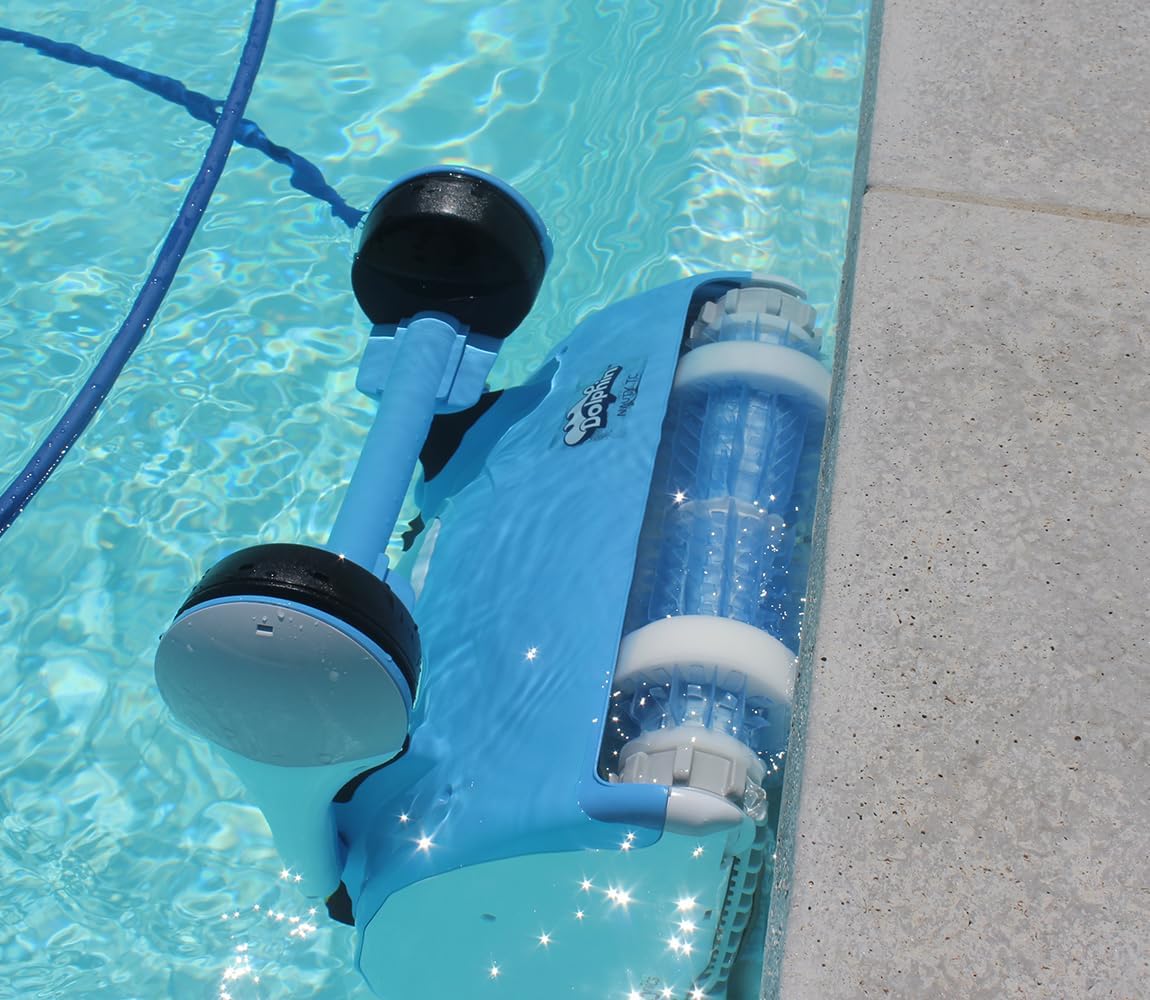
Image: The Dolphin Nauty TC robotic cleaner submerged and operating efficiently on the pool floor.
Maintenance
Regular maintenance ensures optimal performance and extends the lifespan of your Dolphin Nauty TC.
Cleaning the Filter Baskets
After each cleaning cycle, or when the filter full indicator illuminates, the filter baskets must be cleaned.
- Remove the cleaner from the pool and disconnect the power supply.
- Open the filter compartment (refer to your cleaner's specific design for latch location).
- Remove the filter baskets.
- Rinse the filter baskets thoroughly with a garden hose until all debris is removed.
- Reinsert the clean filter baskets into the cleaner and close the compartment securely.

Image: The Dolphin Nauty TC robotic cleaner displayed with its removable filter baskets, ready for cleaning.
General Cleaning and Storage
- Rinse the cleaner body with fresh water after each use to remove chlorine and debris.
- Store the cleaner in a shaded area on its caddy when not in use.
- Ensure the floating cable is neatly coiled to prevent tangling and damage.

Image: The Dolphin Nauty TC robotic cleaner conveniently stored on its caddy beside the swimming pool.
Troubleshooting
If your Dolphin Nauty TC is not operating as expected, consult the following common issues and solutions:
| Problem | Possible Cause | Solution |
|---|---|---|
| Cleaner does not move or turn on. | No power, cable disconnected, power supply fault. | Check power outlet, ensure cable is securely connected to power supply and cleaner. |
| Poor cleaning performance. | Clogged filter baskets, worn brushes, improper water chemistry. | Clean filter baskets thoroughly. Inspect brushes for wear and replace if necessary. Check pool water chemistry. |
| Cleaner does not climb walls. | Clogged filter, air in cleaner, slippery pool surface. | Clean filters. Shake cleaner gently underwater to release air. Brush pool walls to remove algae. |
| Floating cable tangles. | Improper cable management, cleaner operating too long. | Ensure sufficient cable slack. Coil cable properly after each use. Consider shorter cleaning cycles if tangling persists. |
If the problem persists after attempting these solutions, please contact customer support.
Specifications
| Feature | Detail |
|---|---|
| Model Number | DL99996056-NAU |
| Dimensions (L x W x H) | 60 x 50 x 50 cm |
| Power Source | Electric |
| Recommended Pool Length | Up to 15 meters |
| Cleaning Coverage | Floor, Walls, Waterline |
| Cleaning Cycles | 1 hour / 3 hours |
| Control | Remote Control |
| Included Accessories | Caddy, Remote Control |
Warranty and Support
Your Dolphin Nauty TC robotic pool cleaner is covered by a 2-year warranty from the date of purchase. This warranty covers manufacturing defects and malfunctions under normal use conditions.
For technical assistance, warranty claims, or to order replacement parts, please contact Dolphin customer support through their official website or your local authorized dealer. Please have your model number (DL99996056-NAU) and proof of purchase ready when contacting support.
Official Product Videos
No official product videos from the seller were found in the provided data to embed in this manual.




