
Introduction
This manual provides detailed instructions for the Runleader Multi-Voltage Battery Indicator and Hour/Voltage Gauge. This device is designed to monitor battery percentage, track total operating hours, and measure real-time battery voltage. It is compatible with various battery types and voltage configurations, making it suitable for a wide range of applications.

The indicator is versatile, supporting applications in golf carts, forklifts, motorcycles, lawn mowers, chainsaws, and scrubber machines, among others.

Setup and Installation
Follow these steps for proper installation of your Runleader battery indicator:
- Panel Cut-out: Prepare a circular panel cut-out with a diameter of φ60.50mm (2.38 inches) at your desired mounting location.
- Mounting: Insert the indicator into the cut-out and secure it using the snap-in mounting method.
- Power Connection: Connect the positive (+) and negative (-) ports of the indicator to your battery terminals. This provides power to the unit.
- Key Switch Connection (Optional): To enable normal battery power display and monitoring, connect the 'key switch' port to the positive (+) terminal.
- LED Bar and Function Lights: Ensure Port 3 is connected to Port 4 to illuminate the LED bars and function lights.


Operating Instructions
1. Battery Type and Voltage Programming
The meter is programmable for various battery types, including Lead Acid (with 3 parameter selections), GEL, LiFePO4, Trojan, AGM, 18650, and one customizable setting. You can also program applicable battery voltages (12V, 24V, 36V, 48V) using the device's buttons. Advanced parameter programming is possible via RS323 communication with the optional PG600 programmer.

2. Battery Level Display
The battery level indicator displays the remaining battery capacity as a percentage and through 10 progress bars, where each bar represents 10% of the battery's power.

3. Hour Meter (TOT) and Maintenance Timer (SVC)
This device tracks the total operating hours of the equipment (TOT function). It also features a maintenance timer (SVC function) to remind users of scheduled service. The SVC function provides a countdown, and alerts are indicated by a red backlight and flashing values.

4. Voltage Measurement and Alerts
The indicator measures real-time battery voltage and provides alerts for over-voltage or under-voltage conditions. Alerts are indicated by a red backlight and flashing values based on user-defined thresholds.

Maintenance
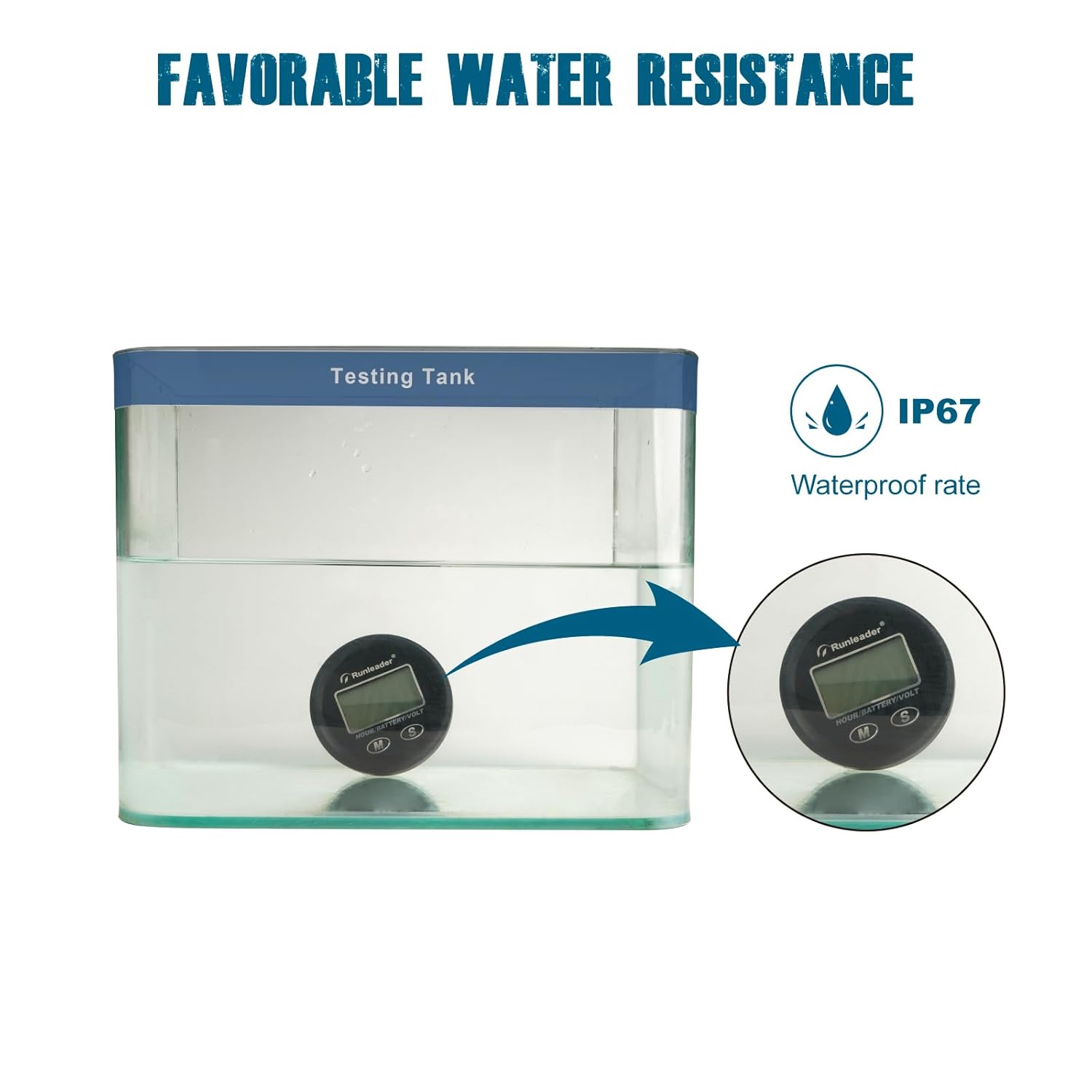
The Runleader battery indicator is designed for durability with 100% epoxy resin craft and an IP67 water resistance rating, minimizing the need for extensive maintenance.
- Cleaning: Periodically wipe the display and casing with a soft, damp cloth to remove dust and dirt. Avoid abrasive cleaners.
- Connection Check: Ensure all electrical connections remain secure and free from corrosion.
- Environmental Protection: While water-resistant, avoid prolonged submersion or exposure to harsh chemicals.

Troubleshooting
If you encounter issues with your Runleader battery indicator, consider the following common problems and solutions:
- Battery Percentage Not Updating: If the battery percentage reading does not update after initial power-on, try cycling the power to the unit. Turn it off, wait for it to power down completely, then turn it back on. This often refreshes the reading.
- No Battery Percentage or Bargraph Display: Ensure the 'key switch' wire is properly connected to the positive (+) terminal, especially if a physical key switch is not being used. This connection is crucial for the battery percentage and bargraph functions to operate correctly.
- Temporary Voltage Alarms: If the low voltage alarm triggers temporarily during equipment movement, this may be normal if the battery voltage dips below the set threshold under load. The alarm should clear once the voltage recovers. The device does not feature a configurable delay for these alarms.
- No Display: Check all power connections (positive and negative) to ensure they are secure and receiving adequate voltage from the battery.
Specifications
| Feature | Specification |
|---|---|
| Brand | Runleader |
| Model | Multi-Voltage Battery Indicator and Hour/Voltage Gauge |
| Applicable Battery Types | Lead Acid (3 types), GEL, LiFePO4, Trojan, AGM, 18650, 1 Customized |
| Applicable Voltages | 12V, 24V, 36V, 48V (programmable) |
| Min. Operating Voltage | 9 Volts |
| Voltage Measurement Range | DC 8V to 65V |
| Over Voltage Alert Range | 12V to 60V (programmable) |
| Under Voltage Alert Range | 8.5V to 59V (programmable) |
| Total Hours (TOT) Range | 0 to 99,999 hours |
| Maintenance Timer (SVC) Range | 5 to 2000 hours / OFF |
| Water Resistance Rating | IP67 |
| Panel Cut-out Size | φ60.50mm (2.38 inches) |
| Dimensions (Overall) | φ64.40mm (2.54 inches) diameter, 19.10mm (0.75 inches) depth |
| Power Source | Battery Powered |
| Certifications | CSA, IP67, RoHS, UL |
Warranty and Support
Runleader provides a 2-year warranty for this product, ensuring quality and reliability. For any technical assistance, troubleshooting, or warranty claims, please contact Runleader customer support.
For support, please refer to the contact information provided with your product packaging or visit the official Runleader website.


