
1. Introduction
Thank you for choosing the Butele Kids Smart Watch H69. This manual provides essential information for setting up, operating, and maintaining your new smartwatch. Please read it carefully to ensure proper use and to maximize the device's features.

Image 1.1: Butele Kids Smart Watch H69 (Black model).
2. What's in the Box
Upon opening the package, please verify that all items are present:
- 1 x Butele Kids Smart Watch H69
- 1 x USB Charging Cable
- 1 x User Manual (this document)
3. Setup
3.1 Charging the Smart Watch
Before first use, fully charge the smartwatch. Connect the magnetic charging cable to the charging port on the back of the watch and plug the USB end into a standard USB power adapter (not included) or a computer's USB port. The watch display will indicate charging status.
- Charging Time: Approximately 2 hours for a full charge.
- Battery Life: Up to 5-7 days of normal use, 30 days standby.

Image 3.1: Connecting the magnetic charging cable to the smartwatch.
3.2 Power On/Off
- Power On: Press and hold the side button until the screen lights up.
- Power Off: Press and hold the side button, then select 'Power Off' on the screen.
3.3 App Installation and Pairing
To unlock the full functionality of your smartwatch, download and install the companion app, "FitCloudPro", on a compatible smartphone or tablet. The app is available on major app stores.
- Download the "FitCloudPro" app.
- Open the app and create an account or log in.
- Follow the in-app instructions to pair your smartwatch via Bluetooth. Ensure Bluetooth is enabled on your smartphone/tablet.
- Once paired, the watch will automatically synchronize time and date.
3.4 Initial Settings
After pairing, you can adjust various settings through the app or directly on the watch:
- Language: Navigate to 'Settings' on the watch or in the app to select your preferred language.
- Time and Date: These will synchronize automatically upon successful pairing with the app.
- Brightness: Adjust screen brightness for optimal visibility.
4. Operating the Smart Watch
4.1 Basic Navigation
The Butele H69 Smart Watch features a full touch screen for easy interaction:
- Swipe Up/Down: Scroll through menus and notifications.
- Swipe Left/Right: Access different feature screens (e.g., activity data, heart rate).
- Tap: Select an item or confirm an action.
- Side Button: Press to return to the home screen or wake the display.

Image 4.1: Overview of smartwatch features accessible via the touch screen.
4.2 Activity Tracking
The watch automatically tracks daily activities, including steps, distance, and calories burned. Detailed data can be viewed on the watch and within the "FitCloudPro" app.
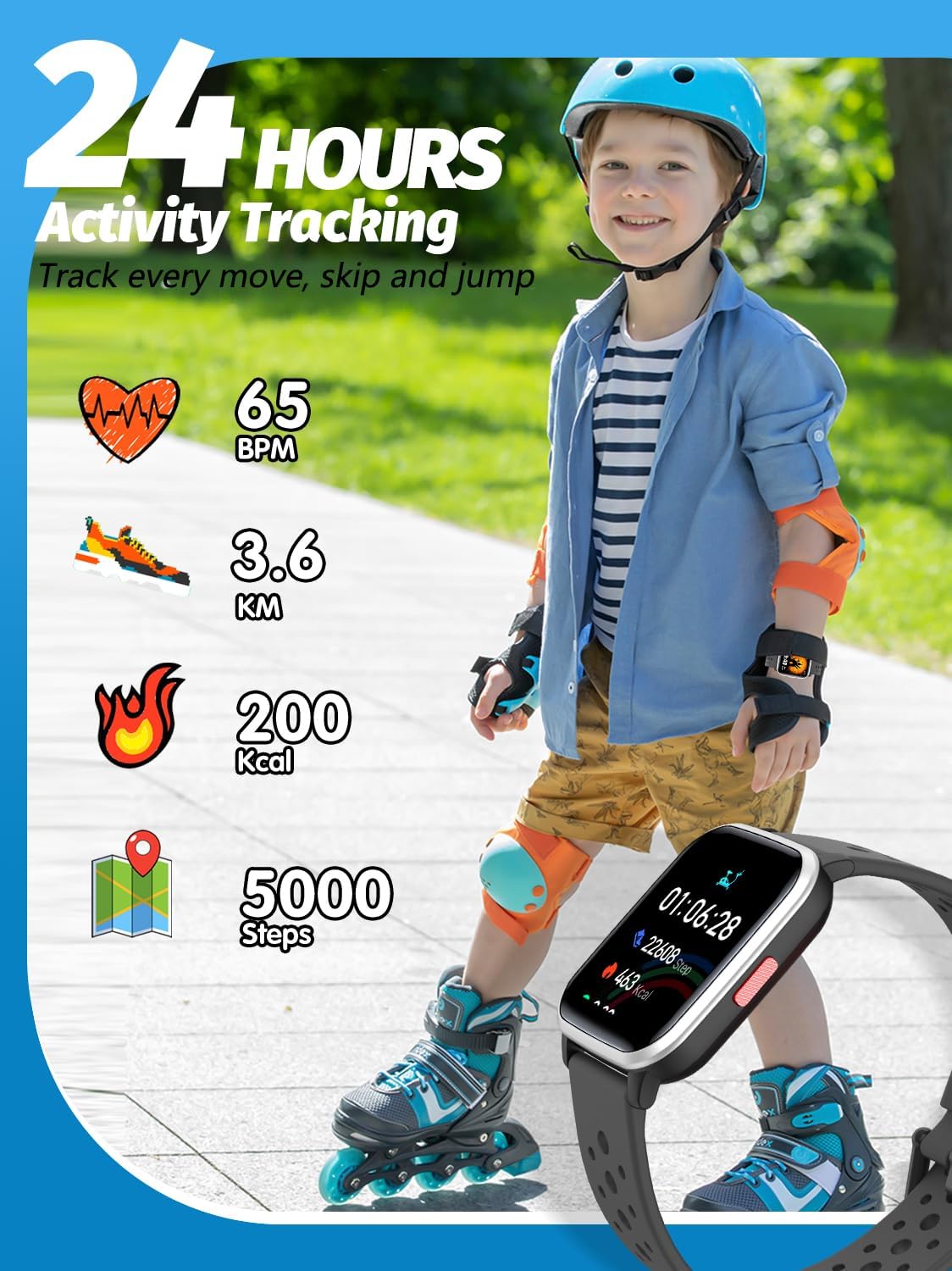
Image 4.2: The smartwatch tracks various activity metrics throughout the day.
4.3 Sports Modes
The smartwatch supports multiple sports modes to accurately track specific activities. Select a mode before starting your exercise:
- Running
- Walking
- Training
- Climbing
- Exercise Bike
- Tennis
- Table Tennis
- Skipping Rope
- Swimming
- Yoga
- Badminton
- Basketball
- Cycling
- And more...
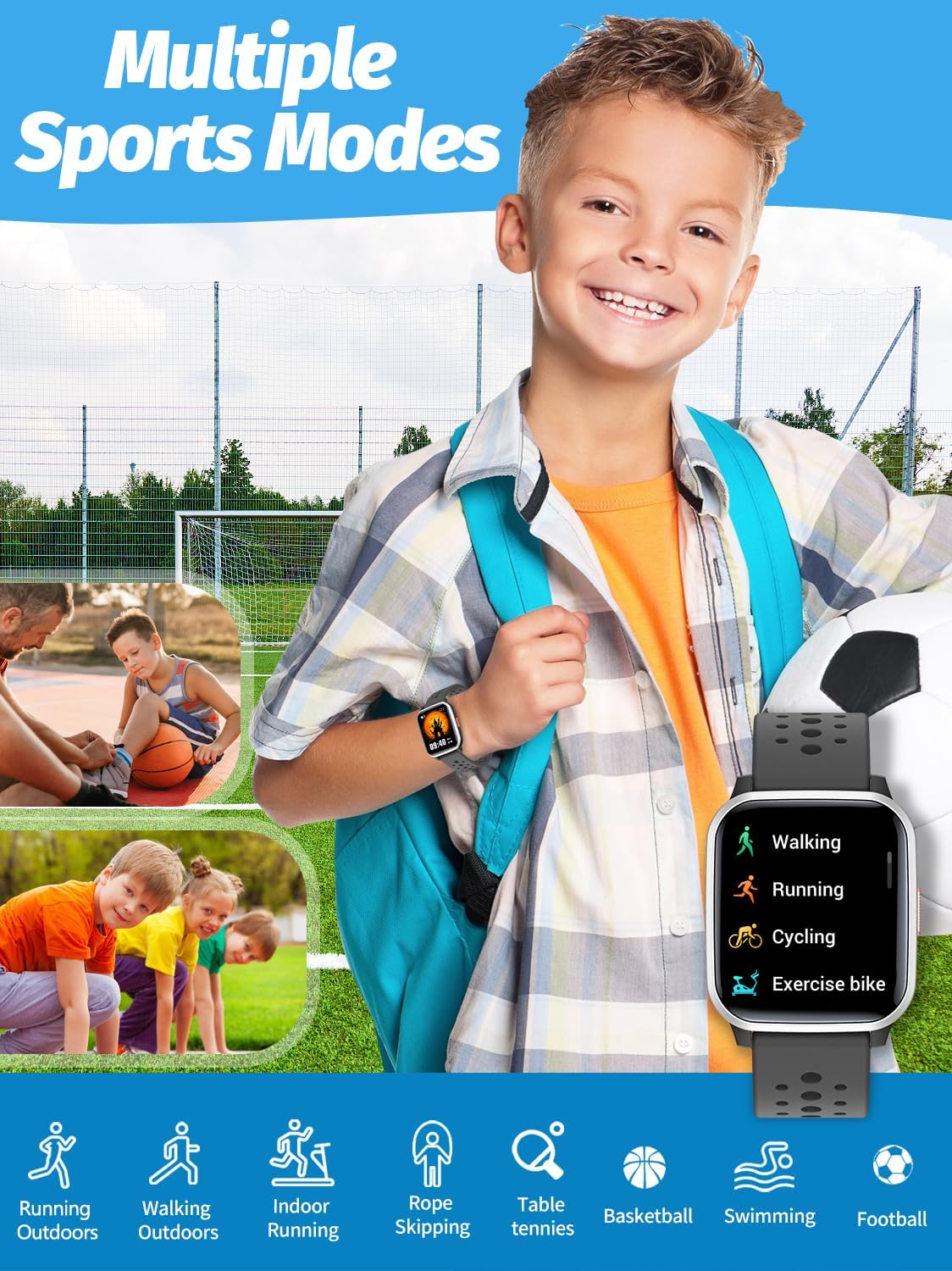
Image 4.3: The smartwatch offers various sports modes for tracking different activities.
4.4 Sleep Monitoring
The watch automatically monitors your child's sleep patterns, distinguishing between deep sleep, light sleep, and awake times. This data helps in understanding and improving sleep habits.

Image 4.4: Automatic sleep tracking provides insights into sleep quality.
4.5 Vibration Alarm Clock
Set alarms through the "FitCloudPro" app. The watch will vibrate gently to wake your child without disturbing others, promoting good morning routines.
4.6 Customization (DIY UI and Wallpapers)
Personalize the watch face by choosing from pre-installed wallpapers or uploading a favorite photo via the app. This allows for a unique and engaging user interface.

Image 4.5: Customize your watch face with multiple options or personal photos.
4.7 Additional Features
- Heart Rate Monitoring: Monitor heart rate during activities.
- Music Control: Control music playback on your paired smartphone.
- Stopwatch & Timer: Useful tools for various activities.
- Find Phone: Use the watch to locate your paired smartphone (requires the app to be running in the background).
- Message Notifications: Receive alerts for incoming calls and messages from your paired phone.
5. Maintenance
5.1 Cleaning
Regularly clean your smartwatch and strap to prevent skin irritation and maintain hygiene. Use a soft, damp cloth. Avoid harsh chemicals or abrasive materials.
5.2 Water Resistance
The Butele H69 Smart Watch is designed to be waterproof, suitable for daily activities like hand washing or playing in the rain. However, it is not recommended for hot showers, saunas, or diving, as steam and high water pressure can compromise the seals.
5.3 Battery Care
- Avoid fully discharging the battery frequently.
- Charge the watch using the provided magnetic cable only.
- Do not expose the watch to extreme temperatures.
6. Troubleshooting
| Problem | Solution |
|---|---|
| Watch does not power on. | Ensure the watch is fully charged. Connect to the charger for at least 10 minutes before attempting to power on again. |
| Cannot pair with the app. | Ensure Bluetooth is enabled on your phone and the watch. Restart both devices. Make sure the "FitCloudPro" app is updated to the latest version. |
| Inaccurate activity data. | Ensure the watch is worn snugly on the wrist. Calibrate settings in the "FitCloudPro" app if available. |
| Screen is unresponsive. | Restart the watch by holding the side button. If the issue persists, ensure the screen is clean and dry. |
For further assistance, refer to the "FitCloudPro" app's help section or contact customer support.
7. Specifications
| Feature | Detail |
|---|---|
| Model Number | H69 |
| Product Dimensions | 3.94 x 0.79 x 0.39 inches |
| Item Weight | 1.76 ounces (50 Grams) |
| Display Size | 1.4 Inches |
| Scanner Resolution | 144 x 144 |
| Human Interface Input | Touchscreen |
| Connectivity Technology | Bluetooth |
| GPS | No GPS |
| Battery Type | 1 Lithium Polymer battery (included) |
| Battery Capacity | 170 Milliamp Hours |
| Operating System | No dedicated OS (proprietary firmware) |
| Memory Storage Capacity | 32 GB |
| Manufacturer | Butele |
8. Warranty and Support
For warranty information and customer support, please refer to the purchase platform or contact Butele customer service directly. Details are typically provided with your purchase receipt or on the official product page.
Online Resources:
- Visit the official Butele website for FAQs and product updates.
- Check the "FitCloudPro" app for in-app support and guides.
9. Product Videos
Watch these videos for visual guides on using your Butele Kids Smart Watch H69.
Video 9.1: Product overview and feature demonstration (Duration: 1:39).
Video 9.2: Detailed look at smartwatch functions (Duration: 1:53).