1. Product Overview
The MEETION Foldable Keyboard and Mouse Combo is a portable and versatile input solution designed for travel, business, and everyday use with various devices. This set includes a foldable Bluetooth keyboard, a mini Bluetooth mouse, and a stand holder, all in a stylish purple color. It features USB-C rechargeable batteries for convenience and an automatic wake/sleep function to conserve power.

Image: The complete MEETION Foldable Keyboard and Mouse Combo, including the purple foldable keyboard, purple mini mouse, a brown leather carrying case, and a white phone/tablet stand, alongside a smartphone.
2. Package Contents
Please check the package contents to ensure all items are present:
- Foldable Bluetooth Keyboard (Purple)
- Mini Bluetooth Mouse (Purple)
- Stand Holder
- USB-C Charging Cable
- Portable Leather Case
- User Manual (This document, or a printed version)

Image: The individual components of the MEETION Foldable Keyboard and Mouse Combo laid out, including the purple foldable keyboard, purple mini mouse, white stand holder, and brown portable leather case.
3. Setup Instructions
3.1 Charging the Devices
Both the keyboard and mouse are USB-C rechargeable. Before first use, ensure both devices are fully charged.
- Connect the provided USB-C charging cable to the charging port on the keyboard and mouse.
- Connect the other end of the cable to a USB power source (e.g., computer USB port, wall adapter).
- A full charge typically takes approximately 2 hours.
- The devices offer a standby time of up to 150 days on a full charge.
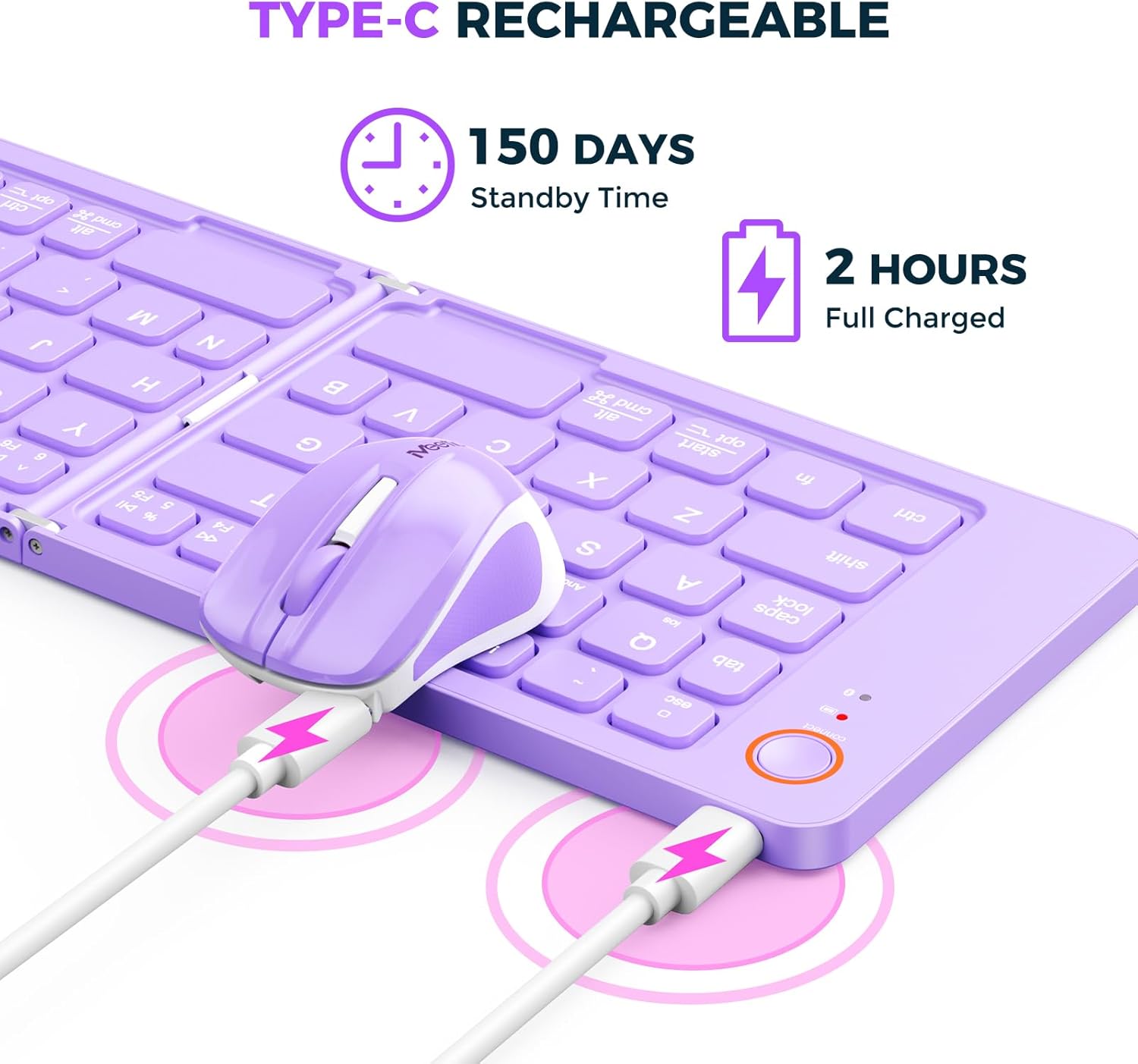
Image: A close-up view of the purple foldable keyboard and mini mouse being charged simultaneously via USB-C cables, highlighting their rechargeable feature.
3.2 Pairing via Bluetooth
Follow these steps to pair your keyboard and mouse with your device (Laptop, Tablet, Smartphone):
- For the Mouse: Locate the power switch on the bottom of the mouse and slide it to the "ON" position. The mouse will enter pairing mode automatically or by pressing a dedicated pairing button if available.
- For the Keyboard: Open the foldable keyboard. It may automatically power on. Press and hold the "Connect" button (often indicated by a Bluetooth icon or "Connect" text) on the keyboard until the indicator light starts blinking, signifying it's in pairing mode.
- On your device (laptop, tablet, or smartphone), go to the Bluetooth settings.
- Search for available Bluetooth devices. You should see "MEETION Keyboard" and "MEETION Mouse" (or similar names) appear in the list.
- Select each device one by one to pair. Follow any on-screen prompts, such as entering a pairing code.
- Once successfully paired, the indicator lights on the keyboard and mouse will stop blinking and remain solid or turn off, depending on the model.

Image: The purple foldable keyboard in a partially open state, illustrating its magnetic induction for automatic wake-up when opened and sleep when closed, which helps save energy.
Video: A demonstration of the MEETION Foldable Keyboard and Mini Mouse, showcasing its foldable design, Bluetooth pairing process, and use with a phone holder. The video highlights the ease of setup and portability.
4. Operating Instructions
4.1 Using the Keyboard
The foldable keyboard provides a full QWERTY layout for efficient typing. Due to its compact, foldable design, some key placements may differ slightly from a standard full-sized keyboard. Users may need a brief adjustment period.
- Automatic Wake/Sleep: The keyboard automatically wakes up when unfolded and enters sleep mode when folded, thanks to sensitive magnetic induction.
- Quiet Typing: The keys are designed for quiet operation, minimizing noise during use.

Image: The purple foldable keyboard and mini mouse in use on a desk, connected via Bluetooth to a tablet placed on the stand holder, with a desktop monitor in the background.
4.2 Using the Mouse
The mini Bluetooth mouse offers precise control for navigation and clicking.
- Quiet Clicking: The mouse buttons are designed for quiet clicks, providing a silent user experience.
- Portability: Its compact size makes it ideal for travel and use in various environments.
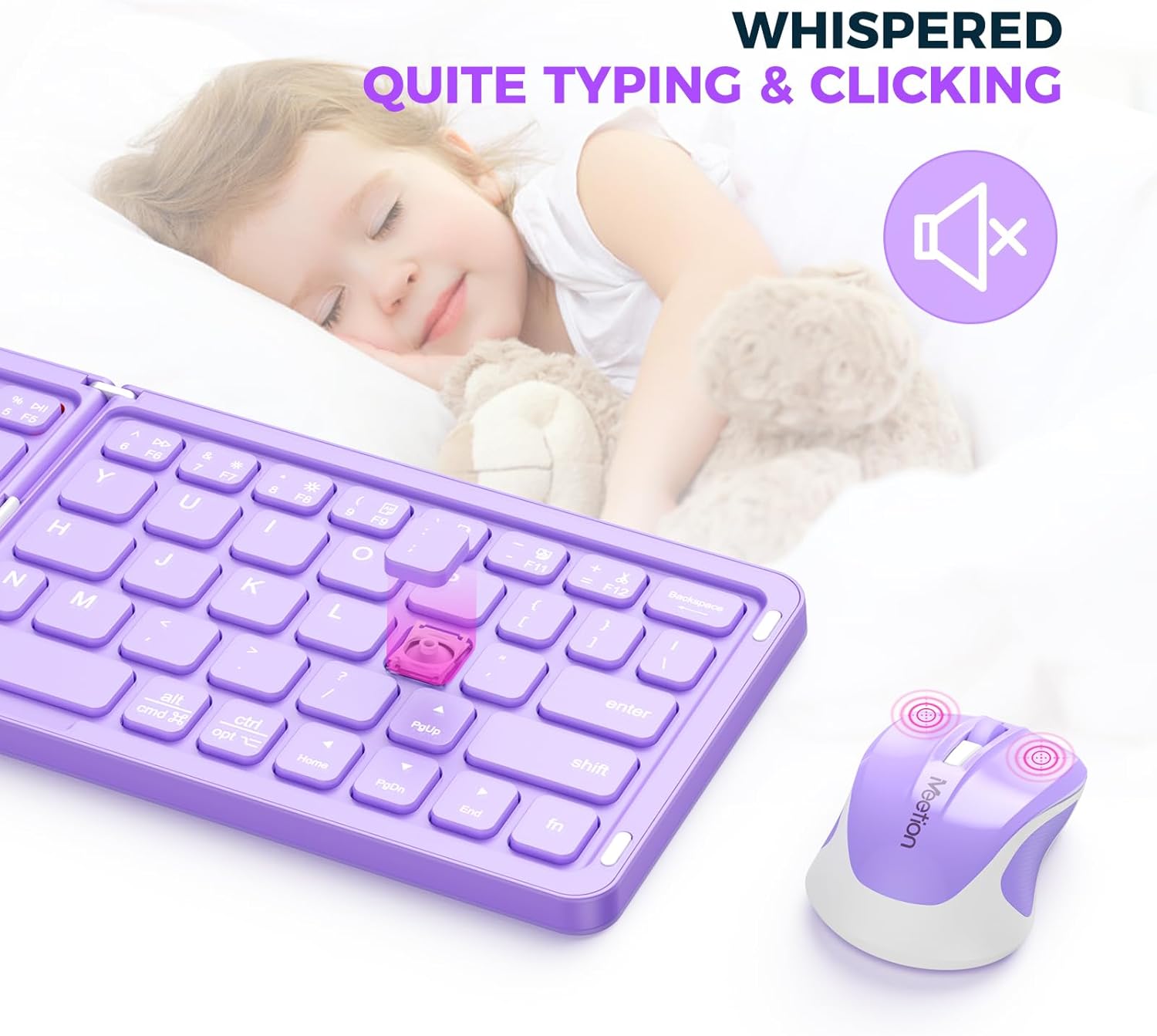
Image: A close-up of the purple foldable keyboard and mini mouse, emphasizing their quiet typing and clicking features, with a graphic indicating silence and a sleeping child in the background.
4.3 Using the Stand Holder
The included stand holder provides a stable base for your smartphone or tablet, optimizing your workspace for typing and viewing.
- Unfold the stand holder to your desired angle.
- Place your smartphone or tablet securely in the holder's groove.
5. Maintenance
To ensure the longevity and optimal performance of your MEETION Foldable Keyboard and Mouse Combo, follow these maintenance guidelines:
- Cleaning: Use a soft, dry cloth to wipe down the surfaces of the keyboard and mouse. For stubborn dirt, slightly dampen the cloth with water or a mild, non-abrasive cleaner. Avoid excessive moisture.
- Storage: When not in use, fold the keyboard and store both devices in the provided portable leather case to protect them from dust, spills, and physical damage.
- Battery Care: To prolong battery life, avoid fully discharging the devices frequently. Recharge them when the battery indicator is low. If storing for an extended period, charge them to about 50% before storage.
- Avoid Extreme Conditions: Do not expose the devices to extreme temperatures, direct sunlight, or high humidity.
6. Troubleshooting
If you encounter issues with your MEETION Foldable Keyboard and Mouse Combo, please refer to the following common solutions:
6.1 Device Not Connecting/Pairing
- Check Power: Ensure both the keyboard and mouse are powered on and have sufficient battery charge.
- Re-enter Pairing Mode: Turn off the device, then turn it back on and re-enter pairing mode (refer to Section 3.2).
- Forget Device: On your host device (laptop/tablet), "forget" or "remove" the keyboard/mouse from your Bluetooth device list, then attempt to pair again.
- Restart Devices: Restart your host device and the keyboard/mouse.
- Interference: Move closer to your host device and away from other wireless devices that might cause interference.
6.2 Keyboard Typing Incorrectly or Not Responding
- Battery Level: Check if the keyboard battery is low and recharge if necessary.
- Bluetooth Connection: Ensure the keyboard is still connected via Bluetooth. If not, re-pair it.
- Operating System Settings: Verify that your device's operating system keyboard settings are correct (e.g., language layout).
6.3 Mouse Not Responding or Cursor Jumps
- Battery Level: Check if the mouse battery is low and recharge if necessary.
- Surface: Ensure you are using the mouse on a suitable, non-reflective surface.
- Bluetooth Connection: Ensure the mouse is still connected via Bluetooth. If not, re-pair it.
- Optical Sensor: Check the optical sensor on the bottom of the mouse for any obstructions or dirt.
7. Specifications
| Feature | Detail |
|---|---|
| Brand | MEETION |
| Model | Foldable Keyboard and Mouse Combo |
| Color | Purple |
| Connectivity Technology | Bluetooth, USB (for charging) |
| Special Feature | Rechargeable, Auto Wake/Sleep (Keyboard), Quiet Typing/Clicking |
| Compatible Devices | Laptop, Tablet, Smartphone |
| Battery Life (Standby) | Up to 150 days |
| Charging Time | Approx. 2 hours for full charge |
| Item Weight | 13.7 ounces (approx. 388 grams) |
| Package Dimensions | 9.84 x 4.49 x 1.65 inches |
8. Warranty and Support
MEETION products are manufactured with high-quality standards. For specific warranty information and support, please refer to the warranty card included in your product packaging or visit the official MEETION website.
For further assistance, you may also contact Meetion Direct customer service through the platform where you purchased the product.
A PDF version of the user manual is available for download: Download User Manual (PDF)