
Evolux EA-9000
Evolux Smart Light Bulb (E26) Instruction Manual
Model: EA-9000
1. Introduction
Welcome to the Evolux Smart Light Bulb (E26) instruction manual. This guide provides essential information for the safe and efficient use of your smart bulbs, Model EA-9000. Please read this manual thoroughly before installation and operation.
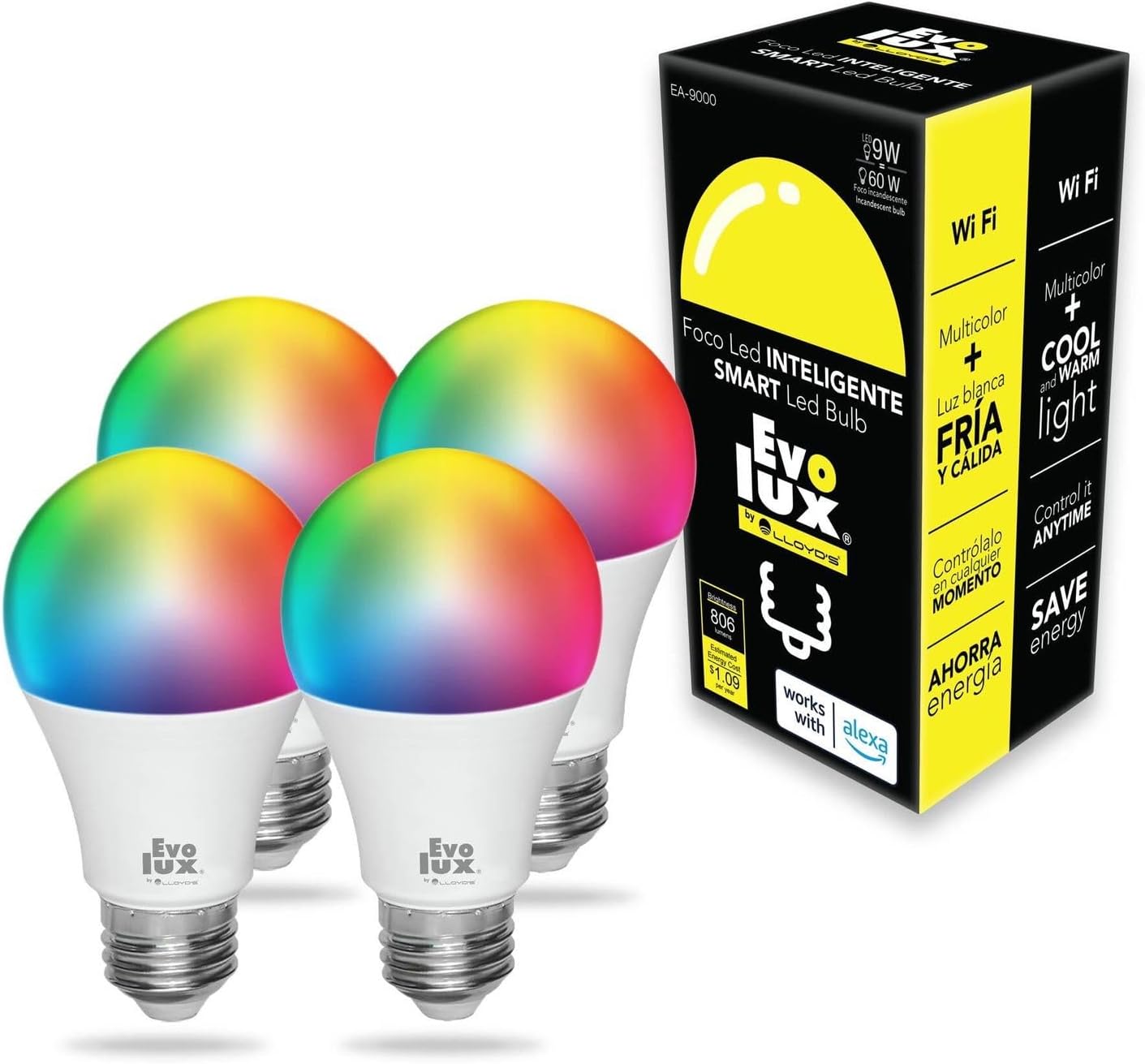
Image: Evolux Smart Light Bulb 4-pack and packaging.
2. Product Overview
The Evolux Smart Light Bulb is an E26 base LED bulb designed for smart home integration, offering customizable lighting to enhance your living spaces.
Key Features:
- Color-Changing Capabilities: Access a wide spectrum of colors to match any mood or occasion.
- Adjustable White Light: Choose between warm and cool white light options.
- Dimmable Brightness: Adjust light intensity from 1% to 100%.
- Voice Control: Compatible with Amazon Alexa for hands-free operation.
- Remote Control: Manage your lighting from anywhere using the Amazon Alexa App or Lloyd's Smart App.
- Scheduling and Routines: Program automated lighting schedules and custom routines.
- Energy Efficient: LED technology provides a long lifespan of 25,000 hours and 806 lumens output.
- Network Requirement: Operates on a 2.4 GHz Wi-Fi network.

Image: Overview of Evolux Smart Light Bulb features.
3. Setup Instructions
Follow these steps to install and connect your Evolux Smart Light Bulb:
- Step 1: Install the Bulb
Screw the Evolux Smart Light Bulb into a standard E26 light socket. Ensure the power is off before installation. - Step 2: Download the App
Download the "Lloyd's Smart" app from the App Store (for iOS devices) or Google Play Store (for Android devices). - Step 3: Register an Account
Open the Lloyd's Smart App and register a new user account. - Step 4: Add Device
In the app, tap the "+" icon (typically located in the upper right corner) to add a new device. Select "Lighting" and then "Smart Bulb." - Step 5: Connect to Wi-Fi
Enter your 2.4 GHz Wi-Fi network name and password. Note: The bulb only supports 2.4 GHz Wi-Fi networks. Ensure your mobile device and any connected smart assistants (like Alexa) are also on the same 2.4 GHz network. - Step 6: Activate Pairing Mode
Turn the light bulb's power switch OFF and ON twice. The bulb should begin to flash rapidly, indicating it is in pairing mode. Confirm this rapid flashing in the app and tap "Next." - Step 7: Device Configuration
Wait for the app to configure and connect to the device. This may take a few moments. - Step 8: Name and Finish
Once configured, you can rename the bulb to a recognizable name (e.g., "Living Room Light"). Tap "Done." - Step 9: Alexa Integration (Optional)
If you use Amazon Alexa, the bulb should be automatically discovered by your Alexa app. If not, you can manually add it through the Alexa app's device discovery feature.
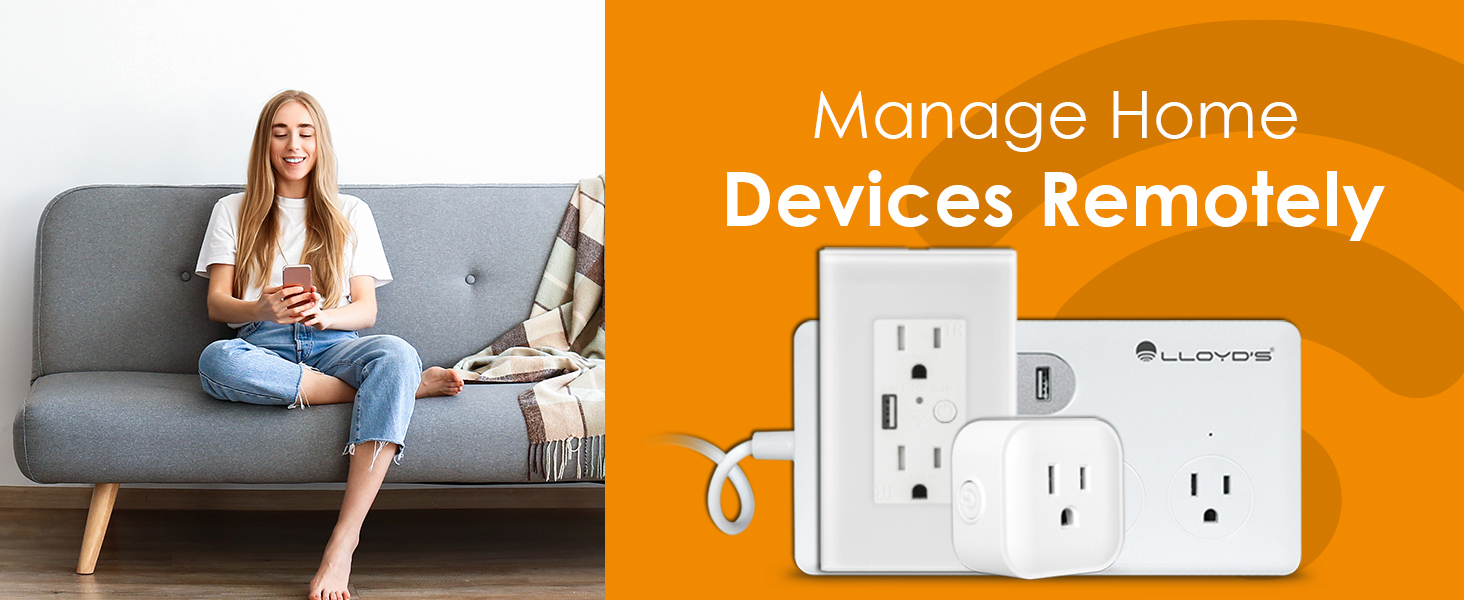
Image: Easy connection steps using the Lloyd's Smart App.
4. Operating Instructions
Control your Evolux Smart Light Bulb using voice commands or the dedicated app.
Voice Control (with Amazon Alexa):
Ensure your smart bulb is successfully connected to your Alexa device. Use the following types of commands:
- "Alexa, turn on [Bulb Name]."
- "Alexa, turn off [Bulb Name]."
- "Alexa, set [Bulb Name] to 50% brightness."
- "Alexa, set [Bulb Name] to blue color."
- "Alexa, enable party mode."

Image: Controlling the smart bulb with voice commands via Alexa.
App Control (Lloyd's Smart App / Amazon Alexa App):
Open the respective app on your smartphone or tablet to access comprehensive control options:
- Brightness Adjustment: Slide to adjust the light intensity from 1% to 100%.
- Color Selection: Choose from a wide range of colors, including warm white, cool white, and various RGB colors.
- Scene Setting: Apply pre-set lighting scenes or create your own custom scenes.
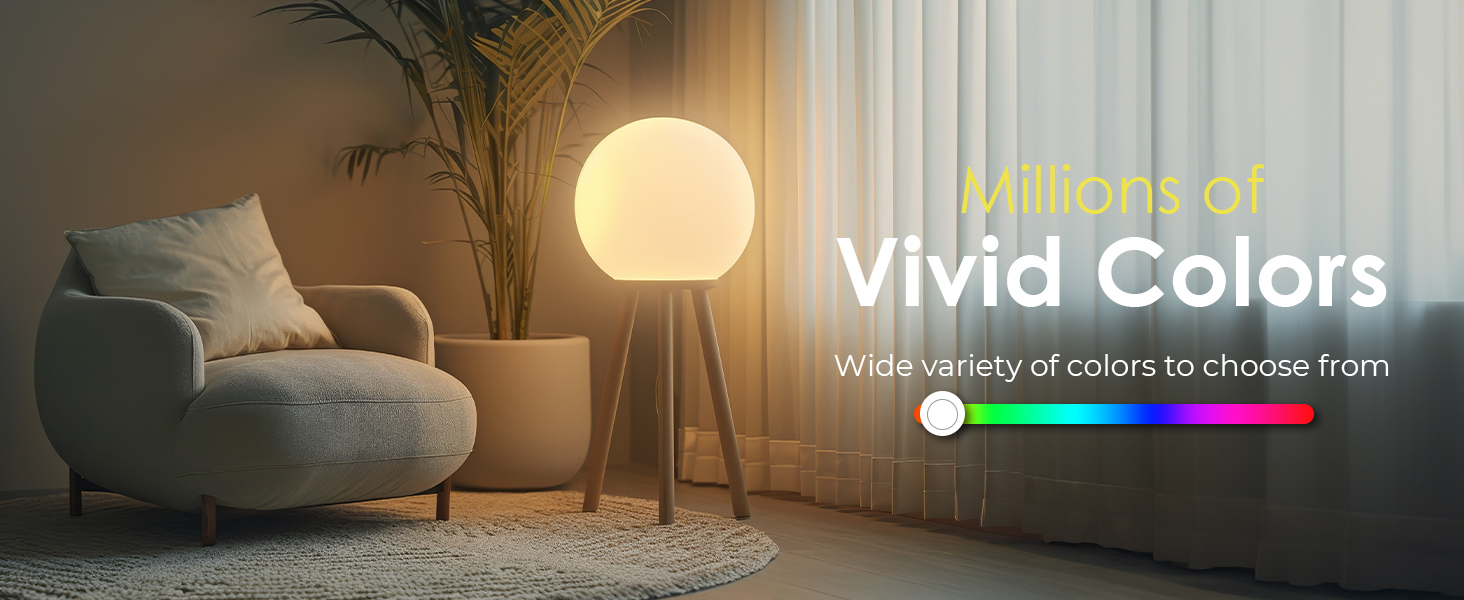
Image: Illustrating the millions of vivid colors available.
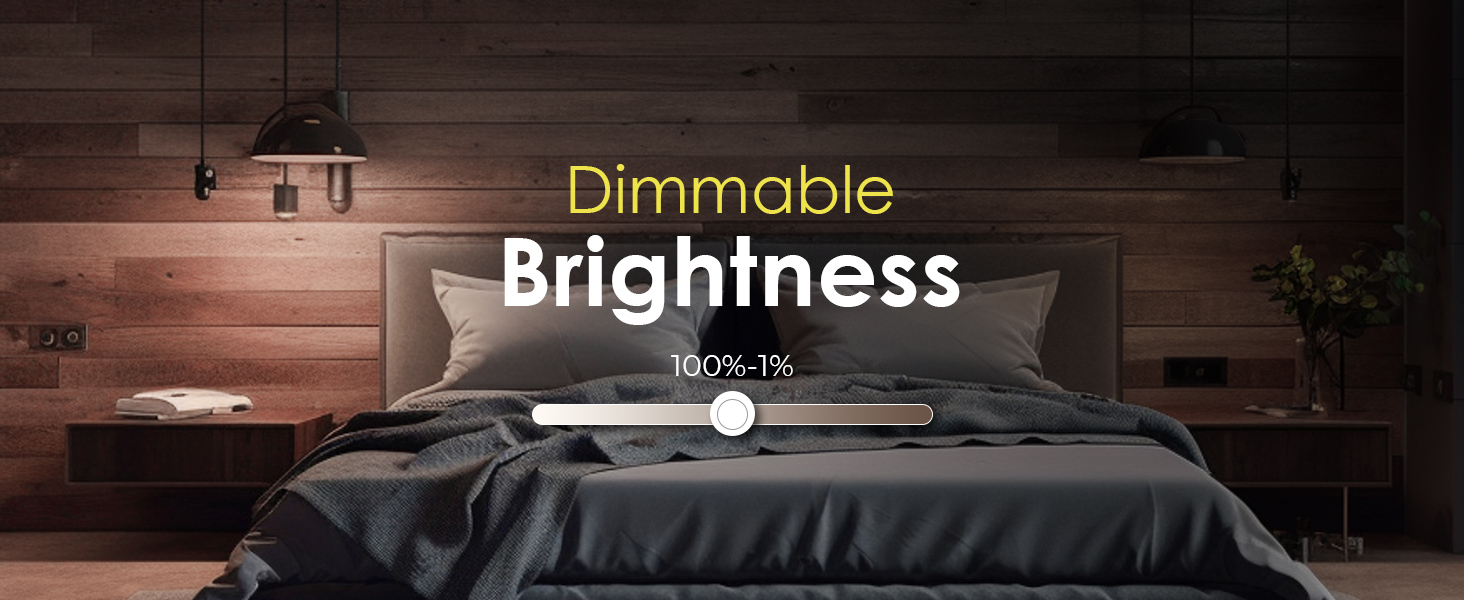
Image: Dimmable brightness feature.
Scheduling and Routines:
Automate your lighting to fit your daily schedule:
- Create Schedules: Set specific times for your lights to turn on or off.
- Program Routines: Design custom routines, such as a "Wake Up" routine that gradually brightens the light or a "Movie Night" routine that sets a specific ambiance.

Image: Programming routines from the Amazon Alexa App.
5. Maintenance
Proper maintenance ensures the longevity and optimal performance of your Evolux Smart Light Bulb.
- Cleaning: Always ensure the bulb is off and cool before cleaning. Use a soft, dry cloth to wipe the bulb. Do not use liquid cleaners or abrasive materials.
- Storage: If the bulb will not be used for an extended period, store it in a cool, dry place away from direct sunlight and moisture.
- Replacement: The Evolux Smart Light Bulb has a long operational lifespan. When replacement is necessary, ensure the power to the fixture is completely off before unscrewing the old bulb and installing a new one.
6. Troubleshooting
If you encounter issues with your Evolux Smart Light Bulb, refer to the following troubleshooting steps:
Bulb Not Connecting or Unresponsive:
- Wi-Fi Network: Confirm your Wi-Fi network is 2.4 GHz. The bulb does not support 5 GHz networks.
- Signal Strength: Check the Wi-Fi signal strength in the bulb's location. A weak signal can cause connectivity issues.
- Power Cycle: Turn the light bulb's power switch OFF and ON twice to re-enter pairing mode. Then, attempt to reconnect via the Lloyd's Smart App.
- Alexa Device Connection: If using Alexa, ensure your Alexa device is connected to the same 2.4 GHz Wi-Fi network as the smart bulb.
- Reset Bulb: If issues persist, try a full reset by power cycling the bulb multiple times (e.g., 5 times quickly) until it flashes, then re-add it through the app as a new device.
Voice Commands Not Working:
- App Status: Verify that the bulb is connected and online in the Amazon Alexa App or Lloyd's Smart App.
- Internet Connection: Check your Alexa device's internet connection.
- Bulb Name: Ensure the bulb's name is clear and easily recognizable by Alexa. Avoid complex or similar names for multiple bulbs.
Color or Brightness Issues:
- App Settings: Confirm the color and brightness settings within the control app.
- Environmental Factors: Note that perceived colors may vary slightly depending on ambient light and room decor.
7. Specifications
| Model Number | EA-9000 |
| Bulb Base | E26 |
| Light Type | LED |
| Wattage | 9W (60 watts incandescent equivalent) |
| Lumen Output | 806 Lumens |
| Voltage | 120 Volts (AC) |
| Light Color Options | Cool White, Warm White, Multicolor |
| Special Features | Dimmable, Long Lasting |
| Product Dimensions | 5.84 x 5.84 x 11.43 cm |
| Weight | 240 g |
| Lifespan | 25,000 hours |
| Connectivity | 2.4 GHz Wi-Fi only |
| Certifications | ETL, FCC STD220628NB-2-F, ISED 32592-EA-9000 |
| Manufacturer | Funzionale Home Innovations Corp. |
| Country of Origin | China |

Image: Detailed view of the smart bulb's specifications.
8. Warranty and Support
Warranty Information:
This Evolux Smart Light Bulb product is covered by a 1-year warranty from the original date of purchase. This warranty covers manufacturing defects and ensures the product meets its specified performance standards.
Customer Support:
For technical assistance, troubleshooting guidance, or to initiate a warranty claim, please refer to the contact information provided with your product packaging. You may also visit the official Evolux website for further support resources.
Ask a question about this manual
Ask about setup, troubleshooting, compatibility, parts, safety, or missing instructions. Manuals+ will review the question and use this page’s manual context to help answer it.