
FOSSIBOT F2400
FOSSiBOT F2400 Portable Power Station Instruction Manual
Brand: FOSSIBOT | Model: F2400
1. Introduction
Thank you for choosing the FOSSiBOT F2400 Portable Power Station. This high-capacity, high-power device is designed to provide reliable and stable electricity for various applications, from outdoor activities and camping to home emergency backup. Featuring a durable LiFePO4 battery and multiple output ports, the F2400 ensures your devices stay powered wherever you are.

Figure 1.1: FOSSiBOT F2400 Portable Power Station with accompanying solar panels.
2. Important Safety Instructions
Please read all safety instructions carefully before use to prevent injury or damage.
- Do not disassemble, repair, or modify the unit. Incorrect reassembly may cause fire or electric shock.
- Do not expose the unit to fire or high temperatures. Avoid direct sunlight.
- Do not store or use the unit in bathrooms or areas exposed to water or rain.
- Ensure proper ventilation during operation. Do not block the fan covers.
- Keep the unit away from children and pets.
- Use only original or certified cables and accessories.
- The F2400 features advanced BMS for protection against over-charge, over-discharge, over-voltage, over-current, short-circuit, and high-temperature.
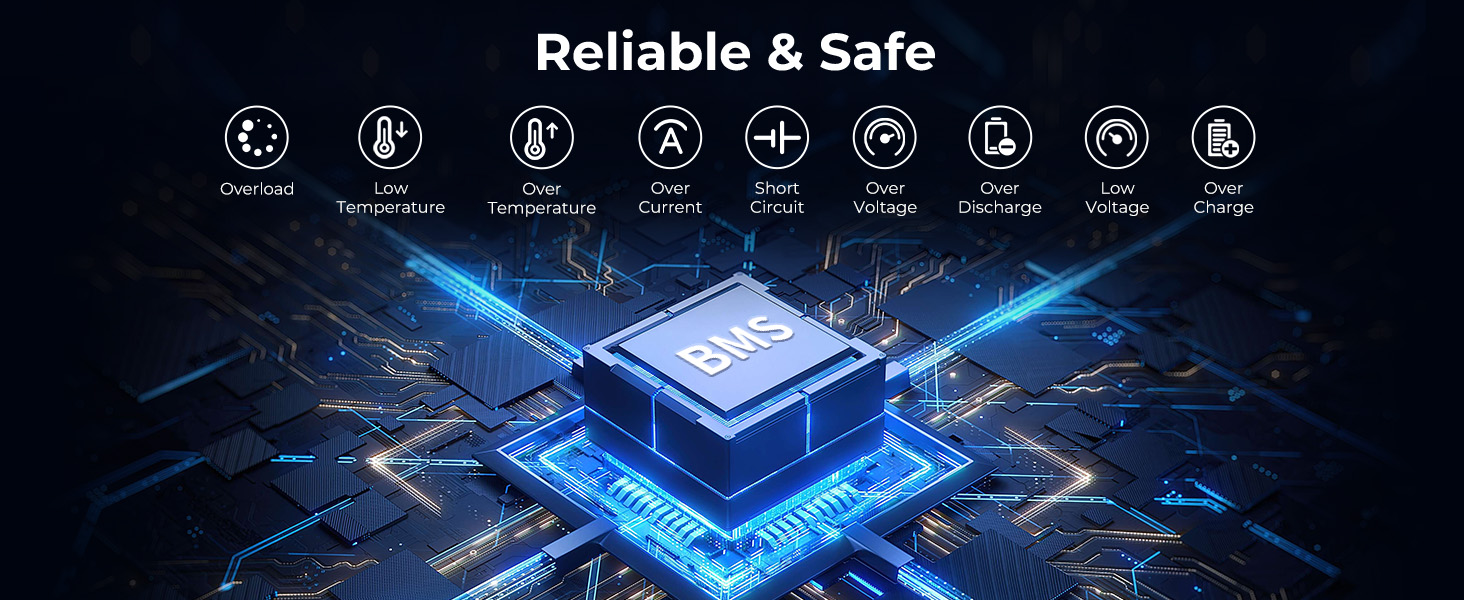
Figure 2.1: The F2400's Battery Management System (BMS) provides comprehensive protection.
3. Package Contents
Please check the package contents upon unboxing:
- FOSSiBOT F2400 Portable Power Station
- AC Charging Cable
- Solar Charging Cable
- Car Charging Cable
- User Manual
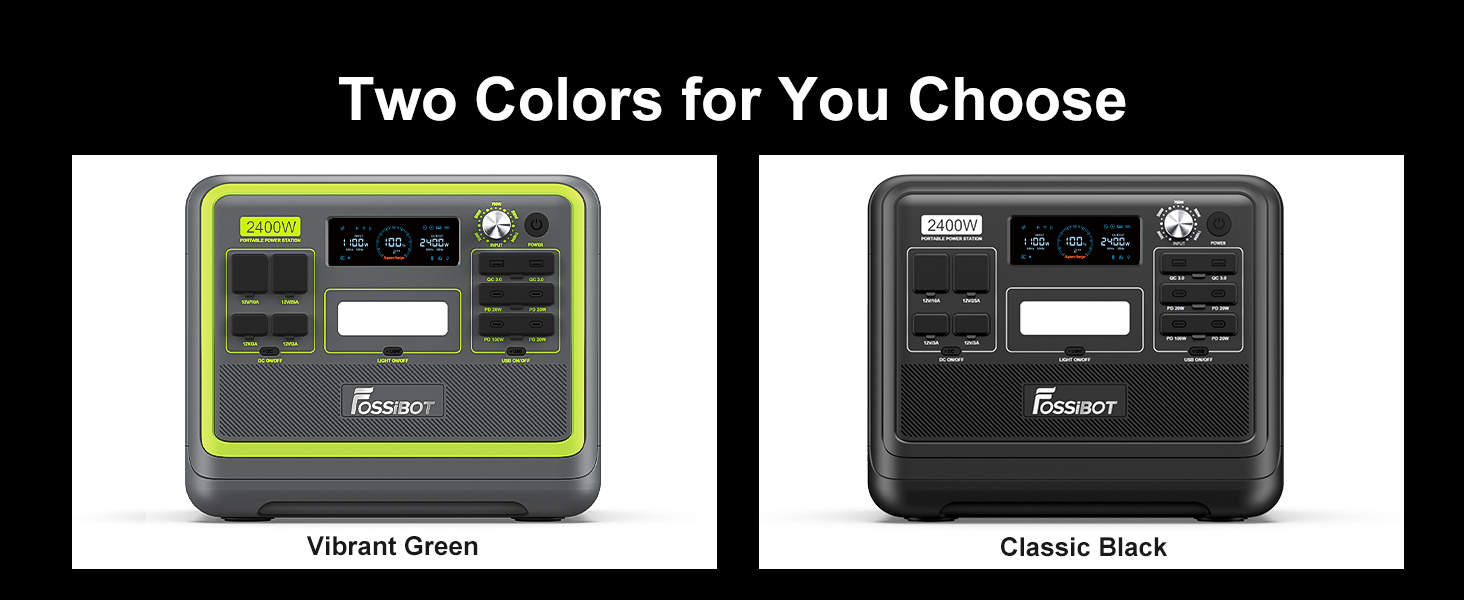
Figure 3.1: Standard Packing List for FOSSiBOT F2400.
4. Product Overview
4.1. Front Panel & Ports

Figure 4.1: Front Panel Layout and Dimensions.
- Display Screen: A 4.7-inch extra-large digital screen shows input/output wattage, battery percentage, remaining charge/discharge time, and other vital information.
- Input Knob: Adjusts input power from 300W to 1100W, controlling charging speed.
- AC Output Ports: 6 x 110V AC 2400W (4800W Peak) pure sine wave outlets.
- USB-A QC3.0 Ports: 2 ports for fast charging compatible devices.
- USB-C PD Ports: 3 x 20W PD ports and 1 x 100W PD port for high-speed charging of laptops, tablets, and smartphones.
- DC Output Ports: 2 x 12V/3A ports.
- XT-60 Output: 1 x 12V/25A port.
- Cigarette Lighter Output: 1 x 12V/10A port.
- LED Light: Features All Bright, SOS, and Strobe modes for various lighting needs.
Figure 4.2: FOSSiBOT F2400 offers 16 versatile ports for all your power requirements.
4.2. Design Features
- Integrated Handles: Ergonomic handles on top for easy portability.
- Rubber Plug Covers: Dust-proof and water-resistant covers for DC and USB output ports.
- Dual-Fan Cooling: Two cooling fans ensure optimal heat dissipation during operation.

Figure 4.3: Rubber plug covers provide dust-proof and daily life water-resistance.
5. Setup
5.1. Initial Charging
Before first use, fully charge the FOSSiBOT F2400. It supports ultra-fast AC charging, reaching 100% in approximately 2 hours. For combined AC and solar charging, it can reach full charge in 1.5 hours.
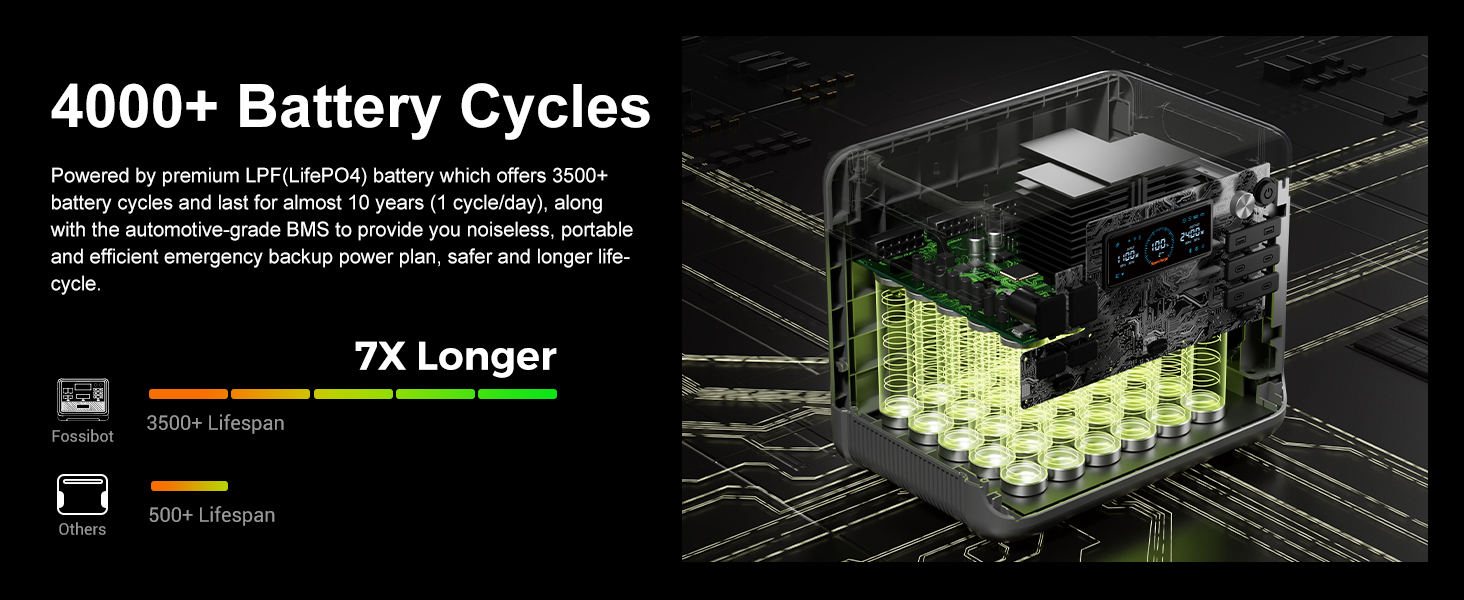
Figure 5.1: Ultra-fast charging within 1.5 hours with AC + Solar.
5.2. Fan Covers
For optimal performance and heat dissipation, ensure the fan covers on both sides of the unit are open when operating or charging.
6. Operating Instructions
6.1. Power On/Off
Press and hold the 'POWER' button for 3 seconds to turn the unit on or off. The LCD screen will light up, indicating the unit is ready for use.
6.2. Connecting Devices
Plug your devices into the appropriate AC or DC output ports. Ensure the total wattage of connected devices does not exceed 2400W to prevent overload.
6.3. Uninterruptible Power Supply (UPS)
The F2400 features a UPS function, providing continuous power. If the main power supply stops, the unit will switch to its internal battery within 8ms, ensuring uninterrupted operation for connected devices like computers or medical equipment.
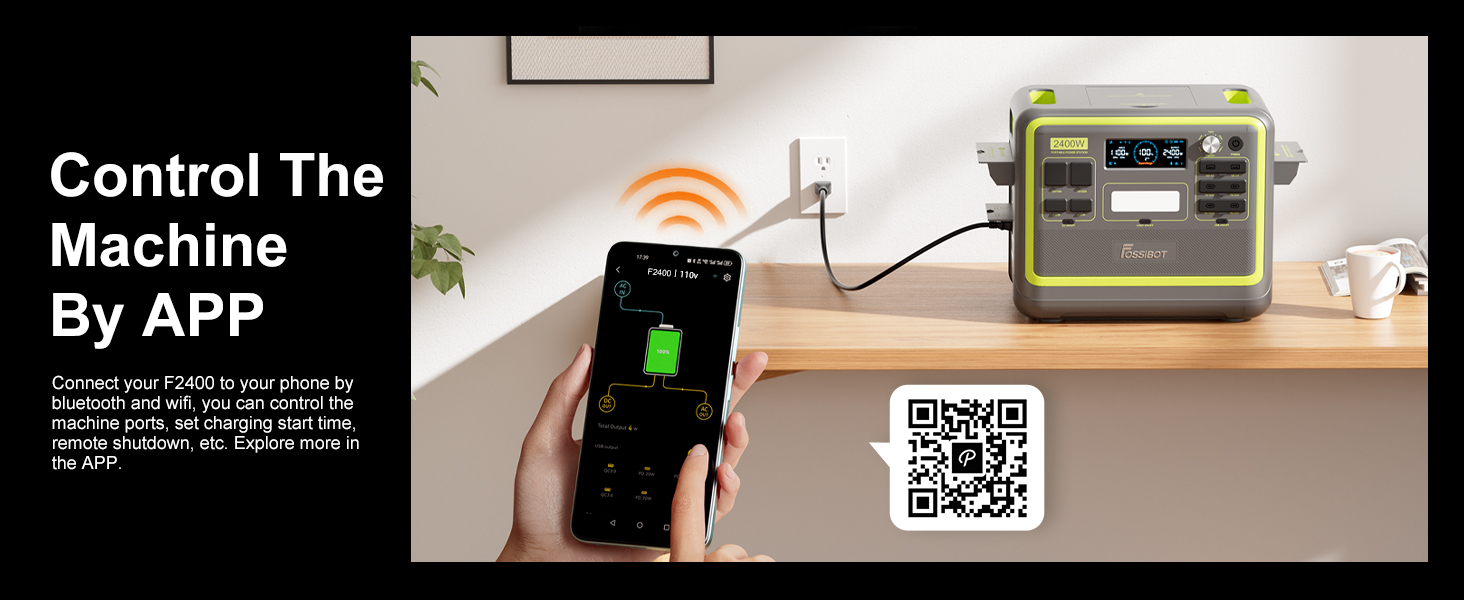
Figure 6.1: F2400 ensures continuous power with Uninterruptible Power Supply (UPS).
6.4. Smart App Control
Control your F2400 remotely via the dedicated app. Connect your power station to your phone using Bluetooth and Wi-Fi to monitor ports, set charging schedules, and initiate remote shutdowns.
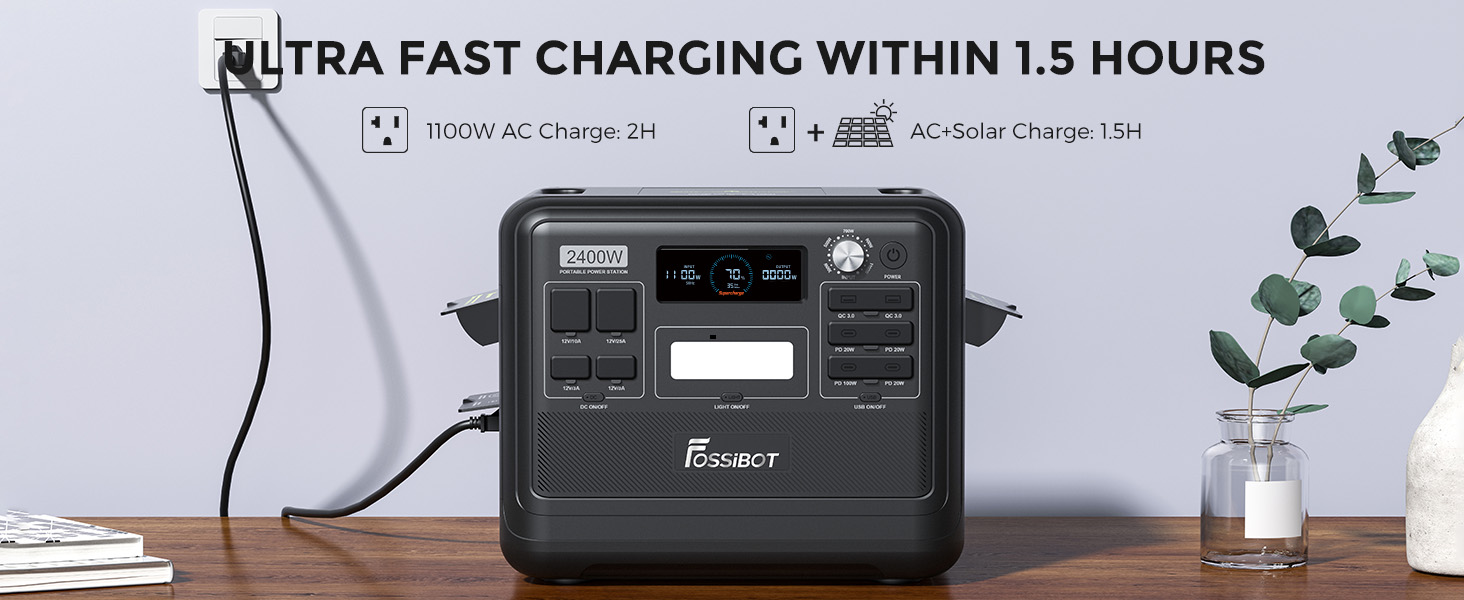
Figure 6.2: Control the F2400 via the dedicated mobile app. Download the app at https://app.sydpower.com/.
6.5. Pure Sine Wave Output
The F2400 provides a pure sine wave AC output, which is crucial for sensitive electronics. This ensures stable and clean power, preventing damage to your devices and extending their lifespan.
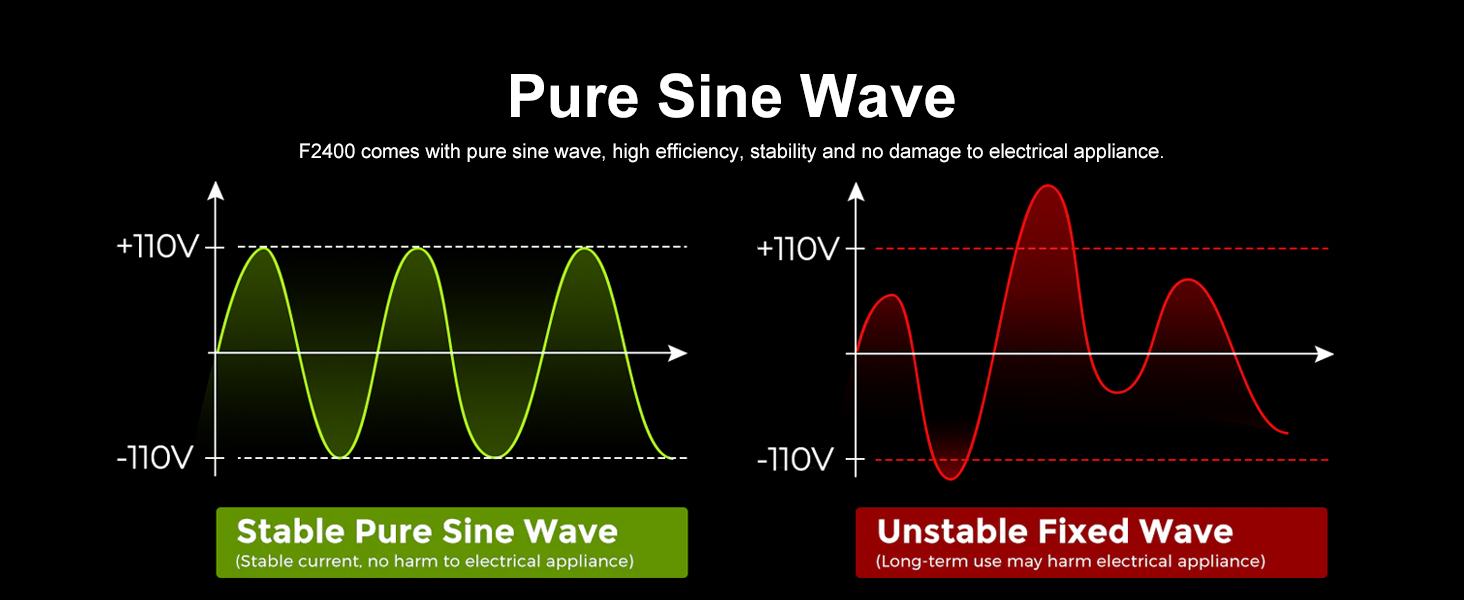
Figure 6.3: Pure Sine Wave output ensures stable and safe power for your electronics.
7. Charging Methods
The FOSSiBOT F2400 offers multiple convenient charging options:
- AC Wall Outlet: Fully charges in 2 hours (1100W AC input).
- Solar Panel: Supports up to 500W max solar input, fully charging in 4 hours.
- Car Charging: Fully charges in 17 hours via a car charger.
- AC + Solar Charging: Combined input can achieve 0% to 80% charge in just 1.5 hours.

Figure 7.1: Multiple charging methods for your convenience.
Video 7.1: Official FOSSiBOT video demonstrating the F2400's fast charging capabilities and various uses.
Video 7.2: FOSSiBOT F2400 Portable Power Station overview by the official store.
Video 7.3: F2400 Power Station features and benefits from FOSSiBOT Official Store.
Video 7.4: FOSSiBOT F2400 2048Wh Portable Power Station demonstration by the official store.
8. Maintenance
- Storage: Store the unit in a cool, dry place away from direct sunlight and extreme temperatures.
- Battery Health: For optimal battery lifespan, fully charge the unit every 3-6 months, even if not in use. The LiFePO4 battery supports over 3500 full charge cycles, offering a lifespan of almost 10 years.
- Cleaning: Use a dry, soft cloth to clean the exterior of the unit. Do not use harsh chemicals or abrasives.
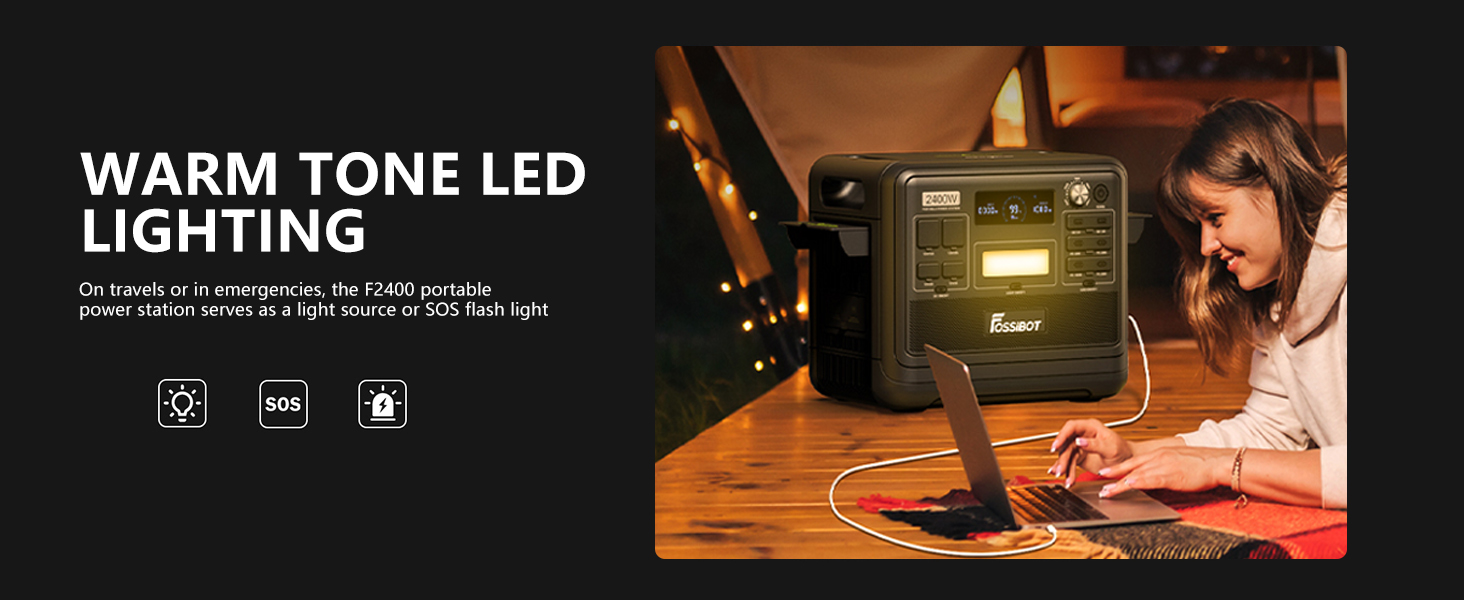
Figure 8.1: The F2400's LiFePO4 battery offers over 4000+ cycles for extended lifespan.
9. Troubleshooting
- Unit Not Turning On: Ensure the battery is charged. If the battery level is very low, connect to AC power for a few minutes before attempting to power on.
- No Output from Ports: Check if the specific output (AC/DC/USB) is enabled on the control panel or via the app. Ensure the device is properly connected and within the power limits.
- Overload Protection Activated: If an overload occurs, the unit will automatically shut down. Disconnect the overloaded device, then restart the unit.
- Overheating: If the unit becomes too hot, it may shut down. Ensure fan covers are open and the unit is in a well-ventilated area.
- Low Battery Reminder: An alarm will sound when the battery level falls below 10%, reminding you to recharge.
10. Specifications
| Feature | Detail |
|---|---|
| Model Name | F2400 |
| Battery Type | LiFePO4 |
| Capacity | 2048Wh / 640000mAh |
| AC Output Power | 2400W (Pure Sine Wave, 4800W Peak) |
| AC Input Power | 1100W Max (Adjustable) |
| Solar Input | 500W Max |
| Charging Time (AC) | 2 hours (0-100%) |
| Charging Time (AC+Solar) | 1.5 hours (0-80%) |
| Charging Time (Car) | 17 hours |
| Output Ports | 16 (6*AC, 2*USB-A QC3.0, 4*USB-C PD, 2*DC, 1*XT-60, 1*Cigarette Lighter) |
| Lifespan | 3500+ cycles to 80% capacity (approx. 10 years) |
| UPS Function | Yes (<8ms switchover) |
| Dimensions (L x W x H) | 11.2"L x 12.6"W x 15.2"H |
| Weight | 48.5 Pounds (22 kg) |
| Color | Green |
11. Warranty & Support
FOSSiBOT is committed to providing high-quality products and excellent customer service. The F2400 Portable Power Station comes with a comprehensive warranty. For specific warranty terms and conditions, please refer to the warranty card included in your package or visit the official FOSSiBOT website.
For any questions, technical assistance, or support needs, please contact our dedicated customer service team. We aim to respond to all inquiries within 24 hours.

Figure 11.1: FOSSiBOT offers lifetime specialist customer service.
Related Documents - F2400
 |
FOSSiBOT F2400 Portable Power Station User Manual | Specs, Features, and Troubleshooting Comprehensive user manual for the FOSSiBOT F2400 Portable Power Station. Learn about its features, specifications, charging methods (AC, solar, car), UPS mode, troubleshooting, and warranty. |
 |
FOSSiBOT F2400 ポータブル電源 取扱説明書 - 高出力・大容量バックアップ電源 FOSSiBOT F2400 ポータブル電源の公式取扱説明書。2400Wの高出力と2048Whの大容量で、停電、キャンプ、アウトドア活動に最適。仕様、使い方、トラブルシューティング、保証情報を提供。 |
 |
FOSSIBOT F2400 Portable Power Station User Manual User manual for the FOSSIBOT F2400 portable power station, detailing its features, operation, safety precautions, and specifications. Learn about its 2400W output, 2048Wh capacity, fast charging, and solar capabilities. |
 |
FOSSIBOT F2400 Portable Power Station User Manual Comprehensive user manual for the FOSSIBOT F2400 portable power station. Details include 2400W output, 2048Wh capacity, fast charging (1100W AC, 500W solar), multiple output ports, UPS functionality, and essential safety guidelines for reliable energy anywhere. |
 |
Fossibot F2400 Portable Power Station User Manual User manual for the Fossibot F2400 portable power station, detailing its features, specifications, operation, charging methods, and safety precautions. Features 2400W output, 2048Wh LiFePO4 battery, and fast charging. |
 |
Fossibot F2400 Portable Power Station User Manual Comprehensive user manual for the Fossibot F2400 portable power station, detailing its features, specifications, operation, safety guidelines, and maintenance. This 2400W, 2048Wh power station is suitable for various applications. |
Ask a question about this manual
Ask about setup, troubleshooting, compatibility, parts, safety, or missing instructions. Manuals+ will review the question and use this page’s manual context to help answer it.