
1. Introduction
Thank you for choosing the QERE M28 Gaming Earbuds. This manual provides essential information for setting up, operating, and maintaining your new earbuds. Please read it carefully before use to ensure optimal performance and longevity of your device.
What's in the Box:
- Wireless Earbuds (Left and Right)
- Charging Case
- USB-C Charging Cable (not explicitly listed but implied by Type-C charging image)
- User Manual
2. Safety Information
- Hearing Protection: Avoid listening at high volume levels for extended periods to prevent hearing damage.
- Water Resistance: The earbuds are IPX5 waterproof, meaning they are resistant to light rain and sweat. Do not submerge them in water or expose them to heavy rain.
- Cleaning: Use a soft, dry cloth to clean the earbuds and charging case. Do not use harsh chemicals or abrasive materials.
- Battery: Do not attempt to replace the battery yourself. Improper handling may cause overheating, fire, or injury.
- Disposal: Dispose of the product and its battery responsibly according to local regulations.
3. Product Overview
The QERE M28 Gaming Earbuds feature a compact design with a charging case. Each earbud is equipped with touch controls for easy operation.

Image 1: QERE M28 Gaming Earbuds and Charging Case. The earbuds are white and rest in their open charging case, which also features the QERE logo.
Components:
- Earbuds: Left and Right, with in-ear design.
- Charging Case: Stores and charges the earbuds.
- Touch Control Area: Located on the outer surface of each earbud.
- Charging Port: USB-C port on the charging case.
4. Setup
4.1 Charging the Earbuds and Case
Before first use, fully charge the earbuds and the charging case.
- Place the earbuds into the charging case. Ensure they are correctly seated.
- Connect the USB-C charging cable to the charging port on the case and plug the other end into a USB power source (e.g., wall adapter, computer).
- The indicator light on the case will show charging status. A full charge typically takes about 1.5 to 2 hours.

Image 2: Battery life information for QERE M28 Earbuds. Shows 6 hours per charge for earbuds and 20 hours total with the charging case, with 1.5 hours for a full charge.
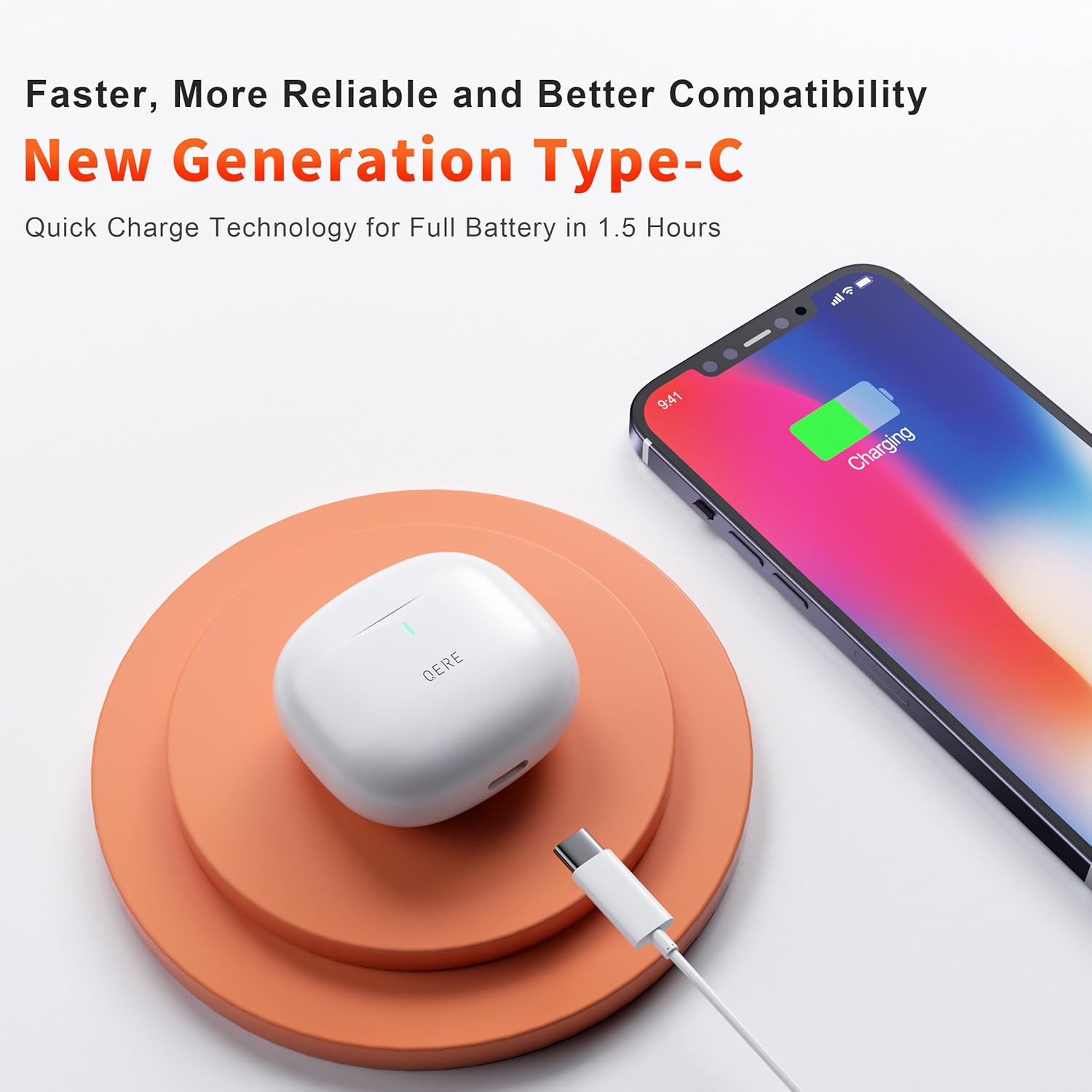
Image 3: The QERE M28 charging case connected via a USB Type-C cable to a power source, indicating quick charge technology for a full battery in 1.5 hours.
4.2 Bluetooth Pairing
The earbuds use Bluetooth 5.3 for a stable connection.
- Open the charging case. The earbuds will automatically power on and enter pairing mode. The indicator light on the earbuds will flash, indicating they are ready to pair.
- On your device (smartphone, tablet, laptop), enable Bluetooth.
- Search for available Bluetooth devices and select "QERE M28" from the list.
- Once connected, the earbud indicator lights will stop flashing, and you will hear a confirmation tone.
- The earbuds will automatically reconnect to the last paired device when taken out of the case, if Bluetooth is enabled on the device.
5. Operating Instructions
5.1 Power On/Off
- Power On: Open the charging case, and the earbuds will power on automatically.
- Power Off: Place the earbuds back into the charging case and close the lid. They will power off and begin charging.
5.2 Wearing the Earbuds
Gently insert the earbuds into your ears and rotate them slightly to find a comfortable and secure fit. This ensures optimal sound quality and noise isolation.
5.3 Touch Controls
The QERE M28 earbuds feature sensitive touch controls for managing audio playback and calls.
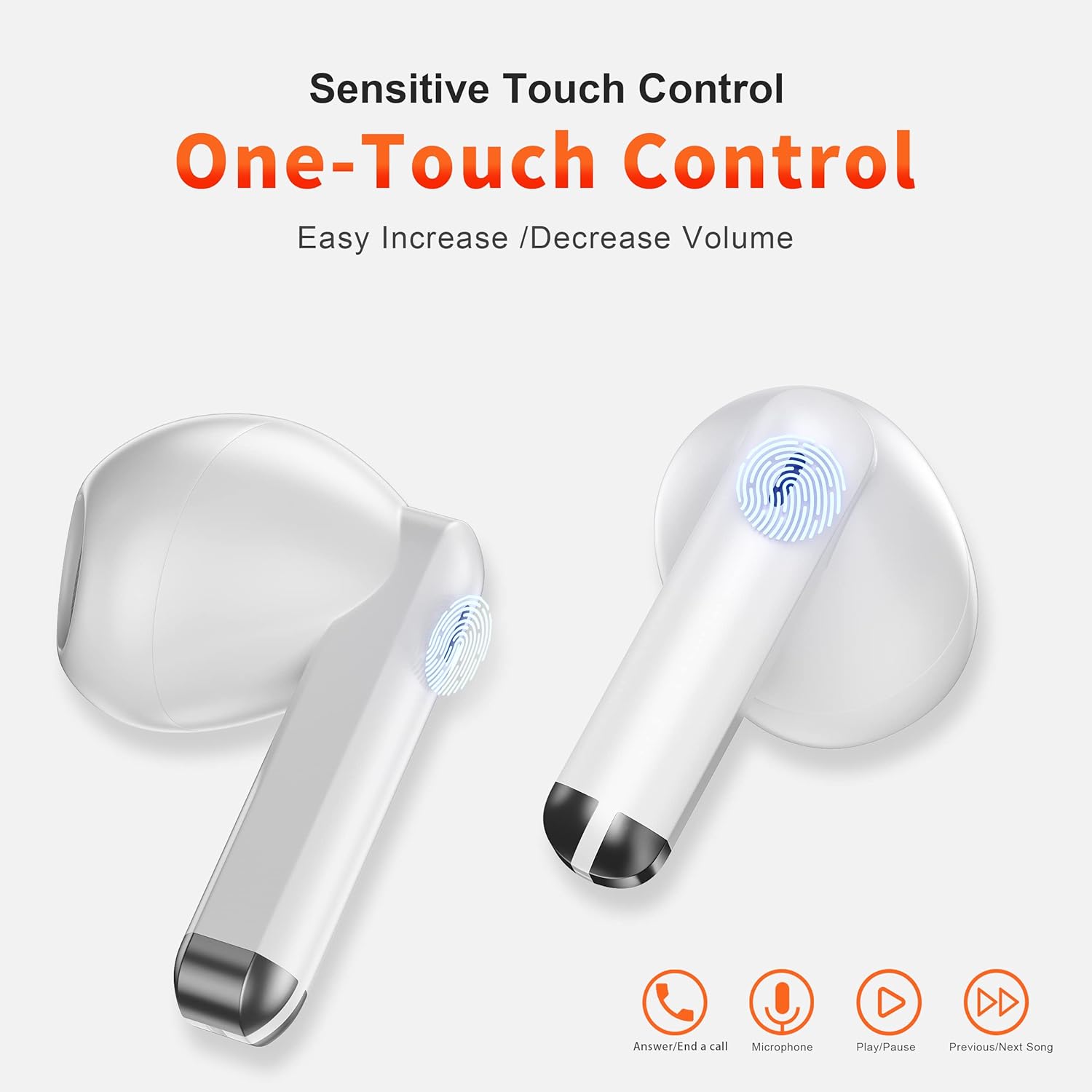
Image 4: Diagram illustrating the touch control functions on the QERE M28 earbuds, including answering/ending calls, microphone activation, play/pause, and previous/next song.
| Function | Action |
|---|---|
| Play/Pause | Single tap on either earbud |
| Next Song | Double tap on the Right earbud |
| Previous Song | Double tap on the Left earbud |
| Answer/End Call | Single tap on either earbud |
| Reject Call | Press and hold either earbud for 2 seconds |
| Activate Voice Assistant | Triple tap on either earbud (functionality may vary by device) |
| Volume Up | Press and hold Right earbud |
| Volume Down | Press and hold Left earbud |
5.4 Gaming Mode (Low Latency)
The M28 earbuds feature a 60ms ultra-low latency mode, ideal for gaming and video playback to ensure synchronized audio and visuals.

Image 5: A person playing a mobile game with QERE M28 earbuds, highlighting the 60ms ultra-low latency for a smooth game experience.
To activate/deactivate gaming mode, refer to the specific instructions that may be provided with the product packaging or through the manufacturer's app, if available. (Specific activation method not provided in product data).
5.5 Environmental Noise Cancellation (ENC)
The earbuds incorporate Environmental Noise Cancellation technology with dual microphones to reduce ambient noise during calls, ensuring crystal-clear communication.
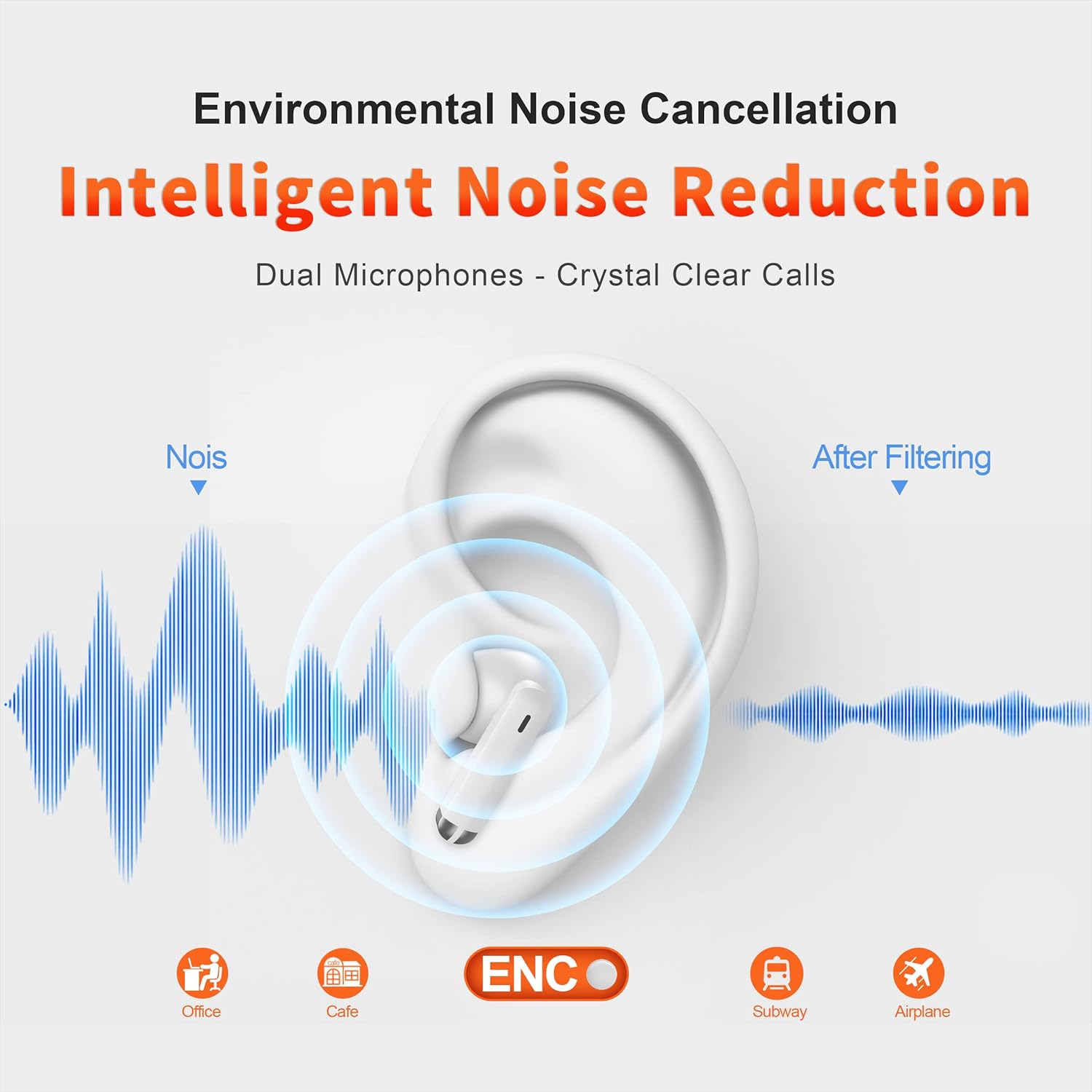
Image 6: A diagram illustrating how Environmental Noise Cancellation (ENC) works with dual microphones to reduce noise, showing sound waves before and after filtering in various environments like office, cafe, subway, and airplane.
6. Maintenance
6.1 Cleaning
- Regularly clean the earbuds and charging case with a soft, dry, lint-free cloth.
- Do not use liquid cleaners or aerosols directly on the device.
- Ensure the charging contacts on both the earbuds and the case are clean and dry to prevent charging issues.
6.2 Storage
When not in use, store the earbuds in their charging case to protect them from dust and damage. Store the case in a cool, dry place away from extreme temperatures.
6.3 Water Resistance
The earbuds are rated IPX5 waterproof, offering protection against splashes and sweat. This makes them suitable for workouts and light outdoor activities.
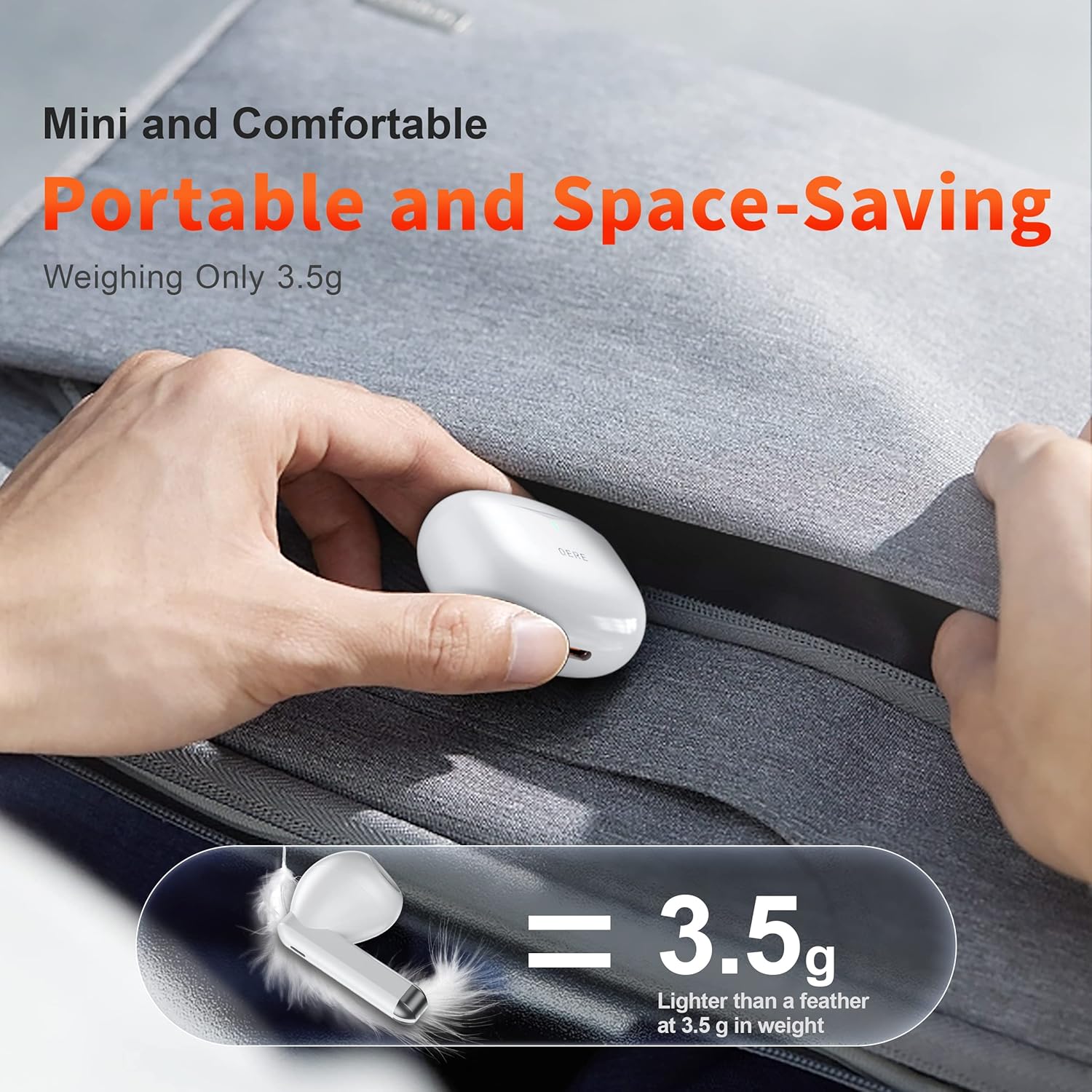
Image 7: The QERE M28 charging case and earbuds on a wet surface, illustrating their IPX5 waterproof rating against light rain, accidental splashing, and sports sweating.
Do not submerge the earbuds in water or expose them to high-pressure water jets.
7. Troubleshooting
| Issue | Possible Solution |
|---|---|
| Earbuds not pairing |
|
| Only one earbud working |
|
| No sound or low volume |
|
| Charging issues |
|
7.1 Factory Reset
If you experience persistent issues, a factory reset may resolve them. (Specific reset instructions are not provided in the product data. Please refer to the manufacturer's official support or product packaging for detailed reset steps if needed.)
8. Specifications
| Feature | Specification |
|---|---|
| Model Name | M28 (Item Model Number: E28) |
| Bluetooth Version | 5.3 |
| Bluetooth Range | 35 Feet |
| Battery Life (Earbuds) | Up to 14 Hours |
| Total Playtime (with Case) | Up to 20 Hours |
| Charging Time | Approx. 1.5 - 2 Hours |
| Audio Latency | 60 Milliseconds |
| Water Resistance | IPX5 (Waterproof) |
| Noise Control | Sound Isolation / Environmental Noise Cancellation (ENC) |
| Control Method | Touch Control |
| Material | Polycarbonate (PC) |
| Item Weight (Earbud) | 3.5 Grams (approx. 0.124 ounces) |
| Dimensions | 2 x 1.7 x 1 inches (Product Dimensions) |
| UPC | 767461944143 |
9. Warranty and Support
QERE products are designed for reliability and performance. For warranty information, please refer to the documentation included with your purchase or visit the official QERE website.
If you encounter any issues or have questions regarding your QERE M28 Gaming Earbuds, please contact customer support through the retailer where you purchased the product or via the manufacturer's official support channels.