
ZIYOU LANG M5
ZIYOU LANG M5 RGB Lightweight Wired Gaming Mouse User Manual
Model: M5 | Brand: ZIYOU LANG
Introduction
This manual provides comprehensive instructions for the ZIYOU LANG M5 RGB Lightweight Wired Gaming Mouse. Designed for optimal gaming performance, the M5 features a lightweight honeycomb shell, customizable RGB lighting, adjustable DPI settings, and programmable buttons. Please read this manual thoroughly to ensure proper setup, operation, and maintenance of your device.
Product Overview
The ZIYOU LANG M5 is a high-performance wired gaming mouse engineered for precision and comfort. Its ultralight design, combined with advanced optical sensor technology, provides a responsive and accurate gaming experience.

Image: ZIYOU LANG M5 RGB Lightweight Wired Gaming Mouse, showcasing its honeycomb design and RGB lighting.
Setup
1. Connecting the Mouse
- Locate an available USB port on your computer.
- Plug the USB connector of the ZIYOU LANG M5 mouse into the USB port.
- Your computer should automatically detect and install the necessary drivers.
2. Driver Software Installation (Optional, for advanced customization)
To unlock the full potential of your ZIYOU LANG M5 mouse, including programmable buttons and advanced RGB settings, it is recommended to install the official driver software. The software can typically be found on the manufacturer's website. Follow the on-screen instructions for installation.
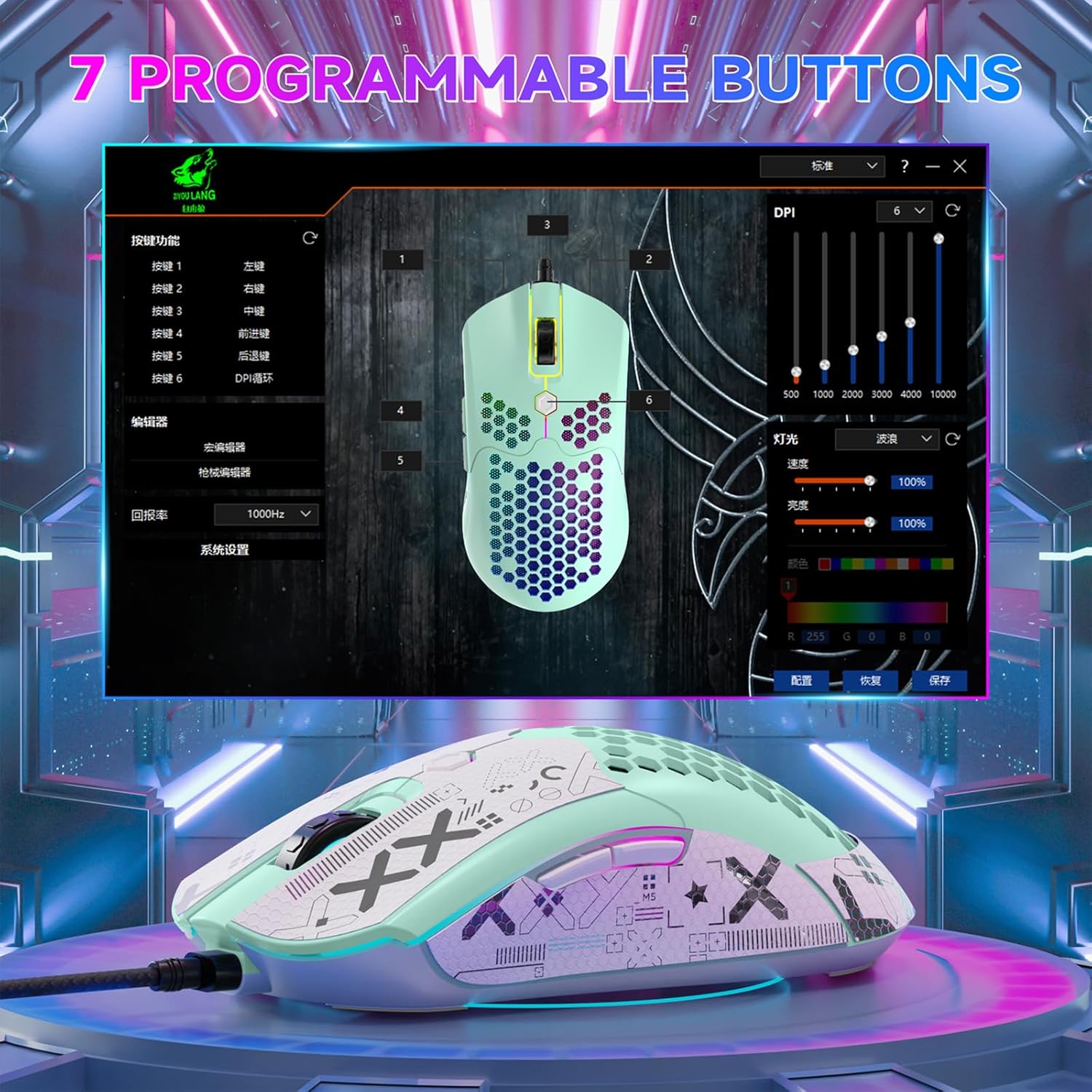
Image: The ZIYOU LANG M5 mouse displayed alongside its driver software interface, illustrating customization options for buttons and lighting.
Operating Instructions
1. Basic Mouse Functions
- Left Click: Primary action button.
- Right Click: Secondary action button, typically for context menus.
- Scroll Wheel: Scrolls content up or down. Can also be pressed for a middle-click function.
- Forward/Backward Buttons: Located on the side, these buttons typically navigate web pages or folders. Their functions can be customized via the driver software.
2. DPI Adjustment
The ZIYOU LANG M5 mouse features 6 adjustable DPI levels, allowing you to change cursor sensitivity on the fly. The DPI button is usually located below the scroll wheel.
- Press the DPI button to cycle through the following sensitivity levels: 800 / 1600 / 2400 / 3200 / 6400 / 12000 DPI.
- Each DPI level may be indicated by a specific LED color or pattern (refer to software for detailed indicators).
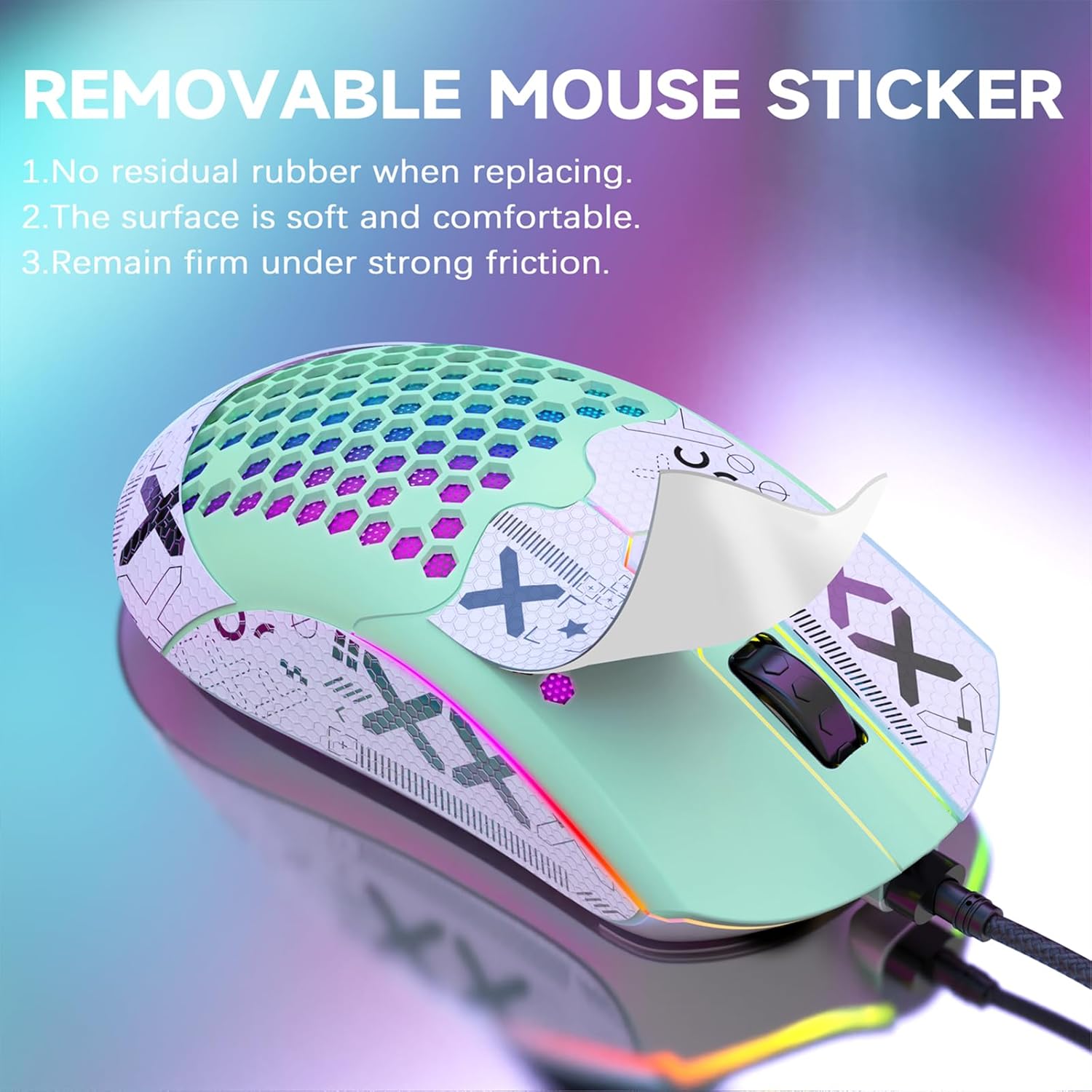
Image: A visual representation of the ZIYOU LANG M5 mouse demonstrating its 6 adjustable DPI levels, from 800 DPI to 12000 DPI.
3. RGB Lighting Effects
The mouse is equipped with 26 built-in RGB lighting modes. You can customize the lighting to match your setup or preference.
- Locate the RGB button, typically on the underside of the mouse.
- Press the RGB button to cycle through the various lighting effects.
- You can also choose to turn off the lighting if desired.
- Further customization of lighting effects (colors, speed, patterns) is available through the driver software.
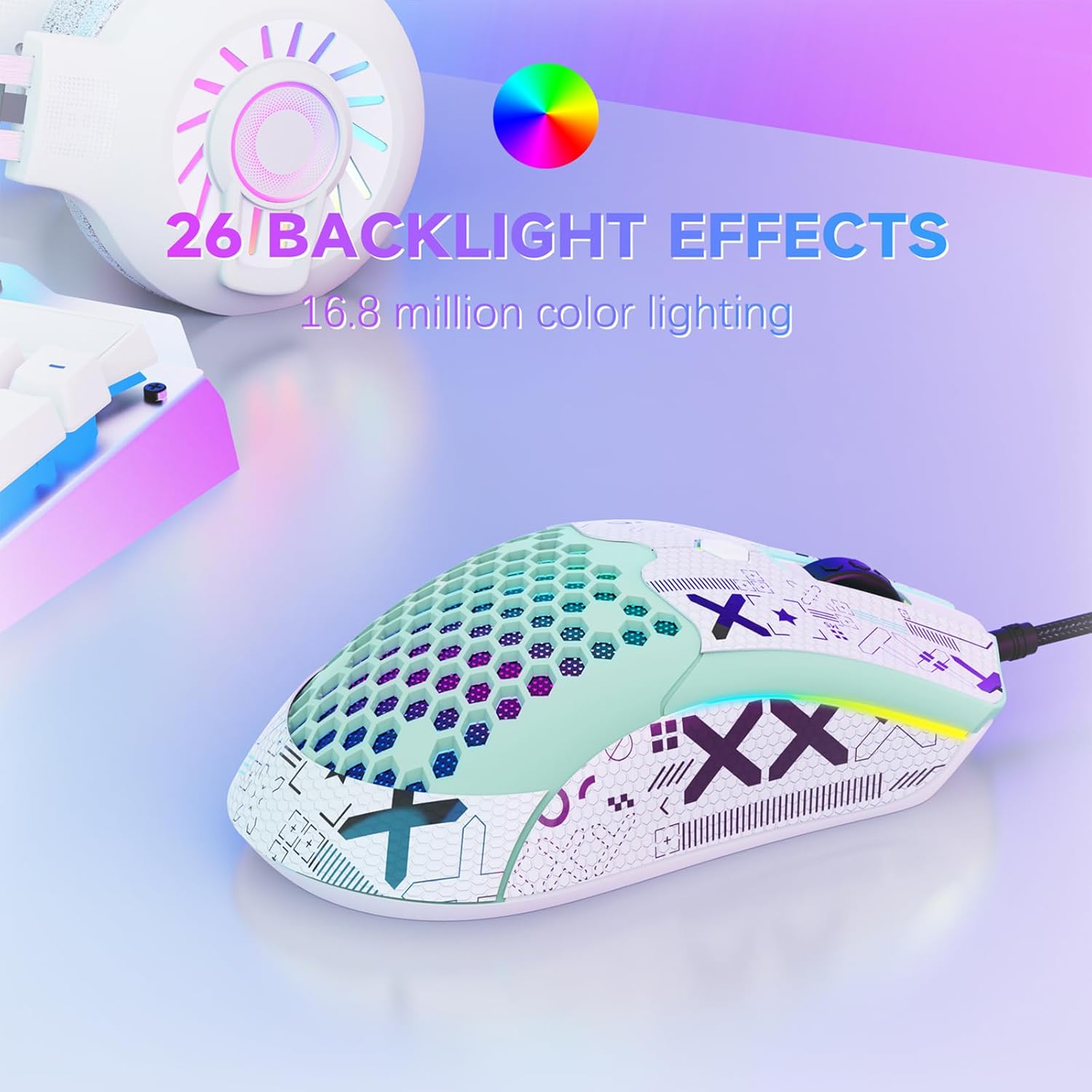
Image: The ZIYOU LANG M5 mouse showcasing its vibrant RGB backlight effects, highlighting the 16.8 million color lighting capabilities.
Video: Official product video demonstrating the various RGB lighting effects of the ZIYOU LANG M5 Pro RGB Lightweight Wired Gaming Mouse.
4. Programmable Buttons
The ZIYOU LANG M5 features 7 programmable buttons. These buttons can be reconfigured and assigned complex macro functions using the mouse driver software.
- Install the driver software (see Setup section).
- Open the driver interface to access button customization options.
- Assign key functions, adjust light speed, and set DPI values according to your preferences.
Maintenance
1. Cleaning
- To clean the mouse, use a soft, damp cloth.
- Avoid using alcohol or harsh chemical cleaners, as these may damage the surface or materials.
- The honeycomb design is conducive to heat dissipation and prevents hand perspiration, but regular cleaning helps maintain hygiene.
2. Removable Mouse Stickers / Grip Tape
The mouse comes with removable anti-slip grip tape. These can be replaced without leaving residual adhesive.
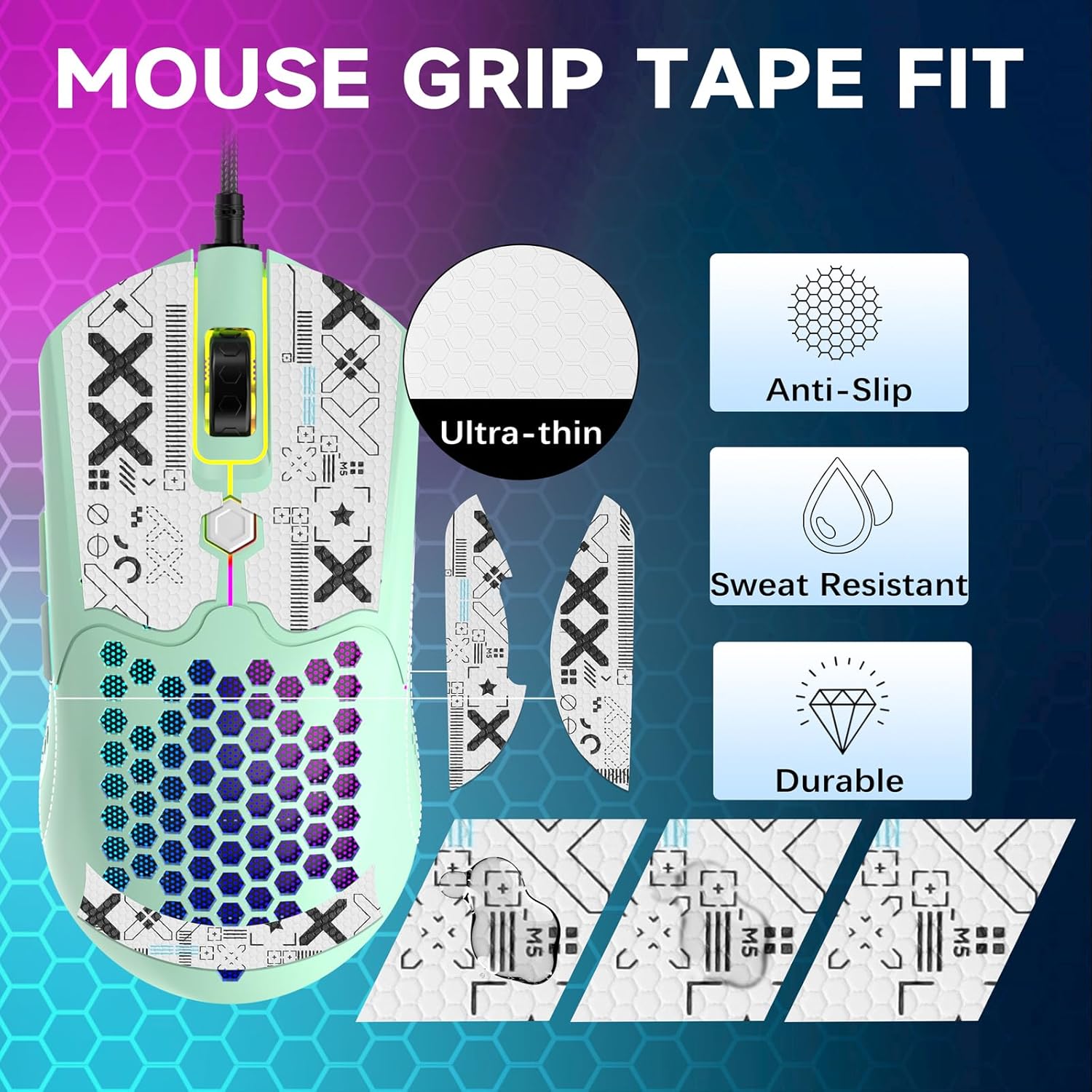
Image: The ZIYOU LANG M5 mouse with its anti-slip grip tape, highlighting features like ultra-thin, anti-slip, sweat-resistant, and durable properties.
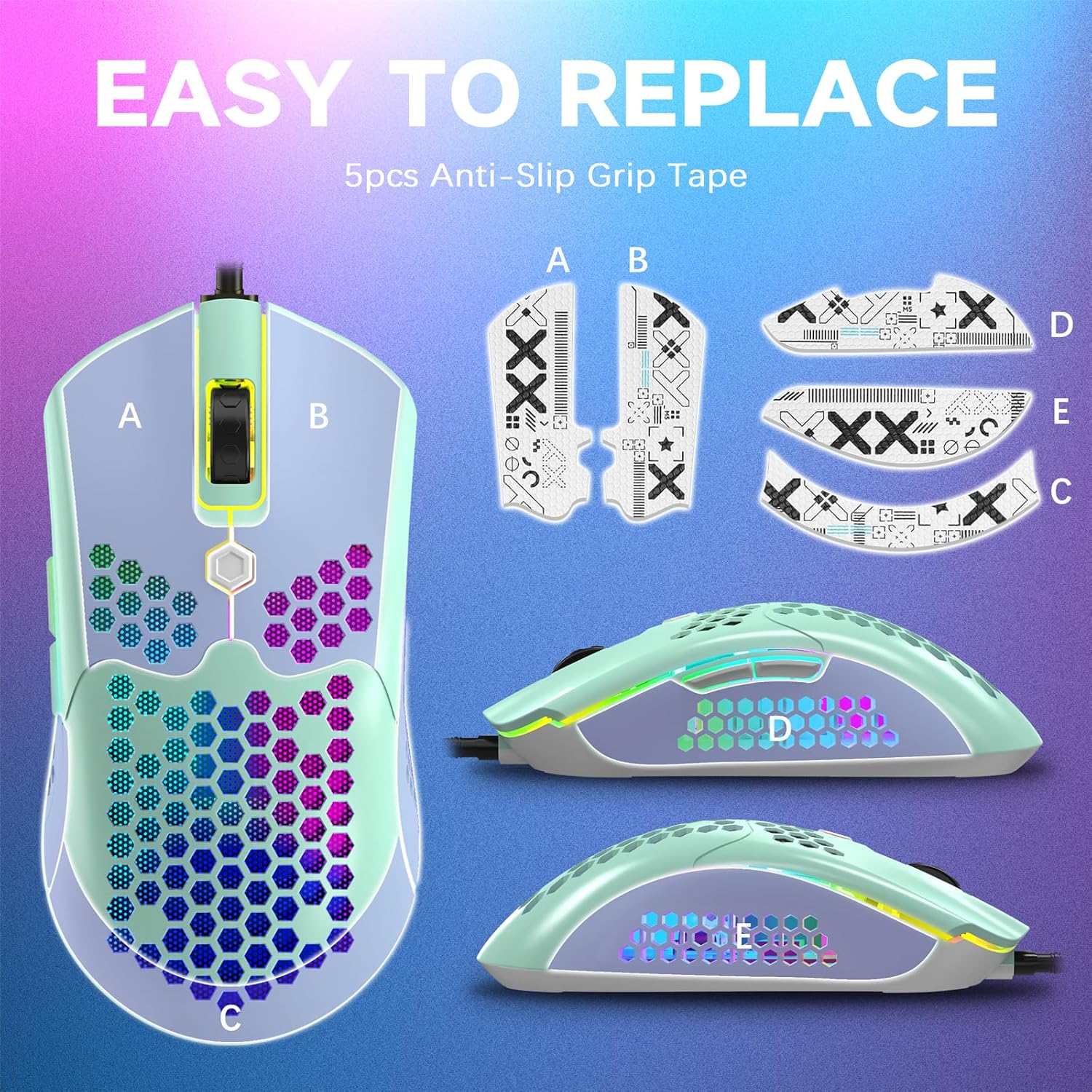
Image: A diagram illustrating how to easily replace the 5-piece anti-slip grip tape on the ZIYOU LANG M5 mouse.
Troubleshooting
- Mouse not responding: Ensure the USB cable is securely plugged into a working USB port. Try a different USB port or computer to isolate the issue.
- DPI or RGB not changing: Confirm that the driver software is installed correctly and running. Ensure you are pressing the correct buttons for DPI and RGB mode changes.
- Buttons not programmable: Make sure the driver software is installed and you are using it to configure the buttons. Some functions may require specific software settings.
- Intermittent connection: Check the USB cable for any damage. Ensure there are no loose connections.
Specifications
| Brand | ZIYOU LANG |
| Model | M5 |
| Connectivity Technology | USB, Wired |
| Movement Detection Technology | Optical (Pixart PAW3325 Sensor) |
| DPI Levels | 800 / 1600 / 2400 / 3200 / 6400 / 12000 |
| Programmable Buttons | 7 |
| RGB Lighting | 26 modes |
| Weight | 65g (2.29 ounces) |
| Product Dimensions | 4.78 x 3.03 x 0.04 inches |
| Cable Length | 1.7m |
| Switch Life | 20 million cycles |
Warranty and Support
For warranty information and technical support, please refer to the official ZIYOU LANG website or contact their customer service directly. Specific warranty terms may vary by region and retailer.
Related Documents - M5
 |
M2 Wired RGB Gaming Mouse - User Manual and Specifications Detailed specifications and features of the M2 Wired RGB Gaming Mouse by ZIYOULANG. Learn about its DPI settings, button functions, RGB lighting, and system compatibility. |
 |
Ziyoulang G6 Triple Mode Gaming Mouse User Manual Comprehensive user manual for the Ziyoulang G6 Triple Mode Gaming Mouse, covering specifications, installation, usage, and safety precautions. Features RGB lighting and adjustable DPI. |
 |
VALKYRIE VK M5 Pro Lite Wireless Gaming Mouse User Manual This document provides instructions for the ziyoulang VALKYRIE VK M5 Pro Lite Wireless Gaming Mouse. It guides users on how to operate the product by following the included manual and offers customer service assistance if needed. |
 |
Ziyoulang Mechanical Keyboard User Manual - Features, Setup, and Support Comprehensive user manual for the Ziyoulang Mechanical Keyboard, covering safety information, instructions for use, features, troubleshooting FAQs, and after-sales service. |
 |
SMAILWOLF M5 Mouse User Manual - Features, Setup, and Specifications Comprehensive user manual for the SMAILWOLF M5 wireless gaming mouse. Learn about its PAW3311 sensor, multi-mode connectivity (Bluetooth, 2.4G, Wired), DPI settings, indicator lights, and connection procedures. |
 |
LANG TheWell 2 C020 Benutzerhandbuch: Bedienung, Wartung & Fehlerbehebung Umfassendes Benutzerhandbuch für das LANG TheWell 2 Getränkesystem (Modell C020). Erfahren Sie, wie Sie das Gerät installieren, bedienen, warten und Fehler beheben für optimale Leistung. |