Introduction
The Elite Screens Spectrum AcousticPro UHD Series is an electric motorized screen designed for both residential and commercial wall/ceiling installations. The AcousticPro UHD material is engineered to allow sound to pass through with minimal attenuation, complementing in-wall speaker systems. Its tight perforated weave ensures superior acoustic transparency without compromising picture quality.

Product Features
- 100-inch Diagonal Screen: 16:9 Aspect Ratio. View Size: 49.0" H x 87.2" W. Overall Size: 61.9" H x 100.2" W. Features a black case.
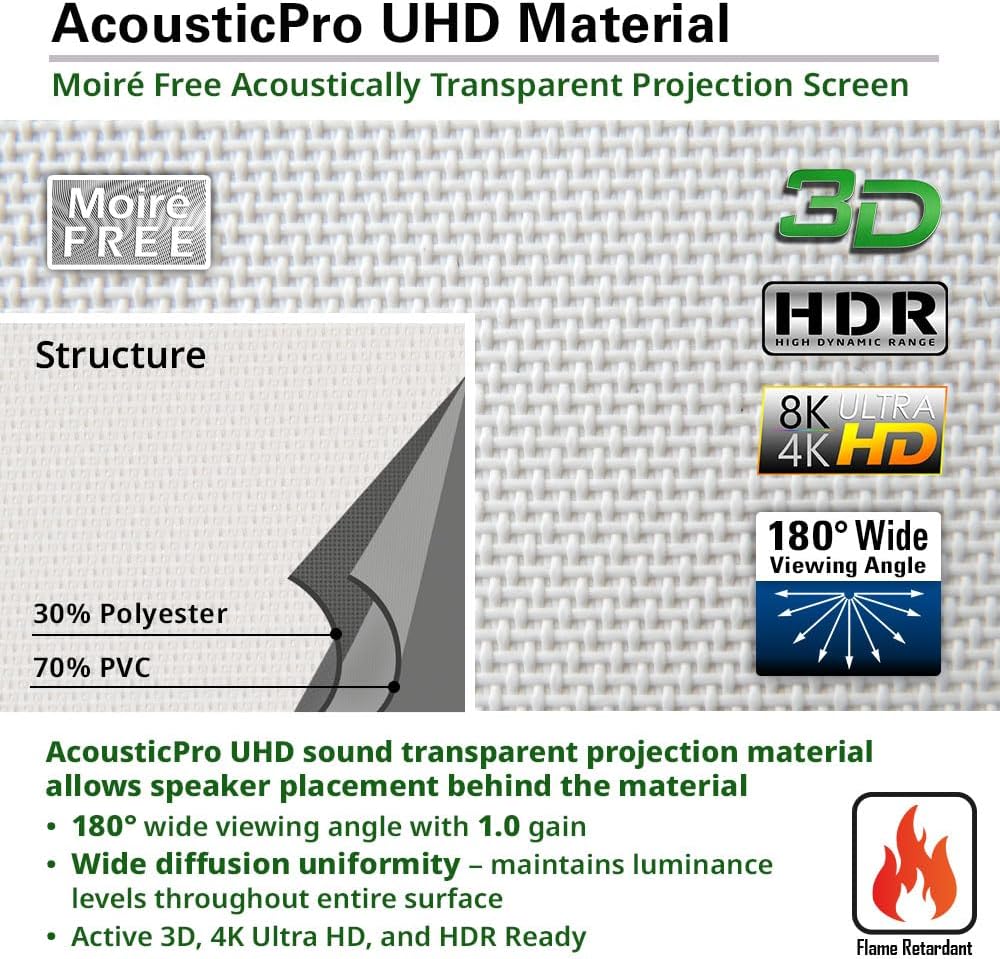
- AcousticPro UHD Screen Material: 1.0 Gain. Compatible with 4K/8K Ultra HD and Active 3D projection. This acoustic transparent front projection screen offers a 180° wide viewing angle. Note: Not compatible with Ultra/Short-throw Projectors.
- Integrated Sound Transparency: Designed to complement in-wall speakers by allowing sound to pass through the material with minimal attenuation. The tight perforated weave maintains superior acoustic performance without sacrificing image quality.
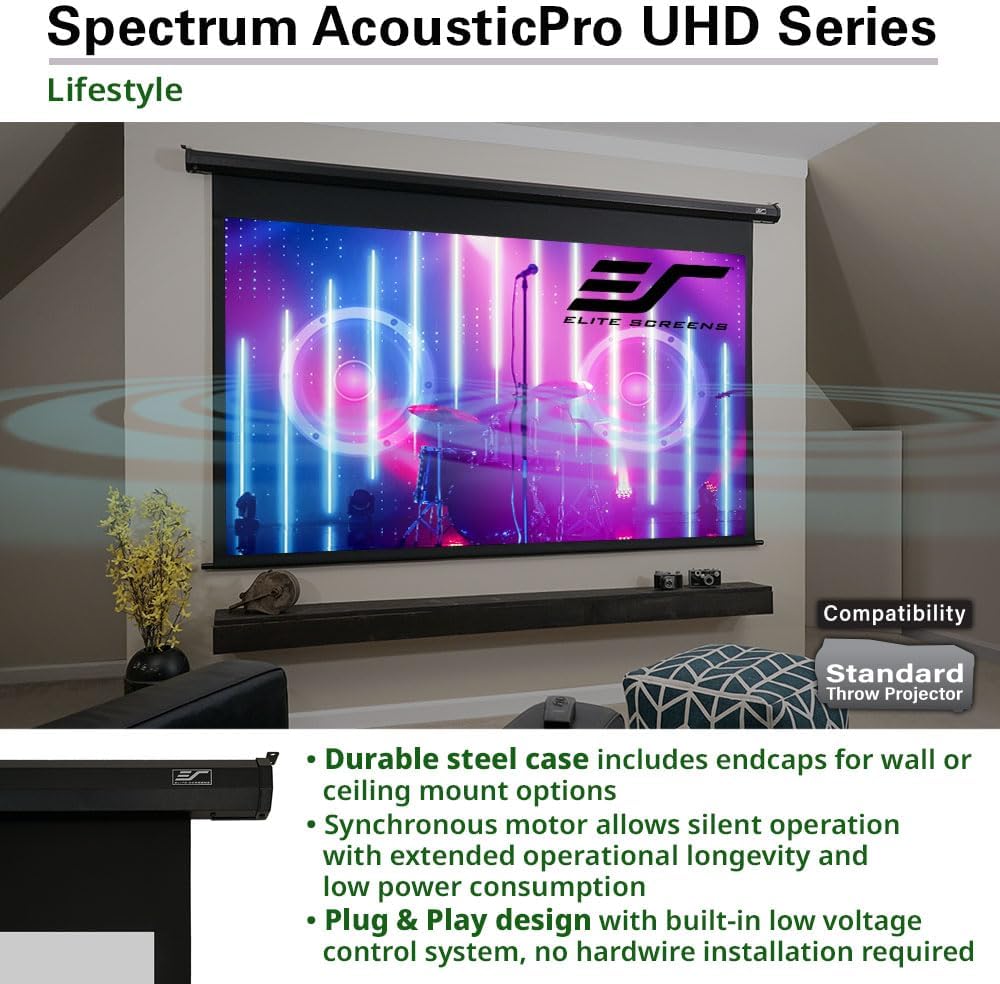
- Durable Casing: Suitable for both wall and ceiling installations.
- Control System: Includes handheld (IR) Infrared and (RF) Radio Frequency remote controls, and a wall box controller for manual operation.
- User-Friendly Features: Programmable vertical drop position for easy setup. Built-in selectable channels allow one RF remote to control multiple screens and prevent interference.
- 12V Trigger: Enables the screen’s UP/DOWN operation to synchronize with the projector’s power cycle.

Setup and Installation
The Spectrum AcousticPro UHD screen is designed for versatile installation on walls or ceilings. Ensure the mounting surface is structurally sound to support the screen's weight. Detailed mounting hardware and instructions are included with the product. It is recommended to consult a professional for installation if you are unsure about the process.
- Mounting Options: The durable casing allows for secure wall or ceiling mounting.
- Projector Compatibility: This screen is compatible with standard throw projectors. It is not compatible with ultra-short throw or short-throw projectors.

Operating Instructions
The screen can be operated using the included remote controls or the wall box controller.
- Remote Controls: The system includes both Infrared (IR) and Radio Frequency (RF) handheld remote controls. The RF remote offers extended range and does not require direct line-of-sight.
- Wall Box Controller: A detachable wall box controller provides manual UP/DOWN/STOP operation.
- Programmable Vertical Drop: The screen features a user-friendly programmable vertical drop position. Refer to the detailed instructions in the included quick start guide for setting your preferred drop limit.
- 12V Trigger Functionality: Connect the 12V trigger cable from the screen to your projector's 12V trigger output. This allows the screen to automatically deploy when the projector is turned on and retract when it is turned off.

Maintenance
Proper maintenance ensures the longevity and optimal performance of your projector screen.
- Screen Surface Cleaning: Gently wipe the screen surface with a soft, lint-free cloth. For stubborn marks, use a mild soap solution diluted with water and apply sparingly with a damp cloth, then wipe dry immediately. Avoid abrasive cleaners or harsh chemicals.
- Casing Cleaning: Clean the screen casing with a soft, dry cloth.
- Motorized Mechanism: The motorized components are factory-lubricated and sealed. No user maintenance is required for the motor.
- Storage: When not in use for extended periods, ensure the screen is fully retracted into its casing to protect the surface from dust and damage.
Troubleshooting
If you encounter issues with your projector screen, refer to the following common troubleshooting steps:
| Problem | Possible Cause | Solution |
|---|---|---|
| Screen does not descend/ascend. | No power, remote battery low, remote out of range, 12V trigger issue. | Check power connection. Replace remote batteries. Ensure remote is within range. Verify 12V trigger connection and projector power cycle. Try using the wall box controller. |
| Remote control not working. | Low battery, IR sensor blocked (for IR remote), interference (for RF remote). | Replace batteries. Ensure clear line-of-sight to the IR sensor. Try repositioning the RF remote or changing channels if interference is suspected. |
| Screen stops at an incorrect position. | Programmable limit settings are incorrect. | Refer to the quick start guide for instructions on resetting or reprogramming the vertical drop limits. |
| Image appears distorted or uneven. | Projector not aligned, screen not flat, screen material damaged. | Ensure projector is centered and perpendicular to the screen. Check screen for any physical damage or wrinkles. If damage is present, contact support. |
If these steps do not resolve the issue, please contact Elite Screens customer support for further assistance.
Specifications
| Feature | Detail |
|---|---|
| Model Number | ELECTRIC100H2-AUHD |
| Screen Material | AcousticPro UHD Material |
| Display Dimensions | 100 inches (Diagonal) |
| Aspect Ratio | 16:9 |
| View Size (H x W) | 49.0" H x 87.2" W |
| Overall Size (H x W) | 61.9" H x 100.2" W |
| Gain | 1.0 |
| Viewing Angle | 180° |
| Mounting Type | Ceiling Mount, Wall Mount |
| Item Weight | 22.2 pounds |
| Batteries | 2 AAA batteries required (included) |
Warranty and Support
Elite Screens provides comprehensive support for its products.
- Manufacturer's Warranty: A 2-year manufacturer's warranty is provided for new purchases.
- Enhanced Warranty: Educational, Non-profit, Religious, or Government/Military organizations receive a 3-year ENR-G enhanced warranty when purchasing new products.
- Lifetime Technical Support: Elite Screens offers lifetime technical support from its professional service team.

For warranty claims, technical assistance, or further inquiries, please refer to the contact information provided on the official Elite Screens website or your purchase documentation.


