
1. Introduction
This manual provides essential information for the safe and efficient operation of your Livguard LG1100 Inverter. Please read these instructions carefully before installation and use, and retain them for future reference. The Livguard LG1100 is a Square Wave inverter designed for reliable power backup in homes, offices, and shops, supporting a single 12V battery.
2. Product Features
- Inverter Type: Square Wave Inverter with 900 VA/12V rating.
- Peak Load: 780W.
- Running Load Capacity: Capable of powering ceiling fans, LED bulbs, LED tube lights, room coolers, laptops/computers, Wi-Fi routers, and refrigerators.
- Dual Mode Support: Features UPS mode for sensitive appliances (computers, laptops, LED TVs) and ECO mode for general use, ensuring safety and efficiency.
- Battery Compatibility: Compatible with 1 x (12V) C20 battery with capacity between 90 Ah - 260 Ah (battery to be purchased separately).
- 4-Mode Selector Switch: Allows compatibility with various battery types including Flat Plate, Tubular, SMF, and LOCAL batteries, optimizing battery life.
- Dual Thermal Protect: Provides surge protection for the PCB (Printed Circuit Board) and transformer, enhancing durability.
- Artificial Intelligent Charging: Optimizes battery charging for extended battery life.
- New Age Design: Modern aesthetic with an LED display for status indication.

Figure 2.1: Key features of the Livguard LG1100 Inverter, including UPS/ECO mode and battery selector.
3. Setup and Installation
The Livguard LG1100 Inverter comes with an installation kit and user manual. Livguard offers free doorstep installation service across India in over 16,000+ pin codes. It is recommended to utilize this service for proper and safe installation.
3.1 Package Contents
- 1 x Livguard LG1100 Inverter Unit
- Installation Kit
- User Manual with Warranty Card
3.2 Installation Steps (Professional Installation Recommended)
- Placement: Choose a well-ventilated, dry, and cool location for the inverter and battery. Ensure it is away from direct sunlight, heat sources, and flammable materials.
- Battery Connection: Connect the battery terminals to the inverter's battery terminals. Ensure correct polarity: positive (+) to positive (+) and negative (-) to negative (-). Incorrect connection can damage the inverter and battery.
- Mains Connection: Plug the inverter's mains cord into a grounded wall socket.
- Output Connection: Connect your appliances to the output sockets of the inverter.
- Initial Power On: Switch on the inverter. Observe the LED indicators for proper functioning.

Figure 3.1: Livguard LG1100 Inverter front and back panel overview.
4. Operating Instructions
4.1 Front Panel Indicators
The front panel of the LG1100 Inverter features LED indicators to display its operational status:
- Mains ON: Indicates that the inverter is receiving power from the main utility supply.
- Charging: Indicates that the battery is currently being charged.
- UPS ON: Indicates that the inverter is operating in UPS mode, providing power to connected appliances.
- Inverter ON/Overload/Short Circuit: Indicates the inverter is active. If combined with an alarm, it may signal an overload or short circuit condition.
- Low Battery: Indicates that the battery charge is low and requires recharging.
- Eco Mode: Indicates that the inverter is operating in ECO mode.
- Power ON: General power indicator for the unit.
- Power ON/OFF Switch: Used to turn the inverter unit on or off.
4.2 Mode Selection (UPS/ECO)
The inverter features a switch on the rear panel for selecting between UPS and ECO modes:
- UPS Mode: Provides a stable output voltage, ideal for sensitive electronic devices like computers, laptops, and LED TVs, preventing data loss or damage during power fluctuations.
- ECO Mode: Offers a wider input voltage range, which can be more energy-efficient in areas with frequent voltage fluctuations, but may not be suitable for highly sensitive electronics.
4.3 Battery Type Selection
A 4-mode selector switch on the rear panel allows you to optimize charging for different battery types:
- Flat Plate: For flat plate batteries.
- Tubular: For tubular batteries.
- SMF (Sealed Maintenance Free): For SMF batteries.
- LOCAL: For locally manufactured batteries or other specific types.
Ensure the correct battery type is selected to maximize battery life and performance.
4.4 Load Capacity Guidelines
The LG1100 Inverter has a peak load capacity of 780W. Refer to the table below for typical appliance wattage and the number of units the inverter can support. Always ensure the total connected load does not exceed the inverter's capacity.

Figure 4.1: Appliance load capacity for various Livguard inverter models, including LG1100.
| Appliance | Power Rating (Watts) | LG1100 (900 VA) |
|---|---|---|
| LED Bulb | 10 | 3 |
| LED Tube Light | 20 | 1 |
| WiFi Router | 20 | 1 |
| LED TV | 75 | 1 |
| Laptop | 65 | 1 |
| Ceiling Fan | 80 | 3 |
| Room Cooler | 120 | 1 |
| Fridge | 200 | 1 |
Note: Backup time depends on battery Ah and condition. Load of appliances depends on Inverter VA. Square wave inverters can power water pumps when the total load of connected devices, including the water pump, is within the peak load of the Inverter.
5. Maintenance
The Livguard LG1100 Inverter is designed for low maintenance. However, regular checks can ensure optimal performance and longevity:
- Keep Clean: Ensure the inverter and battery area are clean and free from dust and debris.
- Ventilation: Ensure proper airflow around the inverter to prevent overheating. Do not block ventilation openings.
- Battery Terminals: Periodically check battery terminals for corrosion. Clean them if necessary and ensure they are securely tightened.
- Battery Water Level (for non-SMF batteries): If using a non-SMF battery, regularly check the electrolyte level and top up with distilled water as needed.
- Avoid Overloading: Do not connect appliances that exceed the inverter's peak load capacity.
6. Troubleshooting
This section provides basic troubleshooting steps for common issues. For complex problems, please contact Livguard customer support.
| Problem | Possible Cause | Solution |
|---|---|---|
| Inverter not turning ON | No mains power, loose battery connection, low battery, or internal fault. | Check mains supply. Ensure battery terminals are secure and clean. Check battery charge level. If problem persists, contact service. |
| Overload indicator ON | Too many appliances connected, exceeding 780W peak load. | Disconnect some appliances to reduce the load. Press the reset button if available (refer to Figure 3.1 for Thermal Circuit Breaker/Reset SW). |
| Low Battery indicator ON frequently | Battery not charging properly, battery nearing end of life, or frequent/long power cuts. | Ensure mains power is stable for charging. Check battery water level (if applicable). Consider battery replacement if old. |
| No output from inverter | Inverter OFF, output fuse blown, or internal fault. | Ensure inverter is ON. Check for any tripped circuit breakers. Contact service if issue persists. |
7. Specifications
| Specification | Detail |
|---|---|
| Model Number | LG1100 |
| Inverter Type | Square Wave |
| VA Rating | 900 VA/12V |
| Wattage | 780 Watts (Peak Load) |
| Battery Compatibility | 1 x (12V) C20 battery, 90 Ah - 260 Ah |
| Power Source | Battery Powered |
| Dimensions (LxWxH) | 24.1 x 27.5 x 12.3 Centimeters |
| Item Weight | 8 kg 300 g |
| Manufacturer | Livguard Batteries Pvt. LTD |
| Country of Origin | India |
| Included Components | Inverter, Installation Kit, User Manual, Warranty Card |
8. Warranty and Support
Your Livguard LG1100 Inverter comes with a comprehensive warranty and dedicated customer support.
8.1 Warranty Information
- The Livguard LG1100 Inverter is covered by a 3-year warranty from the date of purchase.
- Please retain your purchase invoice and the warranty card included in the package for warranty claims.
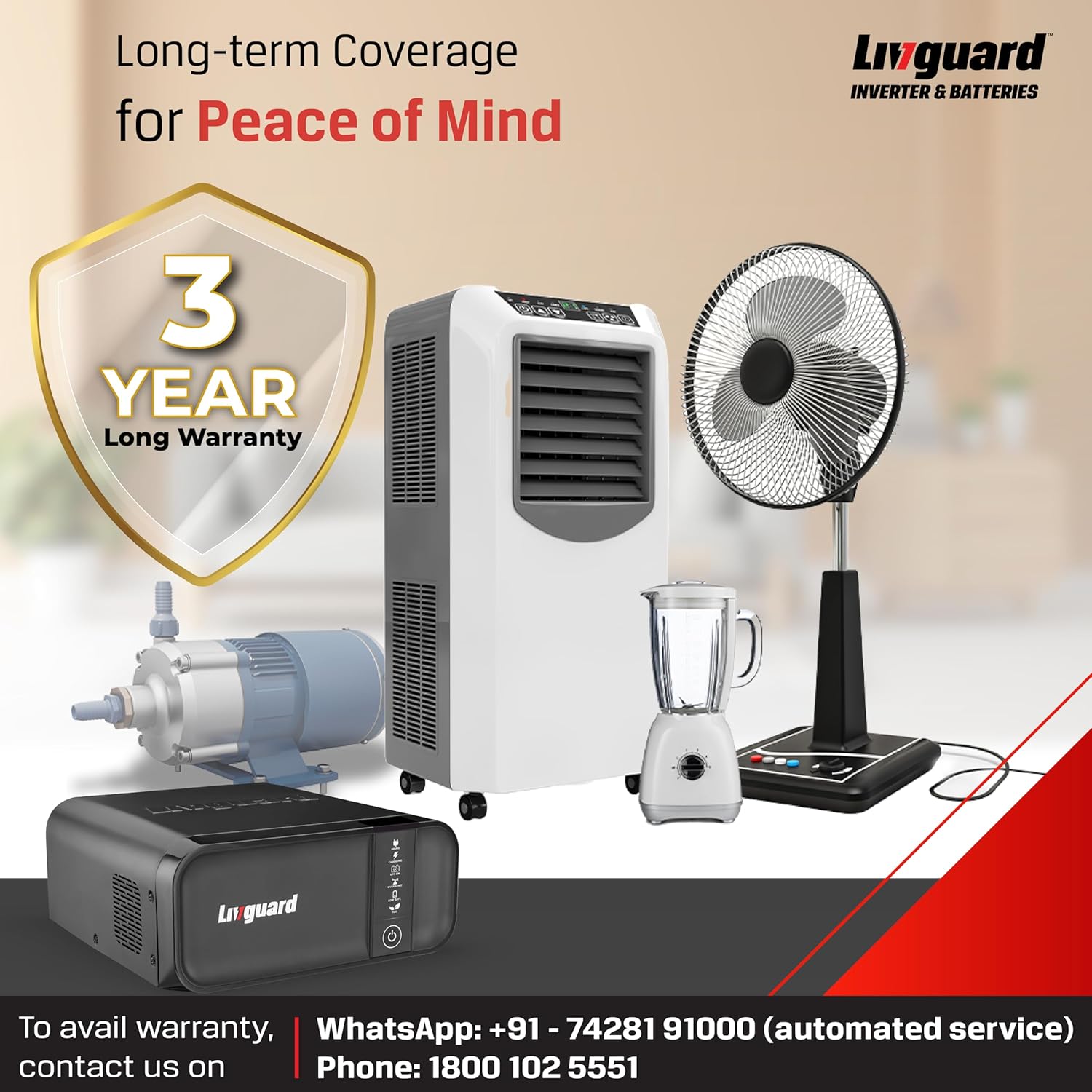
Figure 8.1: Livguard 3-year warranty information.
8.2 Customer Support
For any queries, technical assistance, or warranty claims, please contact Livguard customer support:
- WhatsApp Support: +91 - 74281 91000 (automated service)
- Phone: 1800 102 5551
- Manufacturer Address: Livguard Batteries Pvt. LTD., Plot No. - 221, Udyog Vihar Phase - 1, Gurugram - 122016, Haryana India
Livguard provides 100% free doorstep installation service and has a network of 750+ certified service engineers across 16,000+ pin codes in India.

Figure 8.2: Livguard Pan India service network.