
BULIST UD01F
BULIST UD01F Fingerprint Deadbolt Door Lock Instruction Manual
Model: UD01F
1. Product Overview
The BULIST UD01F Fingerprint Deadbolt Door Lock offers advanced security features including fingerprint recognition, keypad entry, and voice guidance. This manual provides detailed instructions for installation, operation, and maintenance to ensure optimal performance and security.

Image: Overview of the BULIST UD01F Fingerprint Deadbolt Door Lock.
2. Setup and Installation
Follow these steps to properly install your BULIST UD01F Fingerprint Deadbolt Door Lock. Ensure all components are present before beginning.
Video: Detailed installation guidance for the UD01F lock.
2.1 Package Contents

Image: All components included in the BULIST UD01F package.
2.2 Door Compatibility and Dimensions
The UD01F lock is designed to fit most standard doors. Verify your door's dimensions and orientation before installation.

Image: Detailed dimensions of the lock for compatibility check.
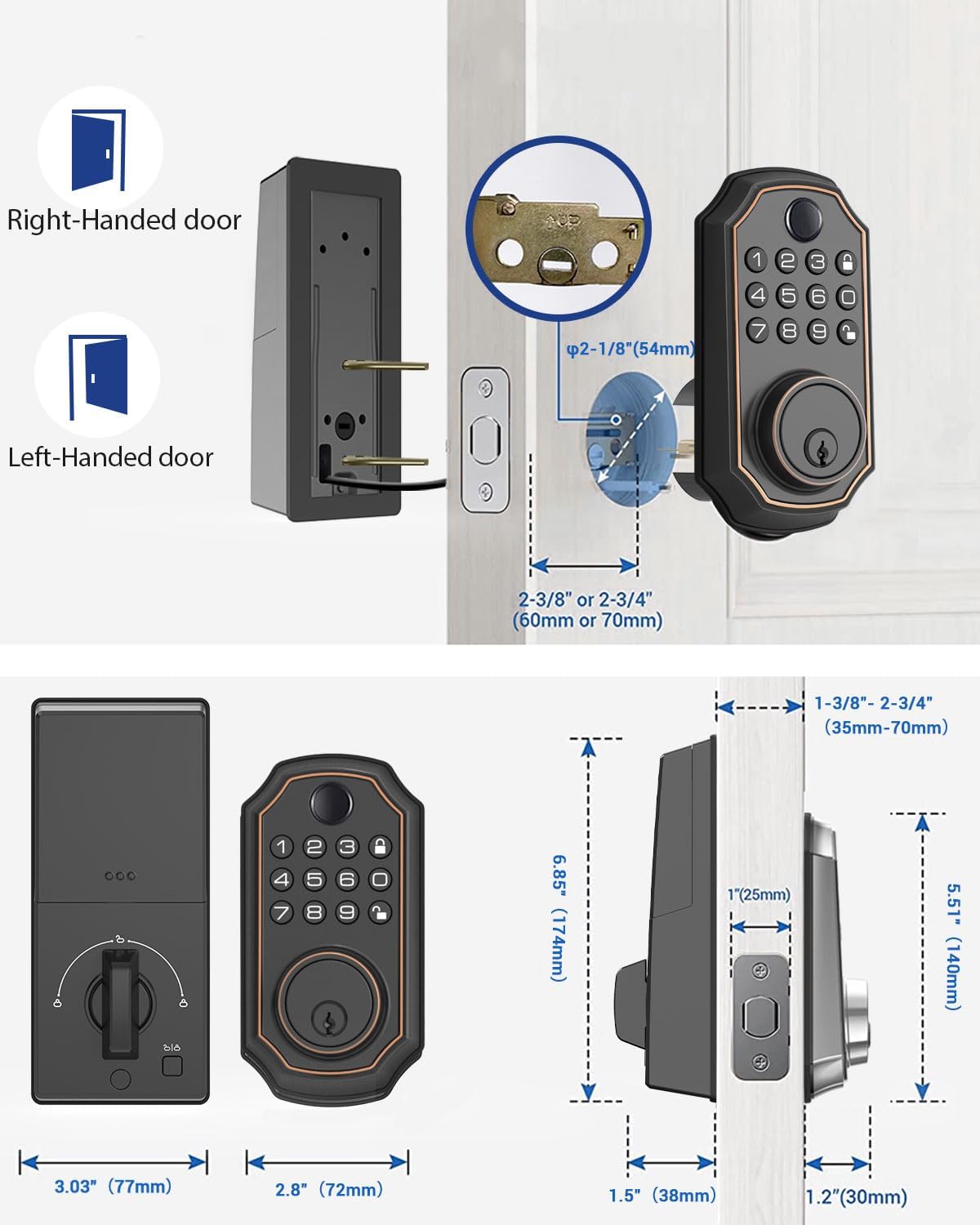
Image: Illustration of right-handed and left-handed door configurations.
2.3 Installation Steps
- Install Latch: Adjust the latch length if necessary and insert it into the door edge. Secure with screws.
- Install Exterior Assembly: Connect the cable from the exterior assembly to the latch. Ensure the spindle is correctly aligned.
- Install Mounting Plate: Route the cable through the mounting plate and secure it to the door using the provided screws.
- Install Interior Assembly: Connect the cable from the exterior assembly to the interior assembly. Align the spindle and secure the interior assembly to the mounting plate with screws.
- Install Batteries: Insert 4 AA batteries into the battery compartment of the interior assembly.
3. Operating Instructions
Learn how to use the various features of your BULIST UD01F lock.
3.1 Adding Fingerprints
The lock supports up to 50 unique fingerprints for quick and secure access.
Video: Instructions on how to add a new fingerprint to the lock.
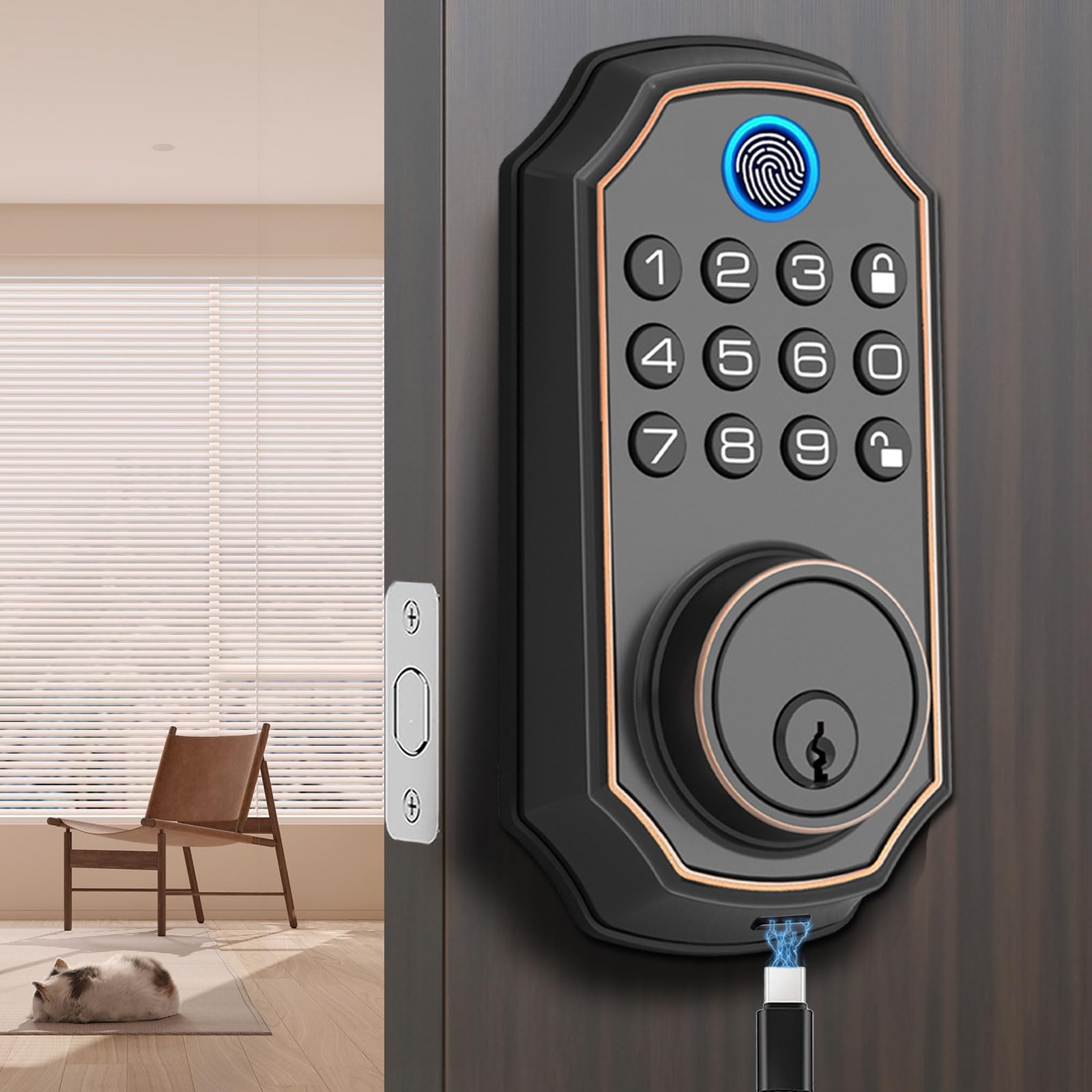
Image: Demonstrates the fingerprint recognition feature with high accuracy.
3.2 Adding User Codes
You can program up to 50 unique PIN codes for keyless entry.
Video: Guide on how to add a new user code to the lock.

Image: Illustrates keyless entry using PIN codes for multiple users.
3.3 Auto-Lock Feature
The lock can be configured to automatically lock after a set period (10-99 seconds). This feature can be temporarily disabled for convenience.

Image: Visual representation of the auto-lock function.
3.4 Anti-Peeping Passcode
Enhance security by entering random digits before or after your actual PIN code to prevent others from guessing your code.
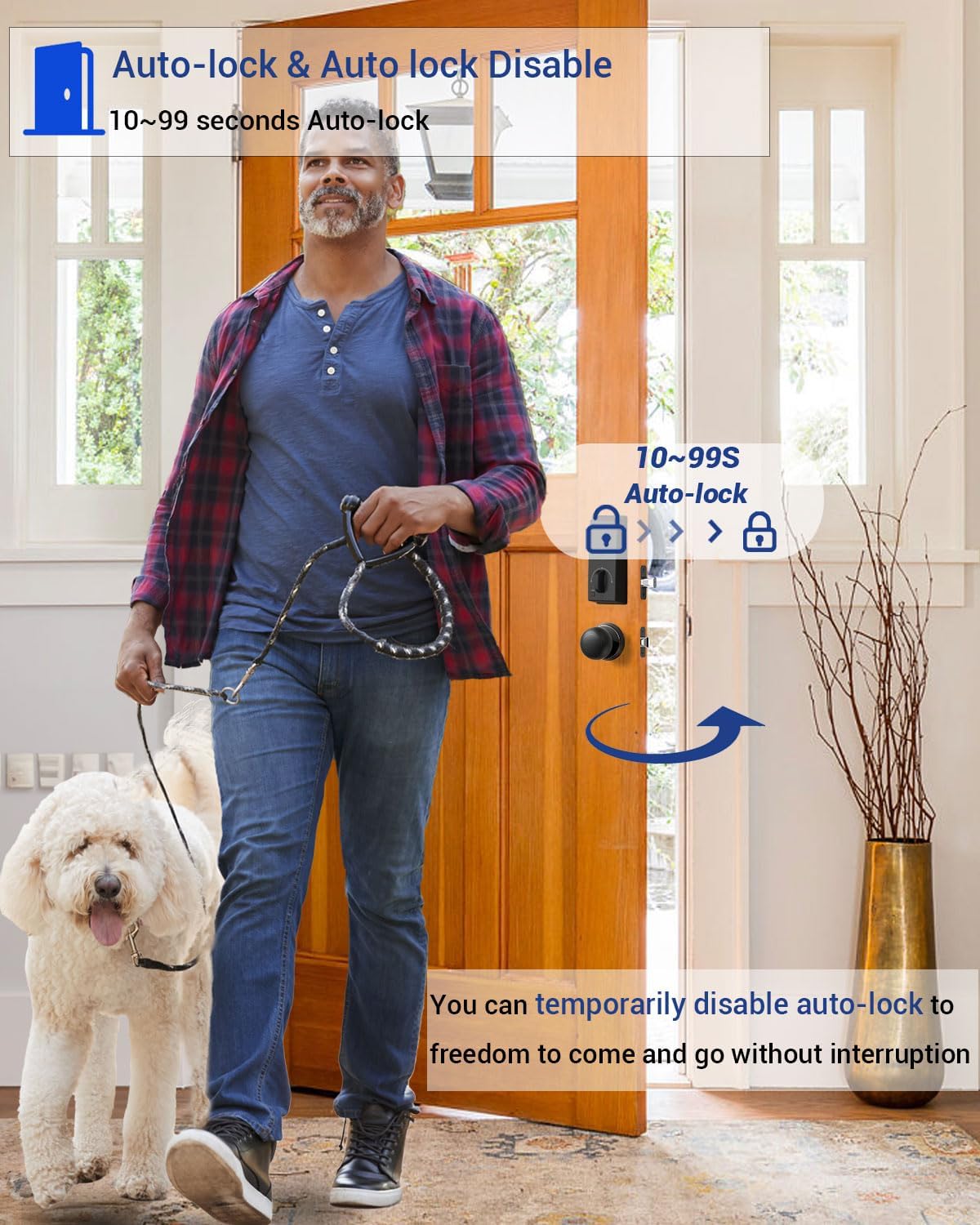
Image: Example of using random digits with your PIN code for anti-peeping security.
3.5 Voice Prompts
The lock provides human voice guidance for various operations, including function settings, lock status, low battery reminders, and error warnings. The volume can be adjusted from 1 to 5 levels.

Image: Illustration of the voice prompts feature for user convenience.
3.6 Factory Reset
To restore the lock to its original factory settings, follow the instructions in the video below. This will erase all programmed fingerprints and user codes.
Video: How to perform a factory reset on the lock.
4. Maintenance
Proper maintenance ensures the longevity and reliability of your lock.
4.1 Battery Life and Emergency Power
The lock is designed for long battery life, typically up to one year. A low battery voice reminder will alert you when batteries need replacement. In case of complete battery depletion, an emergency charge port (USB-C) is available.

Image: Information on battery life and the emergency charging option.
5. Product Specifications
| Feature | Specification |
|---|---|
| Brand | BULIST |
| Model Number | UD01F |
| Item Dimensions (L x W x H) | 3.4 x 10 x 7 inches |
| Style | Modern |
| Number of Pieces | 1 |
| Controller Type | Hand Control, Mechanical knob |
| Connectivity Protocol | Wi-Fi |
| Fingerprint Capacity | Up to 50 |
| PIN Code Capacity | Up to 50 |
| Auto-Lock Time | 10-99 seconds (adjustable) |
| Emergency Power | USB-C Port |
6. Troubleshooting
This section addresses common issues you might encounter with your BULIST UD01F lock. For specific troubleshooting steps, please refer to the comprehensive user manual included with your product or contact customer support.
- Lock not responding: Check battery levels and ensure they are correctly installed.
- Fingerprint not recognized: Ensure your finger is clean and dry, and try rescanning your fingerprint.
- PIN code not working: Verify the code is correct and ensure the lock is not in a special mode (e.g., privacy mode).
- Voice prompts not audible: Adjust the volume settings.
7. Warranty and Support
Your BULIST UD01F Fingerprint Deadbolt Door Lock comes with a manufacturer's warranty. For detailed warranty information, product support, or to purchase replacement parts, please visit the official BULIST website or contact their customer service department. Contact information can typically be found on the product packaging or the official brand store.