
SuntekCam B0C6JPX357
SuntekCam Mini Trail Camera User Manual
Model: B0C6JPX357
Introduction
This manual provides detailed instructions for the setup, operation, and maintenance of your SuntekCam Mini Trail Camera. Designed for outdoor use, this compact camera captures high-quality images and videos, making it ideal for wildlife monitoring, hunting, and home security. Please read this manual thoroughly before using the device to ensure optimal performance and longevity.
What's in the Box
- SuntekCam Mini Trail Camera
- USB Cable
- Mounting Strap
- User Manual

Figure 1: Package Contents of the SuntekCam Mini Trail Camera.
Setup
1. Battery and SD Card Installation
The camera requires four (4) AA batteries and a micro SD card (not included) for operation. Ensure the batteries are inserted with correct polarity. The micro SD card slot is located inside the camera compartment.
Video 1: Demonstrates the installation of AA batteries and the initial power-on sequence of the camera, including accessing the test function.
2. Removing Protective Film
Before first use, carefully remove any protective plastic film from the camera lens and sensors to ensure clear image capture.
3. Mounting the Camera
Use the provided mounting strap to secure the camera to a tree, post, or other suitable surface. The strap can be adjusted to fit various sizes. Ensure the camera is stable and pointed towards the desired monitoring area.

Figure 2: The compact design of the SuntekCam Mini Trail Camera, highlighting its small size and battery compartment.
Operating Instructions
1. Image and Video Capture
The camera captures crisp 24MP still images and native 1080p HD video. The built-in 2.0-inch color LCD screen allows for direct preview of footage.

Figure 3: High-resolution image and video capture capabilities of the camera.
2. Motion Detection and Night Vision
Equipped with a 0.3s fast trigger speed and 26pcs 850nm infrared LEDs, the camera detects motion up to 25 meters (80 ft.) in daylight and 20 meters (65 ft.) at night, providing clear night vision without disturbing wildlife.

Figure 4: Day and Night Vision capabilities of the camera.
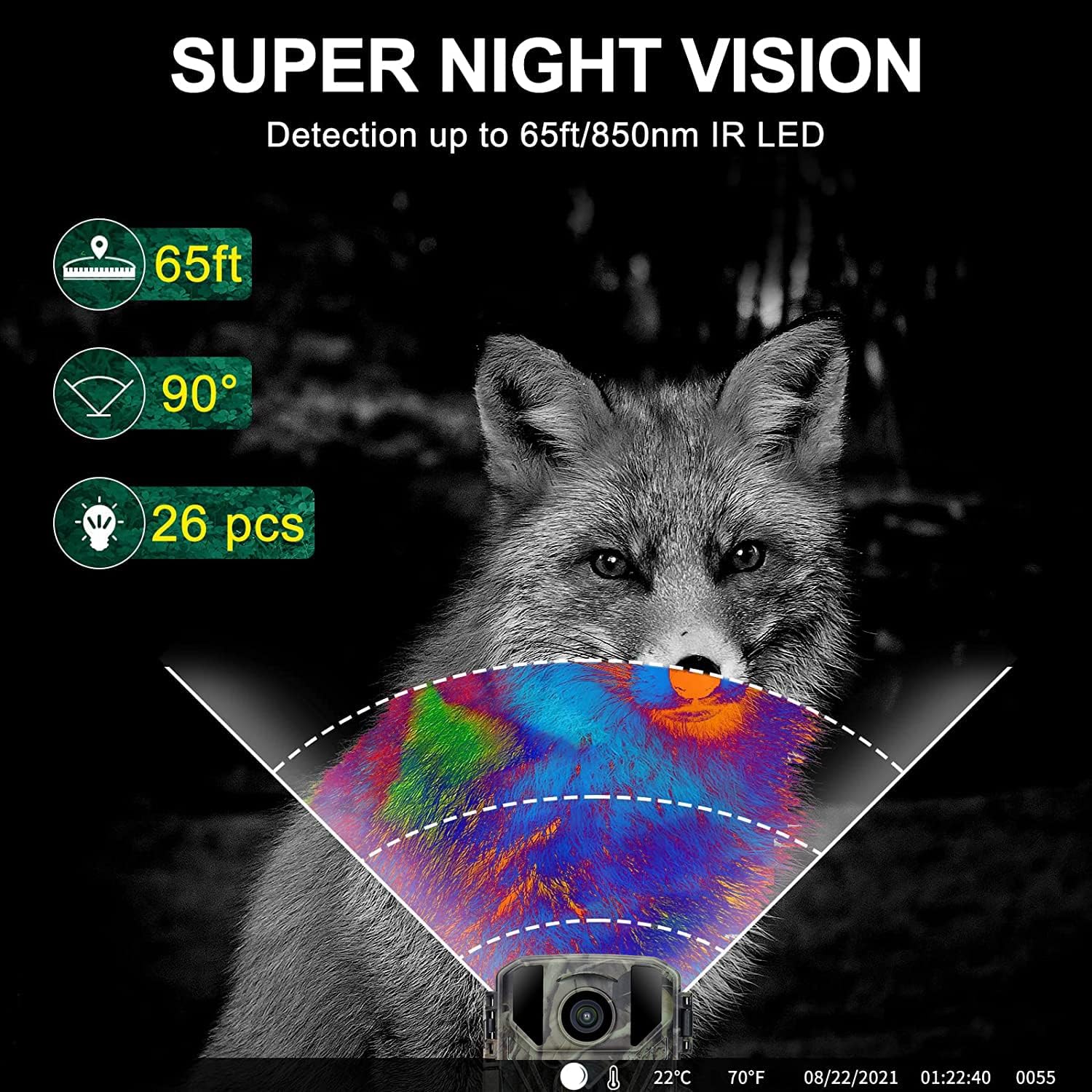
Figure 5: Details on the camera's night vision range and wide-angle detection.
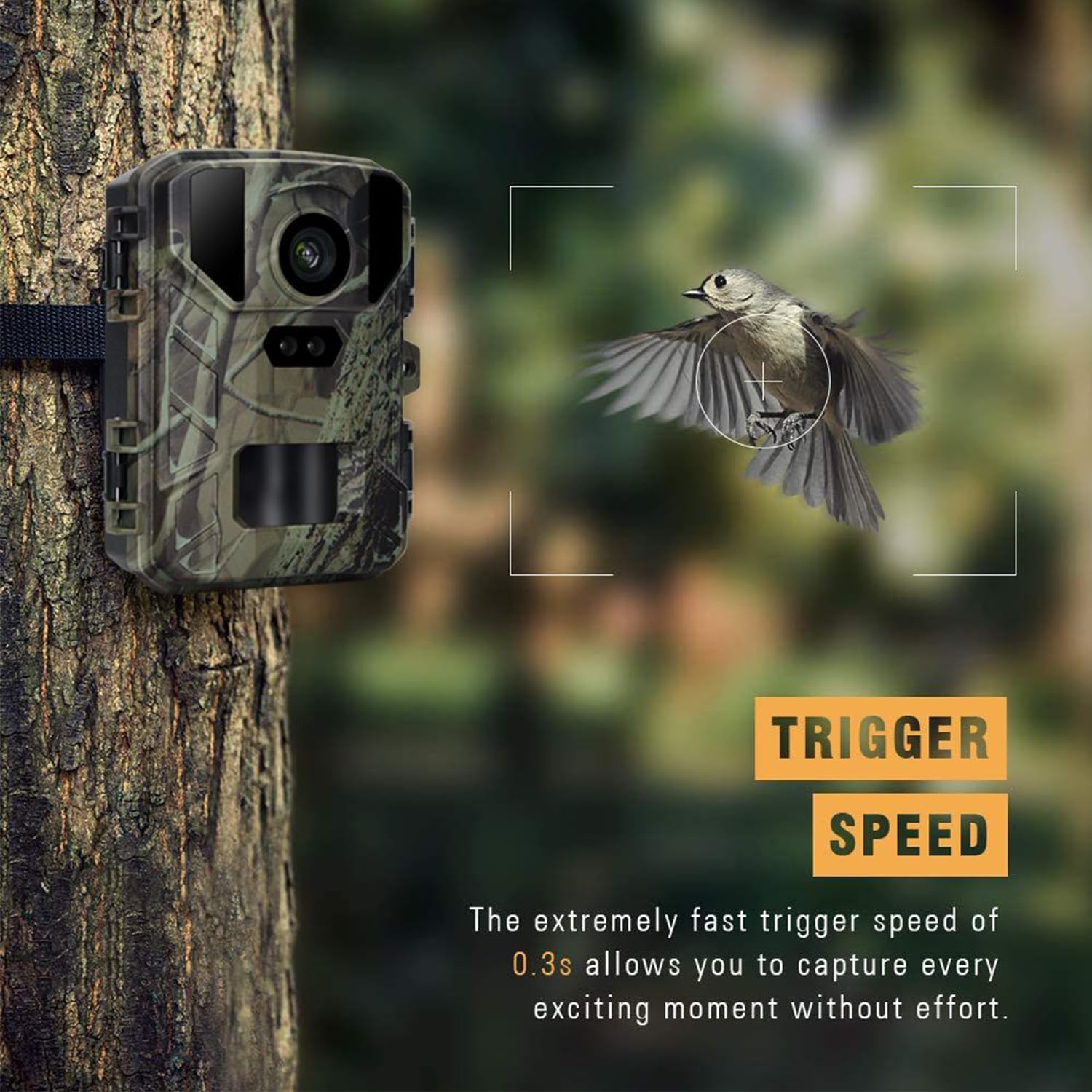
Figure 6: The camera's rapid 0.3s trigger speed for capturing fast-moving subjects.
3. Advanced Features
The camera supports various functions including recording delay, scheduled recording, time-lapse, continuous shooting, and audio recording. It also displays time, date, serial number, and temperature on the footage.

Figure 7: The time-lapse feature allows observation of gradual changes over time.
4. Viewing and Downloading Footage
Footage can be reviewed directly on the camera's 2.0-inch LCD screen. To download files, connect the camera to a computer using the provided USB cable.
Maintenance
1. Waterproofing
The camera is IP65 waterproof, designed to withstand various weather conditions. Ensure all latches are securely closed when deployed outdoors.
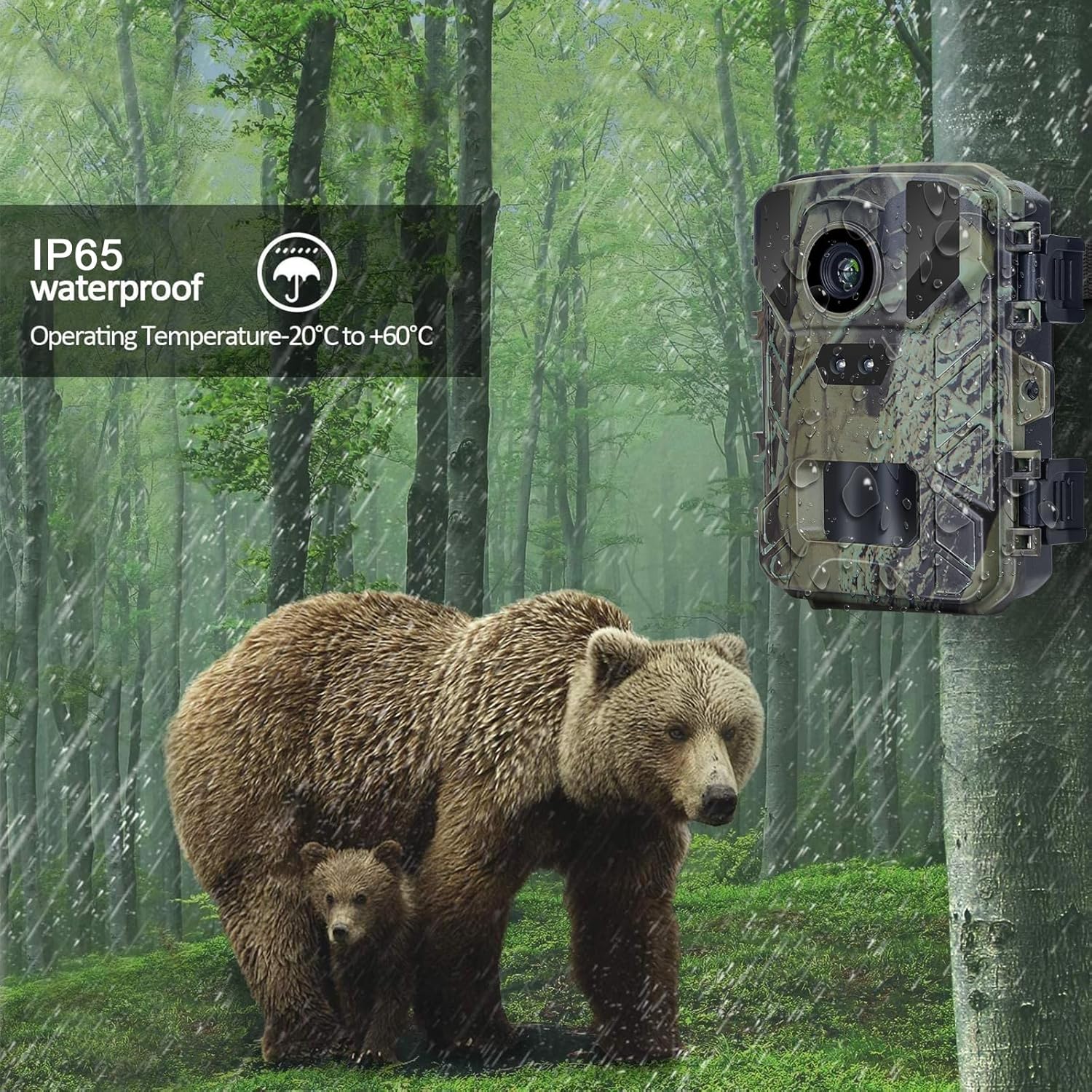
Figure 8: The camera's IP65 waterproof design ensures durability in outdoor environments.
2. Operating Environment
The camera is designed to operate in temperatures ranging from -20°C to +60°C.
3. Cleaning
Use a soft, dry cloth to clean the camera lens and body. Avoid using abrasive cleaners or solvents.
Troubleshooting
If you encounter issues with your camera, please consider the following general troubleshooting steps:
- No Power: Ensure batteries are correctly inserted and fully charged.
- No Images/Videos: Check if the SD card is properly inserted and has sufficient storage space. Verify camera settings for photo/video mode.
- Poor Night Vision: Ensure the IR LEDs are not obstructed and the camera is within effective night detection range.
- Motion Detection Issues: Adjust the camera's sensitivity settings. Ensure there are no obstructions directly in front of the sensor.
For persistent issues, please refer to the manufacturer's support resources.
Specifications
| Feature | Detail |
|---|---|
| Brand | SuntekCam |
| Model | B0C6JPX357 |
| Photo Resolution | 24MP |
| Video Resolution | 1080p HD |
| Trigger Speed | 0.3s |
| Night Vision Range | Up to 20m (65 ft.) |
| Day Detection Range | Up to 25m (80 ft.) |
| IR LEDs | 26pcs 850nm |
| Viewing Angle | 90 Degrees |
| Water Resistance | IP65 Waterproof |
| Power Source | 4 x AA Batteries |
| Operating Temperature | -20°C to +60°C |
| Dimensions | 2 x 1.8 x 1.32 inches |
| Weight | 11.6 ounces |
Warranty and Support
Warranty information for the SuntekCam Mini Trail Camera is not provided in this manual. Please refer to the official SuntekCam website or contact their customer support directly for details regarding warranty coverage and technical assistance.
Ask a question about this manual
Ask about setup, troubleshooting, compatibility, parts, safety, or missing instructions. Manuals+ will review the question and use this page’s manual context to help answer it.