
1. Product Overview
The RUICI LUCKY Illuminated LED Light Emblem is an automotive accessory designed to replace the standard emblem on compatible Infiniti sedan models. It features an integrated LED lighting system that offers customizable RGB illumination, enhancing the vehicle's exterior aesthetics. This emblem is engineered for durability, being dust-proof and waterproof, and boasts an approximate lifespan of 10,000 hours.
This manual provides essential information for the proper installation, operation, and maintenance of your LED light emblem.
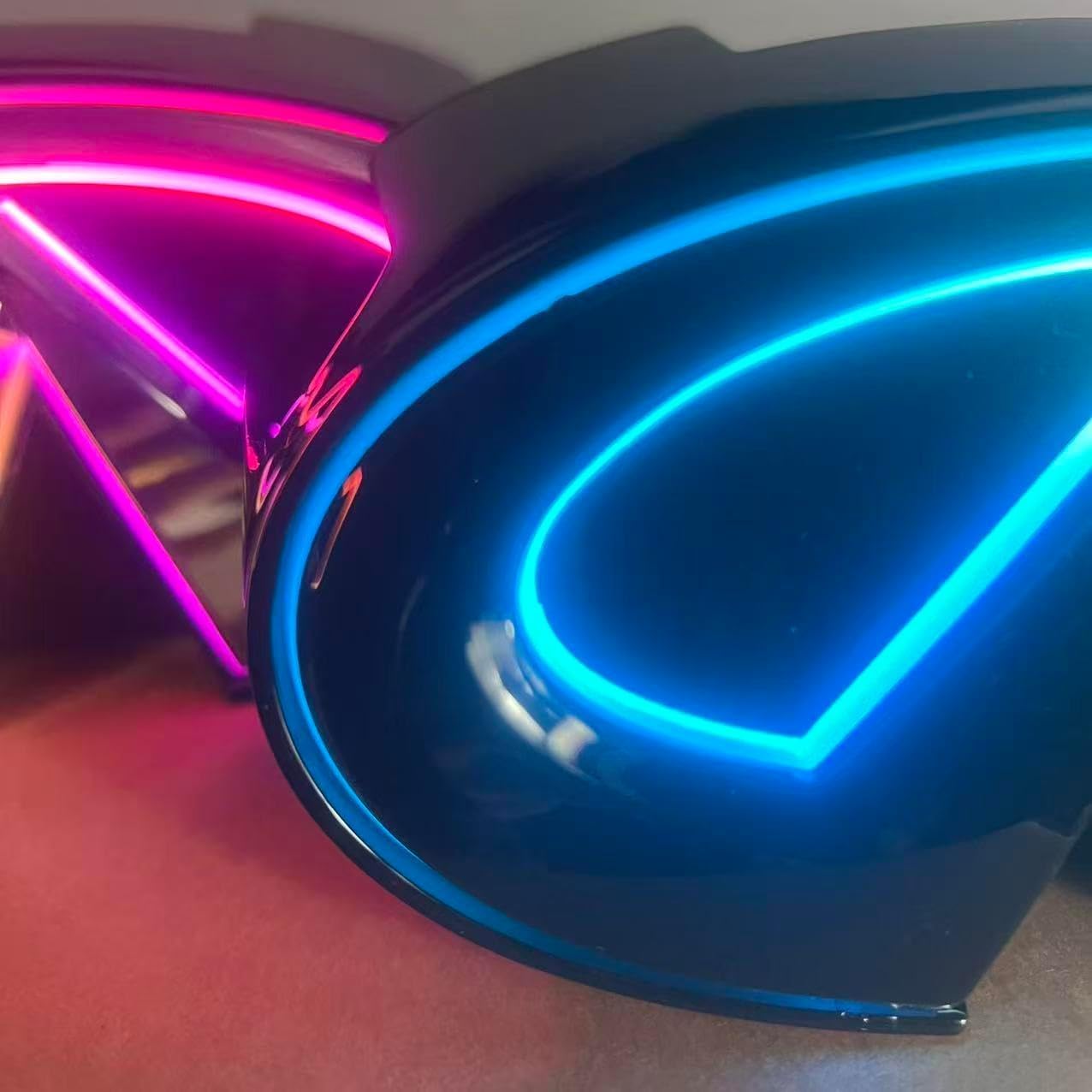
Image 1.1: Illuminated LED Light Emblem displaying various colors.
2. Compatibility
This LED Light Emblem is specifically designed for the following vehicle models:
- Infiniti G37 Sedan (Model Years: 2010-2013)
- Infiniti G25 Sedan (Model Years: 2011-2012)
Important: This product is not compatible with Infiniti Coupe models.
3. Setup and Installation
Professional installation is recommended for this product. Incorrect installation may lead to damage to the product or vehicle's electrical system. Always ensure the vehicle's ignition is off and the battery is disconnected before starting any electrical work.
- Preparation: Ensure the vehicle's ignition is off and the battery's negative terminal is disconnected to prevent electrical hazards.
- Emblem Removal: Carefully remove the existing emblem from your vehicle. This LED emblem is a clip-on style replacement. Refer to your vehicle's service manual or a professional for specific instructions on safe emblem removal to avoid damaging the vehicle's paint or bodywork.
- Wiring Connection:
- Connect the red wire from the LED emblem to a positive (+) power source. Suitable connection points include the headlight positive (+) or an ACC (Accessory) / Position light positive (+).
- Connect the black wire from the LED emblem to a reliable ground (-) point on the vehicle chassis.
Ensure all connections are secure, properly crimped, and insulated using electrical tape or heat shrink tubing to prevent short circuits and corrosion.

Image 3.1: Internal circuit board of the LED emblem showing wiring points (VCC for positive, GND for ground).
- App Download: To control the LED emblem's color and lighting effects, download one of the following applications on your smartphone: "ZENGGE", "LED LAMP", or "LED BLE". These apps are typically available on major app stores.
- Testing: Once all connections are made and secured, reconnect the vehicle battery. Turn on the vehicle's ignition or the connected power source (headlights/ACC) and test the emblem's functionality using the downloaded app.
4. Operating Instructions
The Illuminated LED Light Emblem is controlled wirelessly via a smartphone application.
- App Connection: Ensure your smartphone's Bluetooth is enabled. Open the "ZENGGE" (or alternative) app. The app should automatically detect and connect to the LED emblem. If it doesn't connect automatically, navigate to the device list within the app and select your emblem.
- Color and Mode Selection: Use the app's interface to customize the emblem's lighting. You can select from a wide range of RGB colors, adjust brightness levels, and choose various dynamic lighting modes (e.g., static color, flashing, fading, pulsing).
- Power Activation: The emblem's light will activate when the vehicle's ignition is on, or when the specific power source it is wired to (e.g., headlights, accessory power) is active.
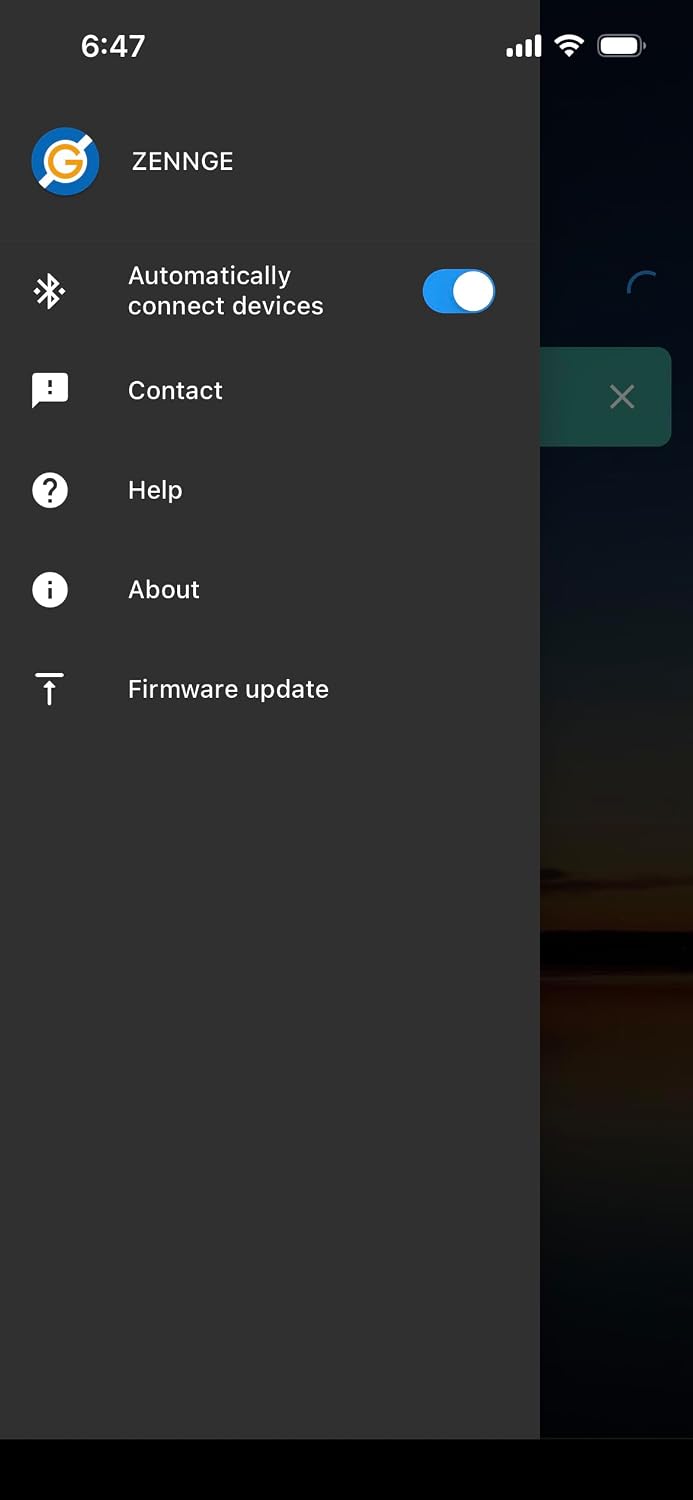
Image 4.1: Example of the ZENNGGE app interface for controlling LED lighting.

Image 4.2: Device information screen within the control application.

Image 4.3: Main menu of the ZENNGGE app, showing various settings and options.
5. Maintenance
The LED emblem is designed for durability with dust-proof and waterproof features, requiring minimal routine maintenance.
- Cleaning: Clean the emblem's surface regularly with a soft, damp cloth. Avoid using abrasive cleaners, solvents, or harsh chemicals, as these can damage the chrome finish or the LED components.
- Inspection: Periodically inspect the emblem and its wiring connections. Ensure the emblem remains securely attached to the vehicle and that all electrical connections are free from corrosion or damage. Address any loose connections promptly.
6. Troubleshooting
If you encounter issues with your LED Light Emblem, refer to the following troubleshooting guide:
- Emblem Not Lighting Up:
- Verify all wiring connections (red wire to positive, black wire to ground) are secure and properly insulated.
- Confirm that the connected power source (e.g., headlights, ACC) is active and supplying power.
- Check the vehicle's battery for proper connection and sufficient charge.
- Inspect for any blown fuses in the connected circuit.
- Incorrect Color or Lighting Mode:
- Ensure the correct control app ("ZENGGE", "LED LAMP", or "LED BLE") is installed and actively connected to the emblem.
- Restart the control app and re-select your desired color and mode settings.
- Confirm your smartphone's Bluetooth is enabled and functioning correctly.
- Emblem Not Responding to App:
- First, check if the emblem is receiving power (i.e., if it lights up at all).
- Try restarting your smartphone and then reopening the control app.
- Ensure there are no other Bluetooth devices nearby that might be causing interference.
- If the issue persists, try reinstalling the control app.
7. Specifications
| Brand | RUICI LUCKY |
| Model Number | g37rgb |
| Compatibility | Infiniti G37 Sedan (2010-2013), G25 Sedan (2011-2012) |
| Material | Chrome |
| Light Source | LED (RGB) |
| Estimated Lifespan | Approximately 10,000 hours |
| Features | Dust-proof, Waterproof, App-controlled RGB lighting |
| Item Dimensions (L x W x H) | 6.3 x 3 x 2 inches |
| UPC | 711523792388 |
8. Warranty Information
This RUICI LUCKY Illuminated LED Light Emblem is covered by a 90-day warranty from the original date of purchase. This warranty specifically covers manufacturing defects under normal use conditions.
The warranty does not cover damages resulting from:
- Improper installation or wiring.
- Accidents, misuse, or abuse.
- Unauthorized modifications or repairs.
- Normal wear and tear.
To initiate a warranty claim, please retain your proof of purchase and contact the retailer from whom the product was purchased, or the manufacturer directly.
9. Customer Support
For any further questions, technical assistance, or support regarding your RUICI LUCKY Illuminated LED Light Emblem, please reach out to our customer service team.
Contact information can typically be found on the retailer's website where you purchased the product or within your purchase documentation.
We recommend visiting the official RUICI LUCKY website for the most up-to-date support resources and contact details.