
Introduction
This manual provides essential information for the installation, operation, and maintenance of your GEAMENT LED Light Kit, specifically designed for the LEGO Disney and Pixar 'Up' House (Model 43217). Please read these instructions carefully before beginning the installation process.
Important Note: This product includes only the LED lighting components. The LEGO 'Up' House model set (43217) is NOT included and must be purchased separately.

Image: A graphic reiterating that the product is a lighting kit only, and the model set is not included.
For detailed, step-by-step installation instructions, please refer to the comprehensive PDF guide available for download. A simple user manual is included in the packaging to direct you to the download link.
Package Contents
Before installation, verify that all components are present. The GEAMENT LED Light Kit typically includes:
- LED light strings and individual LEDs
- Connecting cables
- USB power cable
- Battery box (if applicable, for portable power)
- User guide (simple version, directing to PDF)

Image: A visual representation of the components included in the LED light kit, such as the USB power cable, various light strips, and a battery box.
Setup and Installation
The GEAMENT LED Light Kit is designed for installation on an already completed LEGO 'Up' House model. This approach simplifies the process and ensures proper placement of lights without interfering with the model's construction.
- Prepare Your Workspace: Ensure a clean, well-lit area with enough space to work on your LEGO model.
- Download Detailed Instructions: Locate the QR code or link in the included simple user manual to download the comprehensive PDF installation guide. This guide provides step-by-step visual instructions tailored to the 'Up' House model.
- Identify Components: Familiarize yourself with the different LED components and cables provided in the kit.
- Follow PDF Guide: Carefully follow the detailed instructions in the PDF manual to integrate the LED lights into your LEGO model. Pay close attention to cable routing and connection points to avoid damage.
- Connect Power: Once all lights are installed, connect the USB power cable to a compatible USB power source (e.g., power bank, USB wall adapter, computer USB port). If a battery box is included and preferred, insert the required batteries and connect it to the lighting system.
It is crucial to handle the delicate wires and LED components with care during installation to prevent damage.
Video: An overview of the GEAMENT LED Light Kit installed on the LEGO 'Up' House, demonstrating the illuminated model from various angles. This video showcases the final lighting effect and provides a general idea of the product's appearance once installed.
Operating Instructions
Operating your GEAMENT LED Light Kit is straightforward:
- Power On/Off: The lights will illuminate automatically once connected to a power source. To turn them off, simply disconnect the power source (USB cable or battery box).
- Power Source: Use a standard 5V USB power source. Ensure the power source provides sufficient current for all lights to operate optimally.
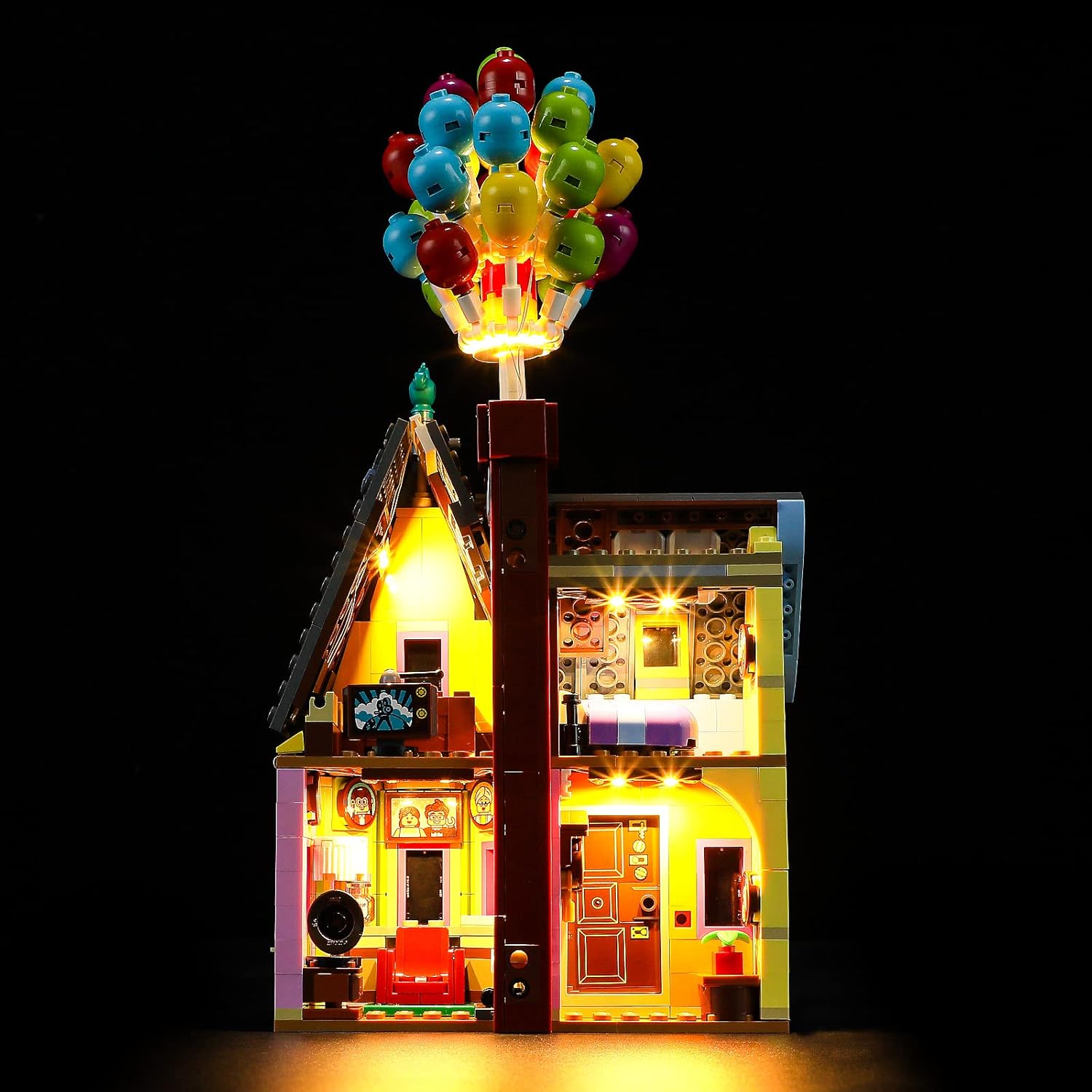
Image: The LEGO 'Up' House model fully illuminated by the GEAMENT LED Light Kit, showcasing the vibrant lighting effects on the exterior and interior.
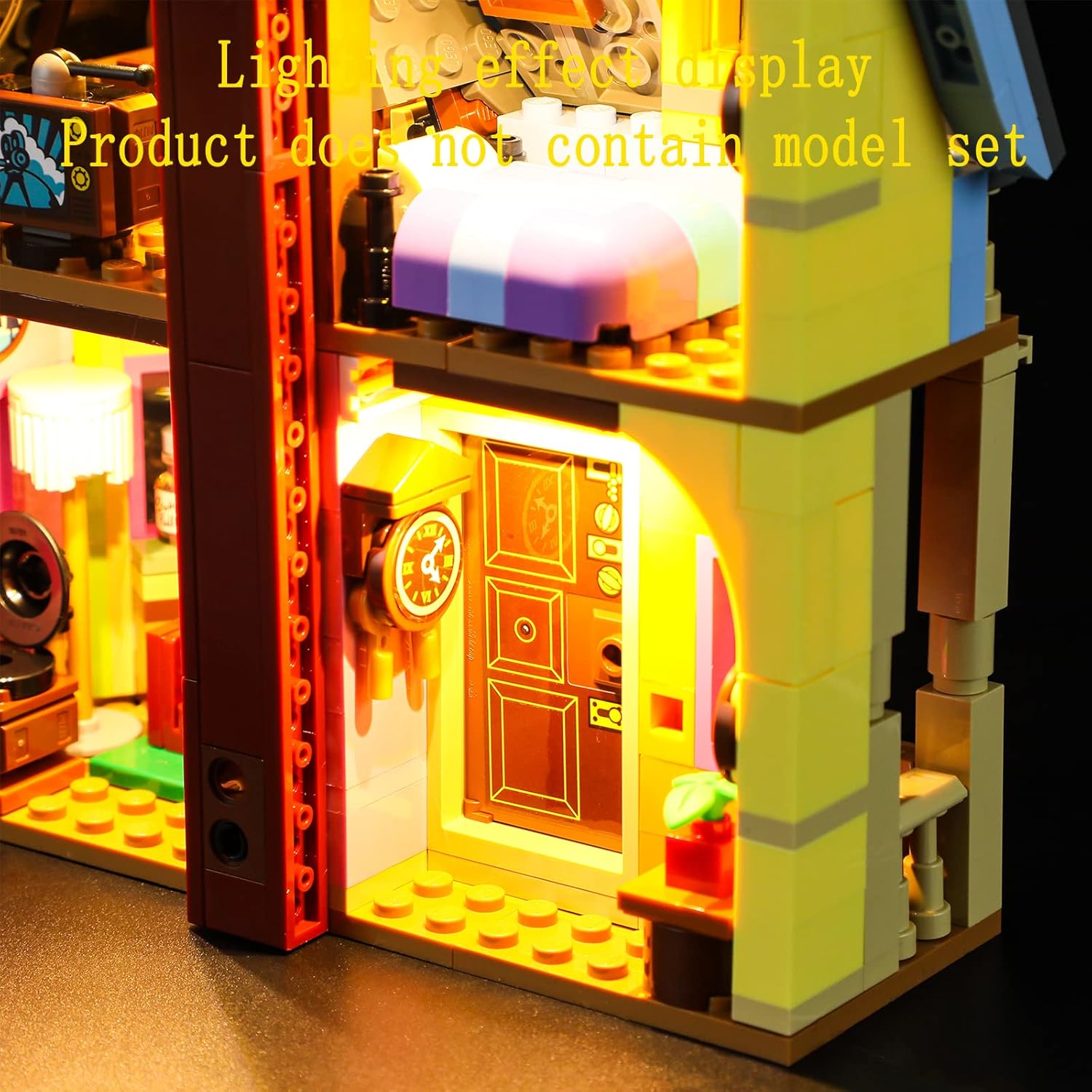
Image: A close-up view of the illuminated interior of the LEGO 'Up' House, highlighting the detailed lighting within the rooms.
Maintenance
To ensure the longevity and optimal performance of your LED Light Kit, follow these maintenance guidelines:
- Cleaning: Gently dust the LED components and wires with a soft, dry cloth. Avoid using liquid cleaners or abrasive materials, as these can damage the lights or wiring.
- Handling: Always handle the illuminated model and its wiring with care. Avoid pulling on wires or bending them sharply, which can cause disconnections or damage to the LEDs.
- Storage: If storing the model for an extended period, disconnect the power source. Store in a cool, dry place away from direct sunlight and extreme temperatures.
Troubleshooting
If you encounter any issues with your GEAMENT LED Light Kit, refer to the following common troubleshooting steps:
| Problem | Possible Cause | Solution |
|---|---|---|
| Lights do not turn on. |
|
|
| Some lights are flickering or dim. |
|
|
| Lights are too bright/dim. |
|
|
If the problem persists after following these steps, please contact GEAMENT customer support for further assistance.
Specifications
- Product Dimensions: 5.91 x 3.94 x 1.18 inches
- Item Weight: 3.88 ounces
- Model Number: 43217Z
- Manufacturer: GEAMENT
- Recommended Age: 15 years and up
- Power Input: USB 5V (specific current requirements may vary, refer to PDF manual)
Warranty and Support
GEAMENT is committed to providing high-quality lighting kits and excellent customer service. For any questions, concerns, or warranty inquiries regarding your LED Light Kit, please contact GEAMENT customer support through the retailer's platform or the contact information provided in your product packaging.
Please retain your proof of purchase for warranty purposes.