
Philips 55PUS8108/12
Philips Ambilight PUS8108 55 inch Smart 4K LED TV User Manual
Model: 55PUS8108/12
Introduction
This manual provides comprehensive instructions for the setup, operation, and maintenance of your Philips Ambilight PUS8108 55 inch Smart 4K LED TV. Designed for optimal viewing and audio experience, this television features advanced technologies such as the P5 Perfect Picture Engine, Ambilight, Dolby Atmos, and smart TV capabilities with voice assistant integration. Please read this manual thoroughly before using your TV to ensure proper and safe operation.

Figure 1: Philips Ambilight PUS8108 55 inch Smart 4K LED TV.
Setup
1. Unboxing and Package Contents
Carefully remove all components from the packaging. Ensure all items listed below are present. The packaging materials are FSC-certified recycled cardboard and recycled printed materials.

Figure 2: Package contents and TV dimensions.
- Philips Ambilight PUS8108 55 inch Smart 4K LED TV
- Remote Control
- 2 x AAA Batteries (for remote control)
- Tabletop Stand (if not wall-mounted)
- Power Cord
- Quick Start Guide
- Legal and Safety Brochure
- [POSSIBLE] Wall mounting bracket (check included components)
2. Stand Installation / Wall Mounting
For tabletop placement, attach the included stand according to the quick start guide. Ensure the stand is securely fastened and the TV is stable on a flat, level surface. If wall-mounting, use a compatible VESA wall mount (not always included, check package contents) and follow the wall mount manufacturer's instructions. Ensure proper ventilation around the TV.
3. Connecting Devices
Connect your external devices such as set-top boxes, gaming consoles, or Blu-ray players to the TV's HDMI ports. The TV supports HDMI 2.1 for enhanced gaming features like VRR and ALLM. Use the USB ports for media playback or connecting compatible accessories. For internet access, connect an Ethernet cable or use the built-in Wi-Fi.

Figure 3: Easy connectivity options on the TV.
- HDMI: Connect high-definition devices.
- USB: For external storage or peripherals.
- Ethernet: For wired internet connection.
- Antenna/Cable: For broadcast TV signals via the Triple Tuner (DVB-T, DVB-C, DVB-S2).
- Bluetooth: For wireless audio devices or accessories.
4. Initial Power-On and First-Time Setup
After connecting the power cord, press the power button on the remote control or the TV. Follow the on-screen instructions to complete the initial setup, including language selection, network connection, and channel scanning. This process will guide you through setting up your Smart TV features and connecting to your home network.
Operating Instructions
1. Basic TV Functions
- Power On/Off: Press the Power button on the remote.
- Volume Control: Use the Volume +/- buttons.
- Channel Selection: Use the Channel +/- buttons or the numeric keypad.
- Input Source: Press the Source button to switch between HDMI, TV, USB, etc.
- Menu Navigation: Use the arrow keys and OK button to navigate menus.
2. Smart TV Features
Your Philips Ambilight TV comes with a SMART system, providing access to a wide range of applications and services. Connect your TV to the internet via Wi-Fi or Ethernet to unlock these features.

Figure 4: Philips Smart TV content interface.
- Accessing Apps: Navigate to the Smart TV home screen to find pre-installed apps like Amazon Prime Video, Netflix, and YouTube. You can also download more apps from the app store.
- Voice Control: The TV is compatible with Google Assistant and Alexa. Use the built-in microphone on the remote or connect a compatible smart speaker for voice commands.
- HbbTV: Supports HbbTV Interactive TV for enhanced broadcast content.

Figure 5: Alexa built-in voice assistant functionality.
3. Ambilight Features
Ambilight technology projects colours from the screen onto the wall behind the TV, creating an immersive viewing experience.
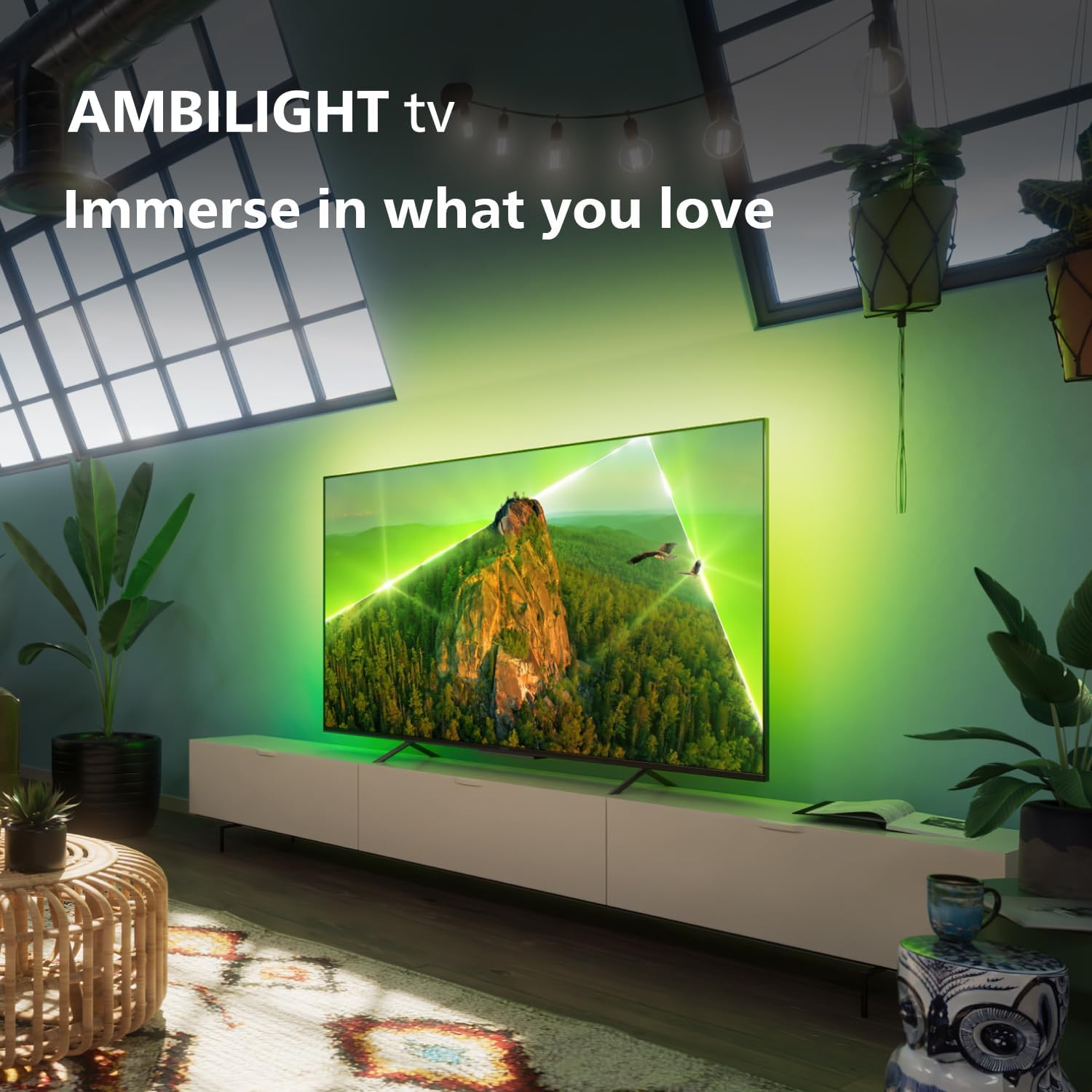
Figure 6: Immersive Ambilight experience.
- Ambilight Modes: Explore various modes such as Wall Colour Adaptive, Lounge Mode, Game Mode, Ambilight Music, and AmbiSleep. These can be configured in the TV settings menu.
- Customization: Adjust the brightness and intensity of the Ambilight to suit your preference and room lighting.
4. Picture and Sound Settings
Your TV features the P5 Perfect Picture Engine for optimized visuals and Dolby Atmos for cinematic sound.
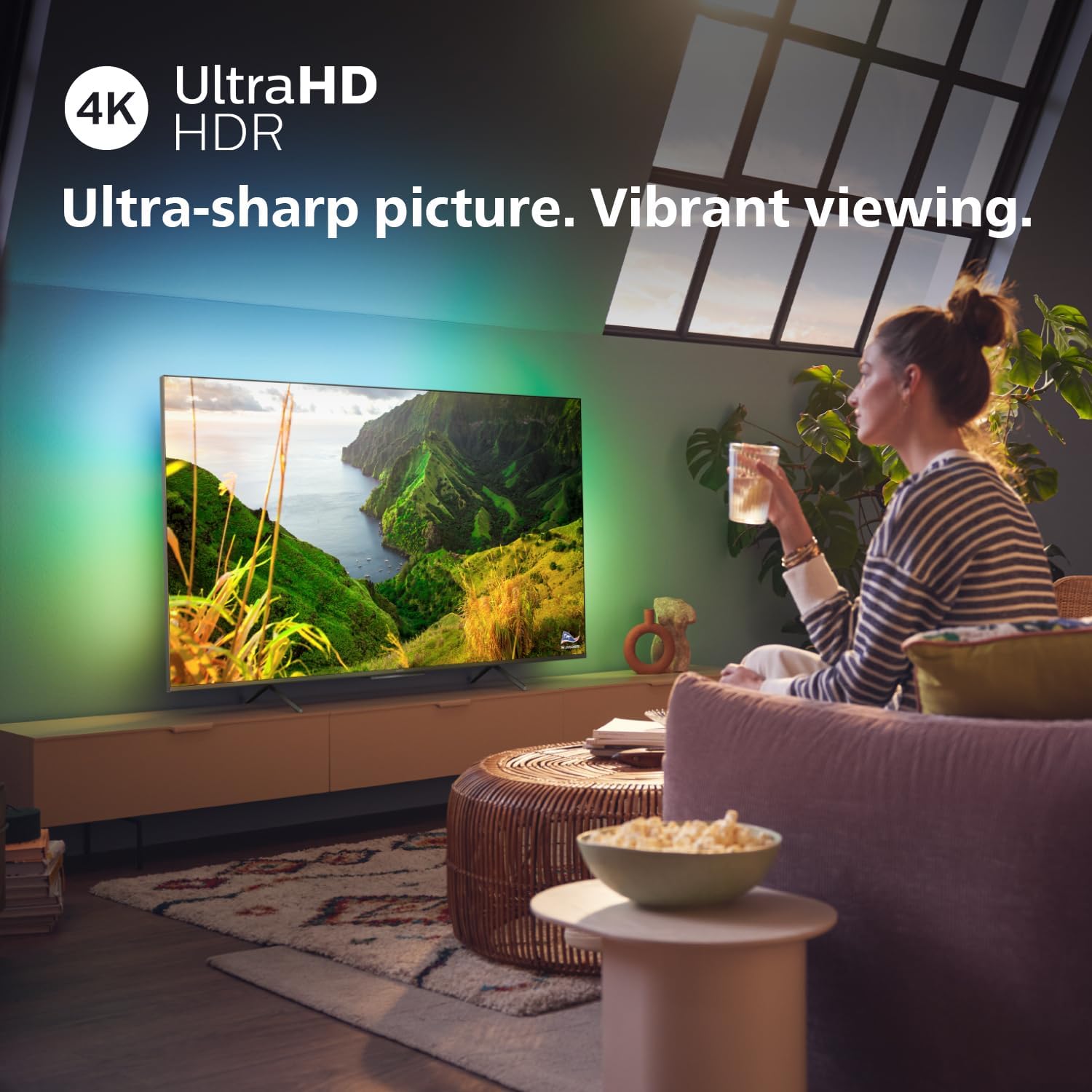
Figure 7: Ultra-sharp picture and vibrant viewing with 4K UltraHD HDR.
- Picture Modes: Select from predefined picture modes (e.g., Standard, Vivid, Movie, Game) or customize settings like brightness, contrast, colour, and sharpness. Supports HDR10+, Dolby Vision, and HLG.
- Sound Modes: Choose from various sound modes (e.g., Standard, Movie, Music) or adjust settings like Bass Enhancement and Volume Leveller. The integrated 20W speakers and A.I. Sound & EQ provide rich audio.
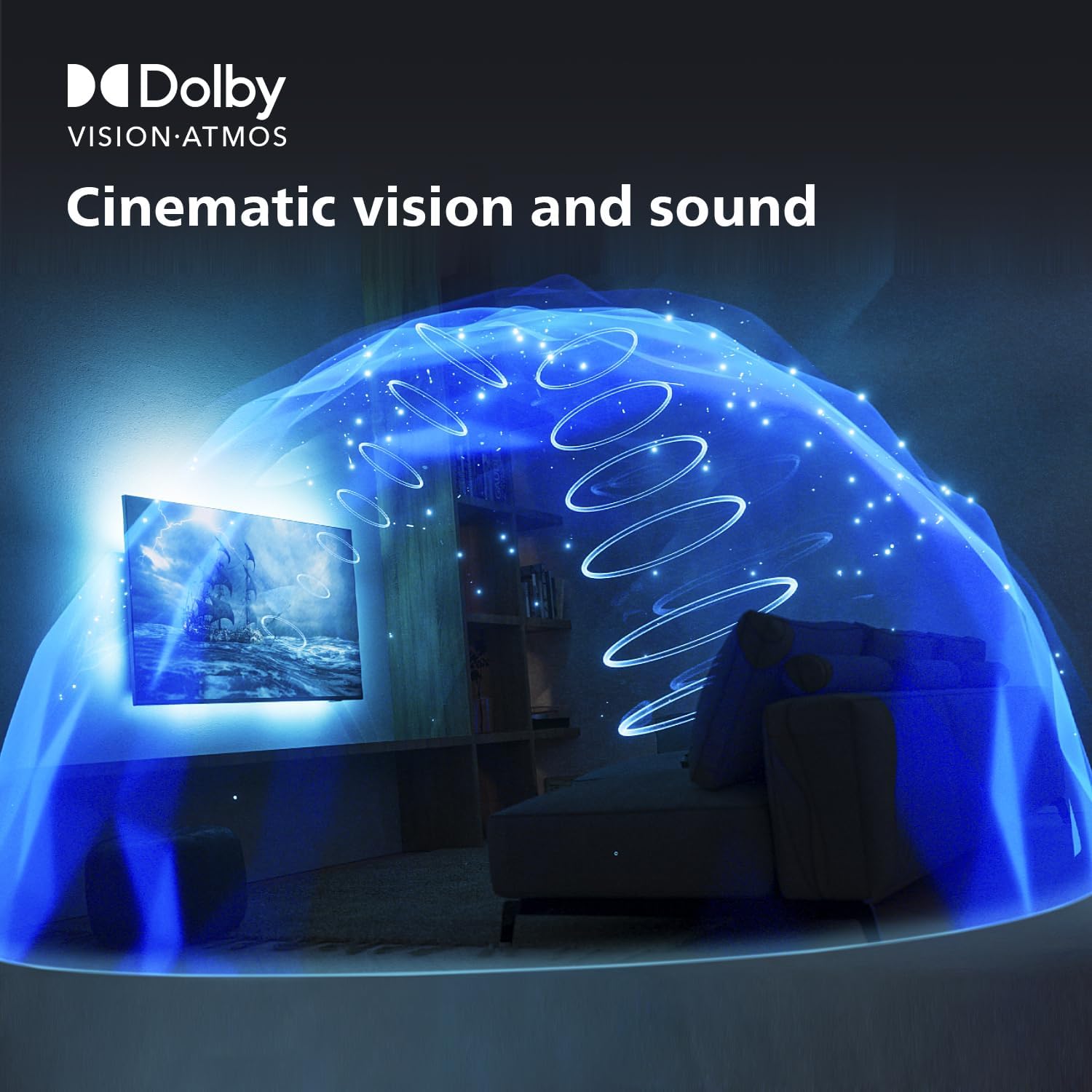
Figure 8: Cinematic vision and sound with Dolby Vision and Atmos.
5. Gaming Features
The TV is optimized for gaming with a 60Hz refresh rate and support for HDMI 2.1 features.

Figure 9: Enhanced gaming experience with VRR and low input lag.
- VRR (Variable Refresh Rate): Ensures smoother gameplay by synchronizing the TV's refresh rate with the console's frame rate.
- ALLM (Auto Low Latency Mode): Automatically switches the TV to a low-latency mode when a gaming console is detected, reducing input lag.
- 60Hz Refresh Rate: Provides a smooth visual experience for most gaming content.
Maintenance
1. Cleaning the TV
- Screen: Gently wipe the screen with a soft, lint-free cloth. For stubborn marks, slightly dampen the cloth with water or a screen-cleaning solution specifically designed for electronics. Do not spray liquid directly onto the screen.
- Frame and Stand: Use a soft, dry cloth to clean the TV frame and stand.
- Do Not Use: Avoid using abrasive cleaners, alcohol, benzene, or thinners, as these can damage the TV's surface.
2. Software Updates
Periodically check for software updates through the TV's settings menu. Updates can improve performance, add new features, and enhance security. Ensure your TV is connected to the internet during the update process.
3. Power Management
To conserve energy, turn off the TV when not in use. For extended periods of inactivity, it is recommended to unplug the TV from the power outlet.
Troubleshooting
This section addresses common issues you might encounter. If the problem persists, please refer to the support section.
1. No Power / No Picture
- Ensure the power cord is securely plugged into both the TV and a working wall outlet.
- Check if the power indicator light on the TV is on.
- Try pressing the power button on the TV itself, not just the remote.
- Verify the correct input source is selected (e.g., HDMI 1, TV).
2. Poor Picture Quality
- Check the antenna or cable connection for looseness or damage.
- Adjust picture settings (brightness, contrast, sharpness) in the TV menu.
- Ensure the content source (e.g., streaming service, Blu-ray) is providing a high-quality signal.
- For optimal viewing distance, refer to the recommended distances:

Figure 10: Recommended TV viewing distances.
3. No Sound / Distorted Sound
- Increase the volume using the remote control.
- Check if the TV is muted.
- Verify audio cable connections from external devices.
- Adjust sound settings in the TV menu.
4. Remote Control Not Working
- Replace the batteries in the remote control.
- Ensure there are no obstructions between the remote and the TV's IR sensor.
5. Smart TV / Internet Connectivity Issues
- Restart your home router/modem.
- Go to the TV's network settings and reconnect to your Wi-Fi network or check the Ethernet cable.
- Ensure the TV's software is up to date.
Specifications
| Feature | Specification |
|---|---|
| Model Number | 55PUS8108/12 |
| Screen Size | 55 Inches (140 cm visible diagonal) |
| Display Technology | LED |
| Resolution | 4K Ultra HD |
| Refresh Rate | 60 Hz |
| Picture Engine | P5 Perfect Picture Engine |
| HDR Support | HDR10+, Dolby Vision, HLG |
| Audio Output | 20W Speakers |
| Audio Technology | Dolby Atmos, A.I. Sound & EQ, Bass Enhancement, Volume Leveller |
| Smart TV System | SAPHI (or similar Philips Smart TV OS) |
| Voice Assistants | Google Assistant & Alexa Compatible |
| Connectivity | Bluetooth, Wi-Fi, USB, Ethernet, HDMI (HDMI 2.1 with eARC/VRR/ALLM) |
| Product Dimensions (D x W x H) | 8.2 x 123.1 x 72.2 cm |
| Weight | 14.6 kg |
| Energy Efficiency Class | F |
| On-mode Power Consumption | 72 KW |
Warranty and Support
Your Philips Ambilight TV is covered by a manufacturer's warranty. Please refer to the legal and safety brochure included in your package for detailed warranty terms and conditions. For technical support, troubleshooting assistance, or service requests, please visit the official Philips support website or contact their customer service. Keep your purchase receipt as proof of purchase for warranty claims.
Online Support: www.philips.co.uk/support
Related documents55PUS8108/12


Ask a question about this manual
Ask about setup, troubleshooting, compatibility, parts, safety, or missing instructions. Manuals+ will review the question and use this page’s manual context to help answer it.