
Introduction
This manual provides essential instructions for the safe and efficient use of your PHILIPS TAT3508BK True Wireless Bluetooth Noise Cancelling In-Ear Headphones. Please read this manual thoroughly before using the product and retain it for future reference.

Image: The PHILIPS TAT3508BK True Wireless In-Ear Headphones, with one earbud removed and the charging case open, displaying the second earbud inside.
Package Contents
Verify that all items are present in the package:
- PHILIPS TAT3508BK True Wireless In-Ear Headphones
- Charging Case
- USB-A to USB-C Charging Cable
- Multiple sizes of Silicone Ear-tips
- User Manual (this document)

Image: Contents of the PHILIPS TAT3508BK package, showing the two earbuds, the charging case, various ear tip sizes, and the USB-A to USB-C charging cable.
Setup
Initial Charge
Before first use, fully charge the headphones and charging case.
- Place the earbuds into the charging case.
- Connect the USB-C end of the charging cable to the charging port on the case and the USB-A end to a power source (e.g., computer USB port, wall adapter).
- The indicator lights on the case will show charging status. A full charge takes approximately 2 hours.
Pairing with a Bluetooth Device
- Ensure the earbuds are in the charging case and the case lid is open.
- On your device (smartphone, tablet), enable Bluetooth and search for new devices.
- Select "PHILIPS TAT3508BK" from the list of available devices.
- Once connected, a confirmation sound will play.
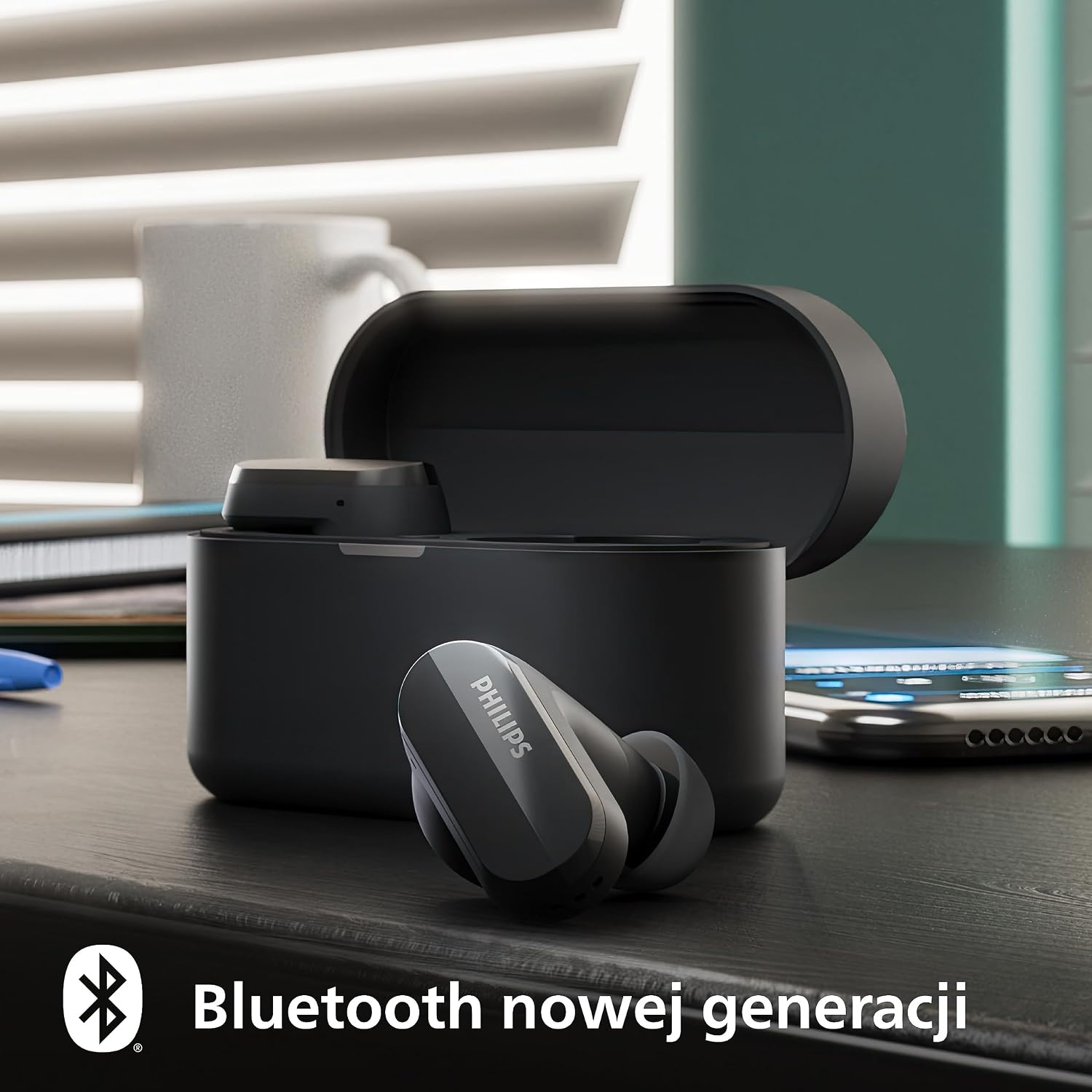
Image: PHILIPS TAT3508BK earbuds in their open charging case, with a smartphone displaying a Bluetooth connection icon, illustrating the pairing process.
Fitting the Earbuds
Select the ear-tip size that provides a comfortable and secure fit for optimal sound quality and noise cancellation.
- Gently insert the earbud into your ear canal.
- Twist slightly to ensure a snug and stable fit.

Image: A person wearing the PHILIPS TAT3508BK earbuds, demonstrating a comfortable and secure fit for extended use.
Operating Instructions
Power On/Off
- Power On: Open the charging case, or remove the earbuds from the case. They will automatically power on.
- Power Off: Place the earbuds back into the charging case and close the lid. They will automatically power off and begin charging.
Touch Controls
The earbuds feature touch-sensitive controls on their stalks.
| Action | Left Earbud | Right Earbud |
|---|---|---|
| Play/Pause | Single tap | Single tap |
| Next Track | Double tap | Double tap |
| Previous Track | Triple tap | Triple tap |
| Answer/End Call | Single tap | Single tap |
| Reject Call | Press and hold (2s) | Press and hold (2s) |
| Activate Voice Assistant | Press and hold (2s) | Press and hold (2s) |
| ANC/Awareness Mode Toggle | Press and hold (2s) | Press and hold (2s) |
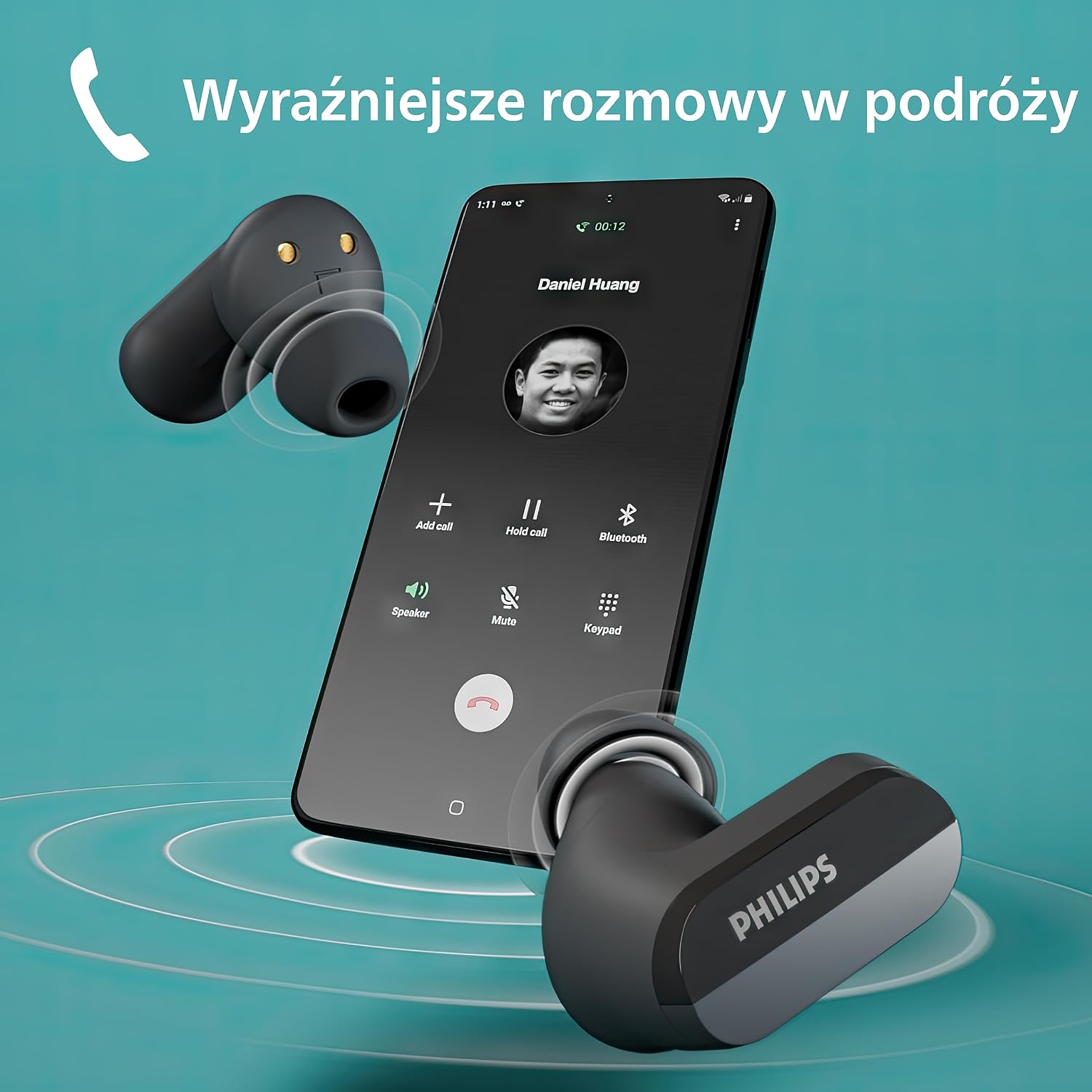
Image: PHILIPS TAT3508BK earbuds shown in use with a smartphone displaying an active call screen, highlighting their functionality for clear conversations.
Active Noise Cancellation (ANC) and Awareness Mode
Your headphones feature Active Noise Cancellation to reduce ambient noise and Awareness Mode to allow you to hear your surroundings.
- Toggle between ANC On, Awareness Mode, and ANC Off by pressing and holding the touch control on either earbud for 2 seconds.
- The Philips Headphones App allows for customization of these modes.

Image: A PHILIPS TAT3508BK earbud illustrating Active Noise Cancellation, with sound waves being blocked and reduced to enhance listening experience.
Mono Mode
You can use either earbud independently while the other is in the charging case.
Multipoint Connectivity
The headphones can connect to two Bluetooth devices simultaneously, allowing seamless switching between them.
Philips Headphones App
Download the Philips Headphones App for additional features, including:
- Customizing Noise Cancelling levels.
- Adjusting Awareness Mode transparency.
- Fine-tuning sound with an equalizer.
Maintenance
Cleaning
- Use a soft, dry, lint-free cloth to clean the earbuds and charging case.
- Do not use abrasive cleaners or solvents.
- Regularly clean the ear-tips and charging contacts to ensure proper function.
Storage
Store the headphones in their charging case when not in use to protect them and keep them charged.

Image: The PHILIPS TAT3508BK earbuds and charging case placed outdoors, demonstrating their portability and the convenience of the pocket-sized charging case.
Water Resistance
The headphones are IPX4 water resistant, meaning they are protected against splashing water from any direction. They are not designed for submersion.
Troubleshooting
| Problem | Solution |
|---|---|
| Earbuds do not power on. | Ensure earbuds are charged. Place them in the charging case and charge the case. |
| Cannot pair with device. |
|
| No sound or poor sound quality. |
|
| Active Noise Cancellation not effective. |
|
| Earbuds not charging in case. |
|
Specifications
- Model: TAT3508BK
- Connectivity: Bluetooth Wireless
- Drivers: 10mm
- Frequency Response: 20Hz - 20,000Hz
- Impedance: 32 Ohm
- Sensitivity: 95 dB
- Noise Control: Active Noise Cancellation (ANC), Awareness Mode
- Battery Life (Earbuds): Up to 7 hours (ANC off)
- Battery Life (with Charging Case): Up to 21 hours total
- Charging Time: Approximately 2 hours (full charge)
- Quick Charge: 15 minutes charge for 1 hour play time
- Water Resistance: IPX4
- Control Type: Touch Control
- Weight: 66 g (total, including case)
- Dimensions (Case): 2.81 x 6.28 x 3.54 cm
Warranty and Support
For warranty information and technical support, please refer to the warranty card included in your product packaging or visit the official Philips support website.