
1. Introduction and Overview
Thank you for choosing the Kamita Protective Case for your Xplora X6 Play Kids Smartwatch. This product is designed to provide comprehensive protection for your device, combining a durable hard PC bumper with an integrated 9H tempered glass screen protector. This manual will guide you through the installation process, highlight key features, and provide maintenance tips to ensure optimal performance and longevity of your protective case.

Image: The Kamita protective cases in blue and pink, designed for the Xplora X6 Play smartwatch.
2. Compatibility
This Kamita protective case is specifically designed for the Xplora X6 Play smartwatch. It is not compatible with other Xplora models such as Xplora 5/4/XG03/XG02, or any other watch models. Please verify your smartwatch model before attempting installation to ensure proper fit and function.

Image: Visual guide illustrating that the case is exclusively compatible with the Xplora X6 Play model.
3. Product Features
The Kamita Protective Case offers a range of features designed to enhance the durability and usability of your Xplora X6 Play smartwatch:
- 2-in-1 All-Around Protection: Combines a hard PC frame with a 9H tempered glass screen protector for comprehensive coverage.
- Advanced Material: Made from durable, matte hard PC material that is wear-resistant and maintains its color.
- High Definition & Sensitivity: The 99.99% clear hydrophobic and oleophobic screen coating ensures high transparency and maintains original touch sensitivity.
- Shockproof and Drop Protection: Features four-corner reinforcement to protect the watch from collisions and accidental drops.
- Scratch Resistance: Protects against daily scratches and abrasions.
- Precise Cutouts: Ensures easy access to all buttons, sound holes, sensors, and functions without removing the case.
- Easy Charging: Allows direct charging of the smartwatch without needing to remove the protective case.
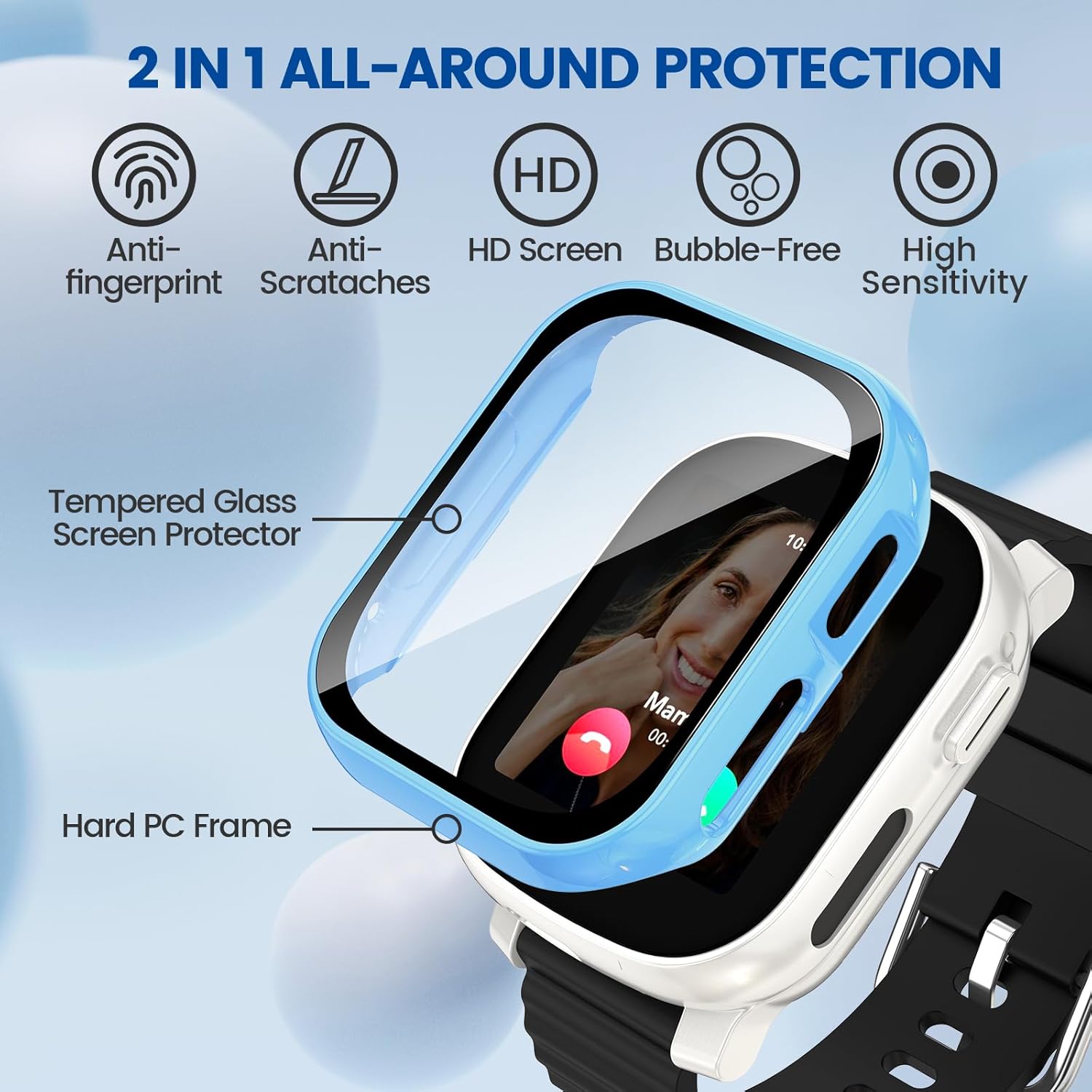
Image: Key features of the Kamita protective case, including its 2-in-1 design with tempered glass and hard PC frame.
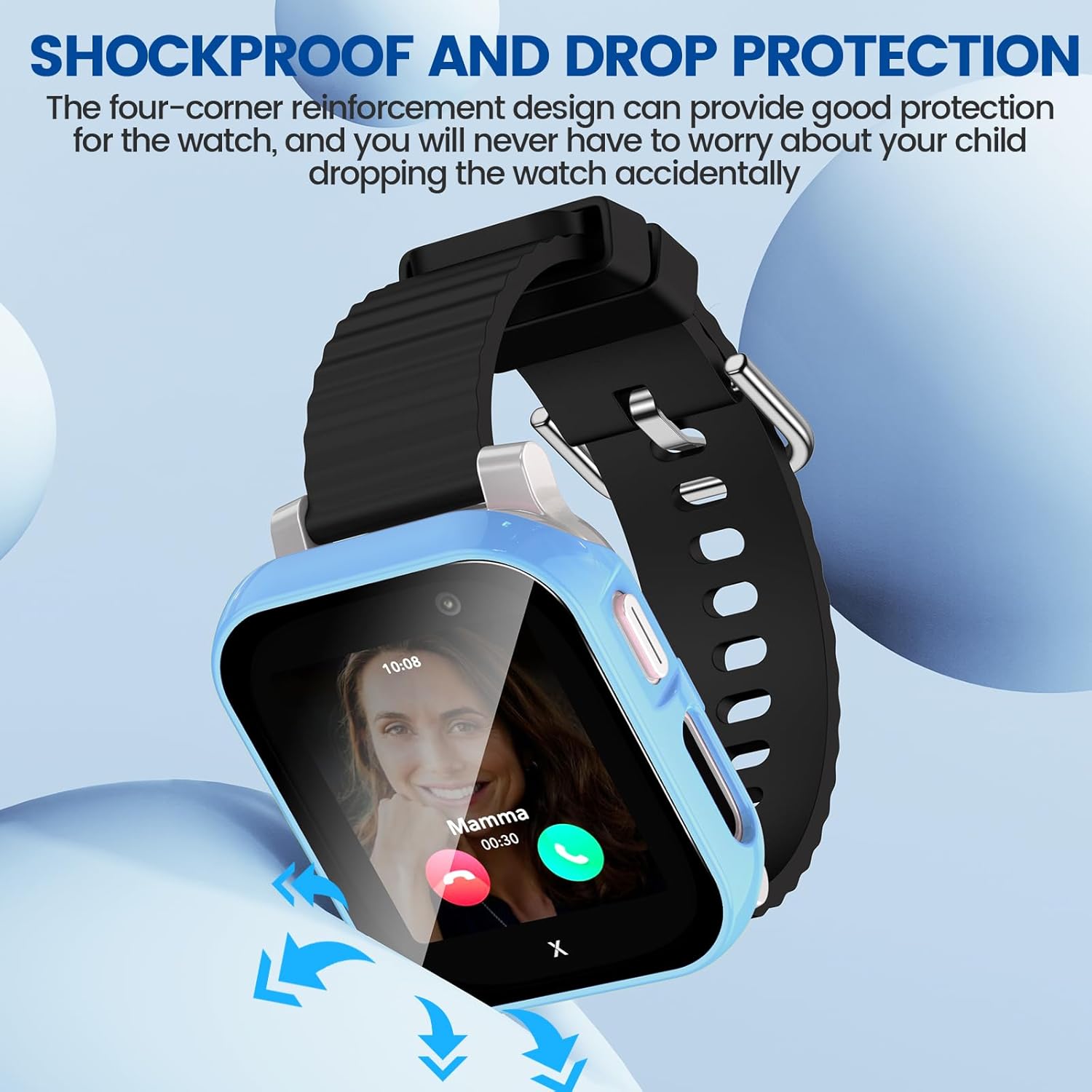
Image: Illustration of the shockproof and drop protection capabilities of the case.

Image: Detail showing the precise cutouts for buttons and direct charging access on the case.
4. Setup and Installation
Installing the Kamita Protective Case is a straightforward process. You do not need to remove the watch band during installation.
- Prepare the Watch: Before installation, remove any existing protective film from the watch screen. Clean your watch screen thoroughly with an alcohol wipe (if available) and then dry it completely with a clean, dry cloth.
- Remove Case Sticker: Carefully peel off the protective sticker from the inside of the Kamita case's screen protector.
- Position the Case: Place the case onto the watch, ensuring that the recording hole (microphone) on the case aligns perfectly with the microphone on your Xplora X6 Play smartwatch. This ensures that your child can use the call function as usual.
- Secure the Case: Gently press the other side of the case to fully install it onto the watch. Ensure all edges snap into place securely.

Image: Step-by-step instructions for easy installation of the protective case.

Image: Detailed view of the microphone hole alignment for proper function.
5. Operating Instructions
Once installed, the Kamita Protective Case does not interfere with the normal operation of your Xplora X6 Play smartwatch. All functions, including touch screen sensitivity, button access, and charging, remain fully accessible.
- Touch Screen: The integrated 9H tempered glass screen protector maintains the original touch sensitivity of your watch screen.
- Button Access: Precise cutouts ensure that all physical buttons on the watch are easily accessible and fully functional.
- Charging: The case is designed to allow direct charging of the watch without removal.
- Sound & Sensors: All sound holes and sensors remain unobstructed for optimal performance.
6. Maintenance
To ensure the longevity and clarity of your Kamita Protective Case, follow these maintenance guidelines:
- Cleaning: Use a soft, lint-free cloth to wipe the case and screen protector. For stubborn smudges, a slightly damp cloth can be used, followed by a dry wipe.
- Water Exposure: NOTE: This case is not waterproof. If water, sweat, or moisture gets under the case, it may affect touch sensitivity. Immediately remove the case and use a dry cloth to clean both the watch and the inside of the case before re-installing.
- Avoid Harsh Chemicals: Do not use abrasive cleaners, solvents, or harsh chemicals, as these can damage the case material or screen coating.
- Storage: When not in use, store the case in a clean, dry environment away from direct sunlight and extreme temperatures.
7. Troubleshooting
If you encounter any issues with your Kamita Protective Case, please refer to the following common solutions:
| Problem | Possible Cause / Solution |
|---|---|
| Reduced Touch Sensitivity |
|
| Case Does Not Fit Properly |
|
| Buttons Are Hard to Press |
|
If the issue persists after attempting these solutions, please contact Kamita customer support for further assistance.
8. Specifications
- Product Name: Kamita Protective Case for Xplora X6 Play Smartwatch
- Compatibility: Xplora X6 Play Smartwatch ONLY
- Material: Hard PC (Polycarbonate) + 9H Tempered Glass
- Features: All-around protection, Shockproof, Anti-scratch, High sensitivity, Precise cutouts, Direct charging compatible
- Color Options: Blue, Pink (as per product variant)
- Special Note: Not waterproof (refer to Maintenance section)
9. Warranty and Support
Kamita products are designed for quality and durability. For any questions regarding this item, or if you encounter any issues not covered in this manual, please contact Kamita customer support via email. We are committed to resolving any problems you may have.
Return Policy: This product is eligible for a refund or replacement within 30 days of purchase, as per standard return policies.
For the most up-to-date support information, please refer to the seller's page on Amazon or contact Kamita-EU directly.
Seller: Kamita-EU