Introduction
Thank you for choosing itoeo Led Flameless Candles. This manual provides essential information for the safe and efficient use of your new flameless candle set. Please read these instructions carefully before use and retain them for future reference.
This set includes three flameless candles (4-inch, 5-inch, and 6-inch height) with a gold glass effect, featuring realistic flickering flames, and a remote control with timer functions.
Package Contents
- 3 x Led Flameless Candles (4-inch, 5-inch, 6-inch heights)
- 1 x Remote Control
- 1 x Operating Manual (this document)
Note: 3 x AA batteries per candle are required and are not included in the package.
Setup
1. Battery Installation
- Locate the battery compartment at the bottom of each flameless candle.
- Open the battery compartment cover.
- Insert 3 new AA batteries into each candle, ensuring correct polarity (+/-).
- Close the battery compartment cover securely.
2. Remote Control Battery Installation
- The remote control typically uses a CR2025 or CR2032 button cell battery (usually pre-installed with a protective tab).
- If necessary, remove the plastic protective tab from the battery compartment of the remote control.
- If replacing, ensure correct polarity when inserting the new battery.
3. Placement
Place the flameless candles on a stable, flat surface. Avoid direct sunlight or extreme temperatures, as this may affect the wax material.
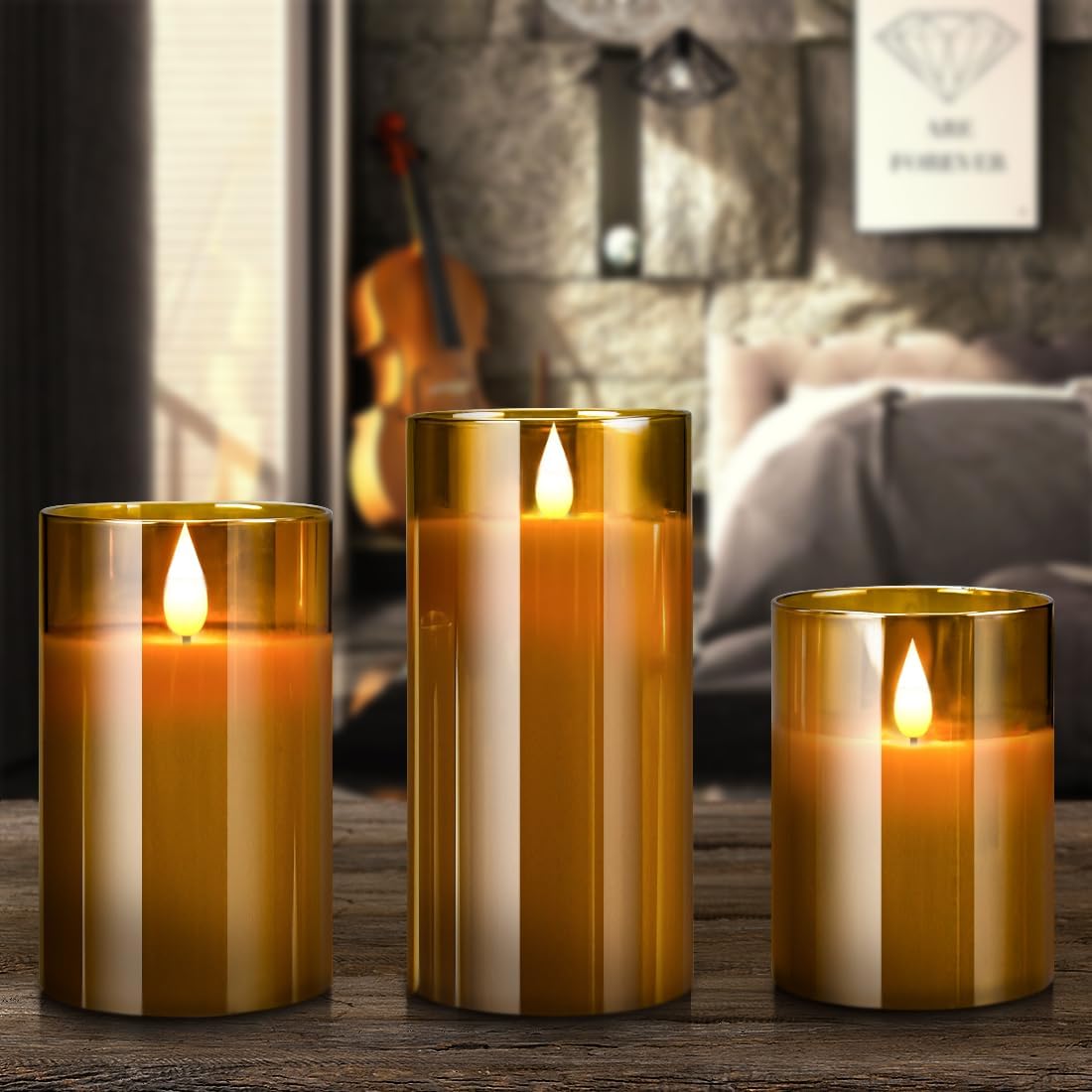
Image: The three flameless candles in varying heights, ready for placement.
Operating Instructions
1. Basic Operation
- Power On/Off: Use the 'ON' and 'OFF' buttons on the remote control to turn the candles on or off.
- Alternatively, a switch on the bottom of each candle can be used for manual power control.
2. Remote Control Functions
The included remote control allows for convenient operation of your flameless candles. Point the remote directly at the candles for best response.

Image: Remote control layout with various function buttons.
- ON/OFF: Turns all paired candles on or off.
- Timer (2H/4H/6H/8H): Press one of these buttons to activate the timer function. The candles will stay on for the selected duration (2, 4, 6, or 8 hours) and then automatically turn off. The timer will cycle every 24 hours, meaning the candles will turn on again at the same time the next day.
- Candle Mode: Activates the flickering flame effect, mimicking a real candle.
- Light Mode: Activates a steady glow, providing constant illumination without flickering.
- Dim- / Dim+: Adjusts the brightness level of the candle light. Press 'Dim+' to increase brightness and 'Dim-' to decrease brightness.
Maintenance
1. Cleaning
- Wipe the candles with a soft, dry cloth to remove dust.
- Do not use abrasive cleaners or solvents, as these may damage the wax or glass finish.
2. Battery Replacement
- When the light becomes dim or the candles stop responding to the remote, it is time to replace the batteries.
- Follow the battery installation steps outlined in the 'Setup' section.
- Always replace all batteries in a candle at the same time with new ones of the same type.
- Dispose of used batteries responsibly according to local regulations.
3. Storage
- If storing the candles for an extended period, remove all batteries to prevent leakage and potential damage.
- Store in a cool, dry place away from direct sunlight and extreme temperatures.
Troubleshooting
| Problem | Possible Cause | Solution |
|---|---|---|
| Candle does not turn on. | Batteries are dead or incorrectly installed. | Replace batteries, ensuring correct polarity. |
| Remote control not working. | Remote battery is dead or protective tab is still in place. Candles are out of range. | Replace remote battery or remove tab. Ensure remote is pointed directly at candles within a reasonable distance. |
| Light is dim or inconsistent. | Low battery power. | Replace batteries in the affected candle(s). |
| Timer function not working correctly. | Timer was not set properly or interrupted. | Ensure candles are on, then press the desired timer button (2H/4H/6H/8H) once. Do not press other buttons after setting the timer until the cycle is complete. |
Specifications
- Brand: itoeo
- Model Number: Ca00008AL
- Material: Real Wax, Glass
- Color: Gold
- Candle Heights: 4 inches, 5 inches, 6 inches
- Candle Diameter: Approximately 3 inches (7.62 cm)
- Power Source: 3 x AA batteries per candle (not included)
- Battery Life: Approximately 150 hours of continuous ambience (with high-grade AA batteries)
- Control: Remote Control
- Features: Flickering flame technology, two light modes (flickering/steady), adjustable brightness, timer function (2H/4H/6H/8H)
- Product Dimensions (overall package): 9.65 x 27.18 x 18.29 cm
- Item Weight: 1.76 Pounds (approximately 798 g)

Image: Flameless candle providing ambient light in a home setting.
Safety Information
- These flameless candles are for indoor use only.
- Do not expose to water or high humidity.
- Keep out of reach of children and pets.
- Do not mix old and new batteries, or different types of batteries.
- Remove batteries if the product is not used for a long time.
- The wax material is real wax; avoid placing in direct sunlight or near heat sources to prevent melting or deformation.

Image: A child safely holding a flameless candle, highlighting its safety features.
Warranty and Support
Specific warranty information for this product is not provided within this manual. Please refer to the product packaging or contact the manufacturer directly for details regarding warranty coverage and customer support.