
DENBIG JHS-A016G-07KR-D3
DENBIG Portable Air Conditioner User Manual
Model: JHS-A016G-07KR-D3
1. Product Overview
The DENBIG Portable Air Conditioner (Model JHS-A016G-07KR-D3) is a versatile 4-in-1 unit designed to provide comfort in rooms up to 300 sq. ft. It functions as an air conditioner, dehumidifier, and multi-speed fan, also featuring a quiet sleep mode. This unit is equipped with a remote control and a 24-hour timer for convenient operation.
1.1 Key Features
- Fast Cooling: 10,000 BTU cooling capacity, suitable for areas up to 300 sq. ft.
- 4-in-1 Functionality: Offers cooling, dehumidification (55 pints/day), 2-speed fan, and sleep mode.
- Quiet Operation: Sleep mode operates as low as 53 dB.
- Convenient Controls: Features a programmable 24-hour timer, adjustable thermostat, remote control, and LED control panel.
- High Mobility: Equipped with 360° swiveling castors and built-in handles for easy movement.
- Easy Installation: Includes an exhaust hose and window slider kit for quick setup.
1.2 Product Components
The package includes the main portable AC unit, a remote control, insect guard, hose inlet, hose outlet, air exhaust hose, wing nuts and screws, and a window slider kit.

Image: The DENBIG Portable Air Conditioner unit with its remote control, illustrating the cool air output.

Image: Visual representation of the 3-in-1 operation system: Cool, Fan, and Dry (Dehumidify) modes.

Image: An illustration detailing all components included with the portable air conditioner, such as the remote, hoses, and window kit.
2. Setup and Installation
Proper setup is crucial for optimal performance and safety. Follow these steps carefully.
2.1 Choosing a Location
Place the unit on a flat, stable surface. Ensure there is at least 20 inches (50 cm) of clear space around the unit for proper airflow. Do not block the air inlets or outlets.
2.2 Window Kit Installation
The included window slider kit is designed for easy installation in most standard sliding slash or single/double-hung windows, adjustable for 9-57 inch windows.
- Position and insert the wind nut to the panel.
- Connect 2 or 3 panels according to your window's dimensions.
- Stretch the exhaust hose to 6 inches.
- Twist the hose outlet into the hose.
- Connect the hose inlet and insect guard to the hose.
- Connect the hose outlet to the window kit, and screw them tightly.

Image: Illustration demonstrating the compatibility of the window slider kit with various window types.

Image: The portable AC unit set up with the exhaust hose connected to a window, demonstrating the ease of installation.

Image: A visual step-by-step guide for assembling and installing the window kit and exhaust hose.
3. Operating Instructions
The unit can be operated via the LED control panel on top of the unit or the included remote control.
3.1 Control Panel and Remote Control
Both the control panel and remote offer full functionality for all modes and settings.

Image: The unit's top control panel and the remote control, demonstrating the dual operation methods.

Image: A detailed view of the LED control panel, showing various buttons and the digital display.
3.2 Modes of Operation
- Cool Mode: Provides powerful cooling for rooms up to 300 sq. ft.
- Dehumidifier Mode: Removes up to 55 pints of moisture per day.
- Fan Mode: Circulates air with two available speeds.
- Sleep Mode: Operates quietly for undisturbed rest.
3.3 Setting the Timer
The 24-hour programmable timer allows you to set the unit to turn on or off automatically.
3.4 Airflow Adjustment
Adjust the horizontal and vertical louvers to direct airflow as desired.

Image: A close-up view of the unit's adjustable louvers, indicating how to control airflow direction.
3.5 Mobility
The unit is designed with 360° swiveling castors and built-in handles for easy relocation between rooms.

Image: A close-up of the unit's 360-degree swiveling castors, highlighting its mobility.
3.6 Official Product Video
Video: An official product video from DENBIG (JHS Official) demonstrating the features and functionality of the portable AC unit, including its self-evaporate system, 24-hour timer, low noise operation, multiple modes (Cool, Fan, Dry), easy-access filter, handles, universal castors, and sleep mode.
4. Maintenance
Regular maintenance ensures the longevity and efficiency of your portable air conditioner.
4.1 Filter Cleaning
The air filter should be cleaned regularly to maintain optimal performance. It is easily accessible for cleaning and washing.

Image: The removable air filter located at the back of the unit, designed for easy access and cleaning.

Image: The air filter being removed from the unit, demonstrating the ease of access for maintenance.
5. Troubleshooting
If you encounter issues with your unit, refer to the following common problems and solutions.
| Problem | Possible Cause | Solution |
|---|---|---|
| Unit does not turn on | No power, power cord unplugged, circuit breaker tripped. | Check power connection, ensure outlet is functional, reset breaker. |
| Unit not cooling effectively | Dirty air filter, blocked air intake/exhaust, room size too large, windows/doors open. | Clean filter, clear obstructions, ensure room is sealed, verify unit BTU matches room size. |
| Water leakage | Drain plug not properly sealed, unit not level, water tank full (if applicable). | Check drain plug, ensure unit is level, empty water tank. |
| Noisy operation | Unit not on a level surface, internal component loose. | Place on a level surface. If noise persists, contact customer support. |
For issues not listed here, please contact DENBIG customer support.
6. Specifications
| Feature | Detail |
|---|---|
| Brand | DENBIG |
| Model Number | JHS-A016G-07KR-D3 |
| Cooling Capacity | 10,000 BTU |
| Coverage Area | Up to 300 sq. ft. |
| Dehumidification Capacity | 55 Pints/day |
| Noise Level | 53 dB |
| Product Dimensions (D x W x H) | 14.62" x 13.36" x 33.4" |
| Item Weight | 58.2 pounds |
| Refrigerant | R-32 |
| Filter Type | Washable |
| Special Features | Remote Controlled, Sleep Mode, Dust Filter, Dehumidifier, Fast Cooling |
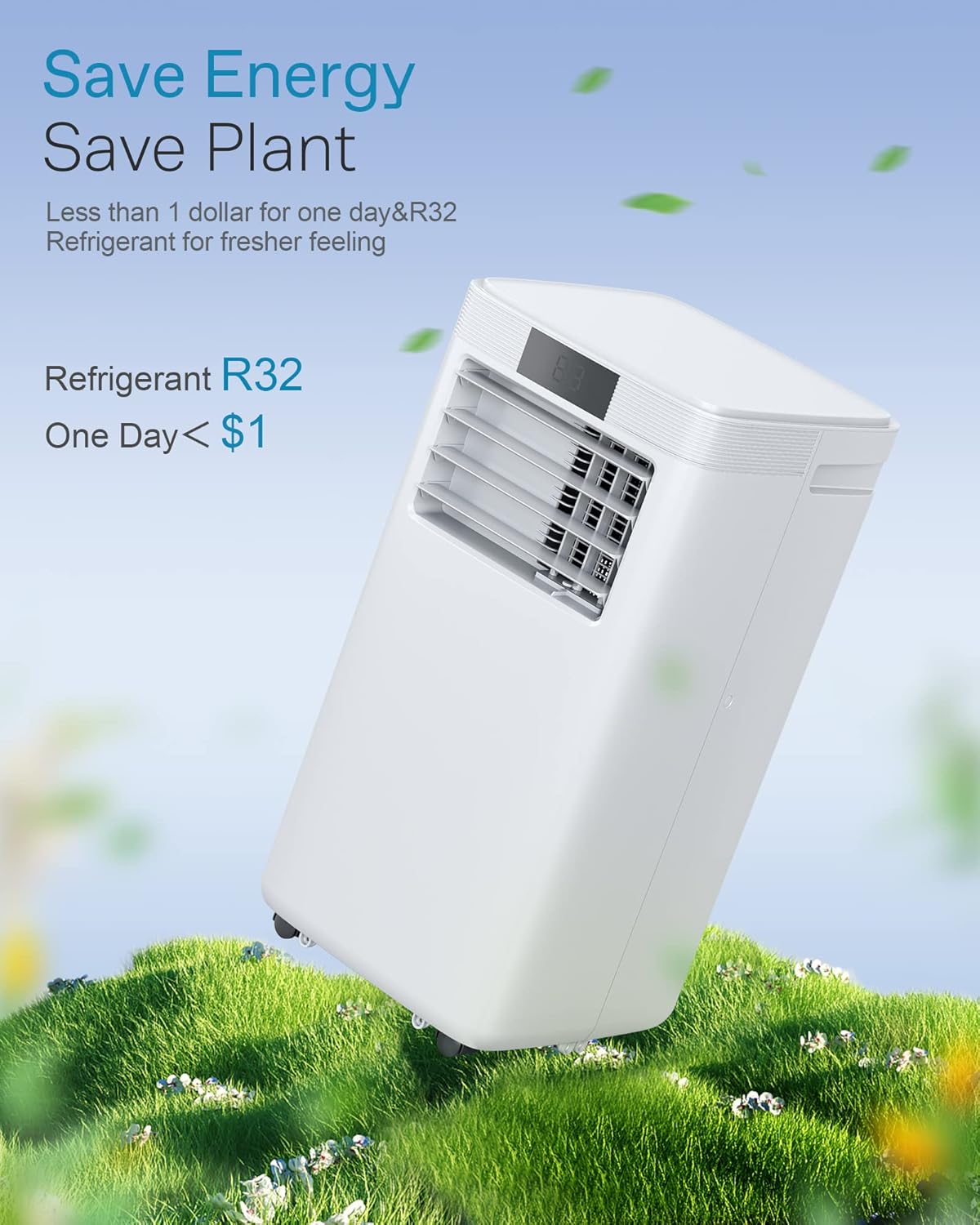
Image: A visual guide for selecting the correct AC size based on room area and corresponding BTU requirements.
7. Warranty and Support
For warranty information and customer support, please refer to the official DENBIG website or contact the seller directly.
- Seller: JHS Official
- Protection Plans: Additional protection plans may be available for purchase.
- Returns: 30-day easy returns policy.
For further assistance, please visit the DENBIG Store on Amazon.
Ask a question about this manual
Ask about setup, troubleshooting, compatibility, parts, safety, or missing instructions. Manuals+ will review the question and use this page’s manual context to help answer it.