
1. Introduction
This manual provides detailed instructions for the setup, operation, and maintenance of your WUIPET Smart Bird Feeder with Camera and Solar Panel. Please read this manual thoroughly before using the product to ensure proper function and longevity.
2. Product Overview
The WUIPET Smart Bird Feeder combines a traditional bird feeder with advanced camera technology and solar charging capabilities. It allows for remote bird watching, automatic video recording, and real-time notifications.

Image 1: Overview of the WUIPET Smart Bird Feeder, showing the feeder, integrated camera, and a bird in flight, alongside a smartphone displaying the WUIPET app interface.
Key Features:
- 1080P HD Camera: Captures high-resolution images and videos, including full-color night vision.
- Real-time Notifications: Receive instant alerts on your smartphone when birds are detected.
- AI Bird Recognition: Identifies and categorizes over 10,000 bird species (note: some advanced features may require a subscription).
- Flexible Storage: Includes 30 days of free cloud storage.
- Dual Power Source: Equipped with a 5200mAh battery and an external solar panel for continuous charging.
- 2.4GHz WiFi Connectivity: Ensures stable signal with a 5dBi antenna.
- Easy Installation: Multiple mounting options for walls, trees, or fences.
- 2.0L Capacity: Ample storage for birdseed.
3. Setup and Installation
3.1 Unpacking and Component Check
Carefully unpack all components and verify that all parts are present:
- Smart Bird Feeder unit with integrated camera
- External Solar Panel
- Mounting components (straps, screws, wall anchors)
- USB charging cable
- User Manual (this document)
3.2 Initial Charging
Before first use, fully charge the bird feeder's internal 5200mAh battery using the provided USB cable. Connect the cable to the charging port on the feeder and a standard USB power adapter (not included). The solar panel will maintain the charge after initial setup.
3.3 App Download and Setup
- Download the WUIPET app from your smartphone's app store (iOS or Android).
- Register for an account and follow the in-app instructions to add your new device.
- Ensure your Wi-Fi network is 2.4GHz for stable connectivity.
3.4 Mounting the Bird Feeder and Solar Panel
Choose a location that offers a clear view of birds, is easily accessible for refilling, and receives adequate sunlight for the solar panel. The feeder can be mounted on walls, trees, or fences using the provided components.

Image 2: The WUIPET Smart Bird Feeder mounted on a wall, highlighting its built-in signal enhancement antenna for improved connectivity.
- Feeder Mounting: Use straps for trees or fences, or screws and wall anchors for wall mounting. Ensure the feeder is securely attached.
- Solar Panel Mounting: The solar panel is separate from the feeder. Mount it in a location that receives direct sunlight for most of the day. Connect the solar panel cable to the feeder's charging port.
4. Operating Instructions
4.1 Filling the Bird Feeder
Open the top cover of the feeder and pour in your desired birdseed. The feeder has a 2.0L capacity. Ensure the cover is securely closed after refilling.
4.2 Live View and Recording
Access the WUIPET app on your smartphone to view a live feed from the camera. The camera provides 1080P HD resolution, including full-color night vision.
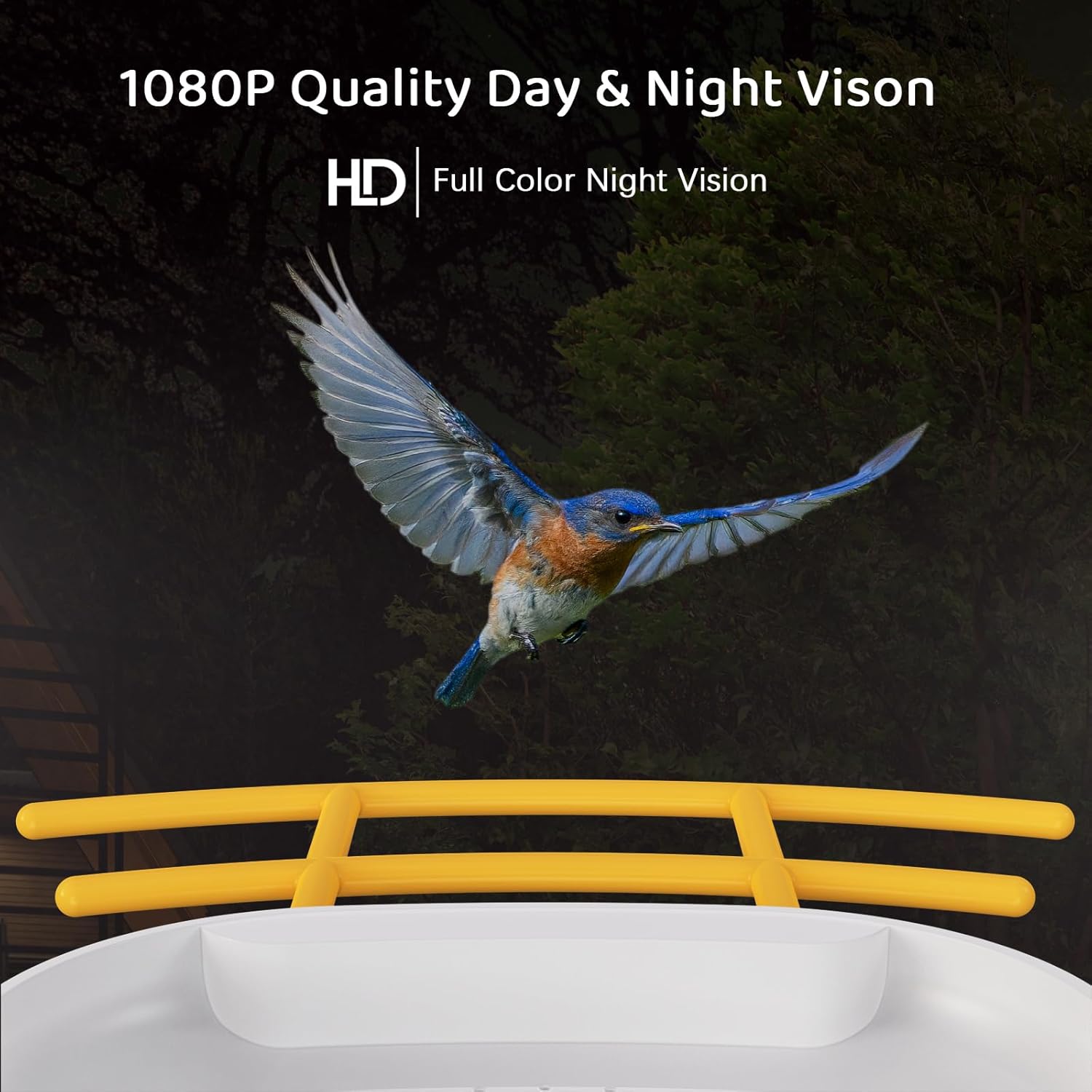
Image 3: Illustrates the 1080P HD quality day and full-color night vision capabilities of the camera, showing a bird in flight.
4.3 Motion Detection and Notifications
The feeder automatically detects bird activity and sends instant notifications to your smartphone. You can adjust motion detection sensitivity within the app settings.

Image 4: A smartphone screen displaying a real-time notification of a bird detection from the smart camera, with a bird highlighted by a detection circle.
4.4 AI Bird Recognition
The camera features Artificial Intelligence Bird Recognition, capable of identifying and categorizing over 10,000 bird species. This feature may require a paid subscription within the app for full functionality.
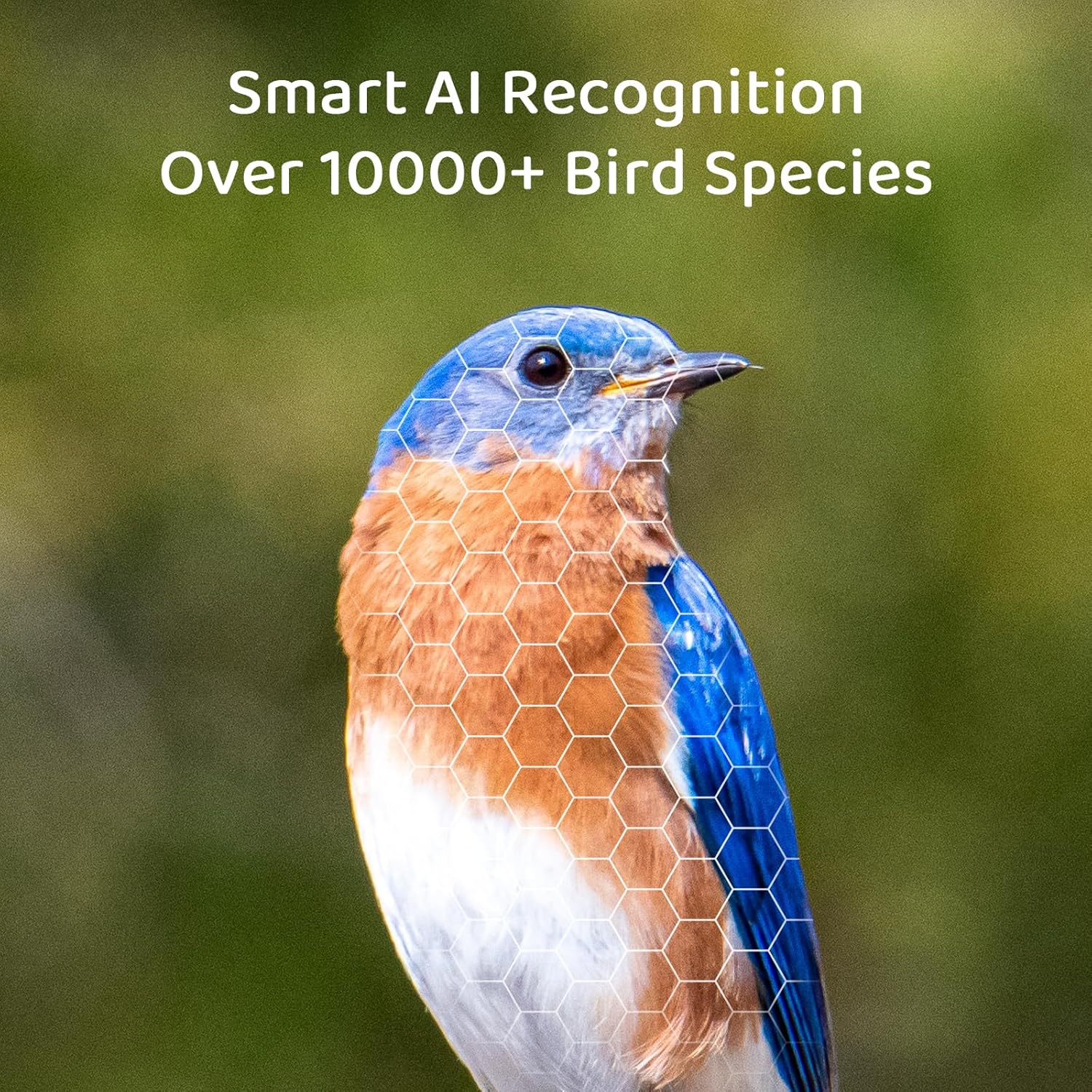
Image 5: A close-up of a bluebird with a hexagonal overlay, symbolizing the Smart AI Recognition feature that identifies over 10,000 bird species.
4.5 Sharing Access
The app supports sharing access with up to 4 cell phones, allowing multiple family members or friends to view the bird feeder's footage simultaneously.

Image 6: A collage showing a family watching bird footage on a tablet and a man viewing a bird on his phone, illustrating the sharing feature of the bird feeder camera.
5. Maintenance
5.1 Cleaning the Feeder
Regularly clean the bird feeder to prevent the spread of disease among birds and to ensure clear camera views. The components are removable for easy cleaning.
- Remove the feeder from its mounting.
- Empty any remaining birdseed.
- Disassemble removable parts.
- Wash all parts with warm, soapy water. Rinse thoroughly and allow to air dry completely before reassembling and refilling.
- Wipe the camera lens gently with a soft, damp cloth to remove any dirt or water marks.
5.2 Battery Monitoring
The app provides a real-time battery level display. A low battery alert function will notify you when charging is required. Ensure the solar panel is positioned to receive maximum sunlight for optimal charging.
6. Troubleshooting
- No Power/Not Charging:
- Ensure the USB cable is securely connected for initial charging.
- Verify the solar panel is clean and positioned in direct sunlight.
- Check the battery level in the app.
- No Wi-Fi Connection:
- Confirm your Wi-Fi network is 2.4GHz.
- Ensure the feeder is within range of your Wi-Fi router.
- Restart the feeder and your router.
- Follow the app's re-connection steps.
- Poor Image Quality:
- Clean the camera lens.
- Ensure there is adequate lighting (for day vision) or that night vision is active (for night vision).
- Check your Wi-Fi signal strength, as a weak signal can affect streaming quality.
- No Notifications:
- Check app notification settings on your phone and within the WUIPET app.
- Verify motion detection is enabled and sensitivity is set appropriately.
- Ensure the feeder has a stable internet connection.
- AI Bird Identification Not Working:
- Confirm if a subscription is required for this feature and if it is active.
- Ensure the camera has a clear view of the bird.
7. Specifications
| Feature | Detail |
|---|---|
| Model Number | V5-DZWNQ |
| Brand | WUIPET |
| Dimensions | 31.75 x 22.99 x 26.92 cm |
| Weight | 2.29 kg |
| Power Source | Battery Powered (5200mAh) with Solar Panel |
| Camera Resolution | 1080P HD |
| Connectivity | 2.4GHz Wi-Fi |
| Feeder Capacity | 2.0 Liters |
| UPC | 683125786945 |
| Manufacturer | Shen Zhen Wisezec Intelligent Technology Co., Ltd |
8. Warranty and Support
Specific warranty information is not provided in the product details. Please refer to the product packaging or contact WUIPET customer support for warranty details and technical assistance.
For further support, please visit the official WUIPET website or contact their customer service department.