
1. Introduction
This manual provides essential information for the safe and efficient use of the BAYDE 1734-IE4C 4 Point I/O Analog Input Module. Please read this manual thoroughly before installation, operation, or maintenance to ensure proper functionality and to prevent damage to the device or injury to personnel.
2. Safety Information
Always observe the following safety precautions:
- Ensure power is disconnected before installing or servicing the module.
- Only qualified personnel should install, operate, and maintain this equipment.
- Follow all local and national electrical codes.
- Protect the module from moisture, dust, and extreme temperatures.
- Do not attempt to repair the module yourself. Refer to qualified service personnel.
3. Product Overview
The BAYDE 1734-IE4C is a 4-point analog input module designed for industrial automation applications. It provides reliable data acquisition from various analog sensors, converting physical signals into digital data for processing by a control system. This module is part of a modular I/O system, offering flexibility and scalability.
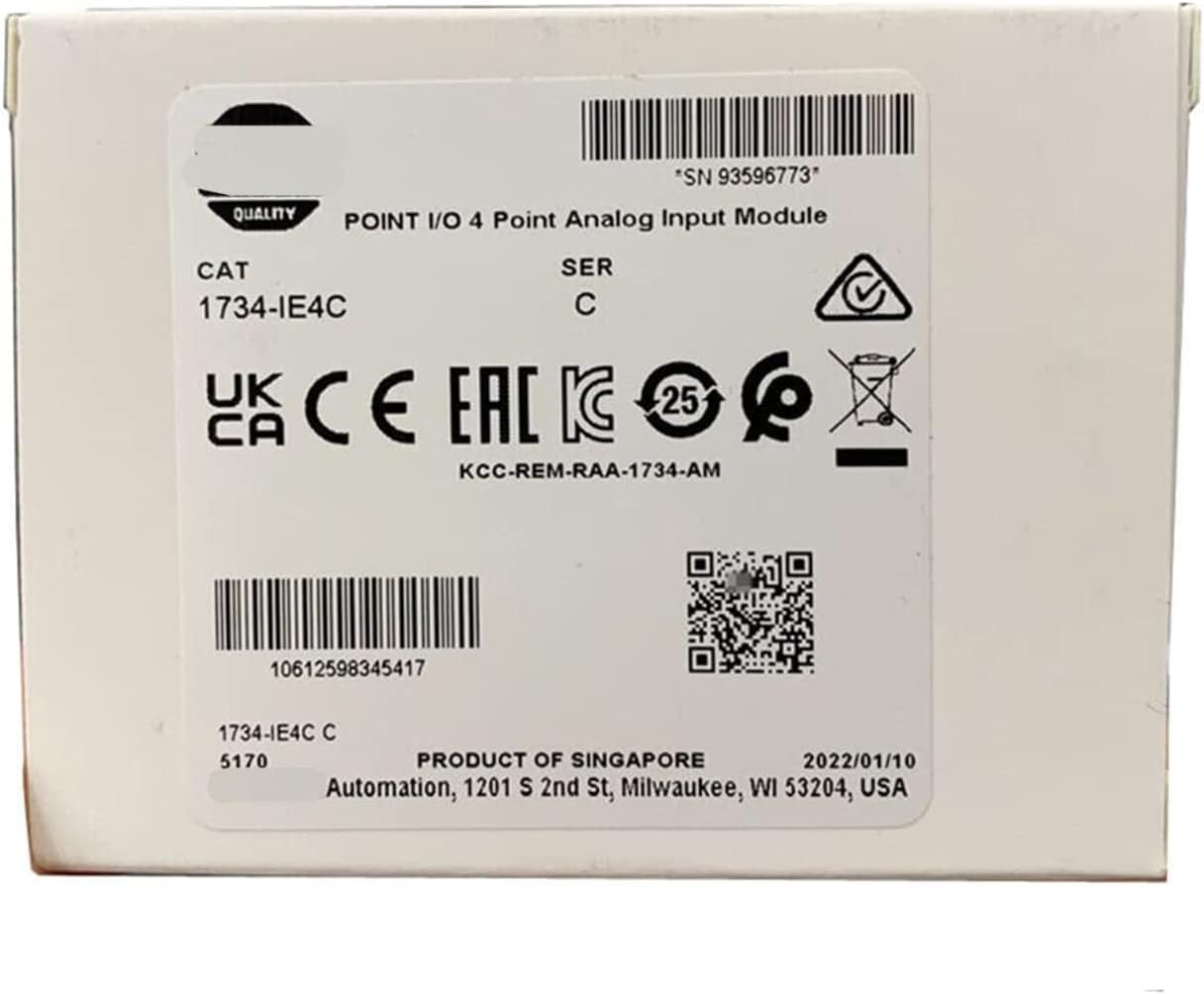
Figure 1: Packaging box for the BAYDE 1734-IE4C module, showing model number and certifications.
For more detailed product information, you can visit the official product page: BAYDE 1734-IE4C Product Page
4. Setup and Installation
4.1 Unpacking
Carefully remove the module from its packaging. Inspect for any signs of damage during transit. Report any damage to your supplier immediately.
4.2 Mounting
The 1734-IE4C module is designed for DIN rail mounting. Ensure the DIN rail is securely fastened within the control cabinet. Slide the module onto the DIN rail until it clicks into place.
4.3 Wiring
Connect the analog input signals to the module's terminals according to the system's wiring diagram. Ensure proper polarity and shielding for analog signals to minimize noise interference. Refer to the system's documentation for specific terminal assignments.
- Power Supply: Connect the module to a stable and appropriate power source as specified in the technical specifications.
- Analog Inputs: Connect sensor outputs to the designated input terminals.
- Grounding: Ensure proper grounding to prevent electrical noise and ensure safety.
5. Operating Instructions
5.1 Power Up
After installation and wiring are complete, apply power to the system. Observe the module's status indicators. A steady green light typically indicates normal operation.
5.2 Configuration
The 1734-IE4C module requires configuration through the associated control system's software. This includes setting input ranges, scaling, and data formats. Consult your control system's programming manual for detailed configuration procedures.
5.3 Data Acquisition
Once configured, the module will begin acquiring analog data from connected sensors. This data will be available to the control system for monitoring, control, and logging purposes.
6. Maintenance
The BAYDE 1734-IE4C module is designed for minimal maintenance. However, periodic checks are recommended:
- Visual Inspection: Regularly inspect the module and its wiring for any signs of damage, loose connections, or corrosion.
- Cleaning: Keep the module free from dust and debris. Use a soft, dry cloth for cleaning. Do not use liquid cleaners.
- Environmental Control: Ensure the operating environment remains within specified temperature and humidity ranges.
7. Troubleshooting
If the module is not functioning as expected, consider the following:
| Problem | Possible Cause | Solution |
|---|---|---|
| Module Status Indicator Off | No power supply or faulty module. | Check power connections. Verify power supply voltage. Replace module if necessary. |
| Incorrect Analog Readings | Incorrect wiring, sensor fault, or incorrect configuration. | Verify wiring against diagram. Test sensor. Check module configuration settings. |
| Communication Error | Network issue or module fault. | Check network cables and connections. Verify network configuration. |
For persistent issues, contact technical support.
8. Specifications
Key technical specifications for the BAYDE 1734-IE4C module:
- Model: 1734-IE4C
- Input Points: 4 Analog Inputs
- Brand: BAYDE
- UPC: 614160205542
- ASIN: B0C5MJ4PNC
- Further detailed specifications (e.g., input ranges, resolution, accuracy, power consumption, operating temperature) should be obtained from the official product datasheet.
9. Warranty and Support
For warranty information and technical support, please refer to the documentation provided with your purchase or contact your BAYDE distributor. Keep your purchase receipt for warranty claims.