Introduction
This manual provides instructions for the proper use and care of your Linsaner AirTag Holder Keychain Silicone Case. This accessory is designed to securely hold your Apple AirTag, protecting it from daily wear and tear while allowing easy attachment to various items.
Product Features
- Compatibility: Specifically designed for Apple AirTag.
- Shockproof Silicone Material: Provides enhanced protection against impacts and drops.
- Anti-lost with Keychain Design: Includes a durable metal keychain for secure attachment to various belongings.
- Easy Installation: Simple and intuitive process for inserting and removing the AirTag.
- Exposed Hole Design: Engineered to ensure optimal signal transmission without interference.

Image: The Linsaner AirTag holder provides comprehensive protection from scratches, falls, and dust.
Setup
- Prepare the Holder: Gently separate the two parts of the silicone holder.
- Insert AirTag: Place your Apple AirTag into the designated circular slot within the silicone holder. Ensure the AirTag is seated correctly with the white side facing outwards.
- Secure the Holder: Rejoin the two silicone parts, ensuring they snap together firmly around the AirTag.
- Attach Keychain: Use the integrated metal keychain to attach the holder to your desired item (e.g., keys, bag, pet collar).

Image: Visual guide demonstrating the simple steps to install the AirTag into the holder.
Video: Official Linsaner-US demonstration of how to install an AirTag into the silicone holder with keychain.
Operating Instructions
Once your AirTag is securely placed within the Linsaner holder, you can attach it to any item you wish to track. The robust design ensures the AirTag remains protected and its signal transmission is unaffected.
- Attaching to Keys: Use the metal key ring to add the holder to your existing keychain.
- Attaching to Bags/Luggage: The quick-attach ring allows for easy clipping onto zippers, straps, or handles of bags and luggage.
- Attaching to Pet Collars: Securely fasten the holder to your pet's collar for tracking.
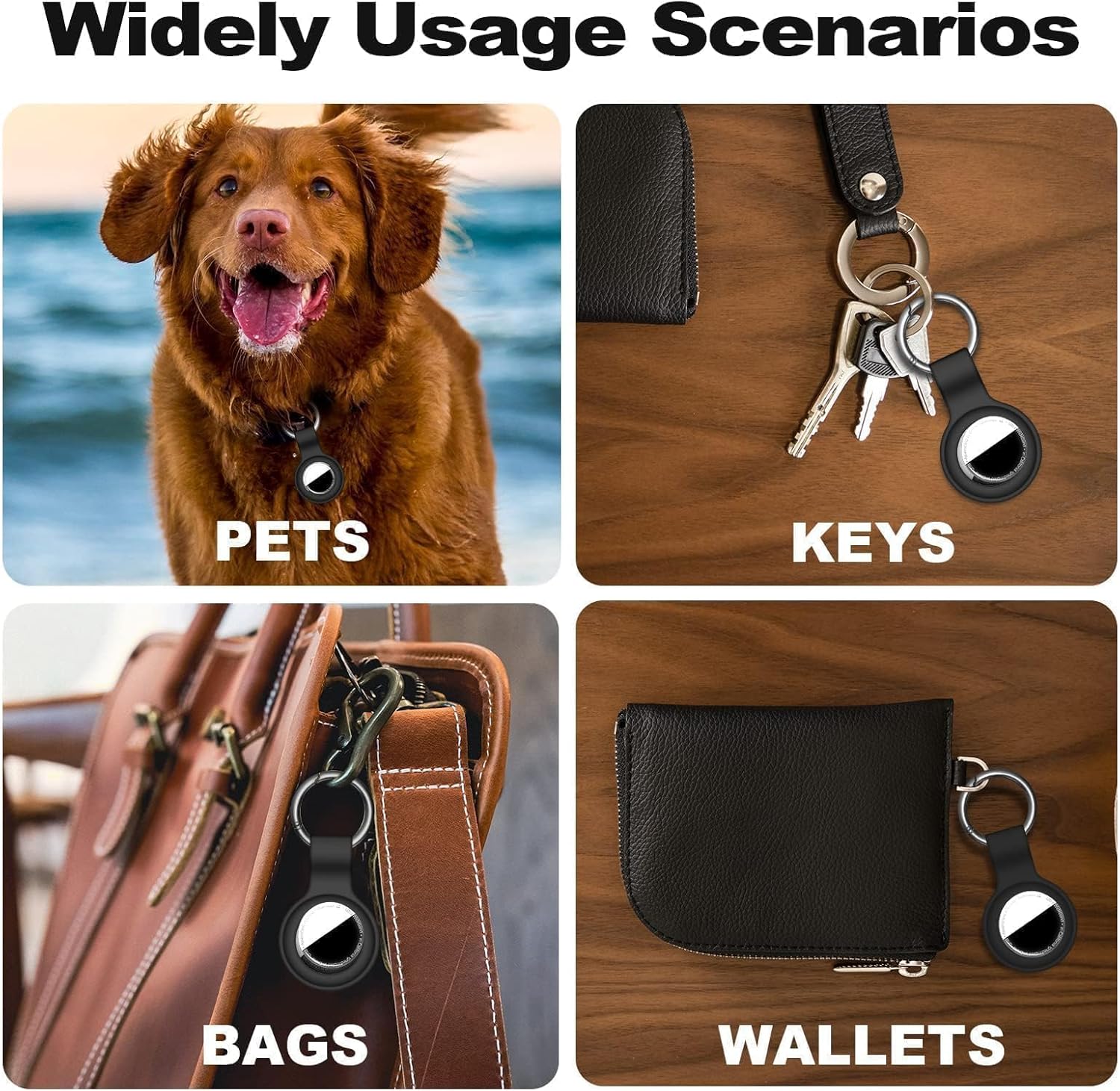
Image: Examples of how the AirTag holder can be used with pets, keys, bags, and wallets.

Image: The AirTag holder does not affect signal transmission, as demonstrated by tracking a pet.
Maintenance
- Cleaning: The silicone material can be easily cleaned with a damp cloth and mild soap. Ensure the holder is completely dry before reinserting the AirTag.
- Inspection: Periodically check the silicone for any signs of wear or damage, especially around the AirTag opening and the keychain attachment point, to ensure continued security.
- Water Resistance: The holder is designed to be waterproof (IPX8 rated). However, always ensure the AirTag is properly sealed within the holder before exposing it to water.
Video: Demonstration of the IPX8 waterproof capabilities of the AirTag holder, highlighting its durability.
Troubleshooting
AirTag Signal Issues
If you experience issues with AirTag signal transmission, ensure the AirTag is correctly seated within the holder and that the exposed hole design is not obstructed. The holder is designed to not interfere with the signal.
AirTag Falling Out
If the AirTag appears loose or falls out, verify that the two silicone parts of the holder are securely snapped together.
Specifications
| Feature | Detail |
|---|---|
| Product Dimensions | 4.69 x 6.54 x 1.54 inches |
| Item Weight | 0.317 ounces |
| Material | Silicone |
| Color | C1-Black |
| Special Features | Loss prevention, Shockproof, Waterproof (IPX8) |
| Compatible Devices | Apple AirTag |
| Model Number | Airtag holer |
| Manufacturer | Linsaner |

Image: The Linsaner holder prevents common issues like scratching, dust accumulation, and fingerprints on your AirTag.
Warranty and Support
Linsaner provides a premium silicone AirTag holder. For any issues with your AirTag holder, please contact Linsaner customer support. Refer to the product packaging or the official Linsaner website for specific warranty details and contact information.