
Introduction
This manual provides detailed instructions for the setup, operation, maintenance, and troubleshooting of your LNMBBS F103 Tablet. Please read this guide thoroughly to ensure optimal performance and longevity of your device.
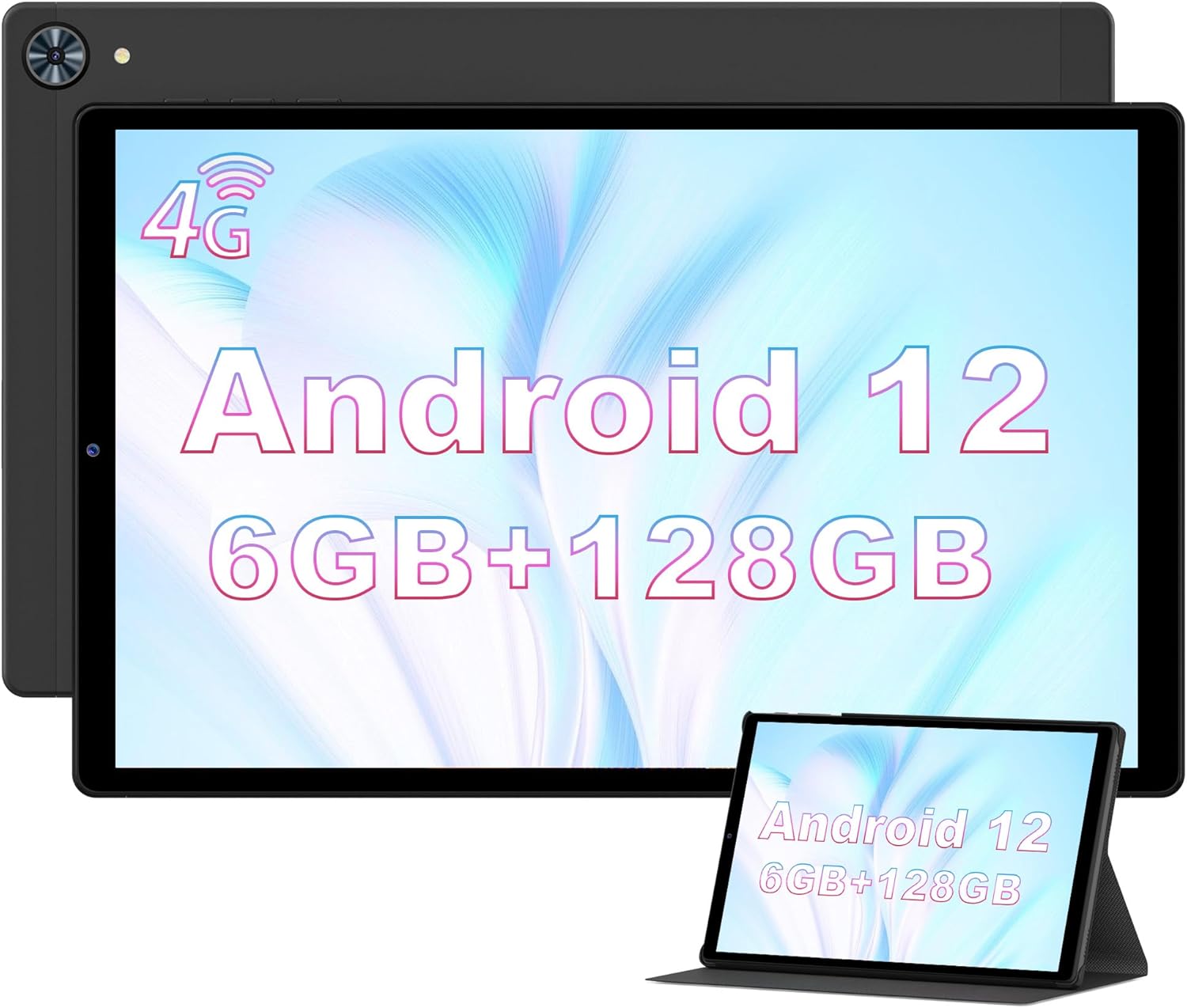
Image: The LNMBBS F103 Tablet, showcasing its 10.3-inch display with Android 12 and key specifications like 6GB RAM and 128GB ROM.
1. Setup
1.1 Package Contents
Verify that all items are present in the package:
- LNMBBS F103 Tablet
- Protective Case
- Charger
- USB-C Cable
- Earphones with Microphone
- SIM Ejector Tool
- USB-A OTG Adapter
- User Manual
1.2 Initial Power On and Configuration
- Press and hold the power button until the LNMBBS logo appears.
- Follow the on-screen prompts to select your preferred language. The tablet may initially be set to English or French.
- Connect to a Wi-Fi network. The tablet supports dual-band 2.4G and 5G Wi-Fi.
- Sign in with your Google account to synchronize contacts, emails, and access the Google Play Store.
1.3 Inserting SIM and SD Cards
The tablet supports dual SIM cards or one SIM card and one microSD card for expanded storage.
- Locate the SIM/SD card tray on the side of the tablet.
- Use the provided SIM ejector tool to open the tray.
- Carefully place the SIM card(s) and/or microSD card into the designated slots. Ensure correct orientation.
- Gently push the tray back into the tablet until it clicks into place.

Image: Several LNMBBS F103 tablets showcasing the Android 12 interface and various applications, demonstrating multitasking capabilities.
2. Operating Your Tablet
2.1 Android 12 Operating System
The LNMBBS F103 Tablet runs on the Google GMS certified Android 12 operating system, offering enhanced privacy protection and customization options. It is powered by an MT6762 octa-core processor for smooth performance across applications.
2.2 Display and Audio
The tablet features a 10.36-inch IPS display with a resolution of 1920x1200 pixels, providing clear and vibrant visuals. Dual speakers deliver stereo surround sound for an immersive audio experience.
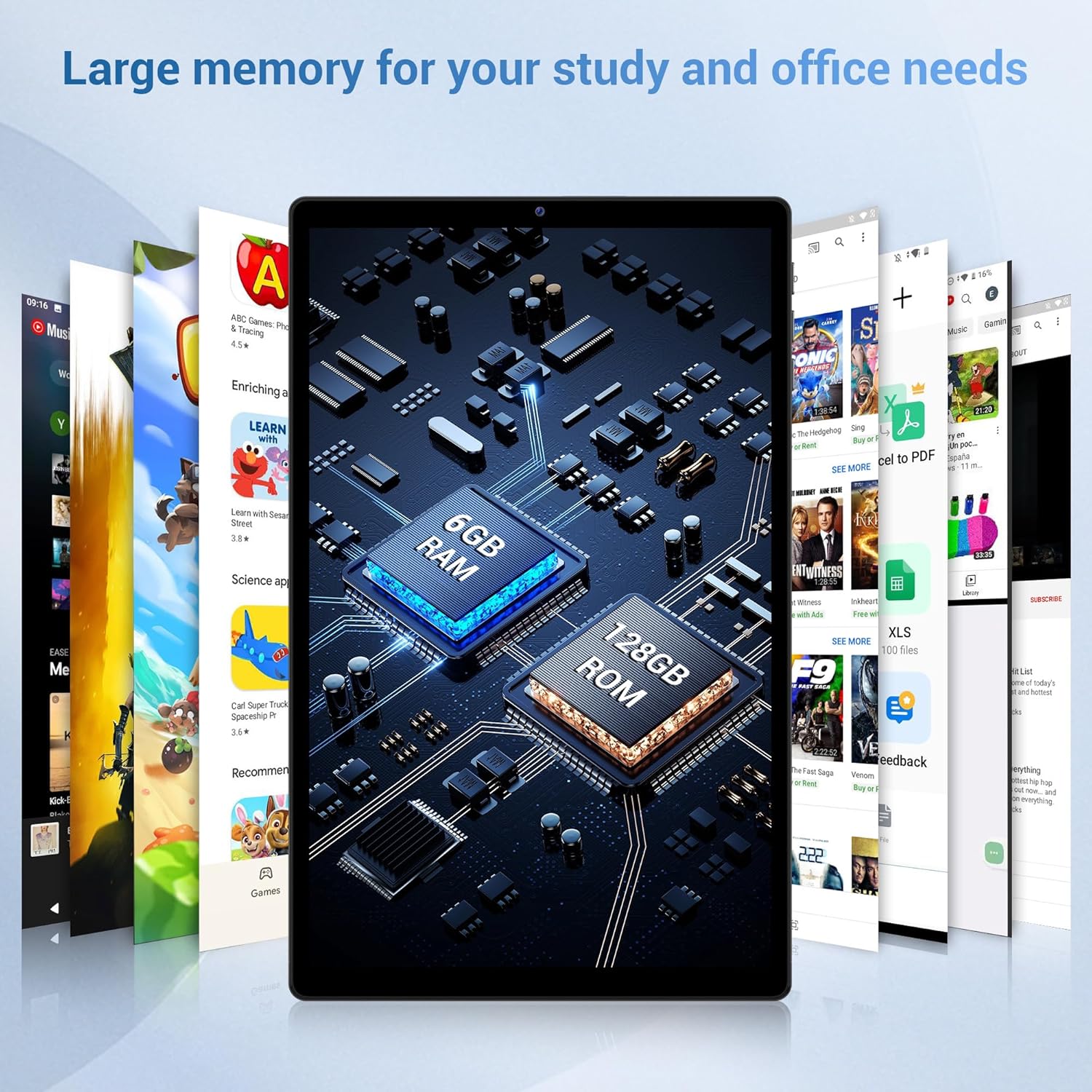
Image: Detailed view of the LNMBBS F103 Tablet's 10.3-inch HD+ display, highlighting its 1920x1200 IPS resolution, slim metallic body, and in-cell screen technology.
2.3 Storage and Memory
Equipped with 6GB RAM and 128GB internal storage, the F103 tablet allows for efficient multitasking and ample space for apps and files. Storage can be expanded further using a microSD card.
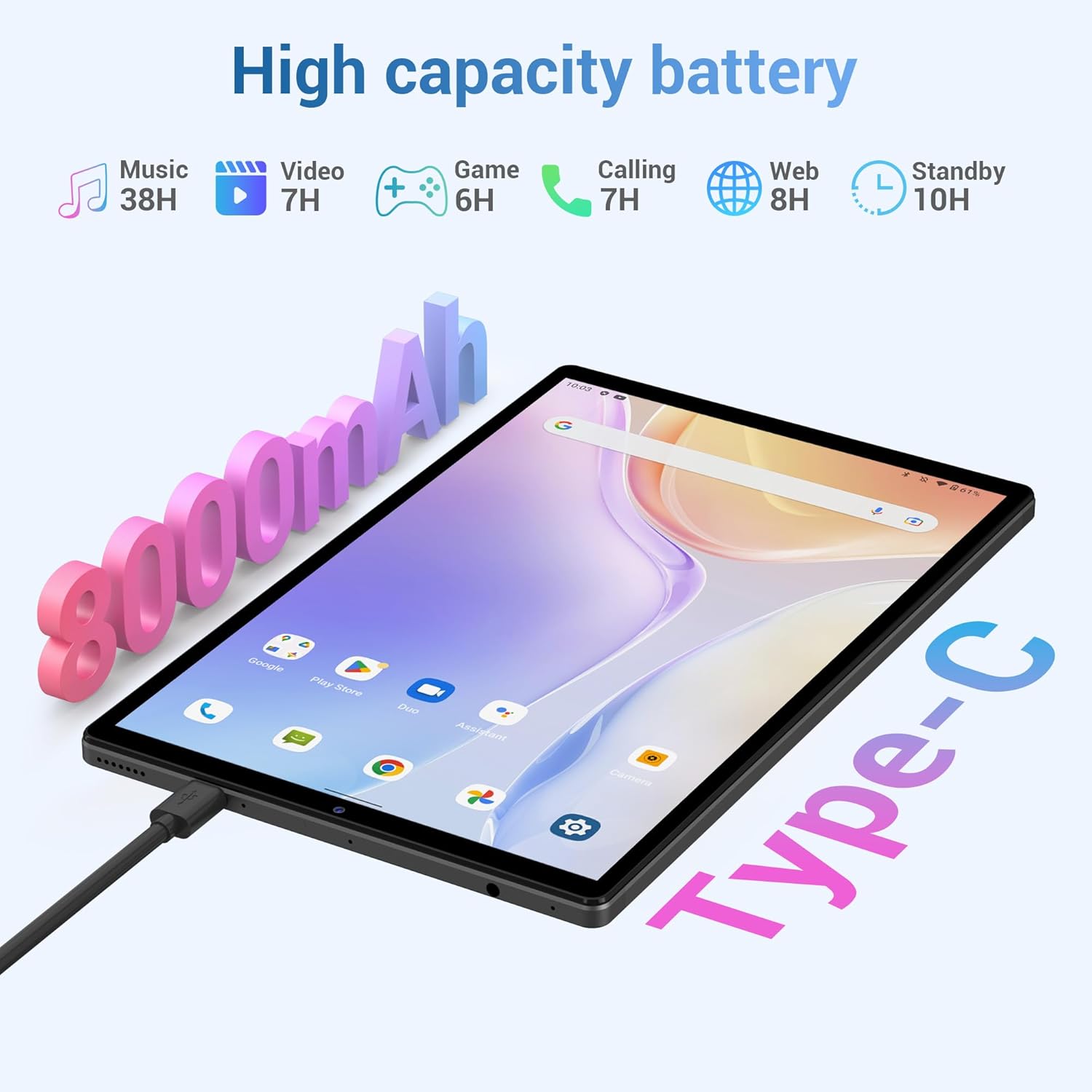
Image: A graphic illustrating the core features of the LNMBBS F103 Tablet, including Android 12, 1920*1200 IPS display, 6GB RAM + 128GB ROM, Octa-Core processor, 5G WiFi, 8+13MP cameras, 8000mAh battery, and 10.3-inch screen size.
2.4 Connectivity
- Wi-Fi: Supports dual-band 2.4G and 5G for stable internet connection.
- 4G LTE: Insert a SIM card for mobile data connectivity when Wi-Fi is unavailable.
- Bluetooth: Connect wireless accessories such as headphones, keyboards, and mice.
- GPS: Integrated GPS for navigation and location services.
- USB-C: For charging and data transfer.
2.5 Camera Functionality
The tablet is equipped with an 8MP front camera and a 13MP rear camera, suitable for video calls, capturing photos, and recording videos.
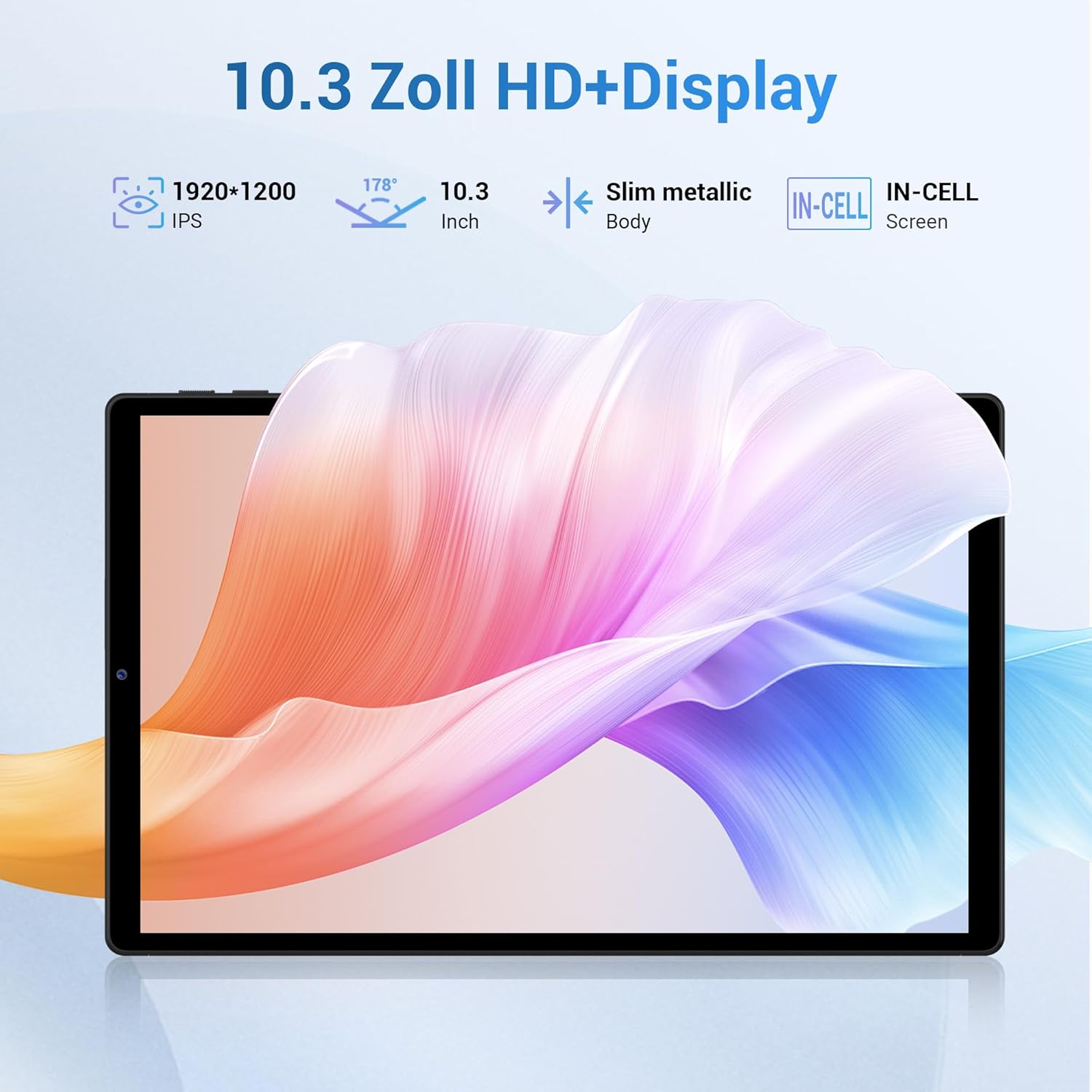
Image: A visual representation of the LNMBBS F103 Tablet's camera specifications, highlighting the 8MP front camera and 13MP rear camera for high-definition shooting.
2.6 Battery and Charging
The 8000mAh high-capacity battery provides up to 8 hours of usage, depending on activity. Charge the tablet using the provided USB-C cable and charger.
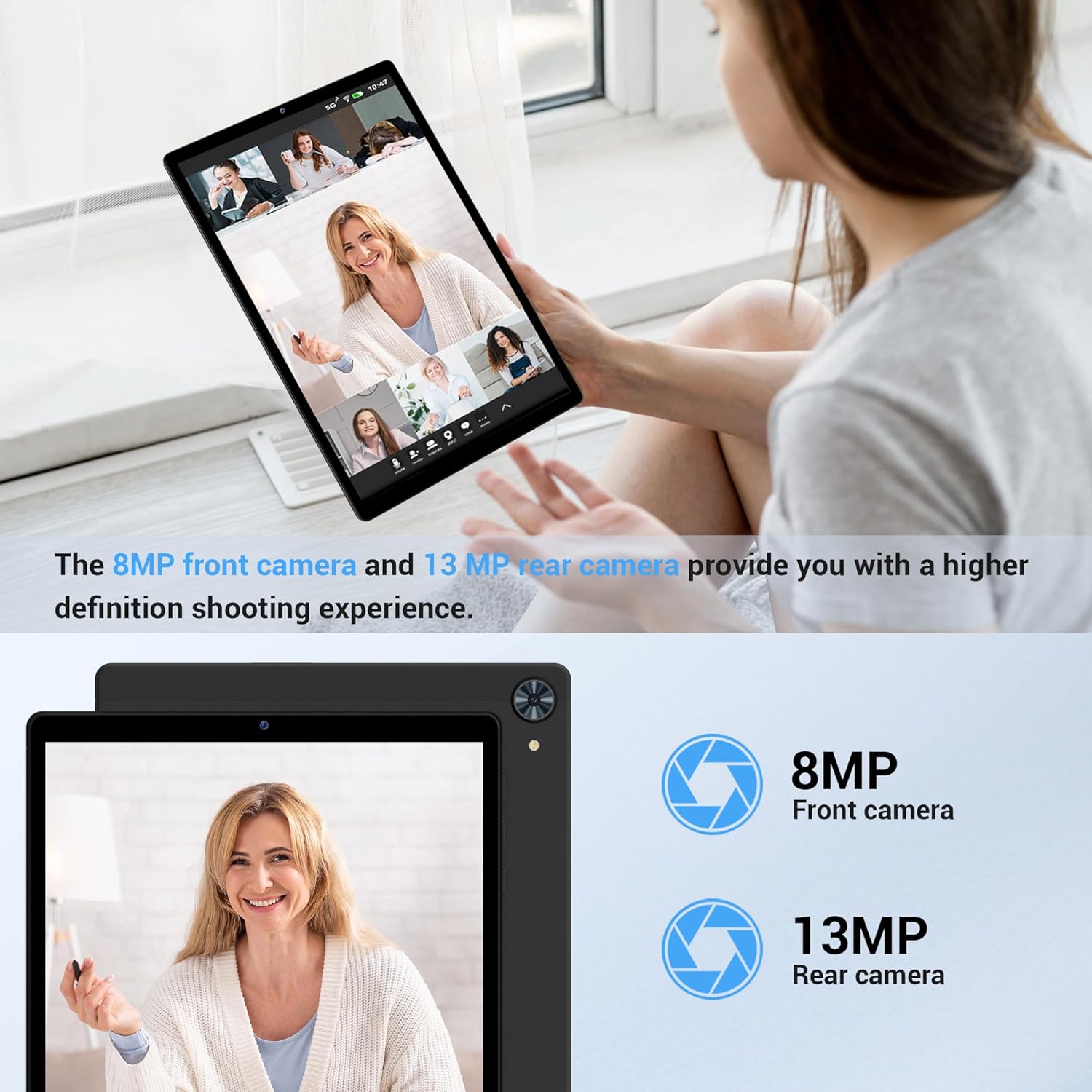
Image: The LNMBBS F103 Tablet connected to a Type-C charger, emphasizing its 8000mAh high-capacity battery and estimated usage times for music, video, gaming, calls, and web browsing.
3. Maintenance
3.1 Battery Care
- Avoid fully discharging the battery frequently.
- Do not expose the tablet to extreme temperatures.
- Use only the original charger and cable or certified compatible accessories.
3.2 Software Updates
Regularly check for system updates to ensure your tablet has the latest features and security patches. Go to Settings > System > System update to check for available updates. Information regarding guaranteed software updates is not available.
3.3 Cleaning Your Tablet
- Use a soft, lint-free cloth to clean the screen and body.
- Avoid using harsh chemicals or abrasive materials.
- For stubborn smudges, slightly dampen the cloth with water or a screen cleaner designed for electronics.
4. Troubleshooting
4.1 Common Issues and Solutions
- Tablet not turning on: Ensure the battery is charged. Connect the charger and wait a few minutes before attempting to power on again.
- Slow performance: Close unnecessary background applications. Clear cache from apps. Consider performing a factory reset if the issue persists (back up data first).
- Wi-Fi connectivity issues: Restart your tablet and Wi-Fi router. Ensure you are within range of the Wi-Fi signal. Verify Wi-Fi settings on the tablet.
- Apps crashing: Ensure apps are updated to their latest versions. Clear the app's cache and data (Settings > Apps > [App Name] > Storage > Clear cache/data). Reinstall the app if necessary.
- Battery draining quickly: Reduce screen brightness. Disable unused features like Bluetooth, GPS, and Wi-Fi when not needed. Close background apps.
5. Specifications
| Feature | Detail |
|---|---|
| Brand | LNMBBS |
| Model Number | F103 |
| Operating System | Android 12 |
| Processor Brand | AMD (MT6762 Octa-Core) |
| Screen Size | 10.36 Inches |
| Display Resolution | 1920 x 1200 (IPS) |
| RAM | 6 GB |
| Storage Capacity | 128 GB (Expandable via microSD) |
| Front Camera | 8 MP |
| Rear Camera | 13 MP |
| Battery Capacity | 8000 mAh |
| Connectivity | Wi-Fi (802.11a/b/g/n/ac), Bluetooth, 4G LTE, GPS |
| Connector Type | USB-C |
| Dimensions (L x W x H) | 20 x 13 x 0.9 cm |
| Weight | 1.06 Kilograms |

Image: The LNMBBS F103 Tablet in various usage scenarios, including listening to music, studying, and GPS navigation in a car, demonstrating its versatility.
6. Warranty and Support
LNMBBS is committed to customer satisfaction. The LNMBBS F103 Tablet comes with a two-year warranty. During this period, the tablet can be repaired or replaced free of charge for manufacturing defects.
For professional after-sales service and support, please contact LNMBBS customer service through their official channels or the retailer where the product was purchased. Please refer to your purchase documentation for specific contact information.