
Introduction
This manual provides instructions for the operation and maintenance of your ICESOMNUS Sabbat E12 Ultra Wireless Earbuds. Please read this manual thoroughly before using the product to ensure proper function and longevity.
The Sabbat E12 Ultra earbuds feature Bluetooth 5.2 connectivity, HiFi stereo sound, ENC noise-cancelling microphone, and a USB-C charging case. They are designed for a secure in-ear fit and offer extended battery life.
Package Contents
Verify that all items are present in the package:
- Sabbat E12 Ultra Wireless Earbuds (Left and Right)
- Charging Case
- USB-C Charging Cable
- Multiple sizes of ear tips
- User Manual (this document)
Product Overview
The Sabbat E12 Ultra earbuds are designed for comfort and high-quality audio. Each earbud features a touch-sensitive control area and an in-ear design for a secure fit.

Image: A single Sabbat E12 Ultra earbud in Aurora Green, showing its ergonomic shape and in-ear tip. This image illustrates the physical design of the earbud.
The charging case provides portable power for the earbuds and supports wireless charging.

Image: The Sabbat E12 Ultra charging case, open, with both earbuds inside. This image demonstrates the charging case and how the earbuds are stored.
Video: A 6-second video showcasing the exterior design of the Sabbat E12 Ultra earbud in Aurora Green, rotating to display its various angles and features.
Setup
1. Initial Charging
Before first use, fully charge the earbuds and the charging case.
- Place both earbuds into the charging case.
- Connect the USB-C charging cable to the charging port on the case and to a power source.
- Alternatively, place the charging case on a Qi-compatible wireless charging pad.
- Charging indicators on the case will show charging status. A full charge typically takes about 1 hour.
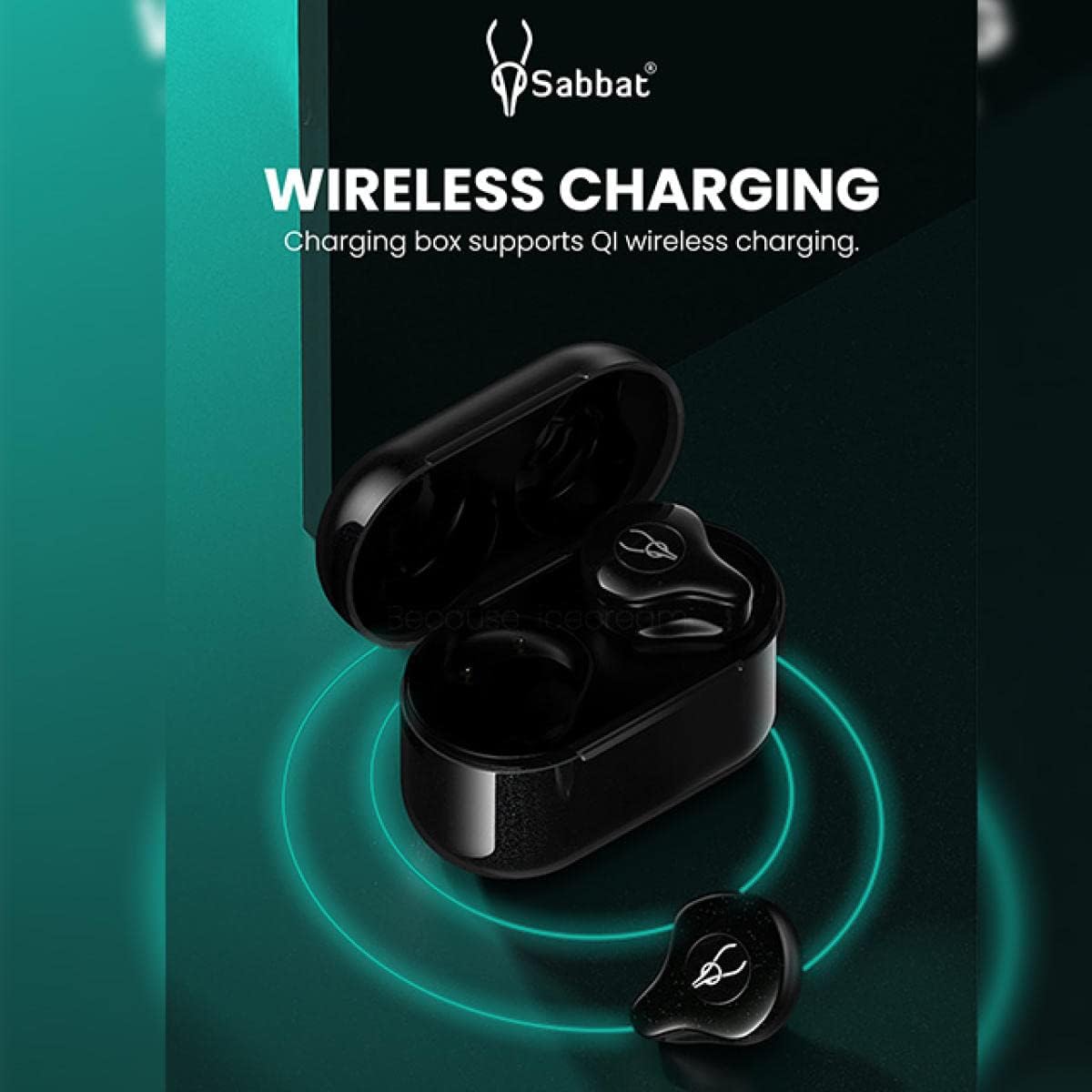
Image: The Sabbat E12 Ultra charging case on a wireless charging pad, illustrating the wireless charging capability. The image highlights the convenience of Qi wireless charging.
2. Pairing with a Device
The earbuds use Bluetooth 5.2 for stable connections.
- Open the charging case. The earbuds will automatically enter pairing mode.
- On your device (smartphone, tablet, computer), go to Bluetooth settings.
- Search for available devices and select "Sabbat E12 Ultra" from the list.
- Once connected, you will hear a confirmation tone.
Note: After the initial pairing, the earbuds will automatically connect to your device when taken out of the charging case, provided Bluetooth is enabled on your device.
3. Wearing the Earbuds
For optimal sound quality and comfort, choose the correct ear tip size and ensure a secure fit.
- Select the ear tips that provide a snug seal in your ear canal.
- Insert the earbud into your ear and gently twist it forward or backward until it feels secure and comfortable.

Image: A person wearing a Sabbat E12 Ultra earbud, demonstrating the in-ear fit. This image helps users understand how to properly wear the earbuds.
Operating Instructions
Touch Controls
The Sabbat E12 Ultra earbuds feature touch-sensitive controls for various functions. The specific actions may vary slightly depending on your device and operating system.
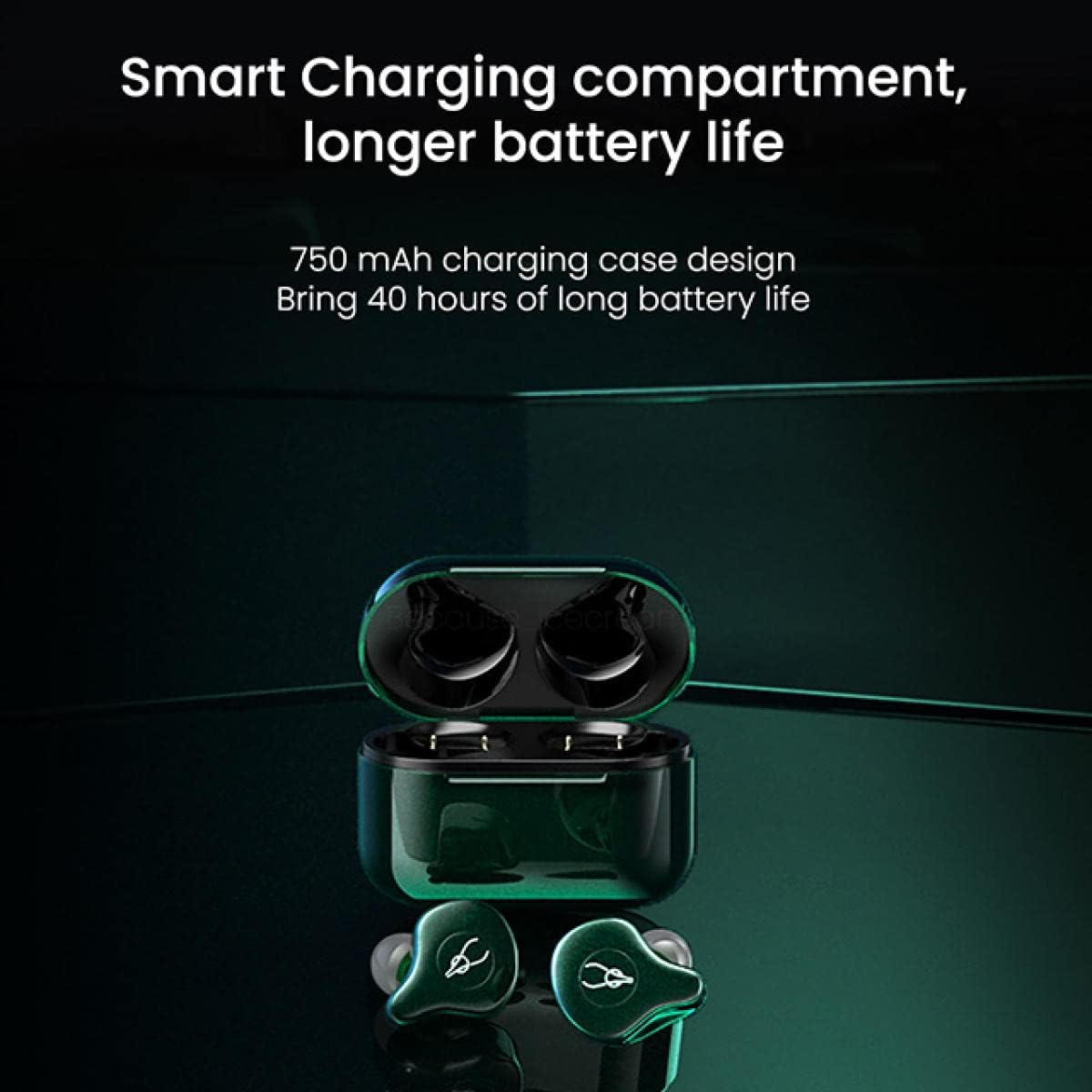
Image: A diagram illustrating the touch control functions of the Sabbat E12 Ultra earbuds, including power on/off, play/pause, track navigation, volume adjustment, built-in mic, and call management. This visual guide helps users understand the touch controls.
| Action | Function |
|---|---|
| Single Tap | Play/Pause music, Answer/End call |
| Double Tap (Right Earbud) | Next Track |
| Double Tap (Left Earbud) | Previous Track |
| Triple Tap (Right Earbud) | Volume Up |
| Triple Tap (Left Earbud) | Volume Down |
| Long Press (2 seconds) | Reject call, Activate Voice Assistant |
| Long Press (5 seconds) | Power On/Off (when not in case) |
Single Earbud Mode
Both earbuds can be used independently. Simply take one earbud out of the case, and it will connect to your device. The other earbud can remain in the case or be used separately with another device if desired.
Calling Functions
The built-in ENC noise-cancelling microphone ensures clear communication during calls.
- Answer/End Call: Single tap either earbud.
- Reject Call: Long press either earbud for 2 seconds.
Maintenance
Proper maintenance ensures the longevity and performance of your earbuds.
- Cleaning: Regularly clean the earbuds and charging case with a soft, dry, lint-free cloth. Do not use abrasive cleaners or solvents.
- Ear Tips: Remove ear tips and clean them with water and mild soap if necessary. Ensure they are completely dry before reattaching.
- Storage: When not in use, store the earbuds in their charging case to protect them and keep them charged.
- Water Resistance: The earbuds are water-resistant, but not waterproof. Avoid submerging them in water or exposing them to heavy rain. Dry them thoroughly if they get wet.
- Temperature: Avoid exposing the earbuds to extreme temperatures (hot or cold) or high humidity.
Troubleshooting
If you encounter issues, refer to the following common solutions:
| Problem | Solution |
|---|---|
| Earbuds not pairing/connecting |
|
| No sound or low volume |
|
| One earbud not working |
|
| Charging case not charging |
|
Specifications
| Feature | Detail |
|---|---|
| Model Name | E12 Ultra |
| Bluetooth Version | 5.2 |
| Supported Protocols | A2DP/AVRCP/HFP/HSP |
| Audio Decoding | Qualcomm aptX/AAC/SBC |
| Transmission Distance | Up to 10 meters (33 feet) |
| Earbud Play Time | 6+ hours (up to 8 hours per specifications) |
| Total Play Time (with case) | Up to 30-40 hours (based on case capacity) |
| Charging Time (Earbuds/Case) | Approximately 1 hour |
| Charging Interface | USB-C (Case supports wireless charging) |
| Earbud Battery Capacity | 3.7V/40mAh |
| Charging Case Battery Capacity | 3.7V/750mAh |
| Frequency Range | 20-20000Hz |
| Sensitivity | 106±3dB@1k, 1mW |
| Impedance | 32Ω |
| Audio Driver Size | 10mm Dynamic Unit |
| Noise Control | ENC Noise Cancelling Mic, CVC8.1 Noise Reduction |
| Water Resistance Level | Water Resistant |
| Material | Plastic |
| Compatible Devices | Android, iOS, Computers, Smartphones |
Warranty Information
ICESOMNUS products are covered by a limited warranty against defects in materials and workmanship. For specific warranty terms and conditions, please refer to the warranty card included with your product or visit the official ICESOMNUS website.
Note: The warranty does not cover damage caused by misuse, accidents, unauthorized modifications, or normal wear and tear.
Customer Support
For technical assistance, troubleshooting, or warranty claims, please contact ICESOMNUS customer support through the following channels:
- Email: Refer to your product packaging or the official ICESOMNUS website for contact email.
- Website: ICESOMNUS Official Store on Amazon
When contacting support, please have your product model number (E12 Ultra) and purchase information ready.
Safety Information
- Do not disassemble or attempt to repair the product yourself.
- Keep the product away from extreme heat, direct sunlight, and open flames.
- Avoid listening at high volume levels for extended periods to prevent hearing damage.
- Use only the provided or certified charging cables and adapters.
- Dispose of the product and its battery responsibly according to local regulations.


