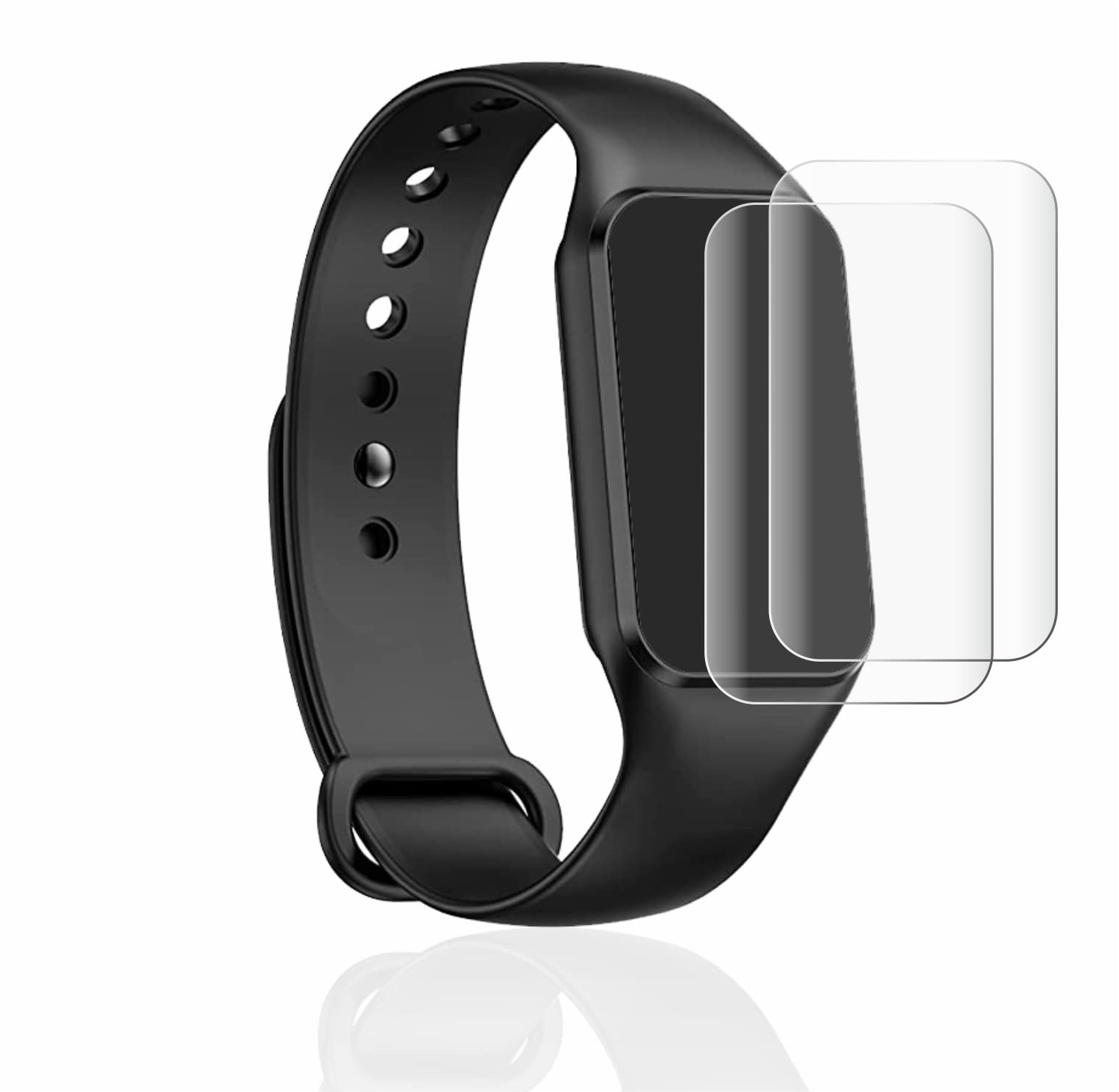
brotect 3D Curved Screen Protector for Iowodo R1 Instruction Manual
Introduction
This manual provides detailed instructions for the installation, use, and maintenance of your brotect 3D Curved Screen Protector, designed specifically for the Iowodo R1 device. This screen protector offers full-screen coverage, protecting your device's curved display from dust, scratches, and minor impacts while maintaining original touch sensitivity and clarity.
Image: brotect 3D Curved Screen Protector packaging and the protector applied to an Iowodo R1 device.
Package Contents
Each package contains the following items:
2x brotect Flex Full-Cover Screen Protectors compatible with Iowodo R1
1x Cleaning Wipe
1x Wet Pad
1x Installation Card (Squeegee)
1x Dust Remover Sticker
3x Guide Stickers
Installation Instructions (printed on packaging)
Installation Guide
Follow these steps carefully for optimal application. It is recommended to perform the installation in a dust-free environment.
Clean your display: Thoroughly clean your device's screen, including the edges, using the provided wet pad and cleaning wipe. Ensure no dust or smudges remain.
Remove upper part of film: Carefully peel off the upper part of the lower protective film (labeled 'Step 1') from the screen protector.
Align and apply: Turn the screen protector over and carefully align it precisely with your device's screen. Gently press down the exposed part of the protector onto the screen.
Remove lower part of film: Once the upper part is aligned, remove the remaining lower protective film (labeled 'Step 2').
Apply screen protector evenly: Use the installation card (squeegee) to gently press the screen protector onto the display, working from the center outwards to remove air bubbles.
Gently remove remaining bubbles: Continue using the card to push any remaining air bubbles towards the edges of the screen.
Remove green cover film: Carefully peel off the green top protective film (labeled 'Step 3') from the screen protector.
Press edges: Carefully press down on the edges of the screen protector with your fingers to ensure a secure fit. Any small remaining air bubbles will typically disappear within 2-3 days.
Image: Visual step-by-step installation instructions for the brotect screen protector.
The brotect 3D Curved Screen Protector is engineered with advanced features to enhance your device experience:
Full Screen Coverage: Designed to perfectly fit the curved display of the Iowodo R1, providing comprehensive protection.
Self-Healing Technology: The surface features a special coating that allows minor scratches to disappear over time, maintaining a clear view.
Anti-Fingerprint: An oleophobic coating resists fingerprints and smudges, making the screen easy to clean and keeping it clear.
High Transparency: The material ensures that the original display clarity and color vibrancy are preserved, offering a razor-sharp viewing experience.
Original Touch Experience: The protector is thin and responsive, ensuring that the touch sensitivity of your Iowodo R1's display remains unaffected.
Care and Maintenance
To ensure the longevity and performance of your screen protector:
Cleaning: Use a soft, lint-free cloth to gently wipe the screen protector. For stubborn smudges, a slightly damp cloth or a screen cleaner designed for electronics can be used. Avoid harsh chemicals.
Avoid Sharp Objects: While the protector offers scratch resistance and self-healing properties, avoid contact with extremely sharp objects to prevent deep damage.
Self-Healing: Allow 2-3 days for minor scratches to naturally disappear due to the self-healing surface.
Troubleshooting
Here are solutions to common issues you might encounter:
Air Bubbles After Installation: Small air bubbles are common immediately after installation. Most will disappear naturally within 2-3 days. For larger bubbles, gently push them towards the nearest edge using the installation card.
Minor Scratches: The screen protector features a self-healing surface. Minor scratches will typically disappear on their own within a few days.
Edges Not Sticking: Ensure the screen was thoroughly cleaned before application. If edges lift, gently press them down with your finger for a few seconds. If the issue persists, re-application might be necessary, ensuring proper alignment and pressure during the initial steps.
Specifications
Compatibility: Iowodo R1
Material: Innovative flexible film, specifically developed for curved surfaces
Features: 3D Curved, Full-Cover, Self-Healing, Anti-Fingerprint, High Transparency
Product Dimensions (Packaging): Approximately 6.69 x 4.13 x 0.5 inches
Manufacturer: brotect
ASIN: B0C546B81P
Warranty Information
brotect products are manufactured with high quality standards and backed by extensive experience.
Image: brotect Warranty Badge highlighting 'Best Quality', 'Made in Germany', and '10 years Know-How'.
For specific warranty claims or details, please refer to the official brotect website or contact customer support.
Support
For further assistance, product information, or to view additional resources, please visit the official brotect website: