
Introduction
This manual provides essential information for the safe and efficient use of your Native Union Fast GaN Charger PD 35W. Please read these instructions carefully before use and retain them for future reference.

Image: The Native Union Fast GaN Charger PD 35W, showcasing its compact design and dual USB-C ports.
Setup
Follow these steps to set up your Native Union Fast GaN Charger:
- Unfold the Prongs: Gently pull out the foldable US prongs from the charger body until they lock into place.
- Connect to Power Outlet: Insert the charger into a standard wall power outlet. Ensure it is securely plugged in.
- Connect Your Device: Use a compatible USB-C to USB-C or USB-C to Lightning cable (not included) to connect your device to one of the charger's USB-C ports.
- Verify Charging: Confirm that your device indicates it is charging.
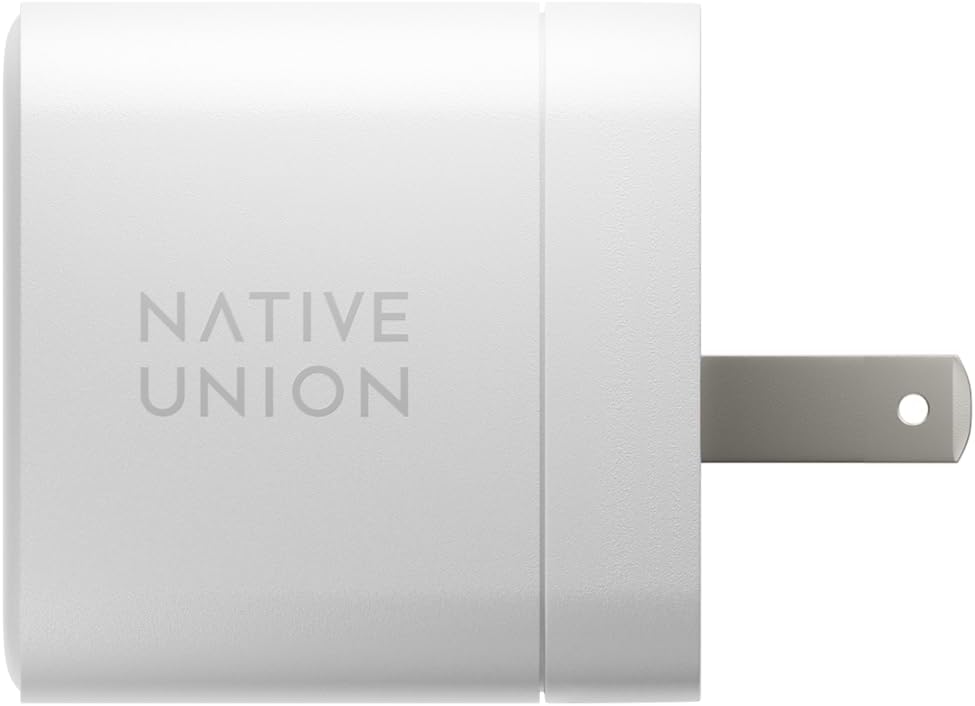
Image: The charger with its foldable prongs extended, ready for insertion into a wall outlet.
Compatibility: This charger is designed for a wide range of devices, including:
- iPhone 14 series, iPhone 13 series, iPhone 12 series, iPhone 11 series, iPhone XS/XR/X/8 and earlier
- iPad 9.7 (2017), iPad Air 3 and earlier, iPad Pro 2017 and earlier, iPad mini with Retina display, iPad mini, iPad (4th gen)
- iPod Touch (5th gen), iPod Nano (7th gen)
- Samsung Galaxy Z Flip, S22 series, A20s, A71, Note 20, 10+, S10e, S10, S10+
- Google Pixel 7
- HUAWEI P40 Pro+, P30 Pro, Mate Xs, Mate 30 Pro
- Xiaomi Mi 10, 10Pro, Mi Note 10
- Sony Xperia 5 II, OnePlus 8 Pro, Sharp AQUOS R5G, Asus ROG Phone 3, HTC U20
- MacBook Air (requires USB-C to USB-C cable)
Operating Instructions
The Native Union Fast GaN Charger PD 35W utilizes Power Delivery (PD) technology and Gallium Nitride (GaN) components for efficient and fast charging.
Fast Charging Capabilities:
- High-Speed Charging: Supports up to 35W Power Delivery.
- iPhone Charging: Can charge compatible iPhones up to 50% in under 30 minutes.
- MacBook Air Charging: Capable of fully charging a MacBook Air in approximately 2 hours.
- Dual Port Use: The charger features two USB-C ports. When both ports are in use, the 35W power output is dynamically allocated between the connected devices to optimize charging speed.

Image: Visual representation of the charger's fast charging capability for an iPhone.

Image: The charger connected to a wall outlet, powering a MacBook Air.
Safety Features:
The charger incorporates multiple safety protections to safeguard your devices:
- Overcurrent Protection: Prevents damage from excessive current flow.
- Over-voltage Protection: Protects against voltage surges.
- Overheating Protection: Manages internal temperature to prevent overheating.

Image: An illustration highlighting the charger's built-in safety mechanisms.
Maintenance
To ensure the longevity and optimal performance of your charger, follow these maintenance guidelines:
- Cleaning: Disconnect the charger from the power outlet before cleaning. Use a soft, dry cloth to wipe the exterior. Do not use liquid cleaners or aerosols.
- Storage: When not in use, store the charger in a cool, dry place. The foldable prongs allow for compact storage.
- Handling: Avoid dropping the charger or subjecting it to strong impacts. Do not expose it to extreme temperatures or moisture.
- Cable Care: Always disconnect cables by gripping the plug, not by pulling the cable itself, to prevent damage to the cable or charger ports.
Troubleshooting
If you encounter issues with your charger, refer to the following common problems and solutions:
| Problem | Possible Cause | Solution |
|---|---|---|
| Device not charging. |
|
|
| Slow charging speed. |
|
|
| Charger feels loose in the wall outlet. |
|
|
Specifications
| Brand | Native Union |
| Model Number | TB-G-2C35-US |
| Connector Type | USB-C (2 ports) |
| Total USB Ports | 2 |
| Wattage | 35.0 W |
| Output Current | 3 Amps |
| Special Feature | Fast Charging (Power Delivery), GaN Technology |
| Color | White |
| Item Weight | 3.52 ounces (approximately 100 grams) |
| Package Dimensions | 4.29 x 2.56 x 1.46 inches |
| Manufacturer | Native Union |
| Date First Available | May 8, 2023 |

Image: Size comparison highlighting the compact nature of the GaN charger.
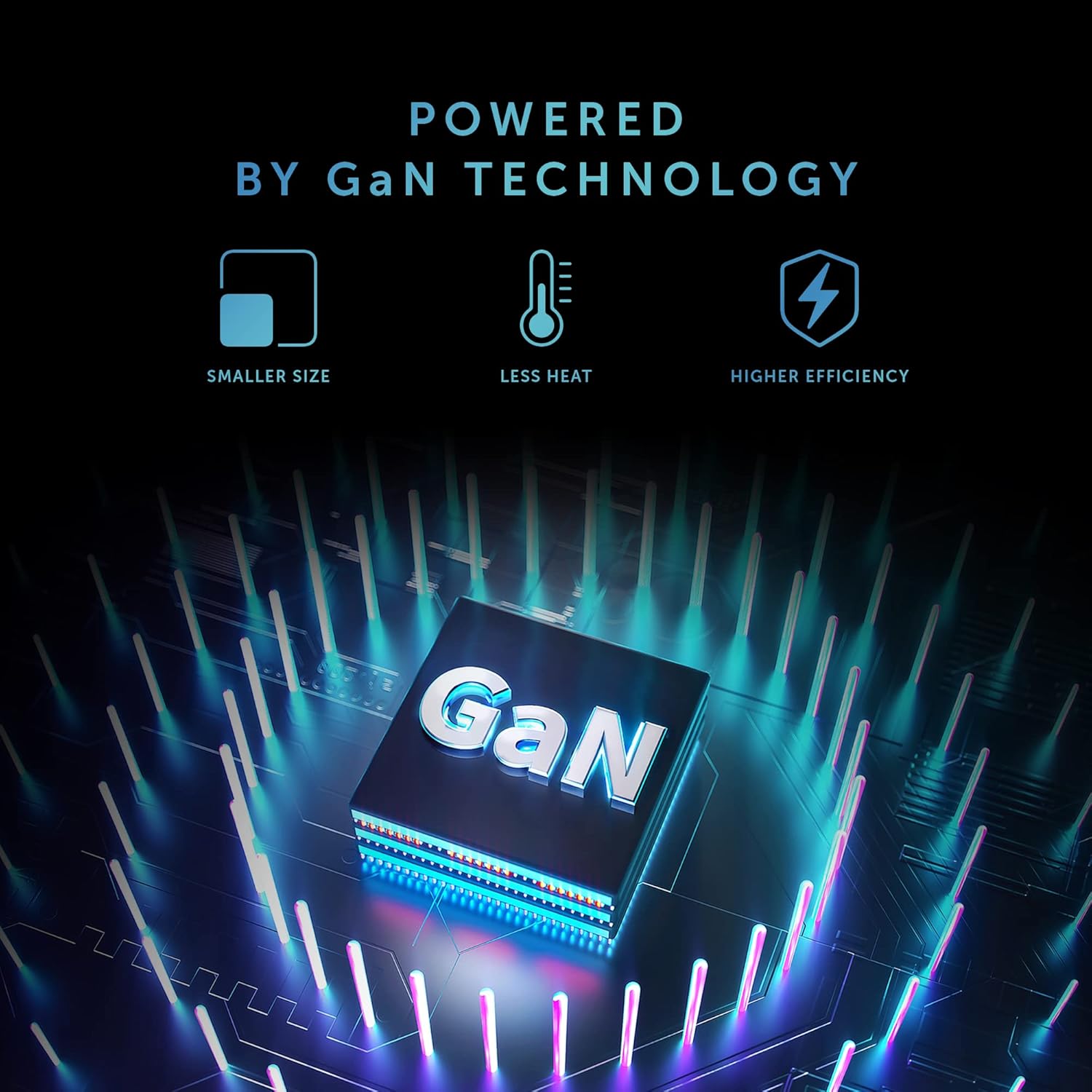
Image: An explanation of Gallium Nitride (GaN) technology, which enables the charger's compact size and efficiency.
Warranty & Support
Native Union products are designed for durability and performance. For specific warranty details and to register your product, please visit the official Native Union website.
If you require technical assistance or have questions not covered in this manual, please contact Native Union customer support through their official channels.
Online Support: Visit the Native Union Store on Amazon