
Samsung UN65CU8000
SAMSUNG UN65CU8000 Crystal UHD 4K Smart TV Bundle User Manual
Model: UN65CU8000
1. Introduction
This user manual provides comprehensive instructions for the setup, operation, and maintenance of your SAMSUNG UN65CU8000 65-inch Crystal UHD 4K Smart TV Bundle. This bundle includes the Samsung 4K Smart TV, a Deco Home 60W 2.0 Channel Soundbar, a TV Wall Mount Bracket, and a 6-Outlet Surge Adapter. Please read this manual thoroughly before using your product to ensure safe and optimal performance.
2. Safety Information
Always observe the following safety precautions to reduce the risk of fire, electric shock, or injury.
- Do not expose this apparatus to rain or moisture.
- Do not block any ventilation openings. Install in accordance with the manufacturer's instructions.
- Do not install near any heat sources such as radiators, heat registers, stoves, or other apparatus (including amplifiers) that produce heat.
- Protect the power cord from being walked on or pinched, particularly at plugs, convenience receptacles, and the point where they exit from the apparatus.
- Only use attachments/accessories specified by the manufacturer.
- Refer all servicing to qualified service personnel. Servicing is required when the apparatus has been damaged in any way.
- Ensure proper grounding for all electrical connections.
3. Package Contents
Verify that all components listed below are included in your package:
- SAMSUNG UN65CU8000 65 inch Crystal UHD 4K Smart TV (2023 Model)
- Remote Model: TM2360E
- TV Stand Components
- Power Cord
- User Manual / E-Manual (this document)
- Deco Gear 60W 2.0 Channel Soundbar with Built-in Dual Subwoofers and Four 2.5" Drivers
- Deco Mount 37"-100" TV Wall Mount Bracket Bundle
- 2 HDMI Cables
- Spray Bottle and Wipe (for cleaning)
- Stanley SurgePro 6 NT 750 Joule 6-Outlet Surge Adapter with Night Light

Image: All components included in the SAMSUNG UN65CU8000 65 inch Crystal UHD 4K Smart TV Bundle.
4. Setup
4.1. Samsung TV Setup (UN65CU8000)
Before beginning, ensure you have a clear, stable surface for assembly. Two people are recommended for safe handling of the TV.
- Unpacking: Carefully remove the TV and all accessories from the packaging. Keep packaging materials for future transport or storage.
- Stand Installation (if not wall mounting):
- Place the TV face-down on a soft, clean cloth or cushion to prevent screen damage.
- Align the TV stand components with the corresponding slots on the back of the TV.
- Secure the stands using the provided screws. Ensure they are firmly attached.

Image: Front view of the Samsung 65-inch Crystal UHD 4K Smart TV with its included stands attached.
- Power Connection: Plug the power cord into the TV's power input, then into the surge adapter.
- Initial Setup:
- Turn on the TV using the remote control.
- Follow the on-screen instructions to select your language, connect to Wi-Fi, and set up smart features.
4.2. Deco Home Soundbar Setup
- Placement: Position the soundbar directly in front of your TV, centered, on a stable surface. Ensure no objects block the sound output.
- Audio Connection:
- For best audio quality, connect the soundbar to your TV using one of the provided HDMI cables (HDMI ARC/eARC port on TV recommended).
- Alternatively, use an optical cable (not included) or Bluetooth for wireless connection.
- Power Connection: Connect the soundbar's power adapter to the soundbar and then to the surge adapter.

Image: The Deco Home 60W 2.0 Channel Soundbar shown with its remote control.
4.3. TV Wall Mount Bracket Setup
The Deco Mount 37"-100" TV Wall Mount Bracket is designed for secure wall mounting. Professional installation is highly recommended for wall mounts.
- Consult Mount Manual: Refer to the specific instruction manual provided with the Deco Mount bracket for detailed installation steps, including wall type compatibility, stud finding, drilling, and securing the mount.
- Attach Brackets to TV: Secure the mounting brackets to the back of your Samsung TV using the appropriate screws and spacers from the mount kit.
- Mount to Wall: Carefully lift the TV and hook it onto the wall mount. Ensure it is securely seated and locked in place according to the mount's instructions.

Image: Various components of the Deco Mount TV Wall Mount Bracket, including mounting plates, screws, and accessories.
4.4. Stanley SurgePro 6 NT 750 Joule 6-Outlet Surge Adapter Setup
- Plug In: Insert the surge adapter into a standard wall outlet.
- Connect Devices: Plug the power cords of your TV, soundbar, and other electronic devices into the outlets on the surge adapter. This protects your equipment from power surges.

Image: The Stanley SurgePro 6-Outlet Surge Adapter, designed to protect electronics from power fluctuations.
5. Operating Instructions
5.1. Samsung Crystal UHD 4K Smart TV (UN65CU8000)
Your Samsung Smart TV offers a wide range of features for an immersive viewing experience.
- Power On/Off: Press the Power button on the Remote Model: TM2360E to turn the TV on or off.
- Navigation: Use the directional pad and 'Select' button on the remote to navigate menus and select options.
- Smart Hub: Access the Smart Hub for streaming apps, web browsing, and other smart features.
- Dynamic Crystal Color: Experience a billion shades of color, delivering lifelike variations.
- Crystal Processor with 4K Upscaling: This processor automatically upscales content to dazzling 4K resolution, enhancing details and color.
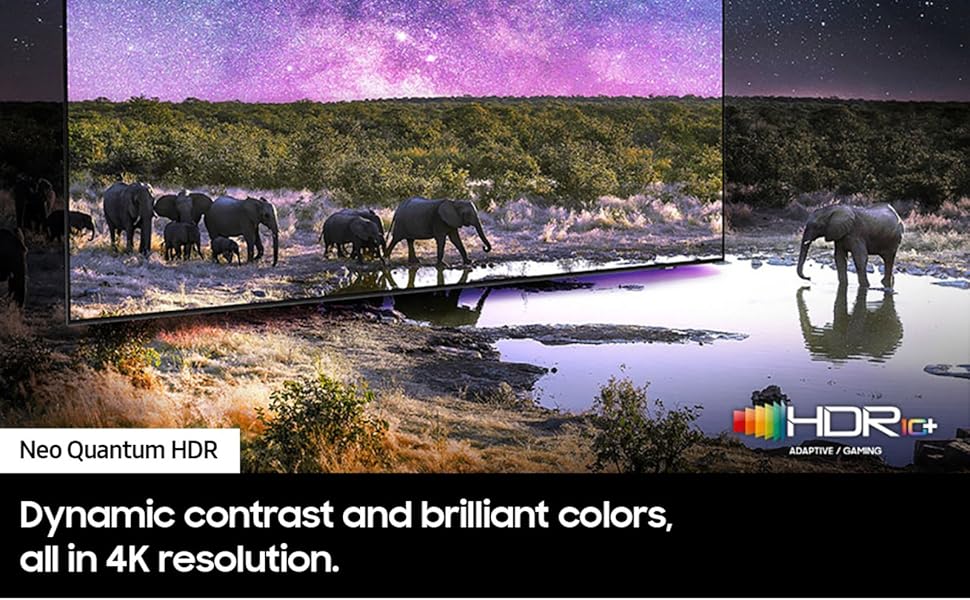
Image: Visual representation of the Crystal Processor with 4K Upscaling, showing how content is upgraded to 4K resolution.
- Motion Xcelerator: Enjoy clear picture with smooth motion, especially beneficial for fast-paced content.
- Mega Contrast: See an enhanced sense of depth and color with optimized contrast levels.
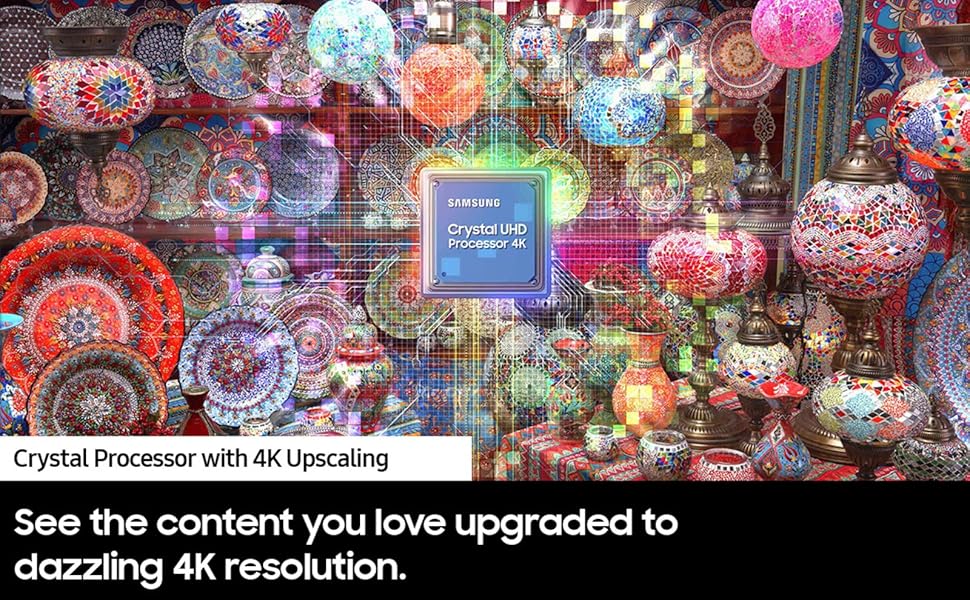
Image: A split image illustrating the effect of Mega Contrast, showing enhanced depth and color in a scene with hot air balloons.
- HDR (High Dynamic Range): Experience a wider range of colors and visual details, even in dark and bright scenes.
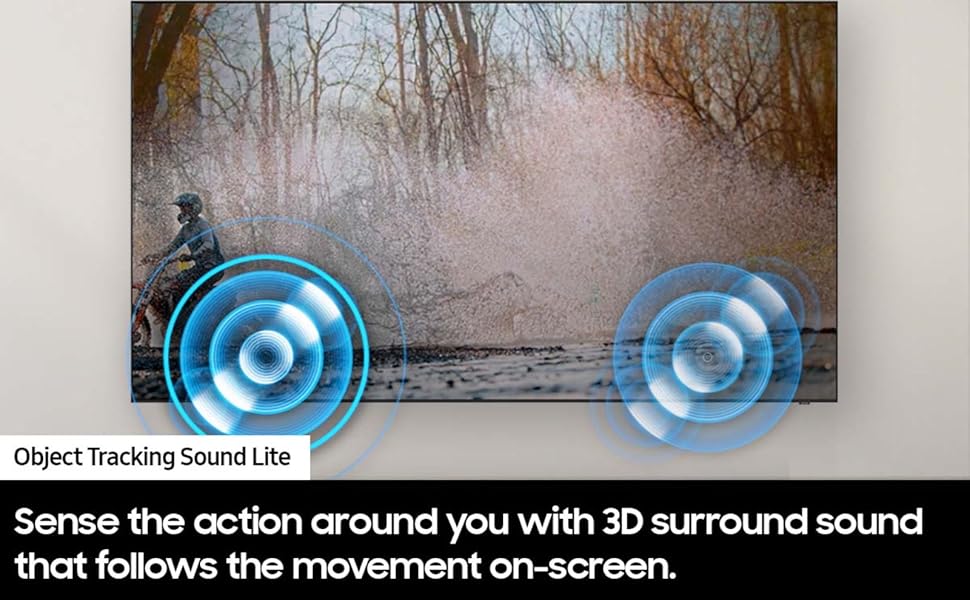
Image: A scene with elephants and a body of water, demonstrating the dynamic contrast and brilliant colors provided by Neo Quantum HDR.
- Object Tracking Sound Lite: Sense the action around you with 3D surround sound that follows the movement on-screen.

Image: A visual representation of Object Tracking Sound Lite, showing sound waves emanating from a moving object on screen.
5.2. Deco Home Soundbar Operation
- Power: Use the power button on the soundbar or its remote control to turn it on/off.
- Volume Control: Adjust volume using the '+' and '-' buttons on the soundbar or remote.
- Input Selection: Press the 'Input' or 'Source' button to cycle through available inputs (HDMI ARC, Optical, Bluetooth, AUX).
- Bluetooth Pairing: To pair a Bluetooth device, select the Bluetooth input on the soundbar, then search for the soundbar on your device's Bluetooth settings and connect.
6. Maintenance
Proper maintenance ensures the longevity and performance of your TV and soundbar.
- Cleaning the Screen:
- Turn off the TV and unplug it from the power source.
- Gently wipe the screen with the provided soft, dry cloth or a microfiber cloth.
- For stubborn marks, lightly dampen the cloth with water or a screen-specific cleaning solution (never spray directly onto the screen).
- Cleaning the Body and Soundbar: Wipe the exterior surfaces with a soft, dry cloth. Avoid using abrasive cleaners or solvents.
- Ventilation: Ensure the TV's ventilation openings are not blocked to prevent overheating.
- Cable Management: Keep cables tidy and untangled to prevent damage and ensure safety.
7. Troubleshooting
If you encounter issues, try the following solutions before contacting support.
| Problem | Possible Solution |
|---|---|
| No Power |
|
| No Picture / Distorted Picture |
|
| No Sound from TV / Soundbar |
|
| Remote Control Not Working |
|
8. Specifications
Key technical specifications for the SAMSUNG UN65CU8000 TV:
| Feature | Specification |
|---|---|
| Brand | Samsung |
| Model Number | UN65CU8000 (E2SAMUN65CU8000) |
| Screen Size | 65 Inches (64.5 Inches Standing Screen Display Size) |
| Display Technology | LED |
| Resolution | 4K UHD (3840 x 2160) |
| Refresh Rate | 60 Hz |
| Special Features | Dynamic Crystal Color; Crystal Processor with 4K Upscaling; AirSlim Design |
| Connectivity Technology | Wi-Fi |
| Aspect Ratio | 16:9 |
| Product Dimensions (with stand) | 57.1"W x 11"D x 34.4"H |
| Item Weight | 58 Pounds |
| On-mode Power Consumption | 60.0 watts |
| Speaker Type | 2CH |

Image: Diagram showing the dimensions of the Samsung 65-inch Crystal UHD 4K Smart TV.
9. Warranty and Support
Your SAMSUNG UN65CU8000 65 inch Crystal UHD 4K Smart TV Bundle comes with a Limited Warranty. As a SAMSUNG USA AUTHORIZED product, you are eligible for full manufacturer support.
For warranty claims, technical assistance, or further support, please contact Samsung Customer Service directly. You can typically find their contact information on the official Samsung website or through the support section of your TV's E-Manual.
Online Support: For the most up-to-date support resources, FAQs, and troubleshooting guides, visit the official Samsung support website: www.samsung.com/us/support/
Ask a question about this manual
Ask about setup, troubleshooting, compatibility, parts, safety, or missing instructions. Manuals+ will review the question and use this page’s manual context to help answer it.