
MaxAngel 102KZ
MaxAngel 10.1 Inch WiFi Digital Picture Frame User Manual
Model: 102KZ
1. Product Overview
The MaxAngel 10.1 Inch WiFi Digital Picture Frame is designed to provide an easy and intuitive way to share and display your cherished photos and videos. Featuring a high-definition IPS touch screen and WiFi connectivity, it allows for instant sharing from anywhere in the world via the dedicated "Uhale" app.
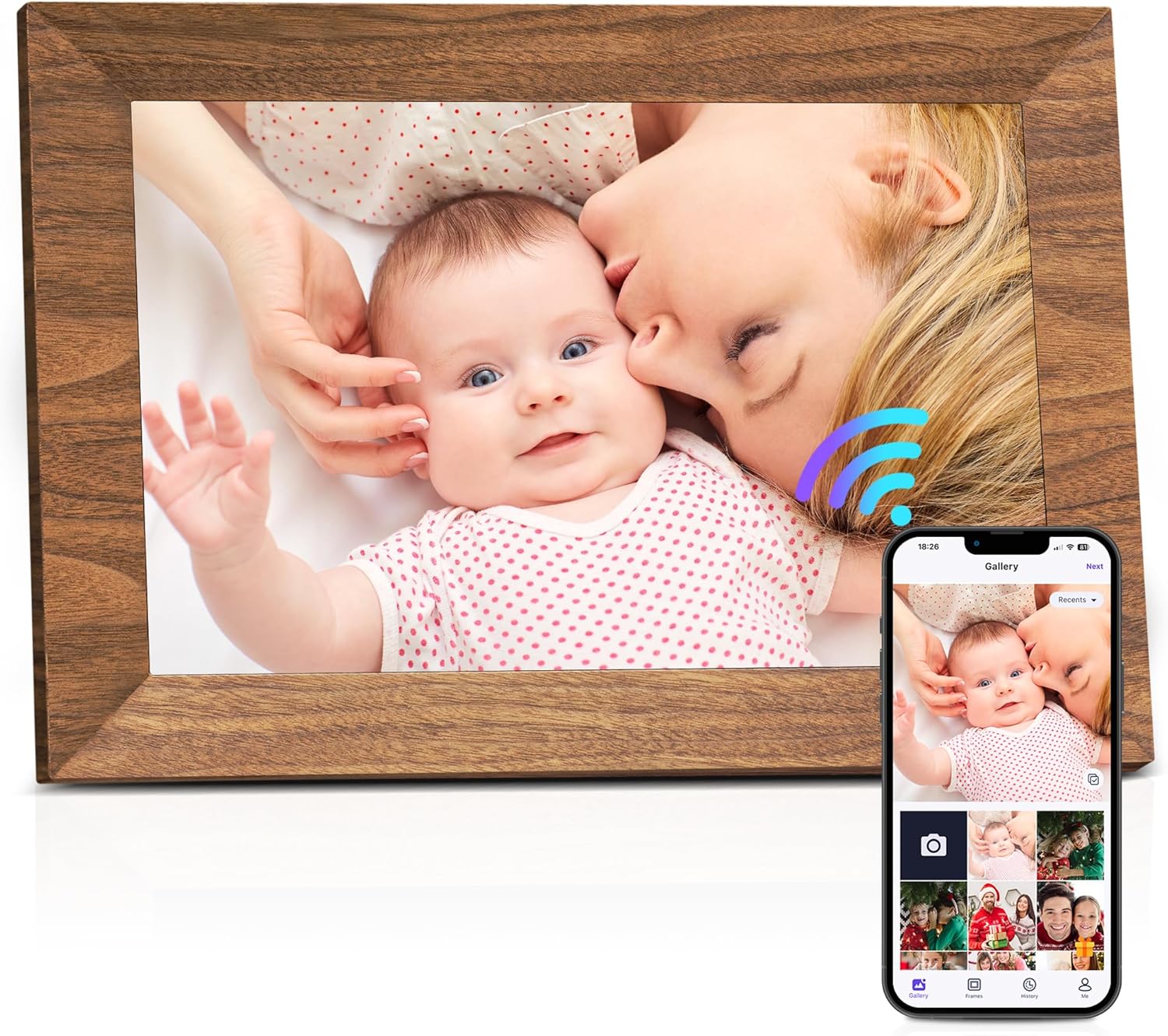
Image: Front view of the MaxAngel 10.1 Inch WiFi Digital Picture Frame, showcasing a family photo on its screen.
2. Package Contents
Please verify that all items are included in your package:
- 1 x Digital Picture Frame
- 1 x AC Adapter
- 1 x Frame Stand
- 1 x User Manual
- 1 x Box

Image: Contents of the MaxAngel Digital Picture Frame package, including the frame, AC adapter, frame stand, user manual, and box.
3. Setup Guide
3.1 Initial Power On and Network Connection
- Connect the provided AC adapter to the digital picture frame and plug it into a power outlet.
- The frame will power on automatically. Follow the on-screen instructions to select your language and connect to your home WiFi network. A stable WiFi connection is essential for sharing features.
3.2 App Installation and Pairing
To enable wireless sharing, download the "Uhale" app on your smartphone or tablet:
- For Android devices, download from the Google Play Store.
- For iOS devices, download from the Apple App Store.
Once installed, open the "Uhale" app and follow the prompts to pair it with your digital picture frame. This typically involves scanning a QR code displayed on the frame or entering a unique frame code.

Image: Diagram illustrating instant wireless sharing of photos and videos to the digital frame via the Uhale app from a smartphone.
3.3 Adding Users for Sharing
The "Uhale" app supports unlimited user connections, allowing multiple family members to upload photos and videos. To add new users:
- On the digital frame, tap the screen to reveal the menu.
- Locate and tap the "Add User" or similar icon (often represented by a person icon with a plus sign).
- A QR code or unique code will appear. Share this with the new user.
- The new user can then enter this code into their "Uhale" app to connect to your frame.

Image: Illustration showing multiple users connected to a single digital picture frame, indicating unlimited user connections for sharing moments.
4. Operating Instructions
4.1 Display and Navigation
The 10.1-inch HD IPS touch screen offers a 1280x800 resolution and a 178° viewing angle for a clear display from various perspectives. The user-friendly interface allows for easy navigation with simple finger taps.

Image: Visual representation of the 10.1-inch HD touch display, highlighting features like 16:10 aspect ratio, high sensitivity touch screen, IPS screen, 1280x800 HD resolution, 178° viewing angle, and vibrant color fidelity.
4.2 Photo and Video Management
- Automatic Rotation: The frame automatically adjusts the orientation of your photos to fit the display, whether placed in portrait or landscape mode. It can also be wall-mounted.
- Storage: The frame has 32GB of internal memory, capable of storing over 100,000 photos (at 300KB/pic). It also supports external storage via a Micro SD card (up to 32GB, formatted as FAT32).
- Video Playback: Play vivid videos directly from a Micro SD card (no time limit) or import them to the frame. Videos uploaded via the Uhale app are limited to 120 seconds.
- Sending Wishes: Send instant or timed wishes for special occasions through the app, which will display on the frame.

Image: Display showing the digital frame with multiple photos and videos, emphasizing the built-in 32GB memory and support for external 32GB Micro SD cards. A note reminds users to format the SD card as FAT32.

Image: An illustration demonstrating the ability to send instant or timed wishes from a smartphone app to the digital picture frame, with examples of various greeting cards.
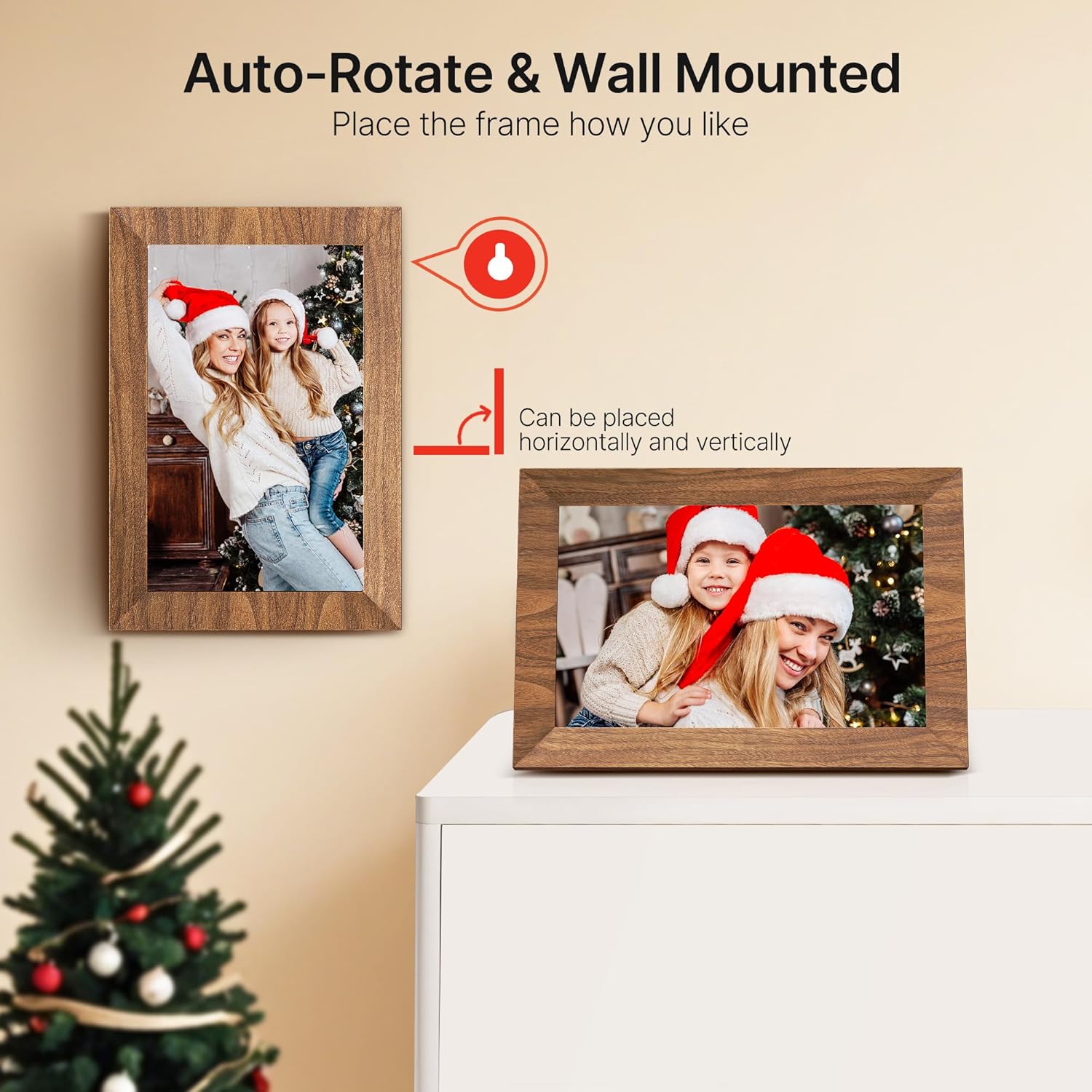
Image: Two digital frames, one in portrait and one in landscape orientation, illustrating the auto-rotate feature and the option for wall mounting.
4.3 Custom Functions
The frame offers various customizable settings:
- Slideshow: Adjust slideshow intervals and transitions.
- Screen Brightness: Control display brightness.
- Volume Adjustment: Control the volume for videos and notification sounds.
- Hide/Publish Images: Manage which images are displayed.
- Display Caption: Show captions for photos.
- Sleep Mode: Set a schedule for the frame to enter and exit sleep mode.
5. Maintenance
To ensure the longevity and optimal performance of your MaxAngel Digital Picture Frame, follow these simple maintenance guidelines:
- Cleaning: Use a soft, dry, lint-free cloth to gently wipe the screen and frame. Avoid using abrasive cleaners, solvents, or aerosol sprays, which may damage the surface.
- Placement: Place the frame on a stable, flat surface or mount it securely on a wall. Avoid direct sunlight or areas with extreme temperatures or humidity.
- Power: Always use the original AC adapter provided with the frame. Disconnect power during electrical storms or when not in use for extended periods.
6. Troubleshooting
If you encounter any issues with your MaxAngel Digital Picture Frame, please refer to the following common solutions:
- Frame not turning on:
- Ensure the AC adapter is securely connected to both the frame and a working power outlet.
- Try a different power outlet.
- Cannot connect to WiFi:
- Verify your WiFi password is correct.
- Ensure the frame is within range of your WiFi router.
- Restart your WiFi router and the digital frame.
- Check if your network is 2.4GHz, as some frames may not support 5GHz networks.
- Photos/Videos not appearing on the frame:
- Confirm the frame is connected to WiFi.
- Check the "Uhale" app's history to ensure photos/videos were successfully sent.
- If using an SD card, ensure it is formatted to FAT32 and the files are in a supported format (e.g., JPEG for photos, MP4 for videos).
- Screen is unresponsive:
- Restart the frame by unplugging and re-plugging the power adapter.
- Ensure the screen is clean and free of debris.
For further assistance, please contact MaxAngel customer service.
7. Specifications
| Feature | Detail |
|---|---|
| Brand | MaxAngel |
| Model Number | 102KZ |
| Screen Size | 10.1 Inches |
| Resolution | 1280x800 HD |
| Display Type | IPS Touch Screen |
| Internal Storage | 32GB |
| External Storage Support | Micro SD Card (up to 32GB, FAT32 format recommended) |
| Connectivity | WiFi |
| Product Dimensions | 7.2 x 10.5 x 0.99 inches |
| Item Weight | 1.7 pounds |
| Color | Wood Grain-1 Pack |
8. Warranty and Support
MaxAngel is committed to product quality and customer satisfaction. Your digital picture frame comes with:
- 365 Days Replacement Service: For any manufacturing defects or issues within 365 days of purchase.
- Life-Time Technical Support: Our customer service team is available to assist you with any questions or technical difficulties you may encounter throughout the product's lifespan.
Please contact MaxAngel customer service for any inquiries or support needs.