
1. Introduction
This manual provides instructions for the LAWOHO Yellow Learn Button Security+ 2.0 Garage Door Opener Remote Control. This remote is designed to operate compatible garage door openers featuring a yellow learn button or yellow hanging antenna.
Important Note: This remote control is only compatible with garage door openers that have a Yellow Learn Button or a Yellow hanging antenna on the motor unit. Compatibility is crucial for proper function.

Figure 1: Compatibility with Yellow Learn Button or Yellow Hanging Antenna.
The remote features a 2-button design, allowing control of up to two separate garage door openers or functions, provided they are compatible.

Figure 2: LAWOHO 2-Button Remote Control.
2. Safety Information
- Keep remote controls out of reach of children.
- Operate the garage door only when it is in full view, free of obstructions, and when the garage door opener is properly adjusted.
- Do not allow children to play with the remote control or the garage door opener.
- Always ensure the garage door is closed before leaving the premises.
- Dispose of batteries properly according to local regulations.
3. Compatibility List
This remote control is compatible with specific LiftMaster and Chamberlain garage door openers that utilize Security+ 2.0 technology and feature a Yellow Learn Button.

Figure 3: Detailed Compatibility Chart.
LiftMaster Security+ 2.0 (2011-current) with Yellow Learn Button:
- Remote Models: 891LM, 893LM, 950ESTD, 953ESTD
- Opener Models: 87504-267, 87802, 84602, 84501, 85503-267, 8550WLB, 8360WLB, 8160WB, 8500W, WLED, 8550W, 8587W, 8557W, 8360W, 8355W, 8365W-267, 8160W, 8165W, 8155W, 8164W, 8365-267, 8160, 8165, 8155, 8065, 8010, 8550, 8587, 8557, 8360, 8355, 8500, 8500C, 8500W, 8587W, 87504-267, 87802, 84602, 84501, 8365W-267, 8160WB, 8160W, 8165W, 8155W, 8164W
Chamberlain Security+ 2.0 (2013-current) with Yellow Learn Button:
- Remote Models: 940EV, 953EV, 956EV
- Opener Models: HD220, HD220C, HD420EV, HD930EV, LW260C, LW5000EV, PD220, PD222, PD612EV, PD752KEV, WD832KEV, WD962KEV, WD962KPEV, WD962MLEV
4. Setup and Programming
Before programming, ensure your garage door opener has a Yellow Learn Button. The garage door should be closed during the programming process.
Step-by-Step Programming:
- Locate the Learn Button: Find the yellow learn button on your garage door opener motor unit. This button is typically located on the back or side panel of the motor.
- Activate Learn Mode: Press and immediately release the yellow learn button on your garage door opener. The learn LED on the opener will glow steadily for 30 seconds, indicating it is in programming mode.
- Program the Remote: Within 30 seconds of activating the learn mode, press and hold the desired button on your LAWOHO remote control that you wish to program.
- Confirm Programming: Release the remote button when the garage door opener lights flash or two clicks are heard. This indicates successful programming.
- Test the Remote: Press the programmed button on your remote control to test its operation. The garage door should open or close.
If programming multiple remotes or buttons, repeat the steps for each remote or button.

Figure 4: Programming Instructions Diagram (from included leaflet).
Switching Remote Button Working Mode (if applicable):
Some remotes may have different working modes (e.g., red LED for one mode, green LED for another). If your remote is not pairing, you may need to switch its working mode:
- On the remote, press and hold both buttons (A+B) simultaneously until the LED starts blinking. Then release all buttons.
- Press the button you would like to switch working mode. The LED will change to either RED (working mode 1) or GREEN (working mode 2).
- Release the button, then attempt to program the button to your opener again following the steps above.
5. Operating Instructions
Once programmed, operating the LAWOHO remote control is straightforward:
- Opening/Closing the Garage Door: Press the programmed button on the remote control. The garage door will begin to open or close.
- Stopping the Garage Door: Press the programmed button again while the door is in motion to stop it.
- Multiple Doors: If you have programmed two different garage doors to the two buttons, press the corresponding button for the desired door.

Figure 5: Remote Control Features and Operation.
6. Maintenance
Battery Replacement:
The remote control uses one CR2032 3V battery (included). If the remote's LED indicator does not light up or the range decreases significantly, it may be time to replace the battery.
- Locate the small screw on the back of the remote control.
- Remove the screw and carefully open the remote casing.
- Remove the old CR2032 battery. Note its orientation (+/-).
- Insert a new CR2032 3V battery with the correct orientation.
- Close the casing and secure it with the screw.
- Test the remote control to ensure proper function.
Note: If the remote is dropped or jarred, the internal battery holder may become loose, causing the battery to lose connection. Re-securing the battery or adding a small piece of tape to hold it in place may resolve this. Reprogramming may be required after battery issues.
7. Troubleshooting
| Problem | Possible Cause | Solution |
|---|---|---|
| Remote does not work after programming. | Incorrect learn button color on opener; remote not in correct working mode; programming error; dead battery. |
|
| Remote range is poor. | Low battery; interference; environmental factors. |
|
| Remote stops working after being dropped. | Battery dislodged or loose connection. |
|
8. Specifications
- Model: J-12A-502
- Material: Metal and leather
- Buttons: 2
- Battery: CR2032 3V (included)
- Product Dimensions: Approximately 3.35 x 1.22 x 0.43 inches (8.5 x 3.1 x 1.1 cm)
- Item Weight: 1.06 ounces
- Technology: Security+ 2.0, Rolling Code
- Compatibility: Garage door openers with Yellow Learn Button or Yellow hanging antenna (LiftMaster Security+ 2.0 2011-current, Chamberlain Security+ 2.0 2013-current)

Figure 6: Remote Control Dimensions and Portability.
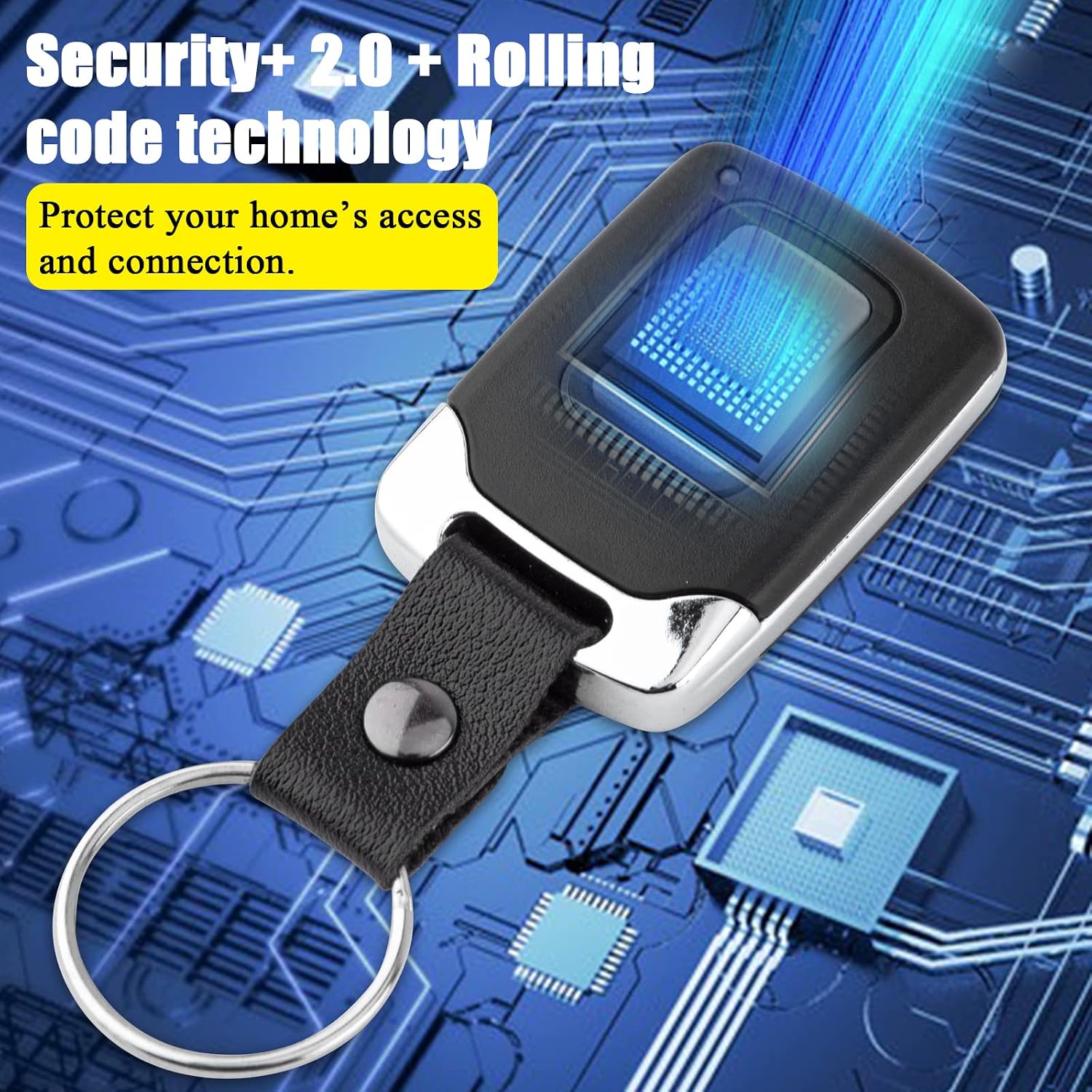
Figure 7: Security+ 2.0 and Rolling Code Technology.
9. What's in the Box
- 1 x LAWOHO Remote Control
- 1 x Programming Instruction Leaflet
10. Customer Support
For further assistance or inquiries, please refer to the contact information provided with your product packaging or visit the official LAWOHO website.