
Introduction
This manual provides essential instructions for the safe and effective use of the Generic Communication Power Module designed for the Eton ET856A system. Please read this manual thoroughly before installation and operation, and retain it for future reference.
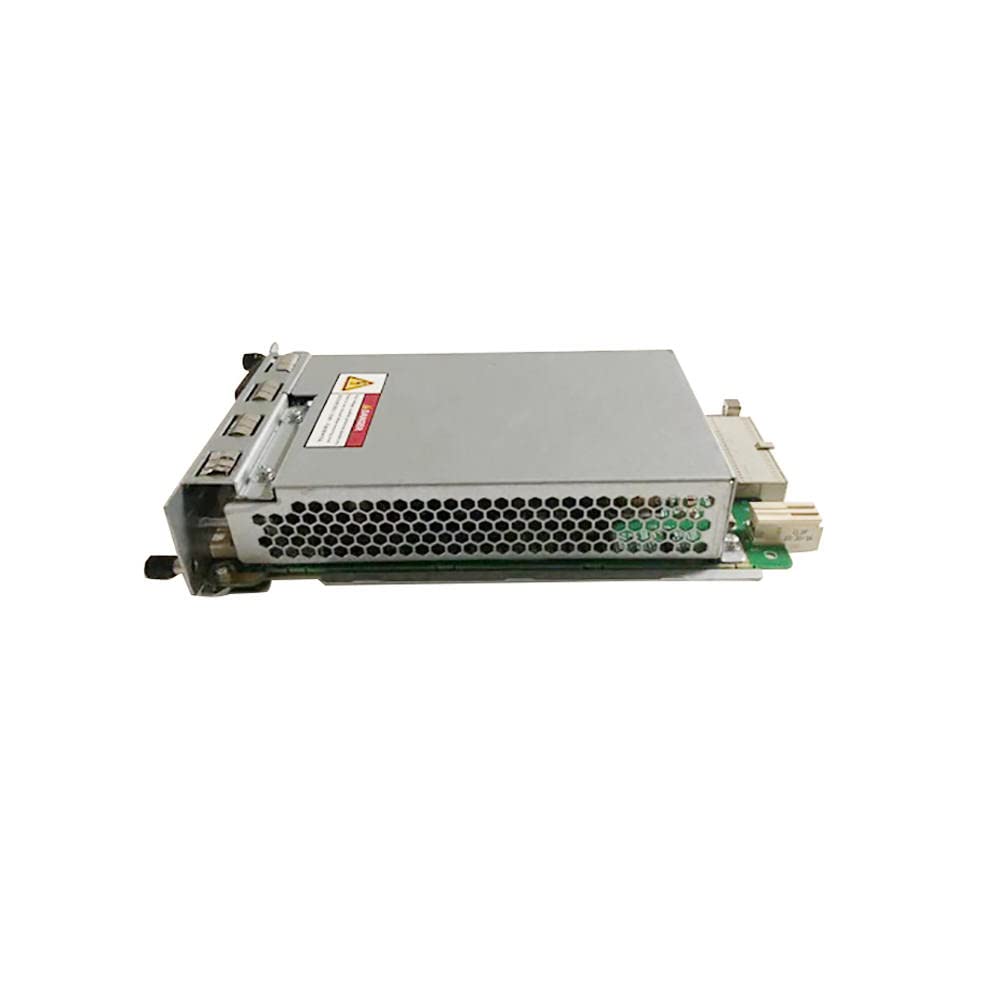
Figure 1: Overview of the Communication Power Module.
Safety Information
Warning: Always disconnect power before installing, removing, or servicing the module. Failure to do so may result in electric shock or damage to the equipment. This module should only be installed and serviced by qualified personnel.
- Ensure proper grounding.
- Do not operate the module in wet or damp conditions.
- Avoid obstructing ventilation openings.
- Use only specified input voltage and frequency.
Setup and Installation
Follow these steps to properly install the Communication Power Module into your Eton ET856A system:
- Preparation: Ensure the Eton ET856A system is powered off and disconnected from all power sources.
- Locate Slot: Identify the designated slot for the communication power module within the ET856A chassis.
- Insert Module: Carefully align the module with the slot and slide it in until it is fully seated. Ensure all connectors engage properly.
- Secure Module: Use any provided screws or locking mechanisms to secure the module firmly in place.
- Connect Power: Connect the appropriate power cable to the module's input port. Refer to Figure 2 for the power input location.
- Connect Communication Cables: Attach any necessary communication cables to the module's communication ports.
- Power On: Once all connections are secure, reconnect the ET856A system to its power source and power it on.
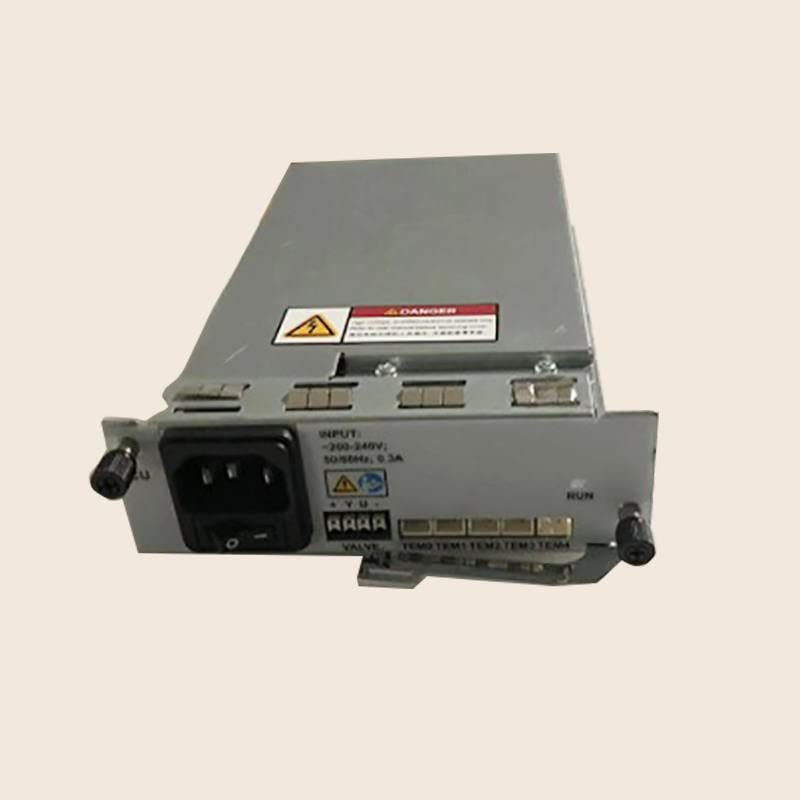
Figure 2: Front view of the module, highlighting the power input (left) and status indicators (right).
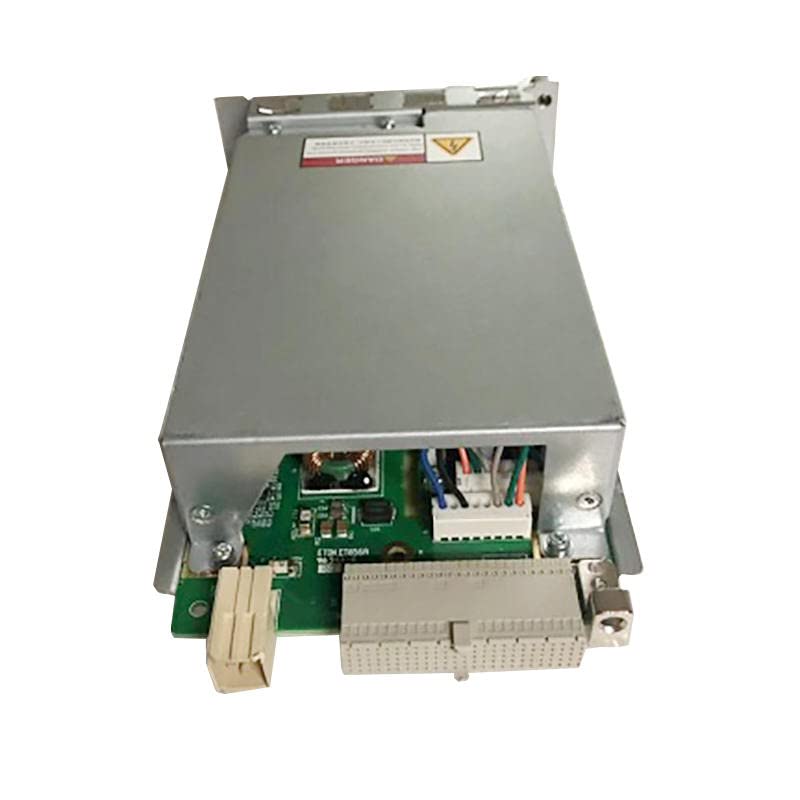
Figure 3: Top view of the module, illustrating the internal board and various connection points.
Operation
After successful installation, the Communication Power Module operates automatically as part of the Eton ET856A system. The module provides the necessary power and communication interfaces for the system's functions.
- Status Indicators: Observe the LED indicators on the front panel (refer to Figure 2). These indicators provide visual feedback on the module's operational status. Consult your Eton ET856A system manual for specific indicator meanings.
- Normal Operation: The module should operate silently with minimal heat generation. Any unusual noises, excessive heat, or flickering indicators may suggest an issue.
Maintenance
The Communication Power Module is designed for minimal maintenance. However, periodic checks can help ensure its longevity and reliable performance.
- Cleaning: Periodically inspect the module and its ventilation openings for dust accumulation. If necessary, gently clean with a soft, dry cloth or use compressed air to remove dust. Ensure the system is powered off and disconnected before cleaning.
- Connection Check: Occasionally verify that all power and communication cables are securely connected.
- Environmental Conditions: Ensure the operating environment remains within the recommended temperature and humidity ranges specified for the Eton ET856A system.
Troubleshooting
If you encounter issues with the Communication Power Module, consider the following troubleshooting steps:
- No Power:
- Verify the power cable is securely connected to both the module and the power source.
- Check the power source for functionality.
- Ensure the module is fully seated in its slot within the ET856A system.
- Module Not Detected:
- Confirm the module is correctly installed and secured.
- Restart the Eton ET856A system.
- Consult the Eton ET856A system manual for module detection procedures.
- Unusual Noise or Heat:
- Immediately power off the system.
- Check for any obstructions to ventilation.
- If the issue persists, contact technical support.
For complex issues, refer to the comprehensive troubleshooting guide for the Eton ET856A system or contact the manufacturer's support.
Specifications
| Feature | Detail |
|---|---|
| Product Type | Communication Power Module |
| Compatibility | Eton ET856A System |
| Input Voltage | 200-240V |
| Frequency | 50/60Hz |
| Current | 0.3A |
| Manufacturer | Generic |
| Part Number | CZKG_Sero_100141 |
| ASIN | B0C3BGCV5V |
| Date First Available | April 23, 2023 |
Warranty and Support
Specific warranty information for this Generic Communication Power Module is not provided in the product details. For warranty claims or technical support, please contact the vendor or manufacturer directly using the contact information provided at the time of purchase.