1. Introduction
This manual provides essential information for the safe and efficient operation of your Panasonic TX-43MX600E 43-inch 4K Smart LED TV. Please read it thoroughly before using the product and retain it for future reference.
The Panasonic TX-43MX600E series offers a high-quality 4K Ultra HD viewing experience with High Dynamic Range (HDR) support, including HDR10, Dolby Vision, and HLG. It features integrated Linux TV for access to various streaming applications and provides immersive audio with Dolby Atmos technology. Voice control is supported via Google Assistant and Amazon Alexa.
2. Safety Information
Always observe the following safety precautions to prevent electric shock, fire, or damage to the product.
- Do not expose the TV to rain or moisture.
- Do not open the TV casing; refer all servicing to qualified personnel.
- Ensure proper ventilation around the TV. Do not block ventilation openings.
- Place the TV on a stable, level surface to prevent it from falling.
- Unplug the TV from the power outlet during lightning storms or when unused for long periods.
- Keep batteries away from children. Dispose of used batteries responsibly.
3. Package Contents
Verify that all items are present in the packaging:
- Panasonic TX-43MX600E 43-inch 4K Smart LED TV
- Remote Control
- AAA Batteries (x2)
- Power Cord
- TV Stand (Base and Screws)
- User Manual (this document)

Image: Front view of the Panasonic TX-43MX600E Smart LED TV.
4. Setup
4.1 Unpacking and Stand Installation
- Carefully remove the TV from its packaging.
- Place the TV face down on a soft, flat surface to protect the screen.
- Attach the TV stand base to the TV using the provided screws. Ensure it is securely fastened.
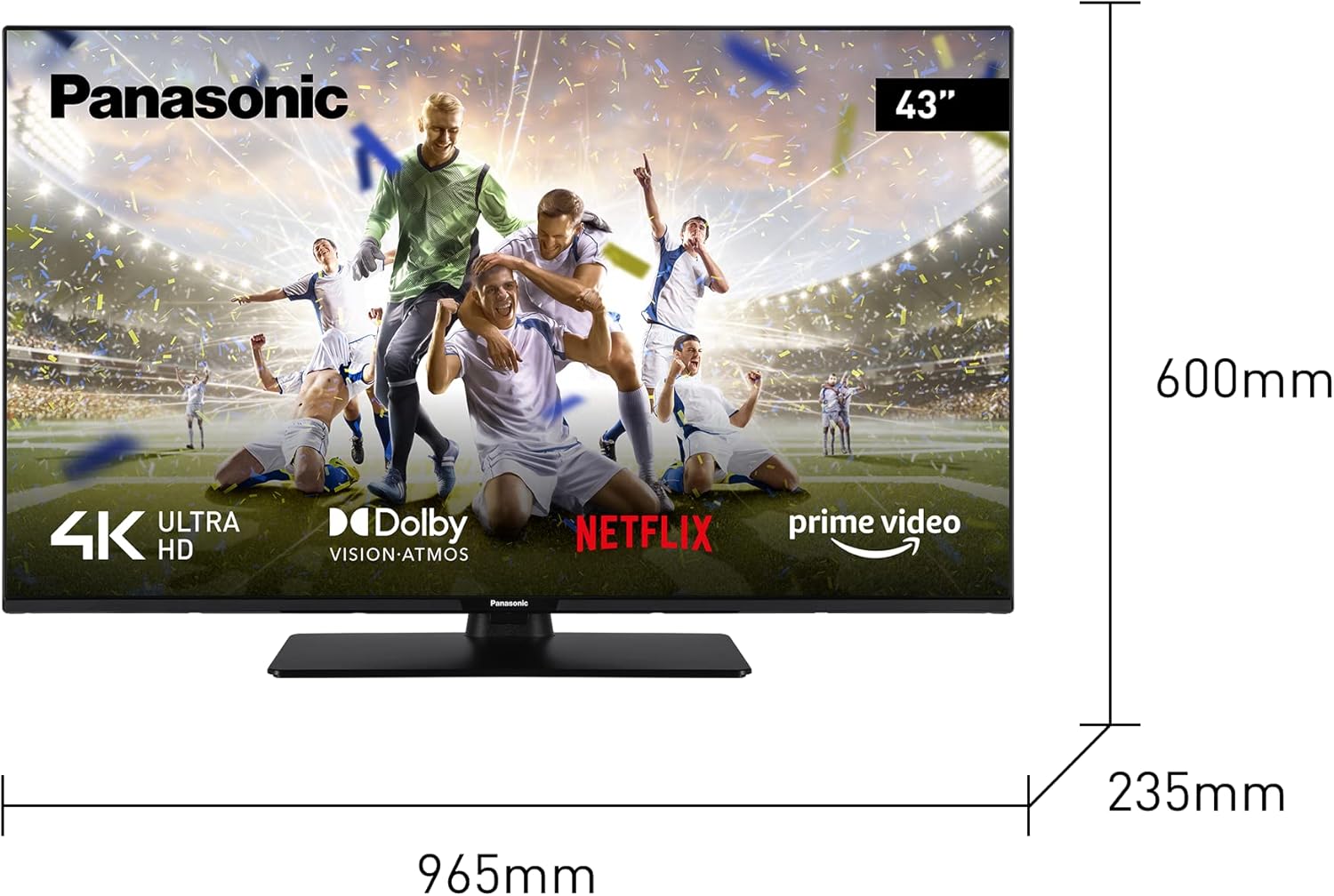
Image: Diagram showing the dimensions of the Panasonic TX-43MX600E TV, including width, height, and depth.
4.2 Connecting External Devices
Your TV is equipped with multiple ports for various devices:
- HDMI Ports: Connect Blu-ray players, game consoles, or set-top boxes. This model features HDMI 2.1 with Auto Low Latency Mode (ALLM) for enhanced gaming.
- USB Ports: Connect USB storage devices for media playback.
- Ethernet Port: For a wired internet connection.
- Antenna/Cable Input: For connecting an antenna or cable TV.

Image: Rear view of the Panasonic TX-43MX600E TV, highlighting the various input and output ports.
4.3 Power Connection and Initial Setup
- Connect the power cord to the TV and then to a wall outlet.
- Press the power button on the remote control or TV.
- Follow the on-screen instructions to complete the initial setup, including language selection, network connection (Wi-Fi or Ethernet), and channel scanning.
5. Operating Your TV
5.1 Remote Control Overview
The remote control allows you to navigate menus, adjust settings, and access smart features. Familiarize yourself with the buttons for power, volume, channel, input selection, and smart TV functions.
5.2 Smart TV Features (Linux TV)
Your Panasonic TX-43MX600E runs on Linux TV, providing access to a variety of applications. Use the remote's navigation buttons to browse and select apps.
- Streaming Services: Access popular platforms like Netflix, Amazon Prime Video, YouTube, and Twitch directly from the home screen.
- App Store: Download and install additional applications to customize your viewing experience.
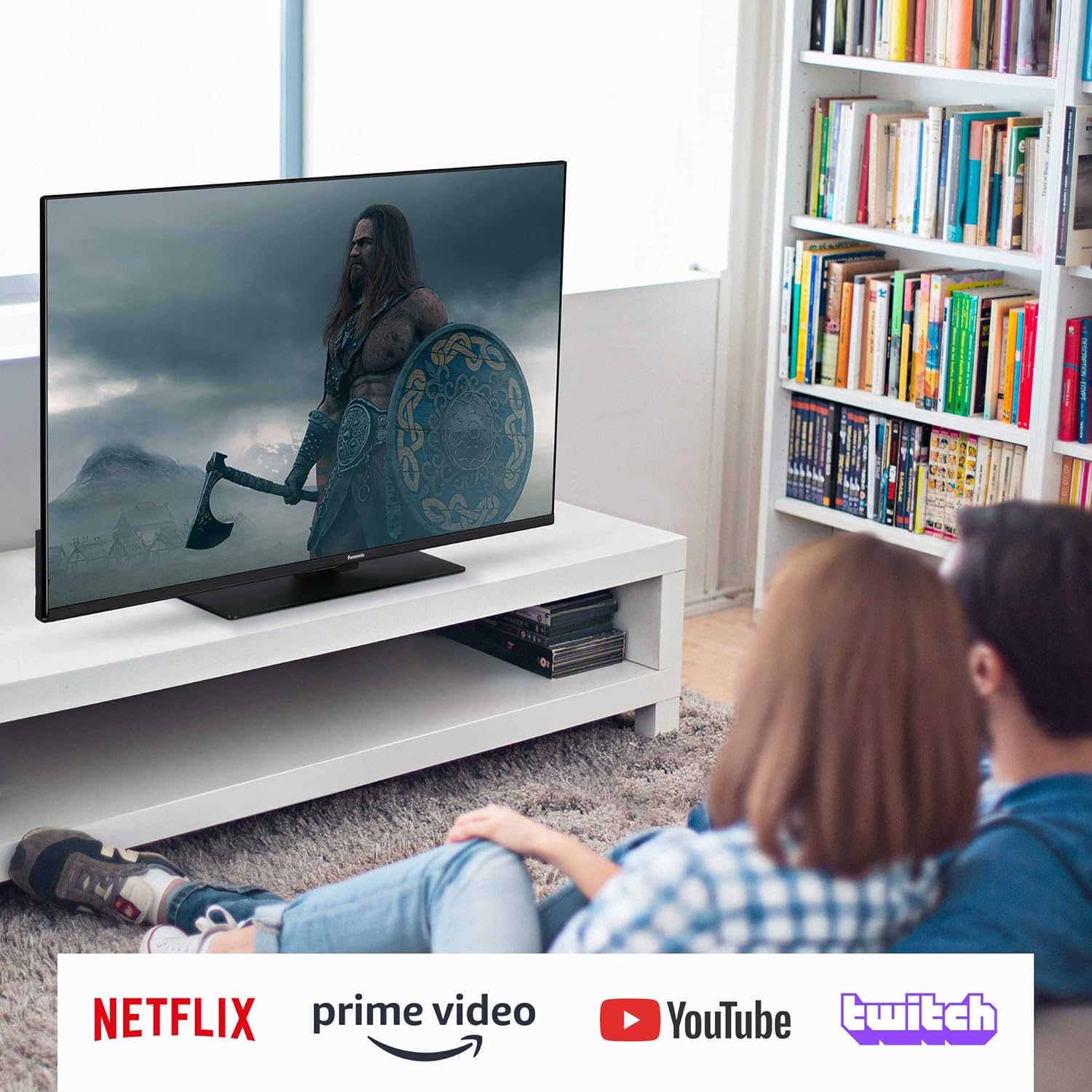
Image: The Panasonic TX-43MX600E TV screen showing logos for Netflix, Amazon Prime Video, YouTube, and Twitch, indicating smart TV capabilities.
5.3 Voice Control
The TV supports voice control through Google Assistant and Amazon Alexa. Connect your TV to a compatible smart speaker or use the voice function on your remote (if available) to control your TV hands-free.
- To activate, ensure your TV is connected to the internet and linked to your Google or Amazon account.
- Use commands like "Hey Google, turn on the TV" or "Alexa, switch to HDMI 1."
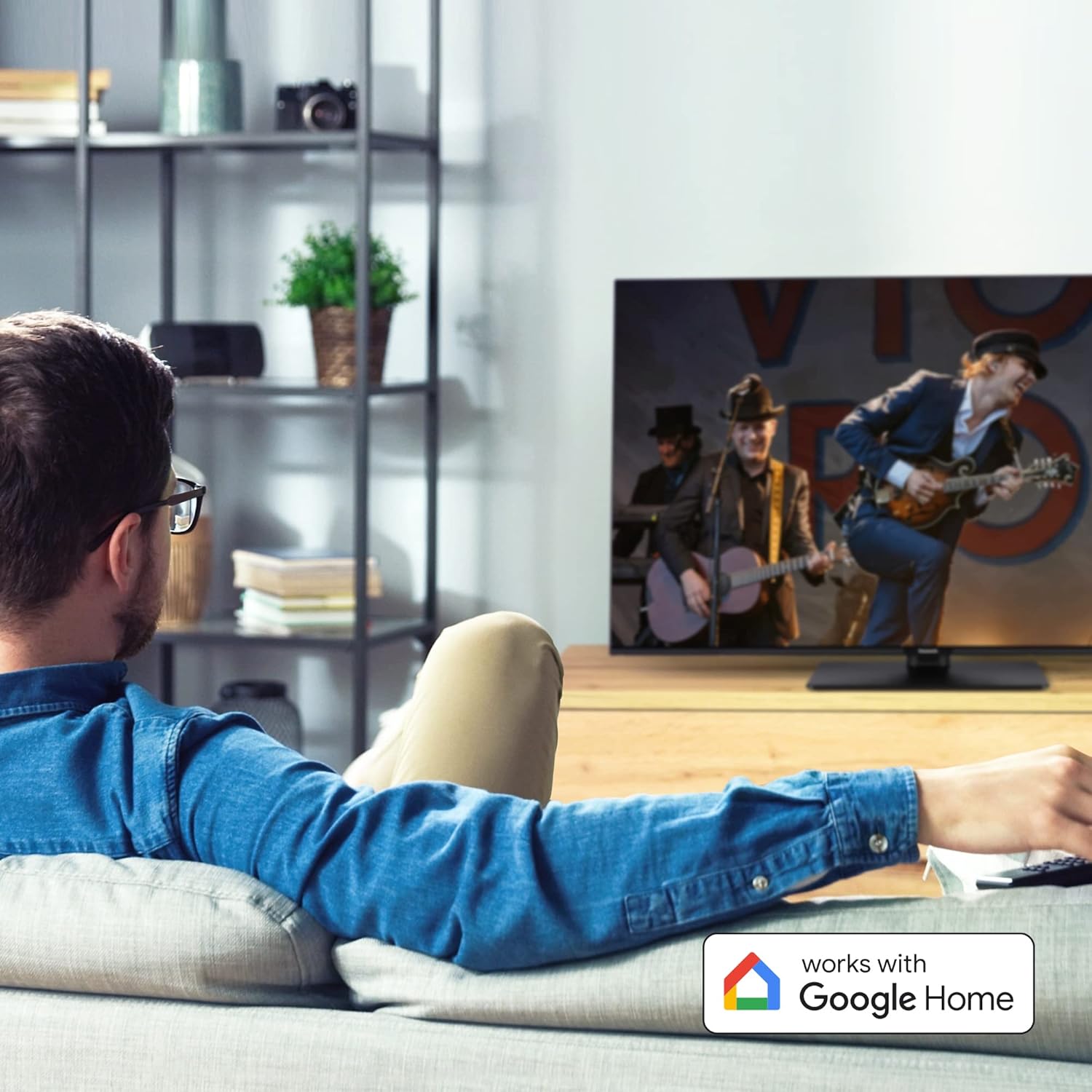
Image: A living room scene with the Panasonic TX-43MX600E TV, featuring a "Works with Google Home" badge, illustrating its voice control compatibility.
5.4 Picture and Sound Settings
Access the TV's settings menu to customize picture and sound preferences.
- Picture Modes: Select from various presets (e.g., Standard, Dynamic, Cinema, Game) or customize brightness, contrast, color, and sharpness.
- HDR Support: The TV supports HDR10, Dolby Vision, and HLG for enhanced contrast and color with compatible content.
- Sound Modes: Adjust audio settings, including equalizer, balance, and surround sound options. Dolby Atmos provides an immersive audio experience.
6. Maintenance
6.1 Cleaning the TV
- Always unplug the TV before cleaning.
- Use a soft, dry cloth to wipe the screen and cabinet.
- For stubborn marks, lightly dampen the cloth with water or a mild, non-abrasive screen cleaner. Do not spray liquid directly onto the screen.
6.2 Software Updates
Periodically check for software updates to ensure optimal performance and access to the latest features. Updates can usually be found in the TV's settings menu under "System" or "About."
7. Troubleshooting
If you encounter issues, refer to the following common solutions:
| Problem | Possible Solution |
|---|---|
| No power | Check if the power cord is securely connected to the TV and the wall outlet. Ensure the outlet has power. |
| No picture, but sound is present | Verify the correct input source is selected. Check cable connections to external devices. |
| No sound, but picture is present | Check volume levels and mute settings. Ensure external audio systems are properly connected and powered on. |
| Remote control not working | Replace the batteries. Ensure there are no obstructions between the remote and the TV's IR sensor. |
| Cannot connect to Wi-Fi | Ensure your router is on and functioning. Re-enter the Wi-Fi password. Try restarting both the TV and the router. |
8. Specifications
Key technical specifications for the Panasonic TX-43MX600E:
- Model Number: TX-43MX600E
- Screen Size: 43 Inches
- Display Technology: 4K Ultra HD LED
- Resolution: 3840 x 2160 (4K)
- Refresh Rate: 60 Hz
- Operating System: Linux
- HDR Support: HDR10, Dolby Vision, HLG
- Audio Technology: Dolby Atmos
- Connectivity: Bluetooth, Wi-Fi, Ethernet, HDMI (x3), USB (x2)
- Special Features: Google Assistant, Amazon Alexa, HDMI 2.1 ALLM
- Dimensions (with stand): 96.5 cm (W) x 60 cm (H) x 23.5 cm (D)
- Energy Efficiency Class (SDR): F (51.0 W / 1000h)
- Energy Efficiency Class (HDR): G (108 W / 1000h)

Image: The energy efficiency label for the Panasonic TX-43MX600E, showing its energy class and consumption.
For detailed product information, refer to the EPREL database: https://eprel.ec.europa.eu/qr/1381245
9. Warranty and Support
Panasonic provides a limited warranty for this product. The duration and terms of the warranty may vary by region. Please refer to the warranty card included with your product or visit the official Panasonic website for detailed information.
- Minimum guaranteed product support: 7 Years
- Minimum guaranteed availability of software and firmware updates: 8 Years
- Minimum guaranteed availability of spare parts: 7 Years
For technical support, product registration, or service inquiries, please visit the official Panasonic support website or contact their customer service helpline.
Official Panasonic Website: www.panasonic.com


