1. Introduction
This manual provides instructions for the Generic CSKB-LV phone case, designed for the Kruger Matz Smarfon LIVE 9. This case offers protection and enhanced functionality through its integrated 360-degree rotatable ring holder and magnetic car mount compatibility.

Figure 1: Overview of the Generic CSKB-LV Phone Case.
2. Key Features
- 360 Rotatable Ring Holder: Provides a secure grip and functions as a kickstand for hands-free viewing.
- Magnetic Car Mount Function: Integrated metal plate allows direct adsorption to magnetic car mount holders (car mount not included).
- Durable Material: Constructed from a PC backplane and silicone soft frame for scratch-proof and fingerprint-proof protection.
- Shockproof Design: Features thickened four corners and a silicone buffer layer for enhanced impact resistance.
- Precision Cutouts: Ensures full access to all ports, buttons, and speakers of the Kruger Matz Smarfon LIVE 9.
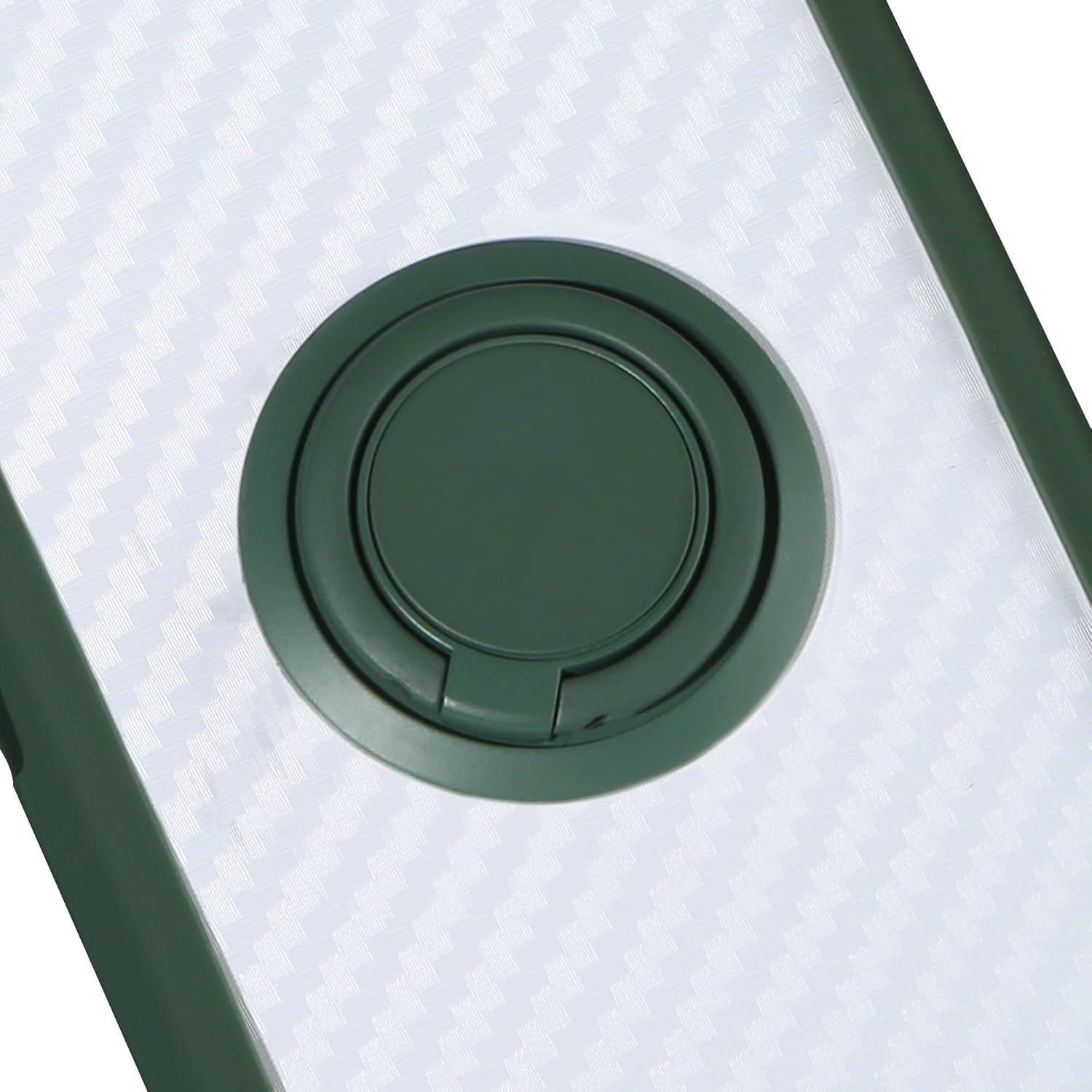
Figure 2: Illustration of the case's shockproof design with reinforced corners.
3. Installation
- Ensure your Kruger Matz Smarfon LIVE 9 is clean and free of dust or debris.
- Align the phone with the case, starting with one side.
- Gently press the phone into the case, ensuring all corners and edges are securely fitted.
- Verify that all ports, buttons, and camera cutouts align correctly with your phone.
4. Operation and Usage
4.1. Using the 360 Rotatable Ring Holder
The integrated ring holder can be rotated 360 degrees for comfortable one-hand operation or used as a kickstand for media viewing.
- For Grip: Slide your finger through the ring for a more secure hold on your phone, reducing the risk of accidental drops.
- For Kickstand: Rotate the ring to your desired angle and prop your phone up on a flat surface for hands-free viewing of videos or video calls.
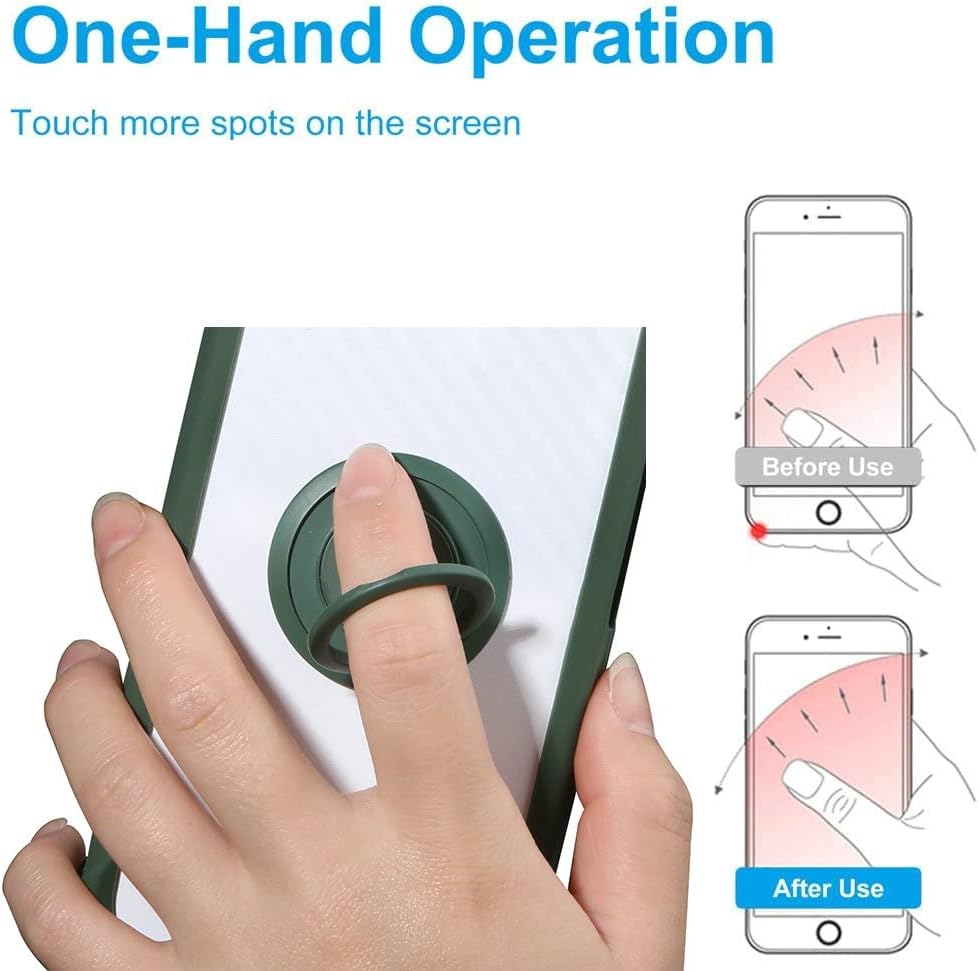
Figure 3: Demonstrating one-hand operation and extended reach with the ring holder.
4.2. Magnetic Car Mount Compatibility
The case features a built-in metal plate that allows it to be directly attached to magnetic car mount holders. No additional patches are required.
- Ensure your magnetic car mount is securely installed in your vehicle.
- Simply place the back of the phone case onto the magnetic surface of the car mount. The integrated metal ring will adhere to the magnet.
- Note: Magnetic car mount holder is not included with this product. Wireless charging may not be supported while the case is attached to a magnetic mount or if the metal ring interferes with the charging coil.
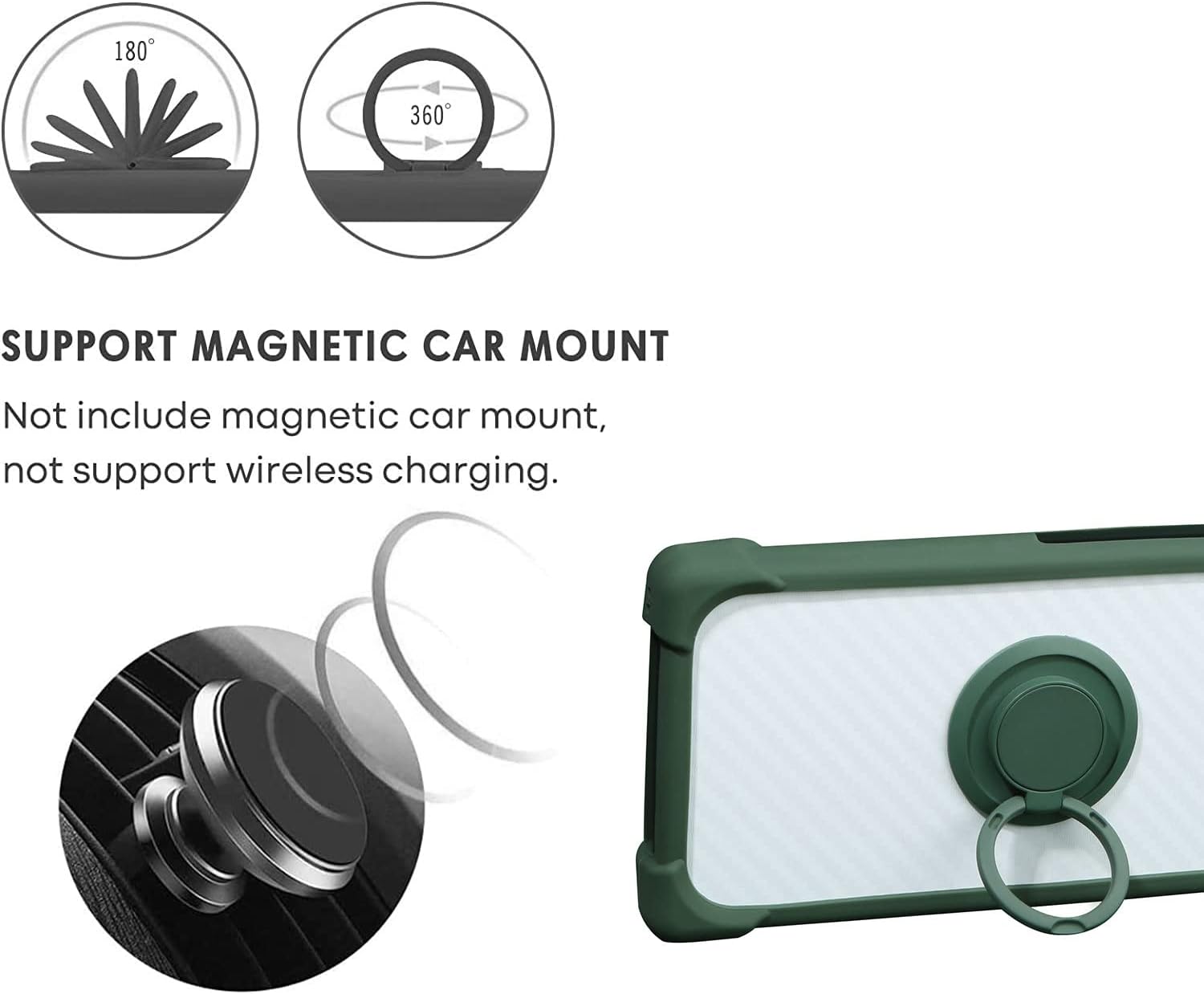
Figure 4: Illustrating the magnetic car mount compatibility feature.
5. Care and Maintenance
To keep your phone case in optimal condition:
- Clean the case regularly with a soft, damp cloth.
- Avoid using harsh chemicals or abrasive cleaners, as these may damage the material or finish.
- Remove the phone from the case periodically to clean any accumulated dust or debris between the phone and the case.
6. Troubleshooting
- Issue: Case does not fit properly.
- Solution: Ensure the case is specifically designed for the Kruger Matz Smarfon LIVE 9. Double-check that the phone is correctly aligned and fully seated within the case, with no obstructions.
- Issue: Magnetic car mount not holding securely.
- Solution: Verify that your car mount is a magnetic type and is functioning correctly. Ensure there is no debris or thick material between the case and the car mount that could weaken the magnetic connection.
7. Specifications
| Model | CSKB-LV |
| Compatible Phone Model | Kruger Matz Smarfon LIVE 9 |
| Material | PC backplane, Silicone soft frame |
| Features | 360 Rotatable Ring Holder, Magnetic Car Mount Compatibility, Shockproof |
| Product Dimensions | 0.39 x 0.39 x 0.39 inches |
| Item Weight | 2.46 ounces |
| Manufacturer | Generic |
8. Warranty and Support
This product is covered by a standard manufacturer's warranty. For specific warranty details or technical support, please refer to the seller's information on the purchase platform or contact the manufacturer directly.
For further assistance, please contact your retailer or the manufacturer, Generic.


