Product Overview
This instruction manual provides guidance for the proper use and care of your Generic CPT44 PU Leather Wallet Case, designed for the Foxx Foxxd Smartphone A6 LTE. This case offers protection, convenience, and functionality with its integrated kickstand, card slots, and magnetic closure.
Key Features:
- Kickstand Function: Allows for hands-free viewing of media.
- Card Slots: Conveniently store essential cards and cash.
- Magnetic Closure: Secures the case flap, keeping your phone and contents safe.
- Durable Material: Constructed from high-quality PU leather with fine stitch edge sealing for enhanced protection.
- Lightweight Design: Adds minimal bulk to your device.
Setup Instructions
- Prepare Your Device: Ensure your Foxx Foxxd Smartphone A6 LTE is clean and free of debris before installation.
- Insert Phone: Gently align your smartphone with the silicone inner casing. Press the phone firmly into the case, ensuring all corners and edges are securely seated within the flexible frame.
- Check Fit: Verify that all ports, buttons, and camera cutouts are correctly aligned and accessible.
Operating Instructions
Using the Kickstand Feature:
The case is designed with a built-in kickstand for convenient hands-free viewing. To activate the kickstand:
- Open the front flap of the case.
- Fold the front flap backward and position it to create a triangular stand, allowing your phone to rest at an optimal viewing angle.
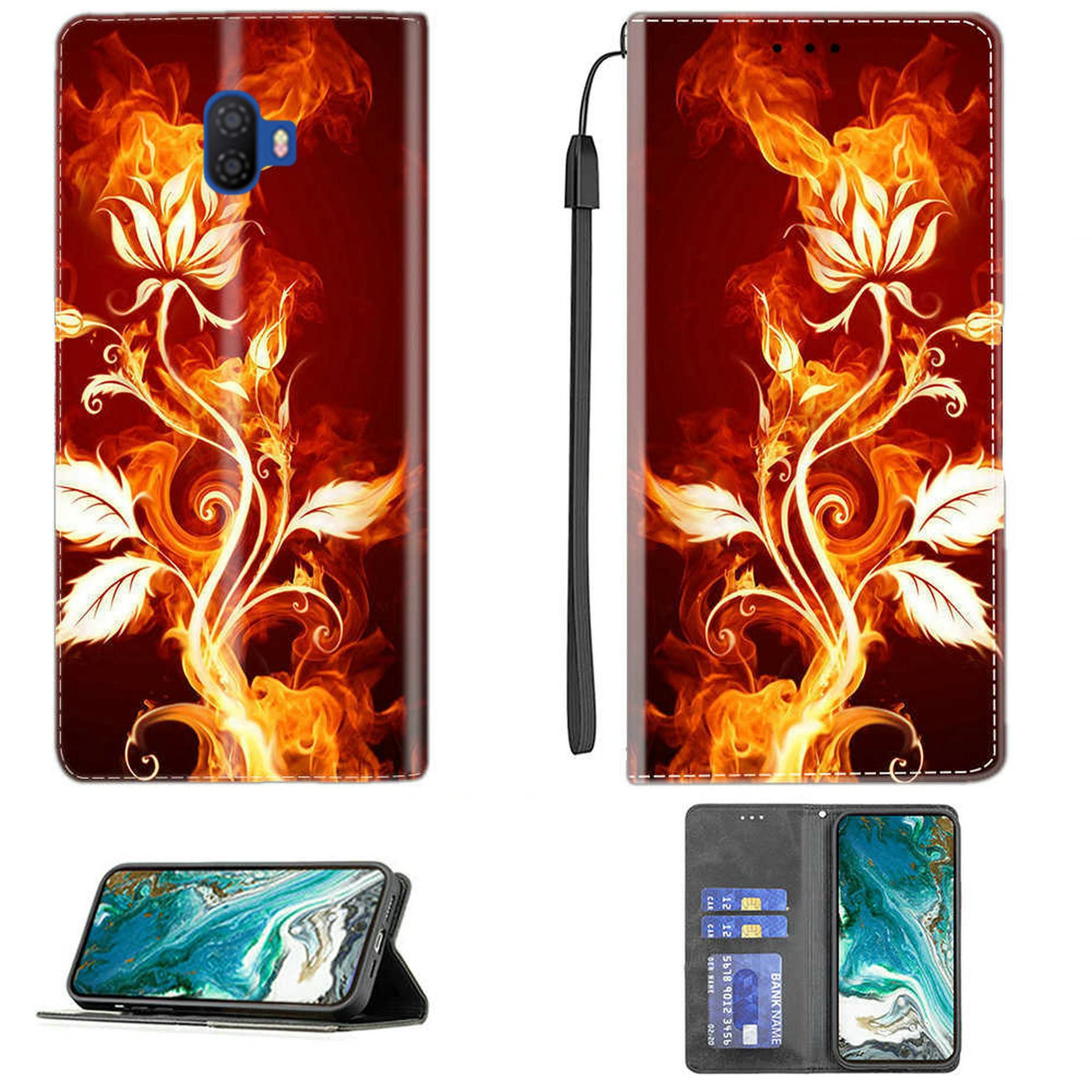
Image: The phone case configured as a kickstand, providing an adjustable viewing angle for media consumption.
Using the Card Storage:
The case includes integrated card slots for carrying essential items.
- Open the front flap of the case.
- Locate the card slots on the inside of the front flap.
- Gently slide your cards (e.g., ID, credit cards) into the designated slots. The case can typically hold 2 cards.

Image: The interior of the wallet case, displaying card slots with example cards inserted for storage.
Using the Magnetic Closure:
The case features a magnetic closure to keep the front flap securely closed.
- After closing the front flap over your phone, the built-in magnets will automatically engage, holding the case shut.
- To open, gently pull the front flap away from the phone.
Maintenance and Care
To ensure the longevity and appearance of your case, follow these care instructions:
- Cleaning: Wipe the PU leather surface with a soft, damp cloth. Avoid using harsh chemicals, abrasive cleaners, or excessive water, as these can damage the material.
- Avoid Extreme Conditions: Do not expose the case to direct sunlight for prolonged periods or to extreme temperatures, which can cause discoloration or material degradation.
- Storage: When not in use, store the case in a cool, dry place.
Troubleshooting
Case Does Not Fit Properly:
- Ensure you have the correct model case for your Foxx Foxxd Smartphone A6 LTE.
- Remove any existing screen protectors or other accessories that might interfere with the fit.
- Re-insert the phone, ensuring it is fully seated in the silicone frame.
Magnetic Closure Not Holding:
- Check if too many cards or bulky items are stored in the card slots, preventing the flap from closing completely.
- Ensure no foreign objects are lodged between the flap and the phone screen.
Specifications
| Brand | Generic |
| Model Number | CPT44 |
| Compatible Phone Model | Foxx Foxxd Smartphone A6 LTE |
| Material | Polyurethane (PU) Leather |
| Form Factor | Basic Case / Wallet Case |
| Item Weight | 2.46 ounces |
| Product Dimensions (L x W x H) | 0.39 x 0.39 x 0.39 inches |
| Special Features | Kickstand, Card Slots, Magnetic Closure, Stylish Design |


