
SDGR C807
User Manual: dura MOBI C807 Bone Conduction Pillow Speaker
Model: C807 | Brand: SDGR
Introduction
This manual provides detailed instructions for the safe and effective use of your dura MOBI C807 Bone Conduction Pillow Speaker. Please read this manual thoroughly before operating the device and retain it for future reference.

Image: The dura MOBI C807 Bone Conduction Pillow Speaker, a compact, white, elongated device designed for discreet audio playback.
Product Overview
The dura MOBI C807 is a compact bone conduction speaker designed to be placed under a pillow, allowing for private audio listening without disturbing others. It features Bluetooth 5.0 connectivity, a built-in microphone for hands-free calls, and a TF card slot for local music playback. It also includes a timer function for automatic shut-off.

Image: A diagram illustrating the various components of the dura MOBI C807 speaker, including the TF Card Slot, Volume Up/Next Track button, Volume Down/Previous Track button, Power ON/OFF/Play/Pause button, and Micro USB Charging Port.
Setup
Charging the Device
- Locate the Micro USB Charging Port on the speaker.
- Connect the provided USB charging cable to the speaker and a compatible USB power source (e.g., computer USB port, wall adapter).
- Allow approximately 1 hour for a full charge. A full charge provides up to 10 hours of working time. A 10-minute charge can provide about 1 hour of music playback at 70% volume.
Powering On/Off
- To power on: Press and hold the Power ON/OFF/Play/Pause button until the indicator light illuminates.
- To power off: Press and hold the Power ON/OFF/Play/Pause button until the indicator light turns off.
Operating Instructions
Bluetooth Connection (BT5.0)
- Ensure the speaker is powered on.
- On your mobile device, enable Bluetooth and search for available devices.
- Select "dura MOBI C807" (or similar name) from the list to pair.
- Once paired, the speaker will confirm the connection, and you can begin playing audio from your device.
Note: The BT5.0 connection offers faster pairing and a wider transmission range (up to 10 meters without obstacles).
TF Card Music Playback
- Insert a TF card (max. 32GB, not included) with your desired music files into the TF Card Slot.
- The speaker will automatically switch to TF card playback mode.
- Use the Vol+/Next Track and Vol-/Previous Track buttons to navigate through your music.
Music Playback Controls
- Play/Pause: Short press the Power ON/OFF/Play/Pause button.
- Volume Up/Next Track: Short press the Vol+ button to increase volume. Long press to skip to the next track.
- Volume Down/Previous Track: Short press the Vol- button to decrease volume. Long press to go to the previous track.
Hands-Free Phone Calls
The speaker is equipped with a built-in microphone for stable and clear calls.
- When an incoming call arrives while listening to music, the music will pause.
- Short press the Power ON/OFF/Play/Pause button to answer the call.
- To end a call, short press the Power ON/OFF/Play/Pause button again.
- To reject an incoming call, long press the Power ON/OFF/Play/Pause button.

Image: A visual guide demonstrating the process of answering a phone call using the speaker: music pauses on an incoming call, short press the power button, and the call is answered.
Note: If the speaker is placed under your pillow, it may be difficult to hear the sound from the microphone during a call. For best call quality, place the speaker near your ear.
Timer Setting (30/60 Minutes)
This feature allows you to set a timer for music playback before falling asleep.
- Triple press the Power ON/OFF/Play/Pause button. You will hear a beep.
- Press the Power ON/OFF/Play/Pause button again to cycle through timer options: 30 minutes or 60 minutes.
- The speaker will automatically turn off after the selected duration.
Note: When setting the timer, "One", "Two", and "Zero" are the sounds at the stage. Please refer to the actual items.
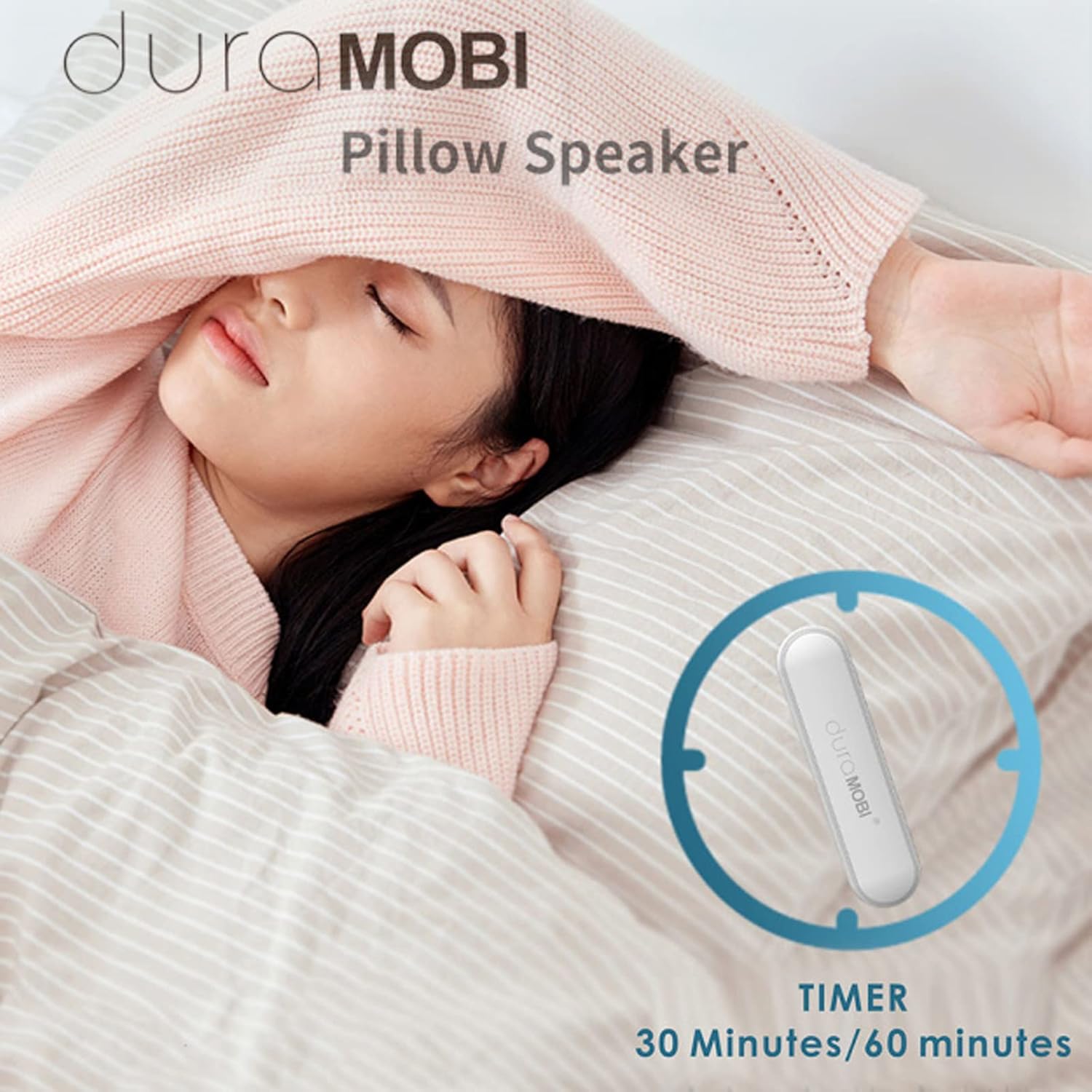
Image: The dura MOBI C807 Pillow Speaker shown next to a circular icon indicating a timer function with options for 30 or 60 minutes, highlighting its sleep aid feature.
Maintenance
- Clean the speaker with a soft, dry cloth. Do not use abrasive cleaners or solvents.
- Keep the device away from water and excessive moisture.
- Store the speaker in a cool, dry place when not in use.
Troubleshooting
| Problem | Possible Cause | Solution |
|---|---|---|
| No sound from speaker. | Speaker is off, low battery, not paired, or volume is too low. | Ensure speaker is on and charged. Re-pair with device. Increase volume on both speaker and connected device. |
| Cannot pair via Bluetooth. | Speaker is not in pairing mode, too far from device, or interference. | Ensure speaker is on and discoverable. Move device closer. Turn off other Bluetooth devices. |
| Sound is muffled or leaking. | Material or thickness of the pillow. | Adjust the speaker's position under the pillow or try a different pillow. |
| Difficulty hearing during calls. | Speaker placed under pillow during call. | Place the speaker closer to your ear for better microphone pickup. |
| Short battery life. | Usage environment, high volume. | Battery life may vary. Ensure full charge. Reduce volume if possible. |
Specifications
| Feature | Detail |
|---|---|
| Model Number | WMZSDGRV10306WDHZBE |
| BT Version | BT5.0 |
| Reception Distance | Up to 10 meters (without obstacle) |
| Frequency Range | 120Hz to 16KHz |
| Battery Capacity | 3.7V/400mAh |
| Working Time | Approx. 10 hours |
| Charging Time | Approx. 1 hour |
| Standby Time | Approx. 100 hours |
| Dimensions (L x W x H) | 18.5 x 10.5 x 2 cm |
| Thickness | 12 mm |
| Weight | 38 g |
| Color | White |
| Features | Built-in microphone, TF card slot (max 32GB), Timer (30/60 min) |
Important Safety Information
- Do not disassemble, repair, or modify the device.
- Avoid exposing the device to extreme temperatures, direct sunlight, or fire.
- Keep out of reach of children and pets.
- Dispose of the device and its battery responsibly according to local regulations.
Warranty and Support
Information regarding product warranty and customer support is typically provided with your purchase documentation or available on the manufacturer's official website. Please refer to those resources for details on warranty coverage, returns, and technical assistance.
For further assistance, please contact SDGR customer support.
Ask a question about this manual
Ask about setup, troubleshooting, compatibility, parts, safety, or missing instructions. Manuals+ will review the question and use this page’s manual context to help answer it.