
1. Introduction
Thank you for choosing the IKEA Vappeby Bluetooth Speaker with Lamp. This device combines a portable Bluetooth speaker with an integrated lamp, offering both audio and visual ambiance. Its playful design makes it ideal for children's rooms, but its functionality can be enjoyed by anyone, anywhere in your home.

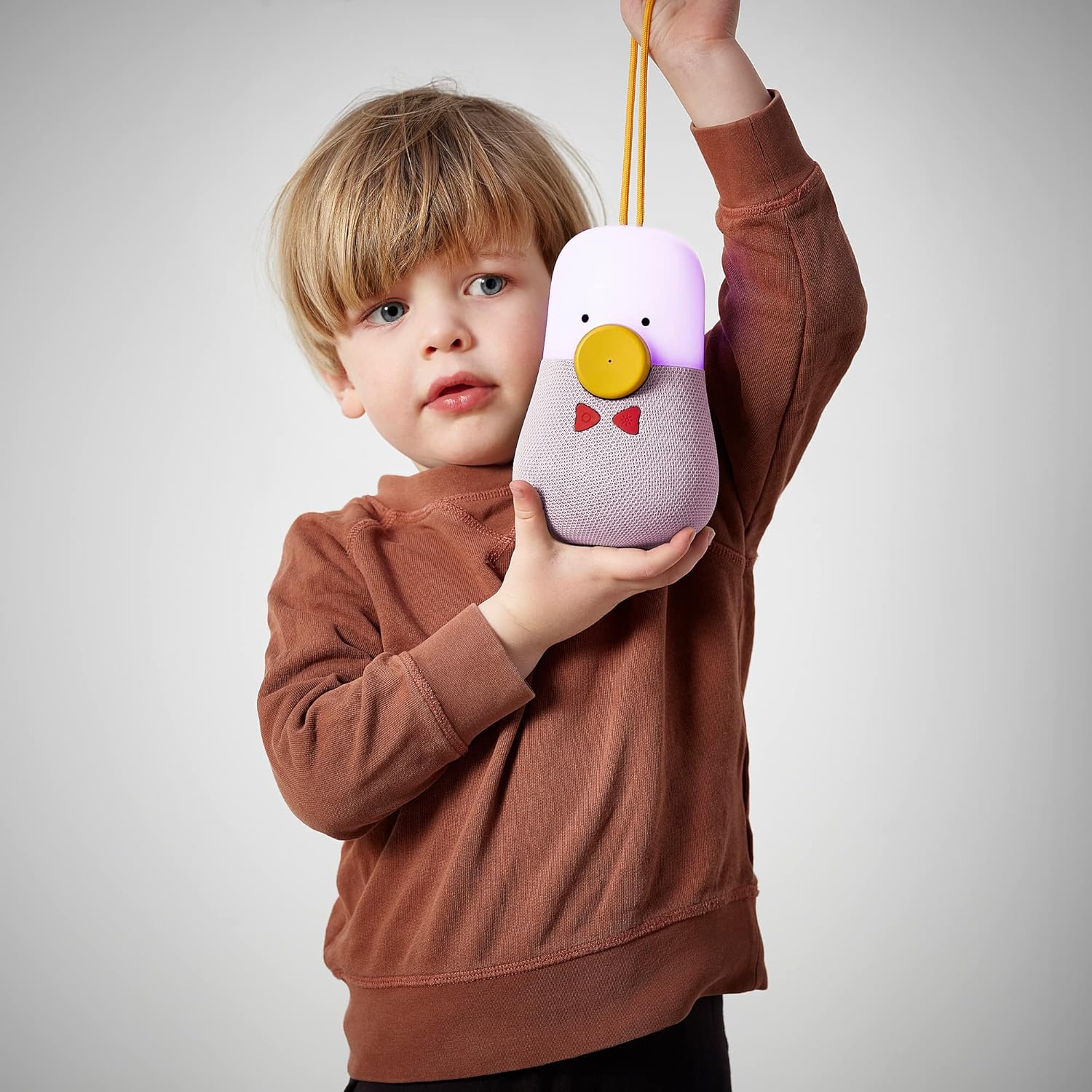
The IKEA Vappeby Bluetooth Speaker with Lamp, featuring its distinctive peanut/duck shape, pink fabric base, white top, yellow beak-like button, and red bow-shaped controls.
Key features include:
- Bluetooth connectivity for wireless audio streaming.
- Integrated lamp with adjustable lighting modes.
- Portable design with a convenient carrying strap.
- Rechargeable battery for on-the-go use.
2. Safety Information
Please read all safety instructions carefully before using the product. Keep this manual for future reference.
- Do not expose the device to extreme temperatures, direct sunlight, or high humidity.
- Avoid dropping or subjecting the device to strong impacts.
- Do not disassemble, repair, or modify the device yourself. Refer all servicing to qualified personnel.
- Use only the charging cable and base provided or recommended by IKEA.
- Keep the device away from water and liquids. While it may have some water resistance, it is not fully waterproof.
- Ensure proper ventilation when charging and operating.
3. Package Contents
Verify that all items are present in the package:
- IKEA Vappeby Bluetooth Speaker with Lamp
- Charging Base
- USB Charging Cable
4. Setup
4.1 Initial Charging
Before first use, fully charge the speaker. Connect the USB charging cable to the charging base and then to a USB power adapter (not included) or a computer USB port. Place the speaker onto the charging base.

The speaker unit being placed onto its white circular charging base, with a yellow charging cable connected to the base.
The charging indicator light (if present, refer to product for specific location) will show the charging status. Once fully charged, the indicator will change or turn off.
4.2 Powering On/Off
To power on the speaker, press and hold the power button (often integrated into the yellow beak-like button or one of the red bow buttons) for a few seconds until you hear an audible cue or see the light activate. To power off, repeat the process.
5. Operating Instructions
5.1 Bluetooth Pairing
- Ensure the speaker is powered on.
- The speaker will automatically enter Bluetooth pairing mode (indicated by a blinking light or audible prompt).
- On your smartphone or tablet, go to Bluetooth settings and search for available devices.
- Select "VAPPEBY" from the list of devices.
- Once paired, the speaker will confirm with an audible sound or a steady light.
5.2 Audio Playback
After successful Bluetooth pairing, you can play audio from your connected device. Use your device's controls for volume, play/pause, and track selection. The speaker may also have physical buttons for basic playback control (e.g., the yellow beak-like button for play/pause).
A child's hand reaching to press the yellow beak-like button on the speaker, which is glowing with light.
5.3 Light Control
The Vappeby speaker features an integrated lamp with various lighting modes. Look for a dedicated light button (often one of the red bow-shaped buttons, possibly with a sun or lightbulb icon).

Close-up of the speaker's yellow beak-like button and red bow-shaped control buttons, one of which likely controls the light.
Press the light button to cycle through different modes:
- Night Light Mode: Provides a soft, comforting glow, ideal for bedtime.
- Disco Lights Mode: Pulsating lights that synchronize with music (if supported by the specific model).
- Off: Turns the light off while the speaker remains on.
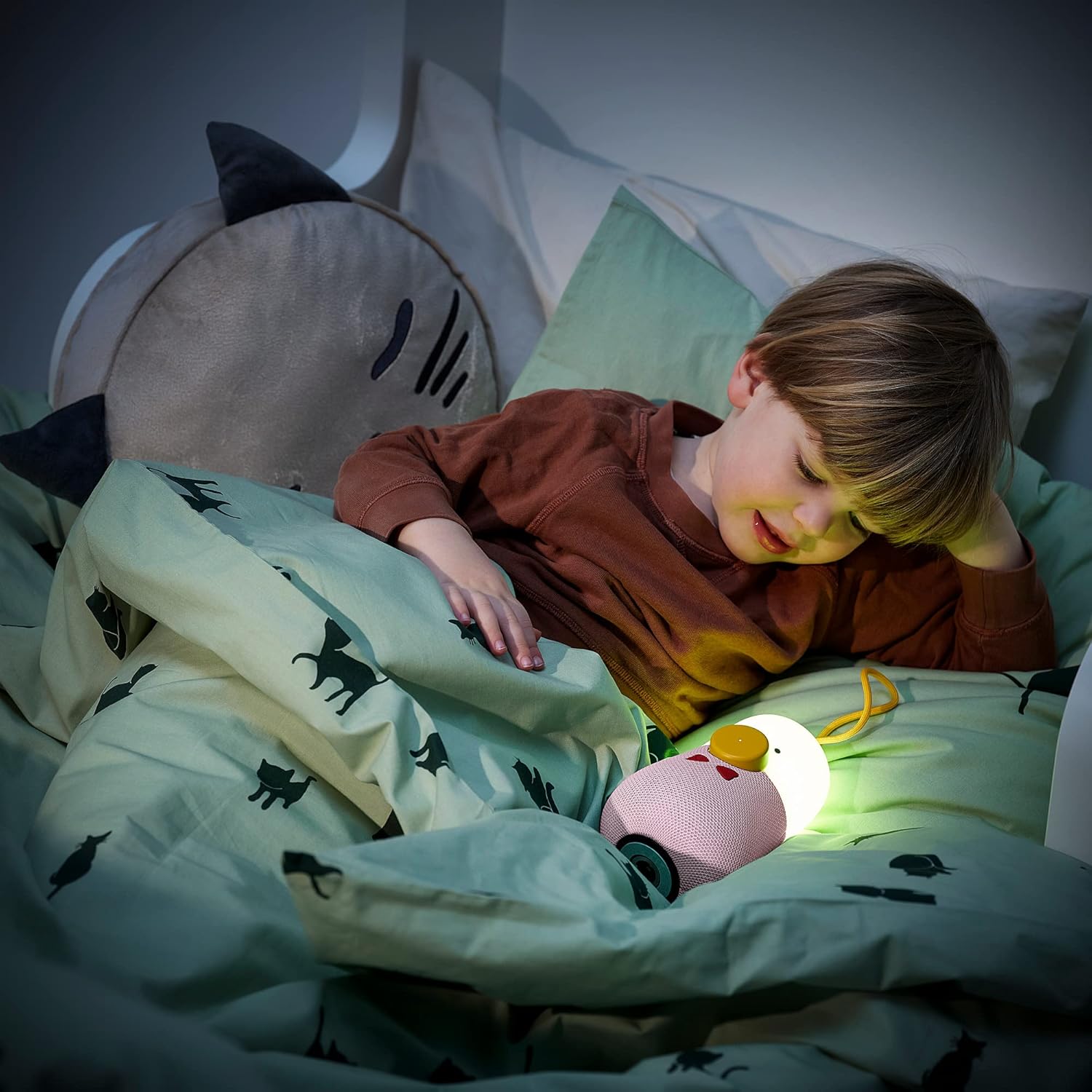
A child sleeping in bed with the speaker placed next to them, emitting a soft, warm light, functioning as a night light.

The speaker on a bedside table, emitting a purple light, serving as an ambient light source.
6. Care and Maintenance
- Clean the speaker with a soft, dry cloth. Do not use abrasive cleaners or solvents.
- If the fabric part gets dirty, gently wipe it with a slightly damp cloth and allow it to air dry completely.
- Store the speaker in a cool, dry place when not in use for extended periods.
- Avoid exposing the charging contacts to dirt or moisture.
7. Troubleshooting
| Problem | Possible Cause | Solution |
|---|---|---|
| Speaker does not turn on. | Battery is depleted. | Charge the speaker fully. |
| No sound from speaker. | Volume is too low or muted. Device not paired. | Increase volume on both speaker and connected device. Re-pair the Bluetooth device. |
| Cannot pair via Bluetooth. | Speaker not in pairing mode. Device too far. Interference. | Ensure speaker is in pairing mode. Move device closer. Turn off other Bluetooth devices. |
| Light not working. | Light mode off. Battery low. | Press the light control button to cycle modes. Charge the speaker. |
8. Specifications
| Feature | Detail |
|---|---|
| Model Name | VAPPEBY |
| Model Number | IK.605.151.24 |
| Connectivity Technology | Bluetooth |
| Audio Output Mode | Stereo |
| Speaker Type | Bluetooth Speaker |
| Recommended Use | For smartphone or tablet |
| Compatible Devices | Tablet, Smartphone |
| Controller Type | Voice Control (if applicable, otherwise physical buttons) |
| Surround Sound Channel Configuration | 2.0 |
| Color | Rose |
| Waterproof | True (implies some level of water resistance) |
9. Warranty and Support
For warranty information and customer support, please refer to the documentation provided with your purchase or visit the official IKEA website. Keep your proof of purchase for warranty claims.
For further assistance, you may contact IKEA customer service through their official channels.