
Introduction
Thank you for choosing the Lancoon Digital Thermometer Hygrometer Alarm Clock. This device provides accurate readings for time, temperature, and humidity, along with an alarm function. Its compact design and multiple placement options make it suitable for various environments such as homes, offices, and student dormitories. Please read this manual carefully before use to ensure proper operation and maintenance.
Product Features
- Time Display: Supports 12-hour and 24-hour formats.
- Temperature Display: Shows temperature in Celsius (℃) or Fahrenheit (℉).
- Humidity Display: Measures relative humidity in percentage (%).
- MAX/MIN Records: Automatically records the highest and lowest temperature and humidity values over the last 24 hours.
- Alarm Function: Integrated alarm clock for daily reminders.
- HD LCD Screen: Clear and easy-to-read display with large digits.
- Multiple Placement Options: Features a magnetic back for refrigerator adsorption, a foldable stand for tabletop use, and a hanging hole for wall mounting.

Image: Overview of the Lancoon Digital Thermometer Hygrometer Alarm Clock and its key features.
Package Contents
- 1 x Lancoon Digital Thermometer Hygrometer Alarm Clock (Model LK-AC38)
- 1 x CR2032 Battery (pre-installed or included separately)
- 1 x User Manual
Setup
1. Battery Installation
- Locate the battery compartment on the back of the device.
- If a battery is already installed with a protective tab, gently pull out the tab to activate the device.
- If no battery is installed, open the battery cover and insert one CR2032 battery, ensuring the correct polarity (+/-).
- Close the battery cover securely.
2. Initial Power-On
Upon successful battery installation, the device will power on automatically and display the current time, temperature, and humidity. The default settings may vary.

Image: Rear view of the device showing controls and battery compartment.
Operating Instructions
The device features several buttons on the back for configuration:
- MODE: Used to switch between display modes and enter setting modes.
- UP: Used to adjust values upwards during setting, or to toggle certain display options.
- MAX/MIN: Displays maximum and minimum recorded values.
- ℃/℉: Toggles between Celsius and Fahrenheit temperature units.
1. Setting Time and Date
- Press and hold the MODE button for 3 seconds to enter time setting mode. The hour digits will flash.
- Use the UP button to adjust the hour.
- Press MODE again to move to minute setting. Use UP to adjust minutes.
- Continue pressing MODE to cycle through year, month, and day settings, adjusting each with the UP button.
- After setting the date, press MODE to exit setting mode.
2. Switching 12/24 Hour Format
In normal time display mode, briefly press the UP button to switch between 12-hour (AM/PM) and 24-hour formats.
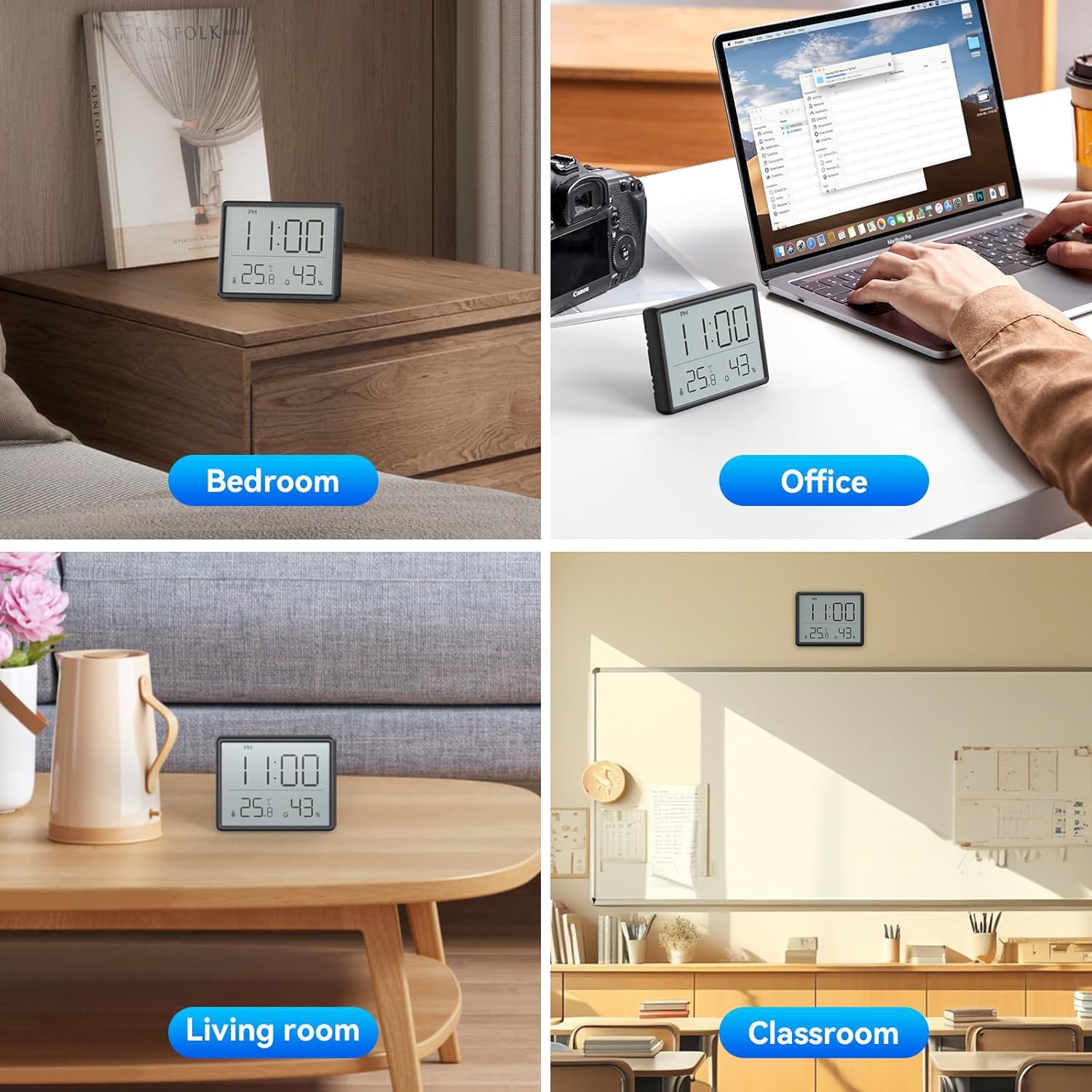
Image: Switching between 12-hour and 24-hour time display.
3. Switching Temperature Unit (℃/℉)
In normal display mode, briefly press the ℃/℉ button to switch between Celsius and Fahrenheit temperature units.

Image: Switching between Celsius and Fahrenheit temperature units.
4. Setting the Alarm
- From normal time display, press the MODE button once to enter alarm display mode (an alarm icon may appear).
- Press and hold the MODE button for 3 seconds. The hour digits of the alarm time will flash.
- Use the UP button to adjust the alarm hour.
- Press MODE again to move to minute setting. Use UP to adjust alarm minutes.
- Press MODE to confirm and exit alarm setting.
- To activate/deactivate the alarm, in alarm display mode, press the UP button. An alarm bell icon will appear/disappear on the screen.
5. Checking MAX/MIN Temperature and Humidity
In normal display mode, press the MAX/MIN button once to display the maximum recorded temperature and humidity. Press it again to display the minimum recorded values. Press a third time to return to current readings. The device automatically resets MAX/MIN records every 24 hours.
6. Placement Options
The device offers versatile placement:
- Tabletop: Use the integrated foldable stand on the back to place the device on any flat surface.
- Magnetic Adsorption: The strong magnets on the back allow it to be securely attached to metallic surfaces like refrigerators.
- Wall Mount: Utilize the hanging hole on the back to mount the device on a wall using a nail or screw (not included).

Image: Demonstrating the three types of placement: magnetic, hanging, and tabletop stand.
Video: A short demonstration of the Lancoon Digital Thermometer Hygrometer Alarm Clock, showcasing its display and the ability to switch between Celsius/Fahrenheit and 12/24 hour formats, as well as its magnetic back.
Maintenance
- Cleaning: Wipe the device with a soft, dry cloth. Do not use abrasive cleaners or immerse in water.
- Battery Replacement: When the display becomes dim or unresponsive, replace the CR2032 battery. Follow the battery installation steps.
- Storage: If not in use for an extended period, remove the battery to prevent leakage. Store in a cool, dry place.
Troubleshooting
| Problem | Possible Cause | Solution |
|---|---|---|
| No display or dim display | Low or dead battery; incorrect battery installation. | Replace the CR2032 battery, ensuring correct polarity. |
| Incorrect time/date | Time/date not set correctly. | Refer to "Setting Time and Date" section to reset. |
| Inaccurate temperature/humidity | Device placed near heat/cold sources or in extreme conditions. | Move the device to a stable environment away from direct sunlight, vents, or moisture. Allow time for readings to stabilize. |
| Alarm not sounding | Alarm is deactivated or set incorrectly. | Refer to "Setting the Alarm" section to activate and verify alarm time. |
Specifications
- Brand: Lancoon
- Model Number: LK-AC38
- Display Type: LCD
- Color: Black
- Product Dimensions: 9.3cm (L) x 1.5cm (W) x 7.3cm (H) / 3.66 x 0.59 x 2.87 inches
- Power Source: 1 x CR2032 Battery (included)
- Material: Plastic
- Special Features: Indoor Temperature/Humidity, 12/24H Time, Alarm, MAX/MIN Records, Magnetic Mount, Foldable Stand, Wall Mount Hole
- Usage: Indoor
- Movement Type: Electronic
Warranty and Support
Lancoon products are designed for reliability and performance. For warranty information, technical support, or any questions regarding your device, please refer to the contact information provided on the product packaging or visit the official Lancoon website. Keep your purchase receipt as proof of purchase for warranty claims.