1. Product Overview
The LOKMAT Smart Watch is a robust fitness tracker designed for both men and women, featuring comprehensive health monitoring capabilities including heart rate, blood pressure, and sleep tracking. Its military-grade housing ensures durability, while a long-lasting battery provides extended usage. This smartwatch is compatible with both iPhone and Android devices, offering a seamless user experience for managing daily activities and fitness goals.

Figure 1.1: The LOKMAT Smart Watch, showcasing its rugged design and digital display.
2. What's in the Box
Upon opening the package, verify that all components are present:
- LOKMAT Smart Watch (with strap)
- Magnetic Charging Cable
- User Manual (this document)
3. Setup Guide
3.1 Initial Charging
Before first use, fully charge your LOKMAT Smart Watch. Connect the magnetic charging cable to the charging points on the back of the watch and plug the USB end into a standard USB power adapter (not included) or a computer USB port. The watch screen will indicate charging status. A full charge typically takes 2-3 hours.
3.2 App Installation and Pairing
To unlock the full functionality of your smartwatch, download the companion application on your smartphone. The app name is usually found in the quick start guide or by scanning a QR code displayed on the watch screen upon first boot or reset.
- Scan the QR code on the watch screen or search for the official LOKMAT app in your phone's app store (Google Play Store for Android, Apple App Store for iPhone).
- Install the application.
- Open the app and follow the on-screen instructions to create an account or log in.
- Enable Bluetooth on your smartphone.
- Within the app, navigate to the device pairing section and select your LOKMAT Smart Watch from the list of available devices. Confirm the pairing request on both your phone and the watch if prompted.
- Once paired, the watch's time will automatically synchronize with your phone, and you can begin customizing settings and tracking data.
4. Operating Instructions
4.1 Basic Navigation
The LOKMAT Smart Watch features a 1.85-inch touchscreen for intuitive control. Swipe gestures and button presses are used for navigation:
- Swipe Up/Down: Scroll through menus or notifications.
- Swipe Left/Right: Access different widgets or quick functions (e.g., heart rate, steps, weather).
- Tap: Select an item or confirm an action.
- Side Button(s): Typically used to return to the home screen, power on/off, or access the main menu. Refer to the watch's specific button layout for exact functions.

Figure 4.1: Key features of the LOKMAT Smart Watch, highlighting its comprehensive capabilities.
4.2 Fitness and Health Tracking
The watch offers various health monitoring and fitness tracking features:
- Heart Rate Monitoring: The optical heart rate sensor continuously monitors your heart rate. View real-time data on the watch or detailed trends in the app.
- Blood Pressure Monitoring: Measure your blood pressure with a single tap. Data is recorded and can be reviewed in the app.
- Blood Oxygen Saturation (SpO2): Equipped with upgraded red light and infrared sensors for accurate SpO2 measurement.
- Sleep Monitoring: Automatically tracks your sleep patterns, including deep sleep, light sleep, and wake times. Provides analysis and recommendations for improved sleep quality.
- Sports Modes: Supports multiple sports activities such as running, hiking, cycling, badminton, basketball, skiing, and more. Select the appropriate mode before starting an activity for precise tracking of steps, distance, calories burned, and other metrics.
- Sedentary Reminder: Receive alerts when you've been inactive for too long, encouraging you to move.
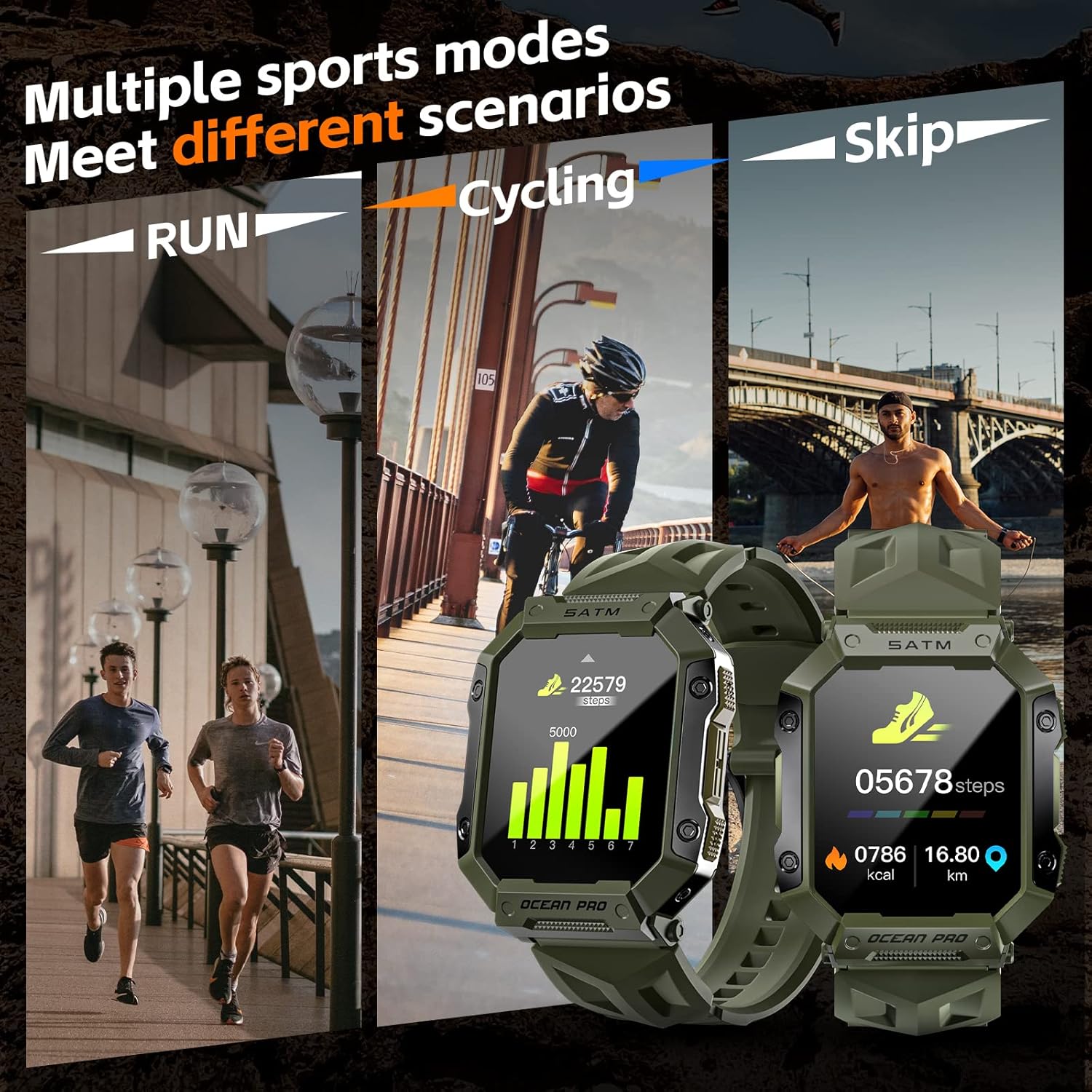
Figure 4.2: The smartwatch tracking different sports activities, displaying real-time metrics.

Figure 4.3: Detailed view of the watch's health monitoring capabilities, including heart rate, blood pressure, and blood oxygen.
4.3 Notifications and Communication
Once paired with your smartphone, the watch can receive various notifications:
- Call Reminders: The watch will vibrate and display incoming call alerts. You can choose to answer or reject calls from the watch (requires watch to be connected to phone's Bluetooth for calls).
- Message and App Notifications: Receive instant notifications from SMS, WhatsApp, Facebook, Twitter, and other applications directly on your wrist.
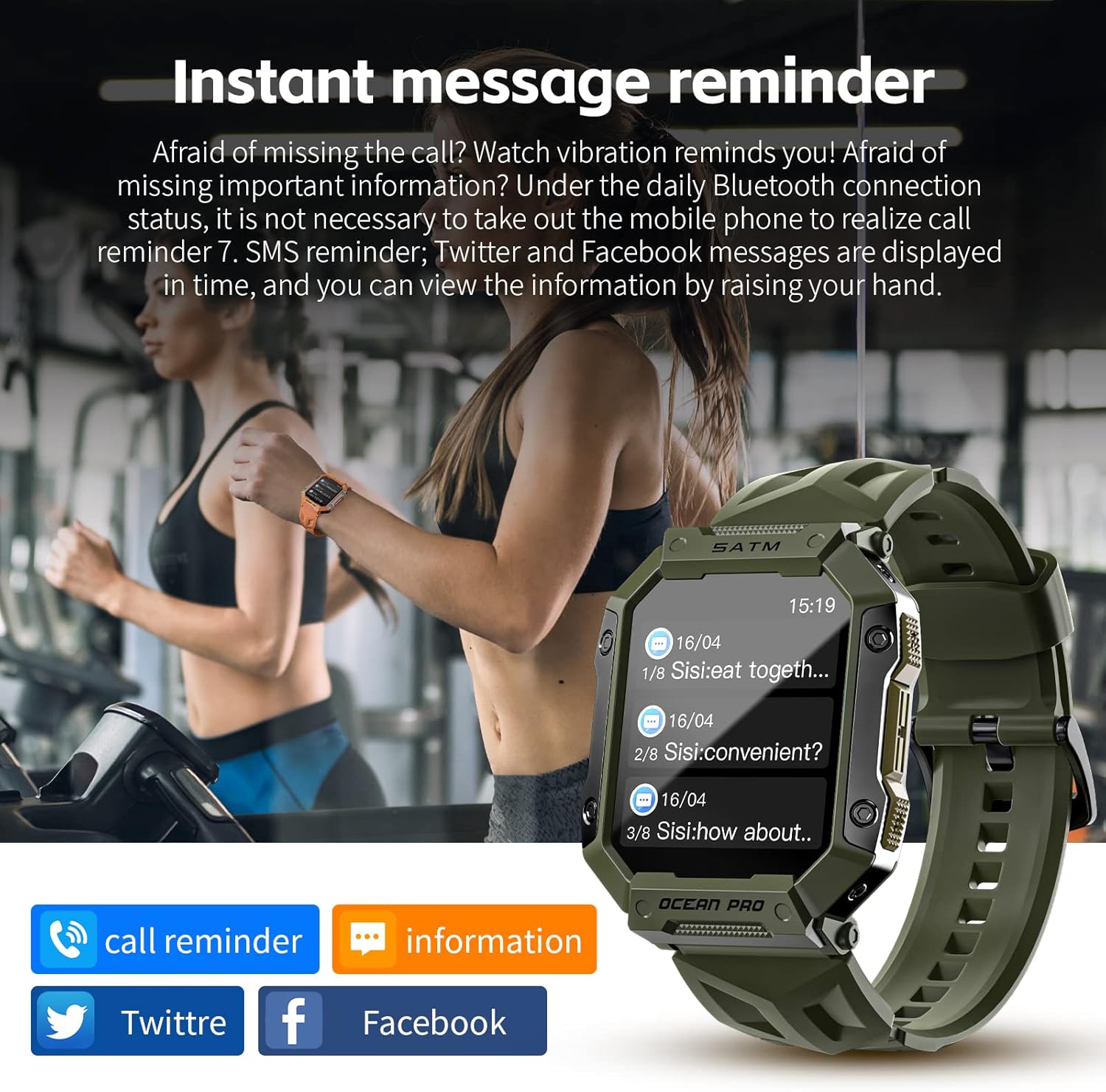
Figure 4.4: The watch displaying incoming message notifications, keeping you informed without needing your phone.
4.4 Customization
- Watch Faces: The watch supports a variety of pre-installed watch faces. You can also download more from the companion app or even customize your own using personal photos.

Figure 4.5: A selection of diverse and customizable watch faces to personalize your device.
4.5 Find My Phone Feature
If your phone is misplaced but still connected via Bluetooth, use the "Find My Phone" feature on your watch. This will cause your phone to ring, helping you locate it quickly.
5. Maintenance
- Cleaning: Wipe the watch screen and strap regularly with a soft, dry cloth. For stubborn dirt, a slightly damp cloth can be used, ensuring no moisture enters the charging port or sensor areas.
- Charging: Always use the provided magnetic charging cable. Ensure the charging points on the watch and cable are clean and dry before connecting.
- Water Resistance (IP68): The LOKMAT Smart Watch has an IP68 waterproof rating, meaning it can withstand dust, dirt, and sand, and is resistant to submersion up to a maximum depth of 1.5m underwater for up to 30 minutes. It is suitable for activities like swimming, showering, and exposure to rain. However, avoid hot water, steam, or prolonged submersion in deep water. Do not operate buttons underwater.
- Storage: When not in use for extended periods, store the watch in a cool, dry place.
6. Troubleshooting
| Problem | Possible Solution |
|---|---|
| Watch does not turn on. | Ensure the watch is fully charged. Connect it to the charger for at least 30 minutes. |
| Cannot pair with smartphone. |
|
| Notifications are not received. |
|
| Inaccurate health data. |
|
| Screen is unresponsive. | Restart the watch by pressing and holding the side button. If unresponsive, allow the battery to fully drain and then recharge. |
7. Specifications
| Feature | Detail |
|---|---|
| Model | LOKMAT Smart Watch (B0C281WZPH) |
| Display | 1.85'' Touchscreen, 240*280 HD resolution |
| Waterproof Rating | IP68 |
| Connectivity | Bluetooth |
| Battery Type | Lithium Ion / Lithium Polymer (included) |
| Operating System | Android (compatible with iPhone and Android phones) |
| Special Features | Heart Rate Monitor, Blood Pressure Monitor, Sleep Monitor, Sedentary Reminder, Multiple Sports Modes, Call/Message Notifications, Find My Phone |
| Package Dimensions | 14.4 x 9.8 x 3.71 cm |
| Weight | 191 g |
8. Warranty and Support
For warranty information and technical support, please refer to the official LOKMAT website or contact their customer service. Keep your purchase receipt as proof of purchase for any warranty claims.
Note: This manual provides general instructions. Specific features and app interfaces may vary slightly with software updates.