
Iaret Iaret Smartwatch
IARET Smartwatch User Manual
Model: Iaret Smartwatch
1. Introduction
This manual provides detailed instructions for the setup, operation, and maintenance of your IARET Smartwatch. Please read this manual thoroughly before using the device to ensure proper function and longevity.
The IARET Smartwatch features Bluetooth calling, smart notifications, customizable watch faces, multiple sports modes, 24/7 health monitoring (SpO2, sleep, blood pressure, heart rate), AI voice assistance, and is compatible with both iOS and Android devices.
2. Package Contents
Verify that all items are present in your package:
- IARET Smartwatch
- Charging Cable
- User Manual
- 3 Watch Straps
3. Setup
3.1 Charging the Smartwatch
Before initial use, fully charge your smartwatch. Connect the charging cable to the charging port on the back of the watch and to a USB power adapter (not included). The watch display will indicate charging status.
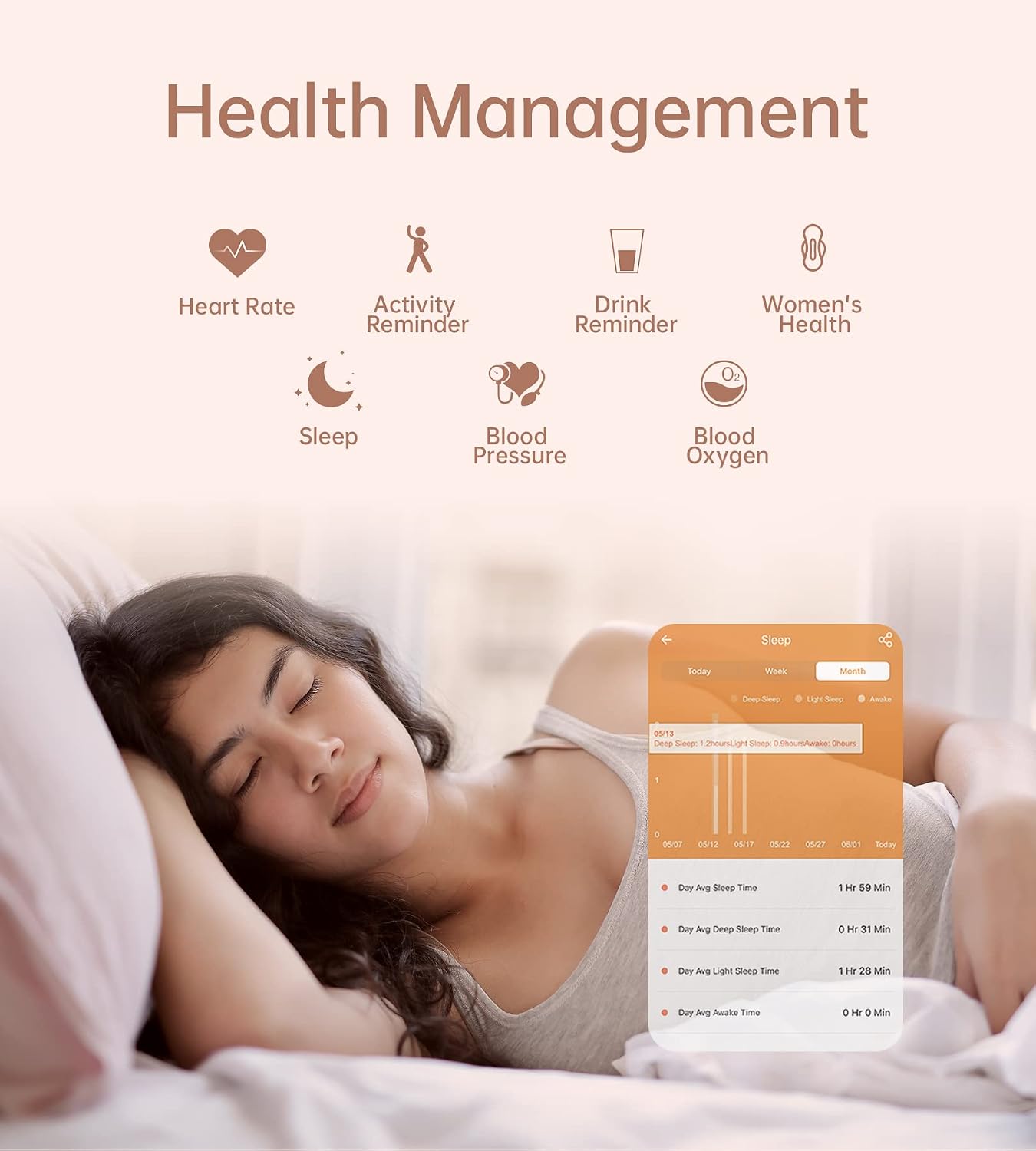
Image: A smartwatch displaying its charging status.
A full charge typically takes approximately 2 hours. The battery life is up to 10 days depending on personal usage.
3.2 App Installation and Pairing
To unlock the full features of your IARET Smartwatch, download and install the companion app on your smartphone. The app is compatible with iOS 8.4 and above, and Android 4.4 and above.
- Scan the QR code provided in the package or search for the recommended app (e.g., "FitCloudPro" as often used with similar devices) in your phone's app store.
- Install the app and create an account or log in.
- Enable Bluetooth on your smartphone.
- Open the app and follow the on-screen instructions to pair your smartwatch. Ensure the smartwatch is powered on and near your phone during pairing.
Note: For optimal performance, ensure the app has necessary permissions (e.g., location, notifications) on your smartphone.
3.3 Attaching/Changing Watch Straps
Your smartwatch comes with multiple interchangeable straps. To change a strap, locate the quick-release pins on the underside of the strap where it connects to the watch body. Slide the pin inwards to detach the strap. Align the new strap with the watch body and slide the pin back into place until it clicks securely.

Image: Diagram illustrating the dimensions of the smartwatch and the process of changing watch straps.
4. Operating Instructions
4.1 Basic Navigation
- Power On/Off: Press and hold the side button to power on or off.
- Wake Screen: Raise your wrist or press the side button.
- Touchscreen Gestures:
- Swipe Up/Down: Navigate through menus and notifications.
- Swipe Left/Right: Access quick functions or widgets.
- Tap: Select an item or confirm an action.
4.2 Bluetooth Calling
The smartwatch supports Bluetooth calls, allowing you to make and receive calls directly from your wrist when connected to your smartphone.
- Making a Call: Access the dial pad or contact list on your smartwatch to initiate a call.
- Receiving a Call: When a call comes in, the watch will display the caller ID. Tap the green icon to answer or the red icon to reject.

Image: Smartwatch screens showing Bluetooth call functions including dial pad, call history, and incoming call.
Video: A demonstration of general smartwatch features including Bluetooth calling and AI voice assistant.
4.3 Smart Notifications
Receive notifications for SMS, calls, and social media apps (Facebook, Instagram, WhatsApp, TikTok, Twitter, etc.) directly on your smartwatch. Ensure notification permissions are enabled in the companion app and your phone settings.

Image: Smartphone and smartwatch displaying message notifications from various applications.
4.4 Customizable Watch Faces
Personalize your smartwatch with over 200 watch faces available in the companion app. You can also upload your own photos to create custom watch faces.

Image: Smartwatch showcasing a variety of customizable watch faces and the option to use personal images.
4.5 Health Monitoring
The smartwatch provides 24/7 health monitoring features. Access these features through the watch menu or the companion app.
- Heart Rate: Monitors your heart rate continuously.
- Blood Oxygen (SpO2): Measures your blood oxygen saturation levels.
- Blood Pressure: Provides blood pressure readings.
- Sleep Tracking: Automatically monitors your sleep patterns, including deep sleep, light sleep, and awake time.
- Women's Health: Tracks menstrual cycles, safe periods, and ovulation periods.
- Activity & Drink Reminders: Set reminders to move or drink water.

Image: A woman sleeping, with an overlay showing the smartwatch's sleep tracking interface and data.
Important: The health monitoring data provided by this smartwatch is for reference only and should not be used for medical diagnosis or treatment.
4.6 Sports Modes
The smartwatch supports over 20 sports modes, including running, cycling, yoga, and more. It accurately records daily activities such as steps, distance, calories burned, duration, and heart rate during workouts.
Image: A woman exercising outdoors, with the smartwatch displaying sports tracking data and a selection of sports modes.
4.7 AI Voice Assistant
Wake up the intelligent voice assistant on your smartwatch to perform various tasks such as making calls, checking the weather, asking for directions, or setting reminders.
4.8 General Smartwatch Features
Video: A demonstration of general smartwatch features including display, calls, notifications, sports modes, health monitoring, and watch faces.
5. Maintenance
5.1 Cleaning Your Smartwatch
Regularly clean your smartwatch and straps to prevent skin irritation and maintain device hygiene. Use a soft, lint-free cloth. If necessary, slightly dampen the cloth with water. Avoid using harsh chemicals or abrasive materials.
5.2 Water Resistance (IP67)
The IARET Smartwatch is IP67 rated, meaning it is resistant to dust and can withstand immersion in water up to 1 meter for 30 minutes. It is suitable for daily use, such as washing hands or light rain. However, it is not recommended for swimming, showering with hot water, or diving, as steam and high water pressure can compromise the seals.
Video: A demonstration of general smartwatch features including IP67 water resistance.
5.3 Storage
Store your smartwatch in a cool, dry place away from direct sunlight and extreme temperatures when not in use for extended periods.
6. Troubleshooting
| Problem | Possible Solution |
|---|---|
| Smartwatch does not turn on. | Ensure the watch is fully charged. Connect it to the charger for at least 30 minutes. |
| Cannot pair with smartphone. |
|
| Notifications are not received. |
|
| Inaccurate health data. |
|
7. Specifications
| Feature | Detail |
|---|---|
| Model Number | Iaret Smartwatch |
| Display Size | 1.32 Inches |
| Display Type | AMOLED |
| Resolution | 240 x 240 or 240 x 280 |
| Connectivity | Bluetooth (BLE4.0+5.0) |
| Battery Capacity | 270 mAh |
| Battery Life | 3-10 Days (depending on usage) |
| Charging Time | 2 Hours |
| Water Resistance | IP67 (1 Meter depth) |
| Compatible OS | iOS 8.4+ / Android 4.4+ |
| Material (Case) | Stainless Steel |
| Material (Band) | Stainless Steel, Silicone |
| Weight | 220 Grams |
| Dimensions | 44 x 49 x 12 mm |
8. Warranty and Support
The IARET Smartwatch comes with a lifetime warranty as per the product specifications. For any technical support, warranty claims, or further inquiries, please contact IARET customer service through the official channels provided at the point of purchase or on the IARET brand website.
Please retain your proof of purchase for warranty purposes.
Ask a question about this manual
Ask about setup, troubleshooting, compatibility, parts, safety, or missing instructions. Manuals+ will review the question and use this page’s manual context to help answer it.