
Manta SPK216
Manta SPK216 Portable Bluetooth Speaker User Manual
Model: SPK216 | Brand: Manta
1. Introduction
Thank you for choosing the Manta SPK216 Portable Bluetooth Speaker. This manual provides essential information for the safe and efficient operation of your device. Please read it thoroughly before use and retain it for future reference.
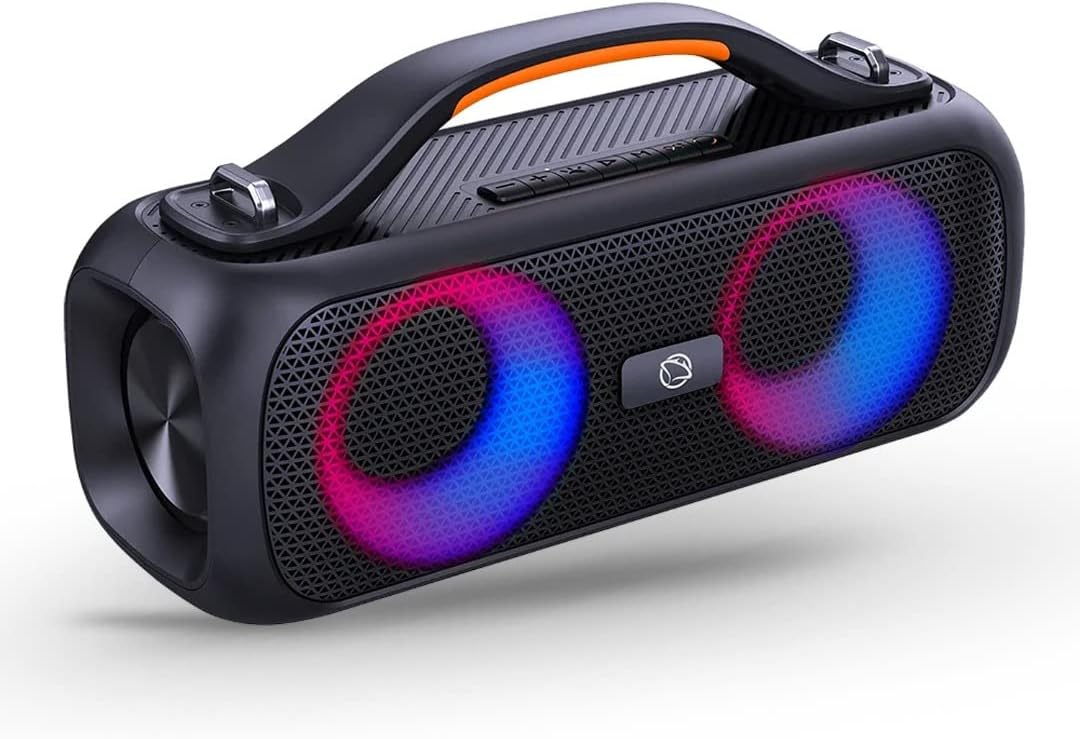
Image: The Manta SPK216 portable Bluetooth speaker, showcasing its sleek black design, integrated handle, and vibrant, circular LED lights on the speaker grilles.
2. Safety Information
- Do not expose the device to extreme temperatures, direct sunlight, or high humidity.
- Avoid dropping or subjecting the speaker to strong impacts.
- Keep the device away from water and liquids, unless specifically designed for water resistance (refer to IPX rating).
- Do not attempt to disassemble, repair, or modify the speaker yourself. Refer all servicing to qualified personnel.
- Use only the specified charging accessories.
- Dispose of batteries and electronic components responsibly according to local regulations.
3. Package Contents
Please check the package for the following items:
- Manta SPK216 Portable Bluetooth Speaker
- USB Charging Cable
- User Manual
- (Optional: AUX cable, depending on specific package)
4. Product Overview
Familiarize yourself with the various parts and controls of your Manta SPK216 speaker.
4.1 Controls and Ports
- Power Button: Press and hold to turn on/off.
- Volume Up/Next Track: Short press for volume up, long press for next track.
- Volume Down/Previous Track: Short press for volume down, long press for previous track.
- Play/Pause Button: Press to play or pause audio.
- Mode Button: Press to switch between Bluetooth, FM Radio, USB, and AUX modes.
- USB Port: For USB drive playback.
- AUX Input: For connecting external audio devices via 3.5mm cable.
- DC 5V Charging Port: For charging the speaker.

Image: Top-down view of the Manta SPK216 speaker, highlighting the control panel with buttons for playback, volume, mode, and the charging port. An icon for FM radio is also visible, indicating this feature.
5. Setup
5.1 Charging the Speaker
Before first use, fully charge the speaker. Connect the provided USB charging cable to the DC 5V port on the speaker and the other end to a USB power adapter (not included) or a computer's USB port. The charging indicator light will illuminate. It will turn off or change color when fully charged.

Image: The Manta SPK216 speaker with a graphic overlay showing a battery icon and lightning bolt, emphasizing its built-in rechargeable battery feature.
5.2 Powering On/Off
Press and hold the Power button for approximately 3 seconds to turn the speaker on or off. A sound prompt will indicate the power status.
6. Operating Instructions
6.1 Bluetooth Pairing
1. Turn on the speaker. It will automatically enter Bluetooth pairing mode, indicated by a flashing LED light and an audible prompt.2. Enable Bluetooth on your mobile device (smartphone, tablet, etc.).3. Search for "Manta SPK216" in the list of available Bluetooth devices.4. Select "Manta SPK216" to connect. Once connected, the LED light will stop flashing, and you will hear a confirmation sound.5. You can now play audio from your device through the speaker.

Image: The Manta SPK216 speaker with a graphic overlay highlighting its Bluetooth 5.0 connectivity, indicating advanced wireless capabilities.
6.2 FM Radio Mode
1. Press the Mode button to switch to FM Radio mode.2. Press the Play/Pause button to automatically scan and save available FM stations.3. Use the Volume Up/Down buttons (short press) to navigate between saved stations.
6.3 USB Playback
Insert a USB flash drive into the USB port. The speaker will automatically switch to USB mode and begin playing audio files from the drive. Use the playback controls to manage your music.
6.4 AUX Input
Connect an external audio device (e.g., MP3 player, laptop) to the AUX input port using a 3.5mm audio cable. The speaker will automatically switch to AUX mode. Control playback from your connected device.
6.5 True Wireless Stereo (TWS) Function
To pair two Manta SPK216 speakers for a stereo sound experience:
- Ensure both speakers are powered on and not connected to any Bluetooth device.
- On one speaker, press and hold the TWS button (if available, or a specific pairing button as per product design) until you hear a prompt.
- The two speakers will automatically connect to each other. Once connected, one speaker will act as the master (left channel) and the other as the slave (right channel).
- Now, connect your mobile device to the master speaker via Bluetooth as described in section 6.1.
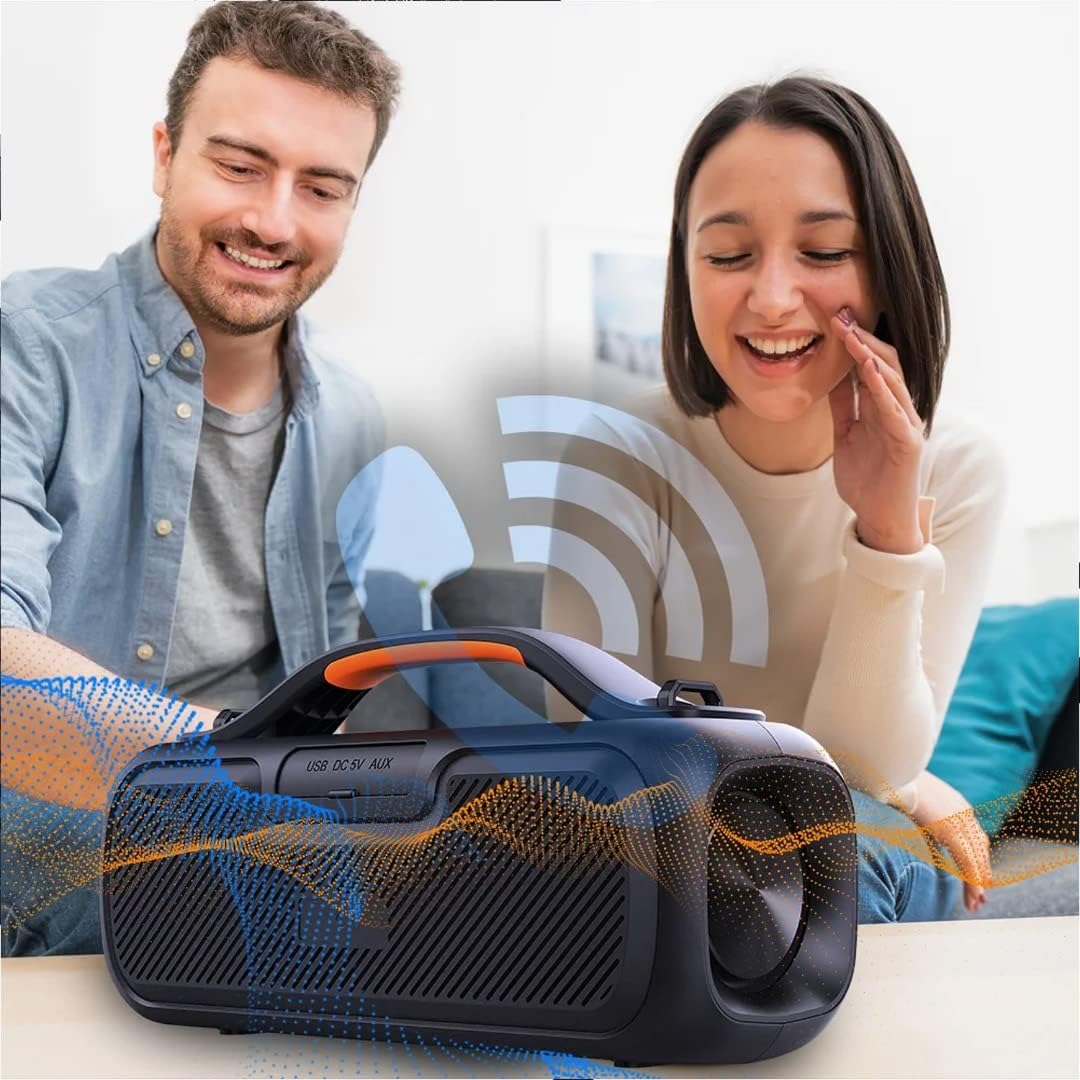
Image: Two individuals enjoying music from the Manta SPK216 speaker, with a graphic indicating wireless signal transmission, suggesting its TWS or general wireless audio capabilities.
7. Maintenance
7.1 Cleaning
Wipe the speaker with a soft, dry, lint-free cloth. Do not use abrasive cleaners, waxes, or solvents. Ensure no liquid enters the speaker openings.
7.2 Storage
When not in use for extended periods, store the speaker in a cool, dry place, away from direct sunlight and extreme temperatures. It is recommended to charge the battery at least once every three months to maintain its lifespan.

Image: The Manta SPK216 speaker with water splashing around it, accompanied by an "IPX5" rating, indicating its water resistance level.
8. Troubleshooting
| Problem | Possible Cause | Solution |
|---|---|---|
| Speaker does not turn on. | Battery is low or depleted. | Charge the speaker fully. |
| Cannot pair with Bluetooth device. | Speaker is not in pairing mode; device Bluetooth is off; too far from speaker. | Ensure speaker is in pairing mode. Turn Bluetooth on/off on device. Move device closer to speaker. |
| No sound. | Volume too low; incorrect mode selected; device not playing. | Increase speaker and device volume. Press Mode button to select correct input. Ensure audio is playing on connected device. |
| Poor FM radio reception. | Weak signal. | Relocate the speaker to an area with better reception. |
9. Specifications
- Model: SPK216
- Brand: Manta
- Connectivity: Bluetooth 5.0, USB, AUX
- Output Power: 80 Watt
- Battery: 1 Lithium-Ion Battery
- Product Dimensions: 36 cm x 18.4 cm x 13.5 cm (approximate, based on product image)
- Weight: 2.3 Kilograms
- Features: FM Radio, TWS Function, LED Lighting, X-BASS
- Water Resistance: IPX5
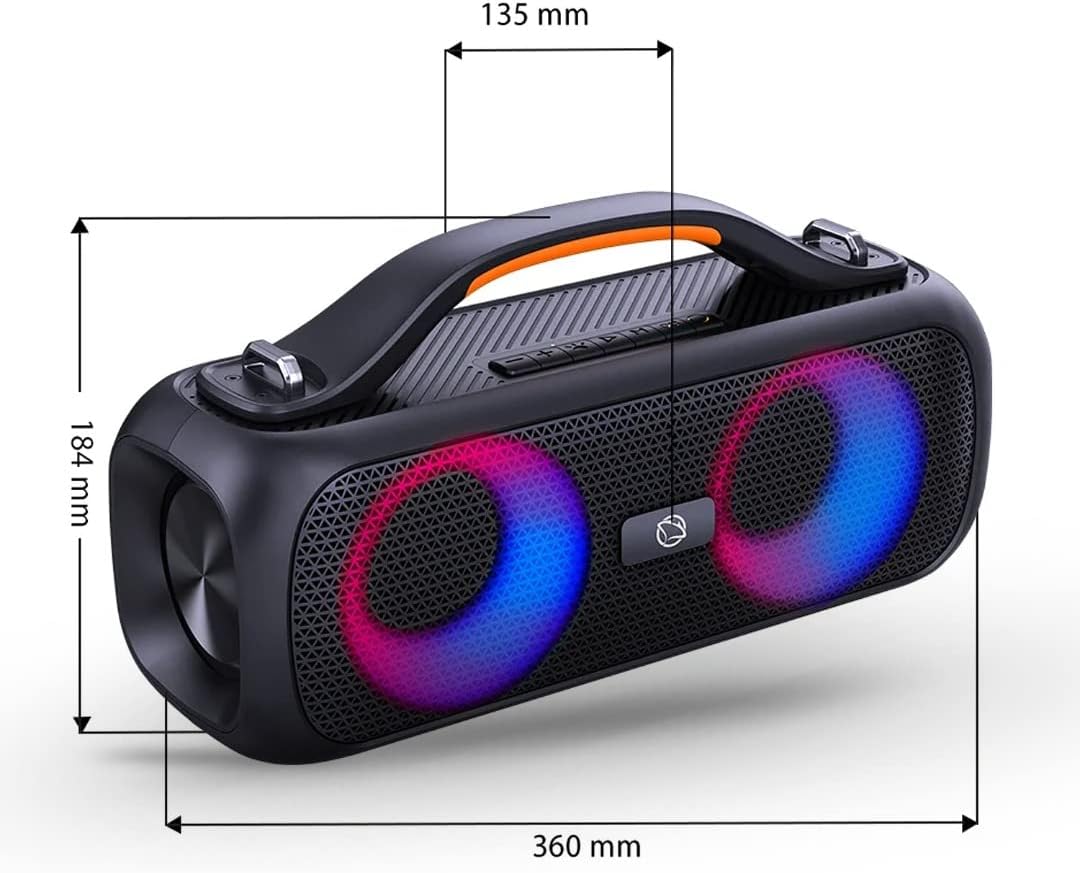
Image: The Manta SPK216 speaker with overlaid measurements indicating its dimensions: 360 mm in length, 184 mm in height, and 135 mm in width.

Image: The Manta SPK216 speaker with a prominent "40W RMS" text overlay, indicating its audio output power.

Image: A close-up of the Manta SPK216 speaker with "X-BASS" text and graphics of subwoofers, highlighting its enhanced bass feature.
10. Warranty and Support
For warranty information and technical support, please refer to the warranty card included with your product or visit the official Manta website. You can also contact the seller, Expert AGD, for assistance.
Seller: Expert AGD