
MOREKA Bluetooth Wireless Speaker with RGB LED Light
MOREKA Bluetooth Wireless Speaker with RGB LED Light User Manual
Model: Bluetooth Wireless Speaker with RGB LED Light | Brand: MOREKA
Introduction
Welcome to the user manual for your new MOREKA Bluetooth Wireless Speaker. This speaker offers high-fidelity audio with 360-degree stereo sound, versatile connectivity options, and dynamic RGB LED lighting. Designed for both home and outdoor use, it provides an immersive audio experience.

This image illustrates the 360-degree surround sound capability of the speaker, highlighting its dual high-power speakers and subwoofer diaphragm for an excellent music listening experience.
Safety Information
- Do not expose the device to extreme temperatures or direct sunlight.
- Keep away from water and high humidity.
- Do not attempt to disassemble or repair the device yourself.
- Use only the provided charging cable.
- Keep out of reach of children.
Package Contents
- 1 x MOREKA Bluetooth Wireless Speaker
- 1 x USB Charging Cable
- 1 x 3.5mm Audio Cable (AUX)
- User Manual (this document)
Product Overview
Familiarize yourself with the various ports and controls on your speaker.
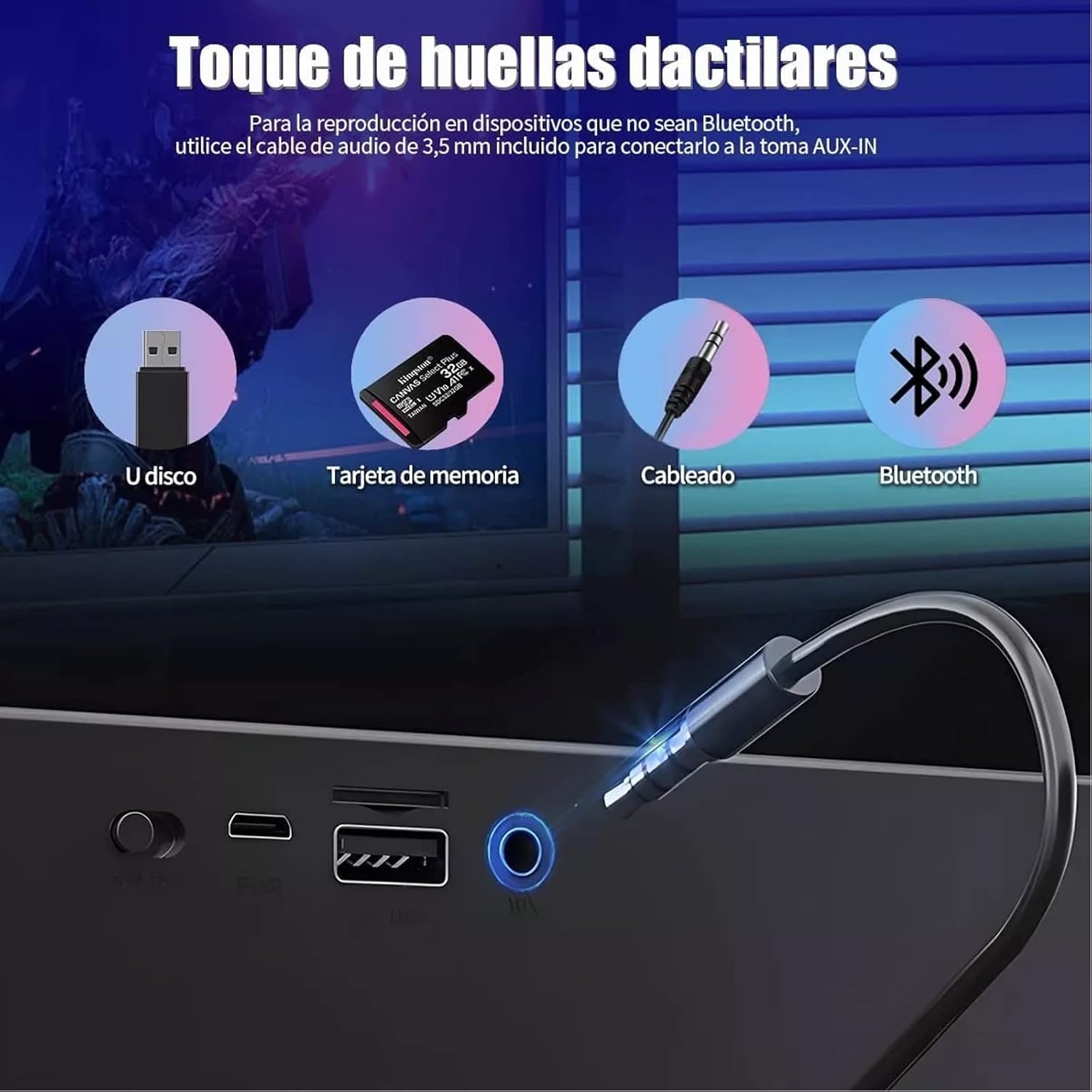
This image displays the speaker's input ports, including USB, TF card slot, AUX-IN, and the power/charging port. It also indicates Bluetooth connectivity.
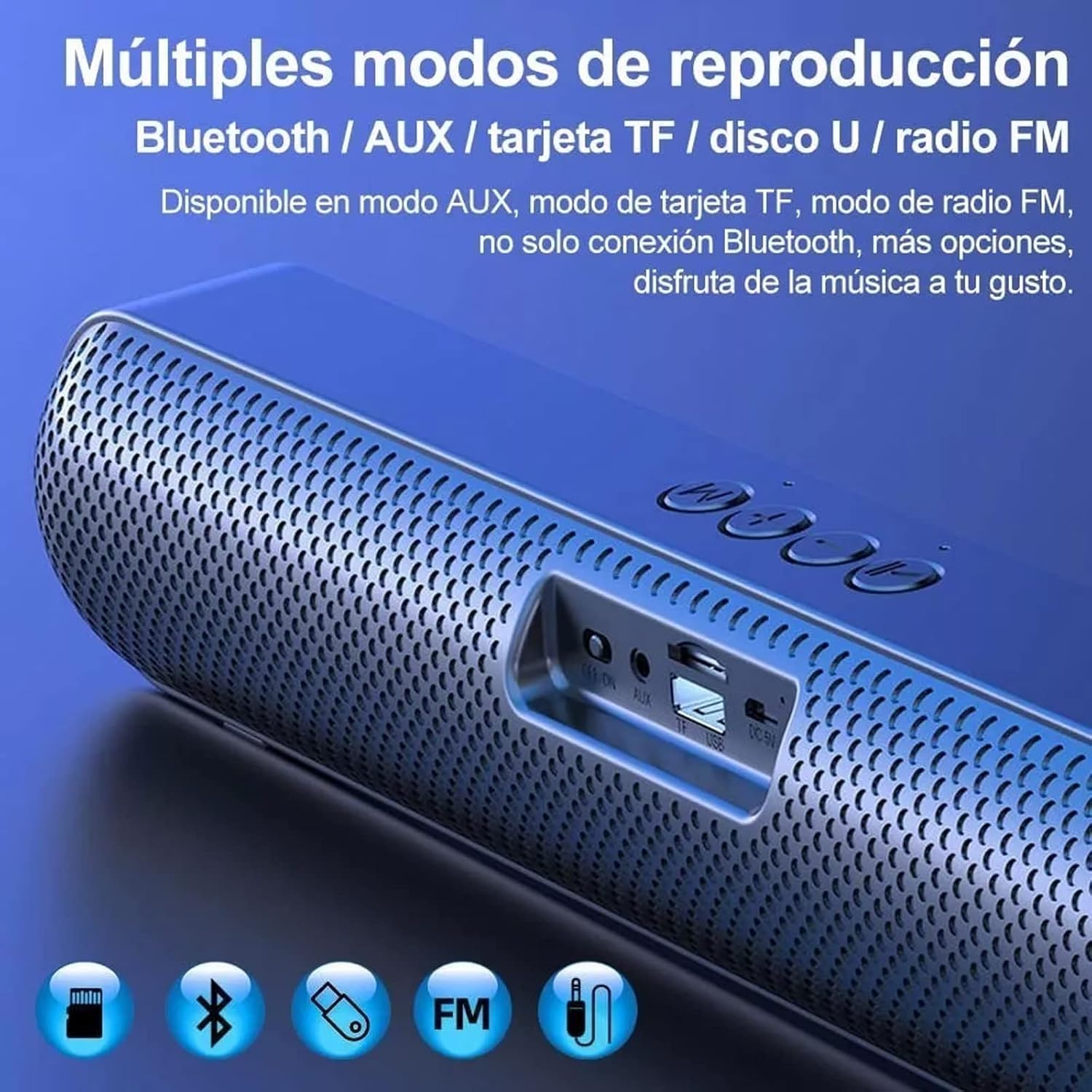
This image shows icons representing the various playback modes supported by the speaker: Bluetooth, AUX, TF Card, USB, and FM Radio.
Setup
Charging the Speaker
Before first use, fully charge the speaker. Connect the provided USB charging cable to the speaker's charging port and a compatible USB power adapter (not included). The LED indicator will show charging status.
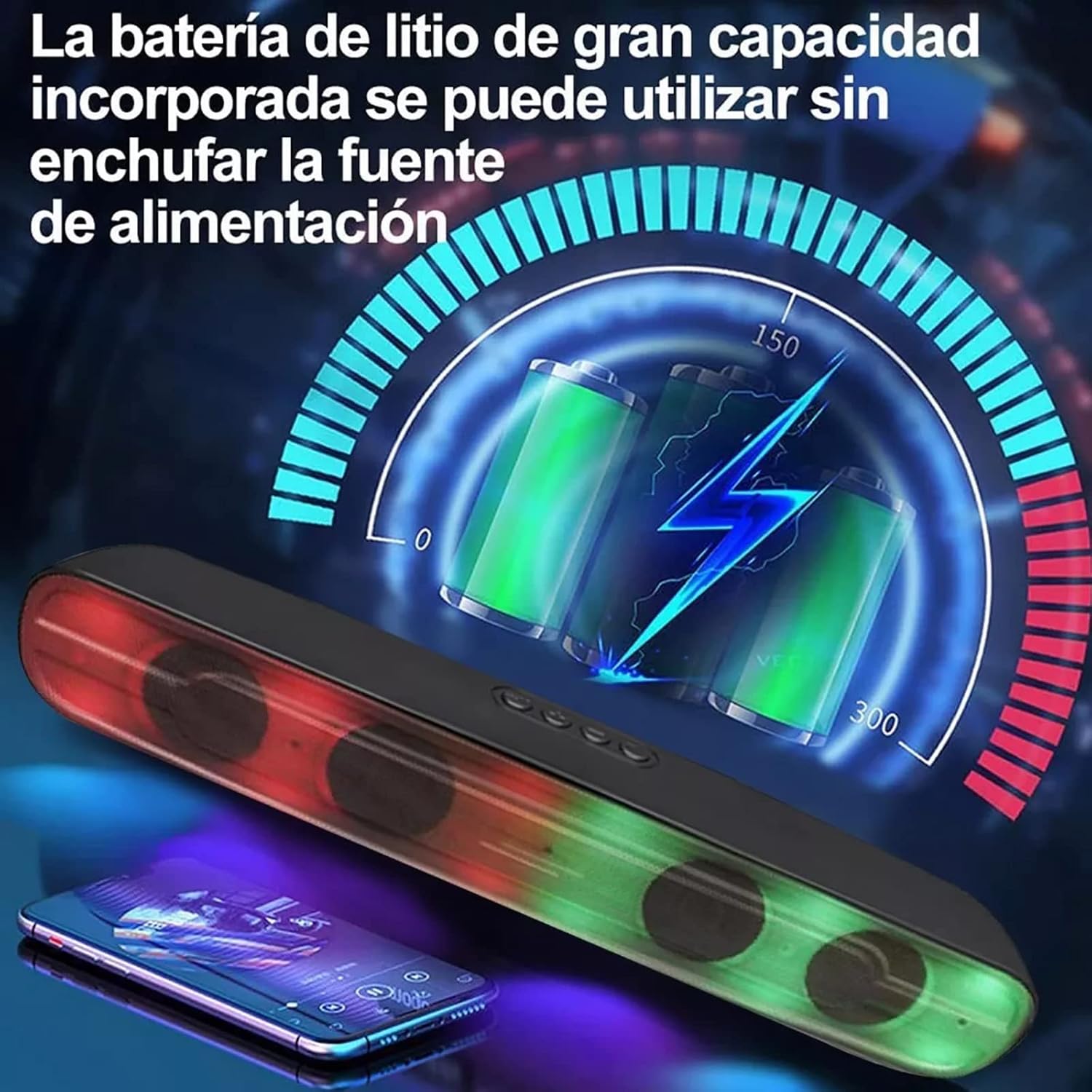
This image illustrates the speaker's built-in large-capacity lithium battery, emphasizing that it can be used wirelessly without a constant power connection once charged.
Powering On/Off
To power on the speaker, press and hold the Power button until the LED lights illuminate. To power off, press and hold the Power button again.
Operating Instructions
Bluetooth Pairing
- Ensure the speaker is powered on.
- Activate Bluetooth on your device (smartphone, tablet, computer).
- Search for "MOREKA Speaker" (or similar name) in your device's Bluetooth settings.
- Select the speaker to pair. A confirmation sound will indicate successful pairing.
- The Bluetooth connection range is approximately 10 meters (33 feet).

This image highlights the speaker's Bluetooth 5.1 chip, indicating stable and fast wireless transmission up to 10 meters, compatible with most Bluetooth devices.
Multiple Playback Modes
The speaker supports various audio input methods:
- Bluetooth Mode: Connect wirelessly as described above.
- AUX Mode: Use the included 3.5mm audio cable to connect the speaker to any device with a 3.5mm audio output.
- TF Card Mode: Insert a TF (MicroSD) card with audio files into the designated slot. The speaker will automatically play the content.
- USB Disk Mode: Insert a USB flash drive with audio files into the USB port. The speaker will automatically play the content.
- FM Radio Mode: Switch to FM mode. The speaker will automatically scan and store available radio stations. Use the control buttons to navigate between stations.
RGB LED Light Control
The speaker features dynamic RGB LED lighting. Use the dedicated light button (if available) or a combination of buttons to cycle through light modes or turn them off.
Hands-free Calling
With the built-in microphone, you can answer calls when connected via Bluetooth. Press the Play/Pause button to answer or end a call.
Maintenance
- Clean the speaker with a soft, dry cloth.
- Do not use abrasive cleaners or solvents.
- Store in a cool, dry place when not in use.
- Avoid dropping the speaker or subjecting it to strong impacts.
Troubleshooting
| Problem | Solution |
|---|---|
| Speaker does not turn on. | Ensure the battery is charged. Connect to a power source and try again. |
| Cannot pair via Bluetooth. | Ensure Bluetooth is enabled on your device and the speaker is in pairing mode. Move closer to the speaker. |
| No sound. | Check volume levels on both the speaker and your connected device. Ensure the correct input mode is selected. |
| Poor sound quality. | Ensure the speaker is within Bluetooth range. Check for interference. Try a different audio source or cable. |
| FM radio reception is poor. | Extend the antenna (if applicable) or move the speaker to a location with better signal. |
Specifications
| Feature | Detail |
|---|---|
| Brand | MOREKA |
| Connectivity | Bluetooth 5.1, USB, TF Card, AUX |
| Output Power | 5W * 2 |
| Battery Capacity | 1500 mAh |
| Playback Time | 8-10 hours |
| Transmission Distance | Up to 10 meters |
| Special Features | RGB LED Lighting, Built-in Microphone, FM Radio |
| Product Size | 40 cm (length) |
| Color | Grey |
Warranty and Support
For warranty information or technical support, please refer to the contact details provided with your purchase or visit the official MOREKA website. Keep your proof of purchase for warranty claims.