1. Product Overview
The Yesido Capacitive Stylus Pen ST01 is a versatile and high-quality input device designed for seamless interaction with various touch screen electronics. Its dual-tip design offers precision and flexibility for different tasks, from detailed drawing to general navigation. Constructed from durable materials, it provides a comfortable and reliable user experience.

Figure 1.1: The Yesido ST01 Stylus Pen shown alongside its retail packaging, highlighting its sleek design and presentation.
2. Setup
The Yesido ST01 Stylus Pen is a passive capacitive stylus, meaning it does not require batteries, charging, or Bluetooth pairing. It is ready for use right out of the box.
2.1 Unboxing and Initial Inspection
- Carefully remove the stylus from its packaging.
- Inspect the stylus for any visible damage or defects.
- Ensure both the large (8mm) and small (4mm) tips are securely attached and free from debris.
3. Operating Instructions
The ST01 stylus is designed for intuitive use across a wide range of touch screen devices.
3.1 Basic Usage
- Hold the stylus as you would a regular pen.
- Gently touch the desired tip (large or small) to your device's touch screen.
- Apply light pressure to interact with the screen, navigate menus, select items, or draw/write.

Figure 3.1: The stylus features a double-headed design, offering two different tip sizes for varied precision requirements.
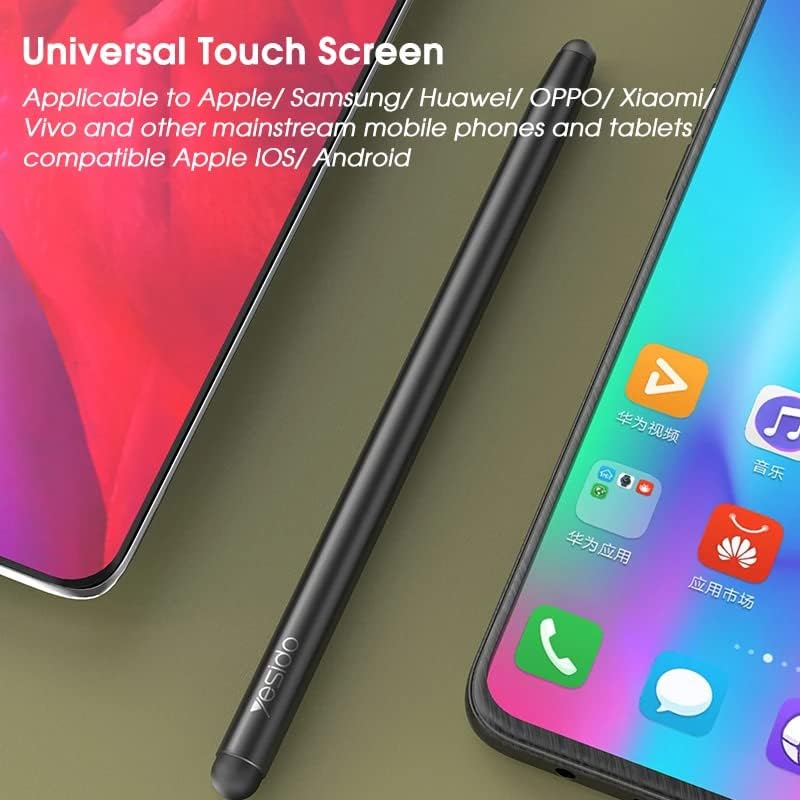
Figure 3.2: The stylus is universally compatible with Apple, Samsung, Huawei, OPPO, Xiaomi, Vivo, and other mainstream mobile phones and tablets, supporting both iOS and Android operating systems.
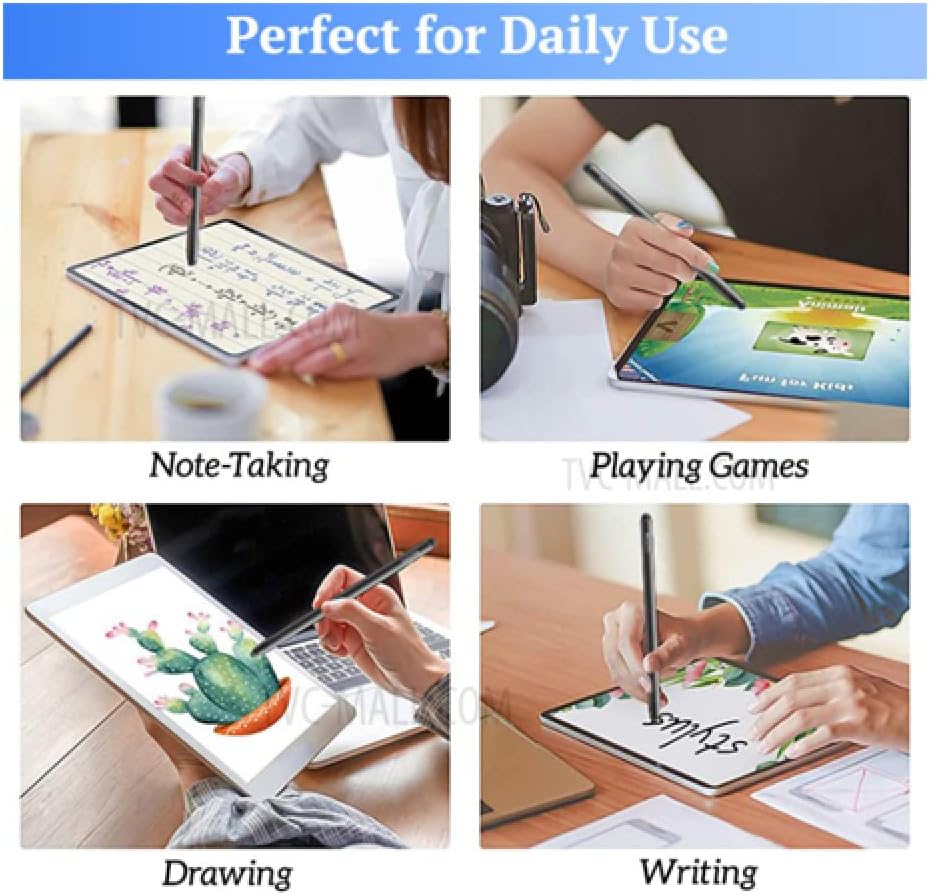
Figure 3.3: Examples of the stylus being used for various daily tasks such as note-taking, playing games, drawing, and writing on tablets and smartphones.
3.2 Tip Selection
- Use the large 8mm tip for general navigation, tapping, and broad strokes.
- Use the small 4mm tip for fine details, precise writing, and intricate drawing.
4. Maintenance
Proper care will extend the life and performance of your stylus.
4.1 Cleaning
- Wipe the stylus body with a soft, dry, lint-free cloth.
- For the tips, gently wipe with a slightly damp cloth if necessary, then dry immediately. Avoid harsh chemicals or abrasive materials.
4.2 Storage
- Store the stylus in a clean, dry place away from extreme temperatures.
- Avoid storing it with sharp objects that could damage the tips.
4.3 Tip Replacement
The stylus tips are replaceable. If a tip becomes worn or damaged, it can be unscrewed and replaced with a new one (replacement tips sold separately).

Figure 4.1: The stylus features replaceable tips at both ends and is constructed with a durable alloy case for longevity.
5. Troubleshooting
5.1 Stylus Not Responding
- Check the tip: Ensure the stylus tip is clean and free of debris.
- Screen protector: Some thick or poorly installed screen protectors may interfere with stylus performance. Try using the stylus without the screen protector to diagnose.
- Device compatibility: While universal, ensure your device's touch screen is functioning correctly with finger input.
- Replace tip: If the tip appears worn or damaged, replace it.
5.2 Inaccurate Input
- Clean screen: Ensure your device's screen is clean and free of smudges or dust.
- Tip condition: A worn or damaged tip can cause inaccurate input. Consider replacing the tip.
- Device settings: Some devices may have touch sensitivity settings that can be adjusted.
6. Specifications
| Feature | Specification |
|---|---|
| Brand | Yesido |
| Model | ST01 |
| Product Material | Metal Alloy, Rubber |
| Length | 14 cm |
| Large Tip Diameter | 8 mm |
| Small Tip Diameter | 4 mm |
| Color | Transparent (as per product description, though images show black) |
| Weight | 19 grams |
| Compatible Devices | Smartphones, iPads, and other touch screen devices (iOS/Android compatible) |
| Batteries Required | No |

Figure 6.1: The stylus is shown next to a standard pencil for size comparison, illustrating its compact and portable design with a 9mm diameter and 19g weight.
7. Warranty and Support
For information regarding product warranty, returns, or technical support, please refer to the seller or manufacturer's official website. Keep your proof of purchase for any warranty claims.
For further assistance, you may contact the seller directly through the platform where the product was purchased.


