
Introduction
This manual provides instructions for the safe and efficient use of your Cuteefun Mini Desktop Vacuum Cleaner, Model WC-PH-1427. Please read this manual thoroughly before operating the device and retain it for future reference.
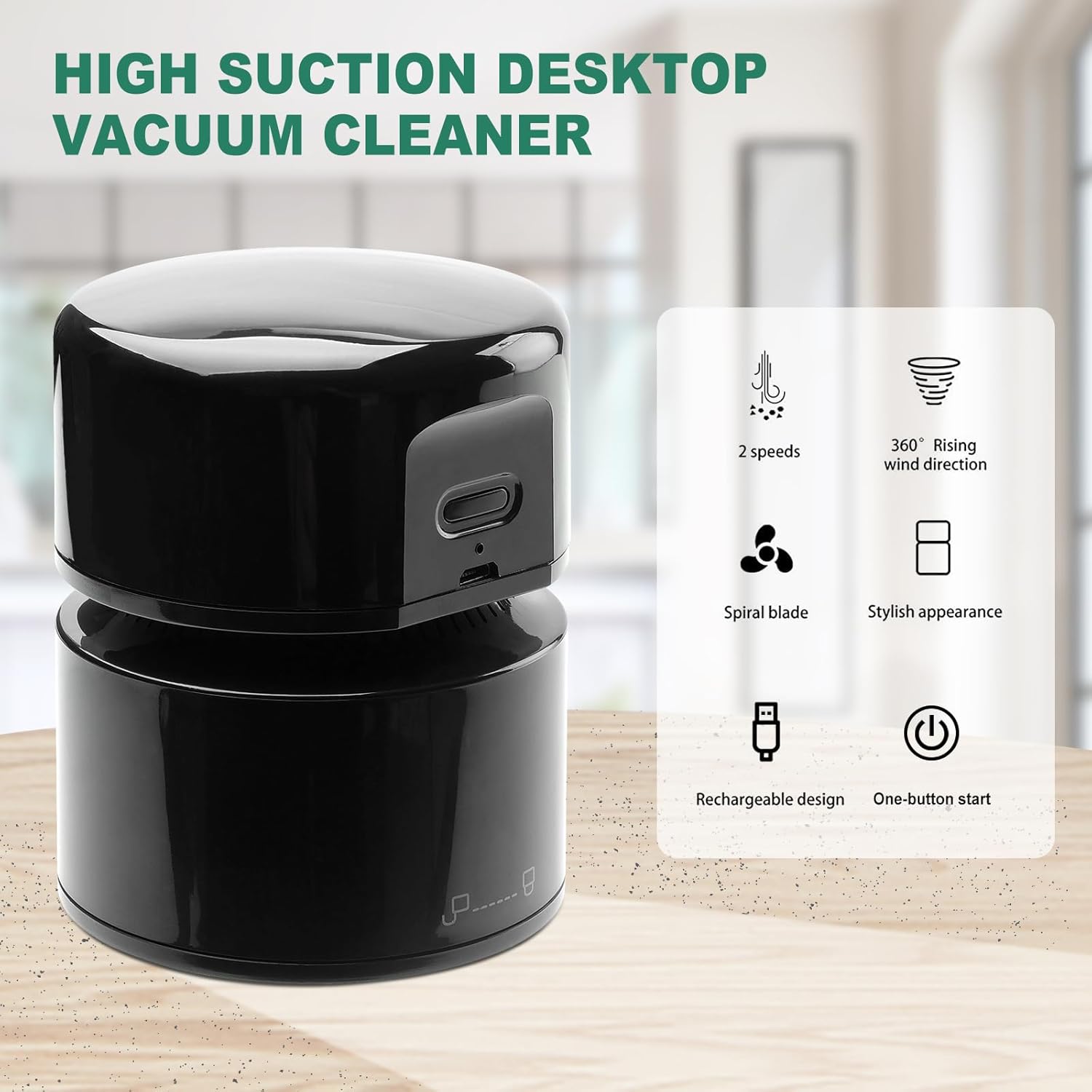
Image: Overview of the Cuteefun Mini Desktop Vacuum Cleaner highlighting its key features.
Setup
Charging the Device
The Cuteefun Mini Desktop Vacuum Cleaner features a built-in 1800 mAh rechargeable battery. Before first use, or when the battery is low, charge the device using the provided USB cable.
- Connect the USB charging cable to the charging port on the vacuum cleaner.
- Connect the other end of the USB cable to a compatible USB power source (e.g., USB adapter, car charger, computer USB port).
- A full charge typically takes 3 to 4 hours. The device provides up to 120 minutes of continuous cleaning time on a full charge.

Image: The mini desktop vacuum cleaner being charged via USB, showing its compact size.
Operating Instructions
Power On/Off and Speed Selection
- To power on the vacuum cleaner, press the power button.
- The device has two speed modes: low and high. Press the power button repeatedly to cycle through the speed settings.
- To power off, press the power button until the device turns off, or it will automatically shut off after 10 minutes of inactivity to conserve energy.
Cleaning Performance
The vacuum cleaner operates at up to 9000 RPM, providing strong suction suitable for various small debris.

Image: Illustration of the vacuum's suction capability and types of debris it can effectively clean.
Recommended Applications
This cordless desktop vacuum cleaner is designed for cleaning small debris from various surfaces, including:
- Paper scraps and daily dust
- Cigarette ash
- Pet hair
- Crumbs from tables, laptop keyboards, and furniture surfaces
- Car interiors
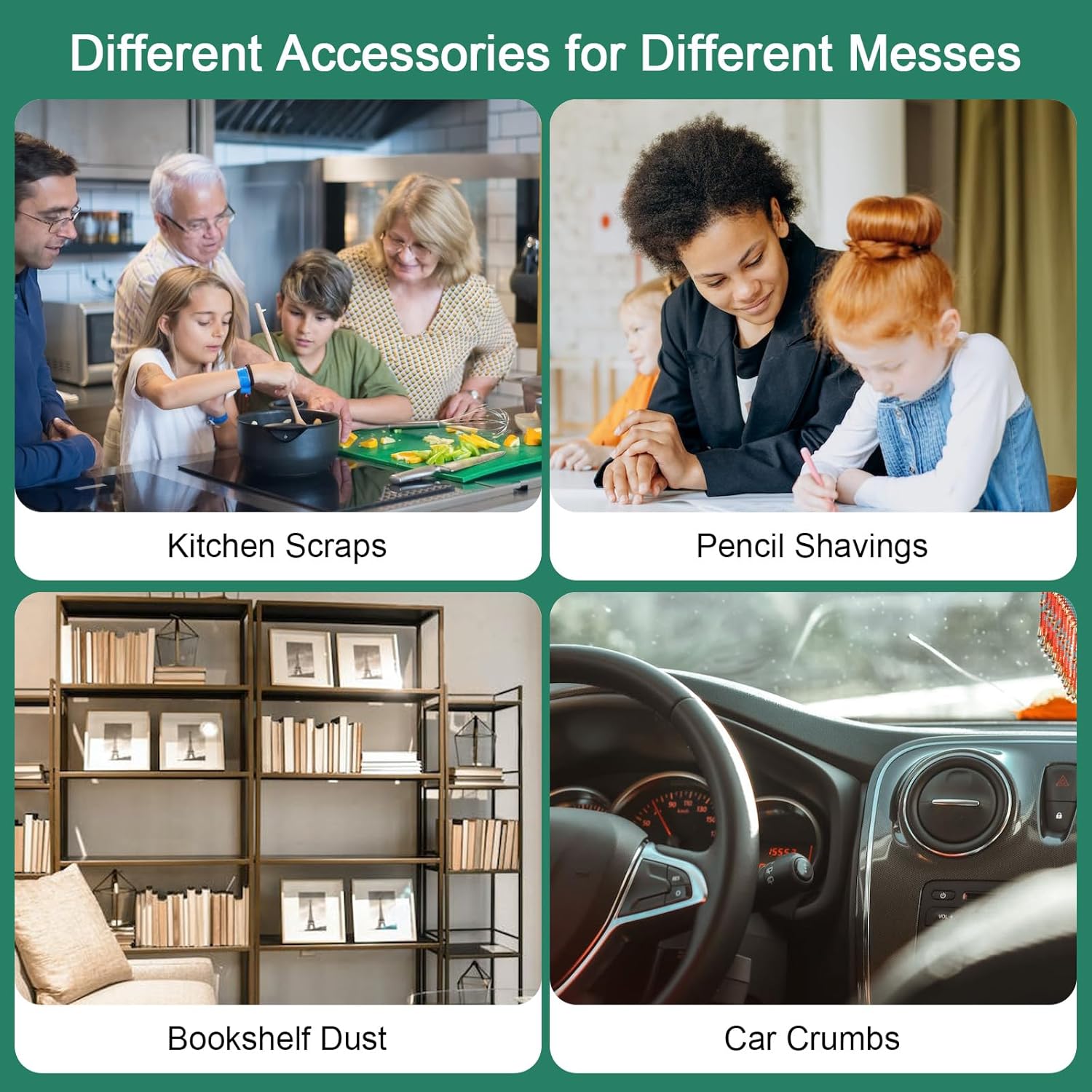
Image: Examples of various environments and types of messes the vacuum cleaner is suitable for.
Maintenance
Cleaning the Dust Bin and Filter
Regular cleaning of the dust bin and filter is essential for maintaining optimal suction and preventing secondary pollution. The device features a separated dust cup and filter design for easy maintenance.
- Invert and Twist: Invert the vacuum cleaner and turn the bottom part counterclockwise to detach the dust bin.
- Remove Filter: Carefully pull out the filter from the dust bin.
- Empty and Clean: Pour out the collected waste. Use a small brush (not included) to clean any remaining debris from the dust bin and filter. Ensure the filter is dry before reassembling.
- Reassemble: Place the filter back into the dust bin, then attach the dust bin to the main unit by turning it clockwise until secure.

Image: Step-by-step instructions for cleaning the dust bin and filter.
Component Overview

Image: Diagram illustrating the internal components for easier maintenance.
Troubleshooting
| Problem | Possible Cause | Solution |
|---|---|---|
| Vacuum does not turn on. | Battery is depleted. | Charge the device for 3-4 hours. |
| Low suction power. | Dust bin is full or filter is clogged. | Empty the dust bin and clean the filter as per maintenance instructions. |
| Device turns off unexpectedly. | Automatic shut-off activated (after 10 minutes of inactivity) or battery is low. | Restart the device. If it continues to turn off, charge the battery. |
Specifications
| Brand | Cuteefun |
| Model Number | WC-PH-1427 |
| Color | Black |
| Product Dimensions (L x W x H) | 11.5 x 11 x 9 cm |
| Item Weight | 270 grams |
| Dust Bin Capacity | 58 Milliliters |
| Power | 120 Watts |
| Voltage | 5 Volts |
| Material | Plastic |
| Number of Speeds | 2 |
| Noise Level | 75 Decibels |
| Battery Life (Runtime) | Up to 120 minutes |
| Charging Time | 3-4 hours |
| Special Feature | Compact, Automatic Shut-off |
| Filter Type | Cartridge |
| Power Source | Battery Powered (USB Rechargeable) |
| Components Included | Desktop Vacuum Cleaner |
| Wireless | Yes |
Warranty Information
Specific warranty details for the Cuteefun Mini Desktop Vacuum Cleaner are not provided in the product information. Please refer to your purchase documentation or contact the seller for warranty terms and conditions.
Customer Support
For further assistance, technical support, or inquiries regarding your Cuteefun Mini Desktop Vacuum Cleaner, please contact the seller directly through the platform where the purchase was made. The seller for this product is WangChuan-HT.
You can typically find seller contact information on your order details page.