
Victron Energy CMP122200102
Victron Energy MultiPlus Compact User Manual
Model: CMP122200102
1. Introduction
The Victron Energy MultiPlus Compact is a versatile device combining a powerful pure sine wave inverter, a sophisticated battery charger with adaptive charge technology, and a high-speed AC transfer switch in a single compact enclosure. This manual provides essential information for the safe and efficient installation, operation, and maintenance of your MultiPlus Compact unit.
Designed for various applications, including marine, automotive, and off-grid systems, the MultiPlus ensures reliable power supply and optimal battery performance.
2. Key Features
- Pure Sine Wave Inverter: Provides high-quality AC power suitable for sensitive electronics.
- Adaptive Battery Charger: Features a sophisticated multi-stage charging algorithm to optimize battery life and performance.
- PowerAssist Function: Prevents overload of a limited AC source (e.g., generator or shore power) by supplementing with power from the battery.
- High-Speed AC Transfer Switch: Ensures uninterrupted power by taking over the supply to connected loads within 20 milliseconds in case of grid failure.
- Parallel and Three-Phase Operation: Up to six MultiPlus units can operate in parallel for increased power output, and three units can be configured for three-phase output.
- Remote Monitoring and Control: Compatible with VictronConnect App and Victron Remote Management (VRM) portal for comprehensive system monitoring and configuration.
3. Safety Information
WARNING: Incorrect installation can be hazardous. Always consult a licensed professional and follow all applicable electrical codes and regulations during installation. Failure to do so may result in serious injury, damage to the equipment, or fire.
Ensure proper ventilation around the unit to prevent overheating. Do not expose the unit to water or excessive moisture. Disconnect all power sources before performing any maintenance or installation procedures.
4. Setup
4.1 Physical Installation
The MultiPlus Compact is designed for easy integration into various systems. Its compact size allows for flexible mounting options. Ensure the mounting surface is stable and can support the unit's weight. Maintain adequate clearance around the unit for proper airflow.
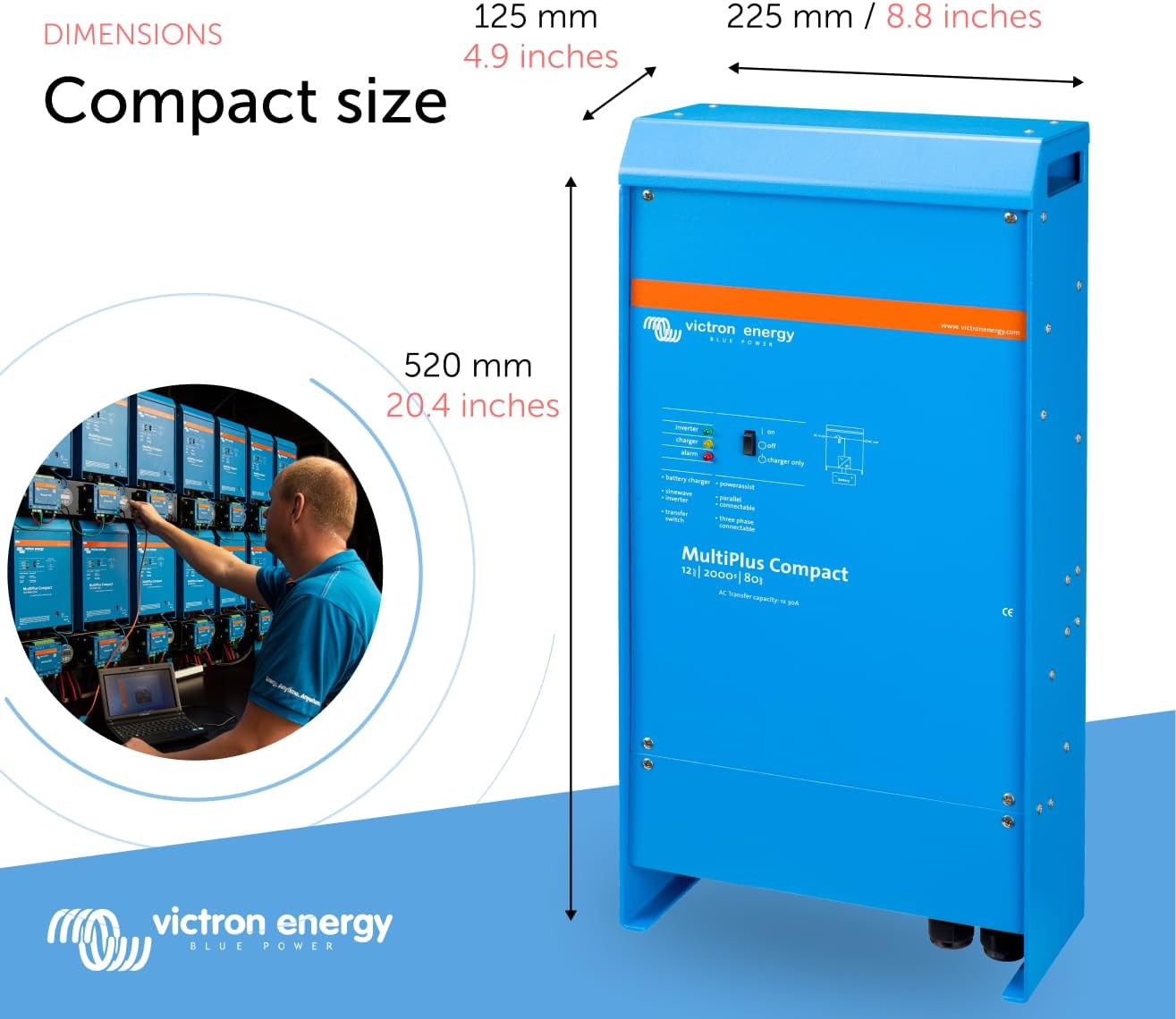
Figure 4.1: The MultiPlus Compact unit, highlighting its dimensions (520mm height, 225mm depth, 125mm width) for compact installation.

Figure 4.2: Detailed view of the MultiPlus Compact, emphasizing its compact size and robust technology, global network, and 45 years of know-how.
4.2 Electrical Connections
Connect the DC battery cables to the appropriate terminals, ensuring correct polarity. Connect the AC input from shore power or generator and the AC output to your loads. Refer to the wiring diagram for detailed connection instructions.

Figure 4.3: Diagram illustrating the parallel connection of two MultiPlus Compact units, showing AC input and output wiring for increased power capacity.

Figure 4.4: A system example demonstrating the parallel connection setup for MultiPlus units, detailing the AC wiring for multiple units.
4.3 Initial Configuration
After physical installation, the MultiPlus is ready for configuration. This can be done using the VictronConnect app or the VRM portal. These tools allow you to set parameters such as battery type, charge current limits, and other system preferences.
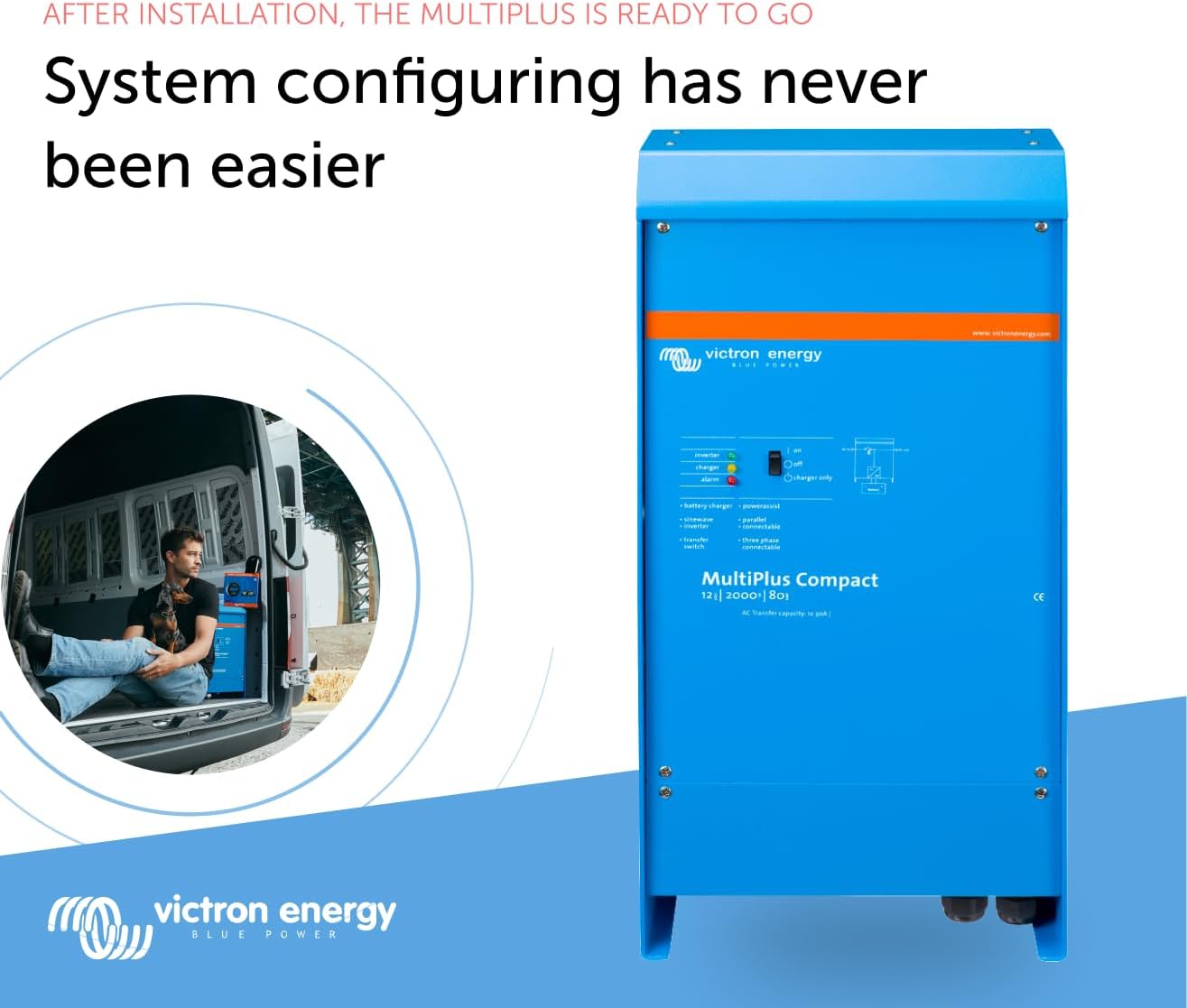
Figure 4.5: The MultiPlus Compact unit installed in a vehicle, demonstrating how system configuration is made easy after installation.
5. Operating
5.1 Power Modes
The MultiPlus operates in several modes: Inverter mode (converting DC to AC), Charger mode (charging batteries from AC source), and UPS mode (seamless transfer between AC input and inverter). The PowerAssist feature automatically manages power from limited AC sources.

Figure 5.1: Illustration of the UPS function, showing how the inverter automatically takes over supply to connected loads within 20 milliseconds during a grid failure.

Figure 5.2: Illustration of the unique PowerAssist feature, which prevents overload of limited AC sources by reducing battery charging or boosting output with battery power.
5.2 Battery Charging
The MultiPlus features a four-stage adaptive charging process: Bulk, Absorption, Float, and Storage. This intelligent system ensures optimal charging for various battery types, preventing damage and extending battery lifespan.

Figure 5.3: Graph illustrating the four-stage adaptive charging process (Bulk, Absorption, Float, Storage) with BatterySafe mode, showing voltage and current curves over time.
5.3 Monitoring and Control
The VictronConnect app provides real-time monitoring and control of your MultiPlus via Bluetooth. You can view current status, historical data, and adjust settings. For remote monitoring and management of multiple systems, the Victron Remote Management (VRM) portal is available.
Video 5.1: This video demonstrates the VictronConnect App, showcasing its capabilities for monitoring performance, checking key data, seeing device performance, and easy configuration and firmware updating. It highlights how the app acts as a 'pocket powerhouse' for managing your Victron products.
Video 5.2: This video introduces the VRM (Victron Remote Management) portal, illustrating how users can master remote systems through monitoring and management. It shows how to check remote systems at a glance, manage devices with simple controls, monitor system performance in detail, and easily check hundreds of systems for master remote management. It also covers designing safety nets with programmable alerts and alarms.

Figure 5.4: Screenshot of the VictronConnect app interface, showing how to monitor, operate, and configure the MultiPlus. It highlights features like adjusting AC input current limits and optimizing system performance.
6. Maintenance
The Victron Energy MultiPlus Compact is designed for minimal maintenance. However, regular checks can ensure its longevity and optimal performance:
- Cleanliness: Keep the unit clean and free from dust and debris. Ensure ventilation openings are not obstructed.
- Connections: Periodically check all electrical connections for tightness and signs of corrosion.
- Firmware Updates: Regularly check for and install firmware updates via the VictronConnect app to ensure your unit has the latest features and bug fixes.
- Battery Health: Monitor your battery health and ensure they are properly maintained as per their manufacturer's guidelines.
7. Troubleshooting
If you encounter issues with your MultiPlus Compact, consider the following:
- Check Connections: Verify all AC and DC connections are secure and correctly wired.
- Error Codes/Alarms: Consult the VictronConnect app or VRM portal for any active error codes or alarms. The app provides detailed explanations and troubleshooting steps for common issues.
- Input Power: Ensure the AC input source (shore power or generator) is stable and within the specified voltage and frequency range.
- Battery Voltage: Check the battery voltage. Low battery voltage can cause the inverter to shut down.
- Overload: If the unit is shutting down, check for potential overloads on the AC output. Reduce the load if necessary.
For persistent issues, refer to the detailed troubleshooting guide available on the Victron Energy website or contact Victron Energy support.
8. Specifications
| Attribute | Value |
|---|---|
| Model Name | Victron Energy MultiPlus Compact 2000VA 12-Volt 120V AC Pure Sine Wave Inverter and 80 amp Battery Charger, 50 amp Transfer Switch, UL-Certified (CMP122200102) |
| Brand | Victron Energy |
| Item Dimensions (LxWxH) | 5 x 10 x 20.5 inches |
| Item Weight | 14.9 Kilograms |
| Package Weight | 15.31 Kilograms |
| Power Source | Battery Powered |
| Wattage | 4000 watts (Peak) |
| Size | 12V - 2000 VA |
| Material | Plastic |
| Manufacturer | Victron Energy |
| Part Number | CMP122200102 |
| UL-Certified | Yes |
9. Warranty and Support
The Victron Energy MultiPlus Compact comes with a manufacturer's warranty. Please refer to the warranty documentation included with your product for specific terms and conditions.
For technical support, product inquiries, or professional assistance, you can reach out to Victron Energy's global network of skilled Victron Professionals. Visit the official Victron Energy website or their Amazon store for contact information and additional resources.
Victron Energy Store: https://www.amazon.com/stores/VictronEnergy/page/2FEA6ADB-49AD-46DF-AB8F-E02C7E7CF261
Ask a question about this manual
Ask about setup, troubleshooting, compatibility, parts, safety, or missing instructions. Manuals+ will review the question and use this page’s manual context to help answer it.